Domain Name Search
Instantly check the availability of your desired website address with the free Domain Name Search tool by PDF SEO Tools. Find your perfect domain in seconds across popular extensions like .com, .net, and more.
Share on Social Media:
Domain Name Search: Your First Step to Online Success
In the vast digital landscape, your domain name is your unique identity. It's your digital street address, the first thing visitors see, and a crucial element of your brand. Before you can build a website, launch a blog, or start an online business, you need to secure the perfect domain name. This is where a reliable Domain Name Search tool becomes your most valuable asset.
At PDF SEO Tools, we understand the importance of this initial step. Our powerful and user-friendly Domain Name Search tool is designed to help you instantly check the availability of your desired domain names across various top-level domains (TLDs).
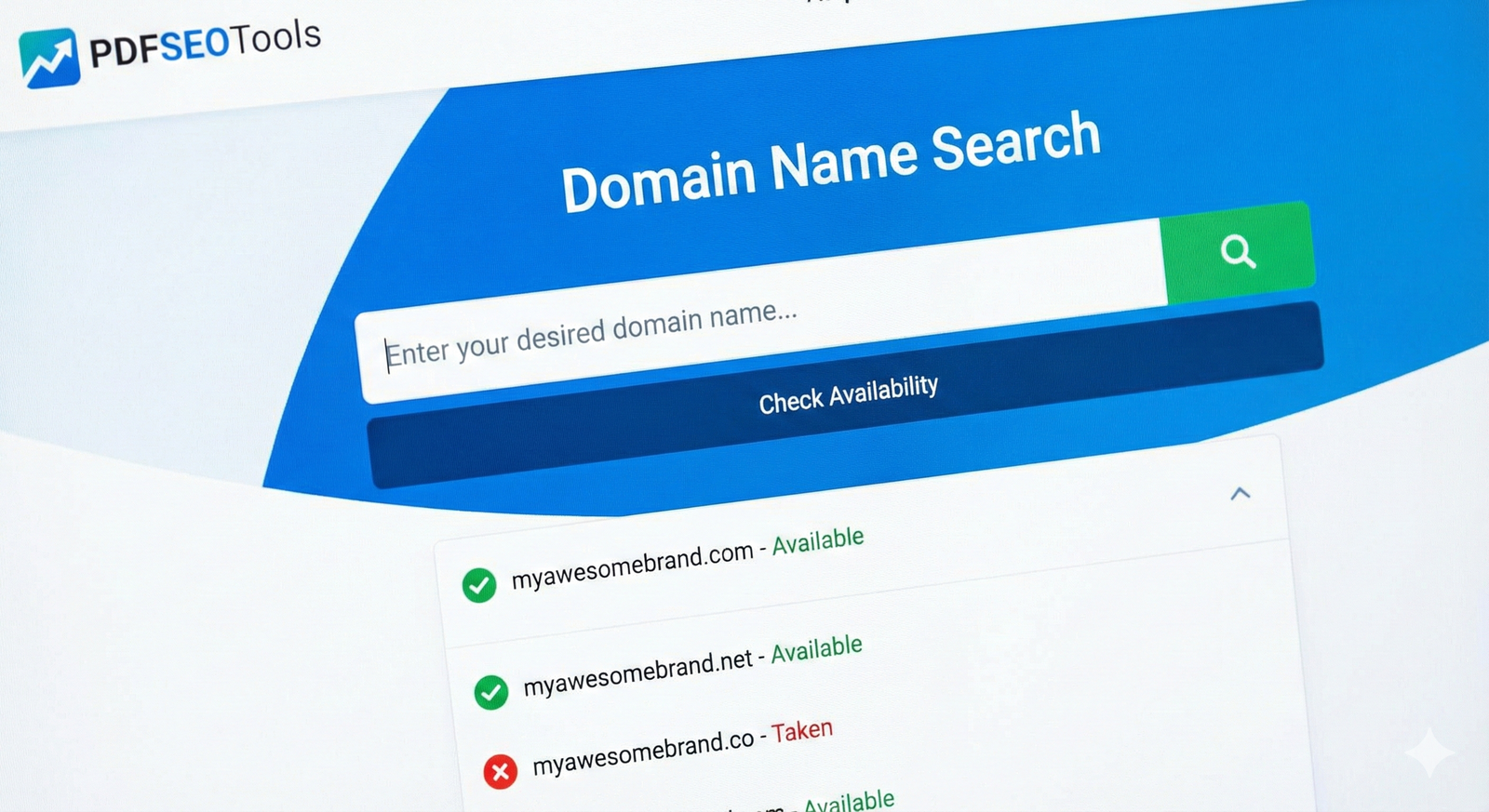
What is a Domain Name Search?
A domain name search is a process of checking a database of registered domain names to see if a specific name is available for registration. When you enter a name into our search tool, it queries the registries for different domain extensions (like .com, .net, .org) to determine its status.
If the domain is available, you can proceed to register it. If it's already taken, the tool will often suggest alternative names or variations, helping you find a suitable backup. This simple check can save you time and potential legal issues down the road.
Why is Choosing the Right Domain Name Crucial?
Your domain name is more than just a technical address; it's a strategic business asset. Here’s why getting it right matters:
First Impressions: It's often the first interaction a potential customer has with your brand. A professional and memorable name builds trust.
Branding: Your domain is a core part of your brand identity. It should reflect your business name, core service, or a key concept related to your industry.
SEO (Search Engine Optimization): While exact-match domains are less critical than they used to be,having relevant keywords in your domain can still provide a small SEO boost. More importantly, a clean, short, and easy-to-remember domain improves user experience, which is a significant ranking factor. A good domain name makes it easier for people to find and link to your site.

How to Use the PDF SEO Tools Domain Name Search
Using our tool is incredibly straightforward:
Go to the Tool: Navigate to the Domain Name Search page on our website.
Enter Your Idea: Type the domain name you have in mind into the search bar. You don't need to include the "www" or "http://".
Start the Search: Click the search button. Our tool will instantly check the availability of your entered name across multiple popular TLDs.
Review Results: The results will clearly indicate whether the domain is "Available" or "Taken". You'll also see the availability status for different extensions (e.g., yourname.com, yourname.net, yourname.org).
Plan Your Next Move: If your desired domain is available, you can take steps to register it through a domain registrar. If it's taken, use the suggested alternatives or try a different variation of your name.
Tips for Choosing the Perfect Domain Name
Keep it Short and Simple: Short names are easier to remember, type, and share. Avoid long, complicated phrases.
Make it Memorable: Choose a name that is catchy and easy to recall.
Use Relevant Keywords: If possible, include a keyword that describes your business or industry. This helps with both branding and SEO.
Avoid Hyphens and Numbers: These can cause confusion when verbally sharing your domain name. People often forget where the hyphen goes or whether to use a numeral or spell out a number.
Prioritize the .com Extension: While there are many new TLDs available, .com remains the most recognized and trusted extension. If the .com is taken, consider other reputable options like .net or .org, or an industry-specific TLD.
Don't let your perfect domain name get snatched up by someone else. Use our free Domain Name Search tool today to secure your online identity and take the first step towards building a successful web presence.
Frequently Asked Questions (FAQs)
1. Is the Domain Name Search tool free to use? Yes, our Domain Name Search tool is completely free to use. You can perform as many searches as you like to find the perfect domain for your project.
2. Can I register a domain name directly through your website? No, PDF SEO Tools is not a domain registrar. Our tool only checks the availability of domain names. Once you find an available domain, you will need to purchase and register it through a reputable domain registrar like Namecheap, GoDaddy, or Google Domains.
3. What should I do if my preferred domain name is already taken? If your first choice is taken, don't worry! Our tool will display availability for other extensions. You can also try adding a small, relevant word (like "get," "try," or "app") to your original idea, or use a domain name generator for new inspiration.
4. Does the domain extension (.com, .net, etc.) matter for SEO? While the extension itself isn't a major ranking factor, it can influence click-through rates and user trust. A .com domain is generally considered the most authoritative and trustworthy. However, other extensions like .org (for non-profits) or country-specific TLDs (like .co.uk for UK businesses) can be excellent choices depending on your target audience.
5. How long can a domain name be? A domain name can be up to 63 characters long, excluding the extension. However, it is highly recommended to keep it as short as possible, ideally under 15 characters, for better memorability and user experience.