
AI Thumbnail Analyzer
AI can make mistakes – please check important facts. Your input is sent to the AI provider only to create the result and is not stored on this website.
Rate this tool
How was your experience with the AI Thumbnail Analyzer?
Be the first to rate this tool
Share on Social Media:


AI Thumbnail Analyzer: Score Your YouTube Thumbnail
The AI Thumbnail Analyzer looks at your thumbnail like a viewer would and scores clarity, text readability, contrast, emotion and curiosity – then gives five specific ways to improve it.
Check thumbnails before publishing or improve old videos with a low click-through rate.
Key Features of the AI Thumbnail Analyzer
- Scores for five key factors
- Five practical improvements
- Uses your video title for context
- PNG, JPG and WebP support
- Image resized in your browser before sending
- Copy the full report
How to Use the AI Thumbnail Analyzer
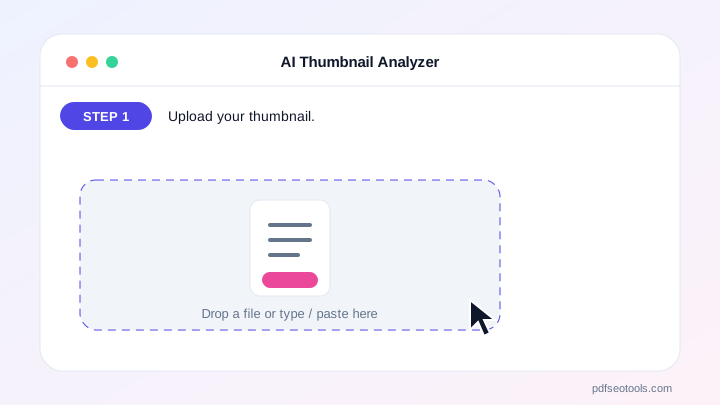
- Upload your thumbnail.
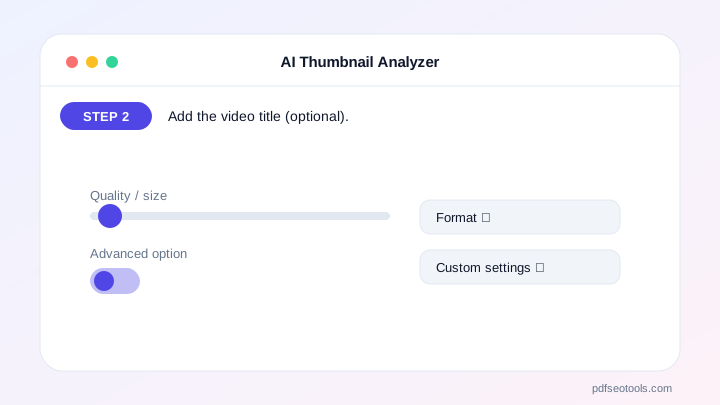
- Add the video title (optional).
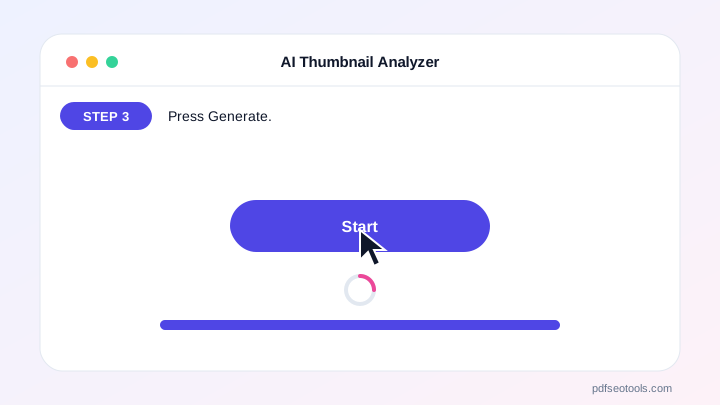
- Press Generate.
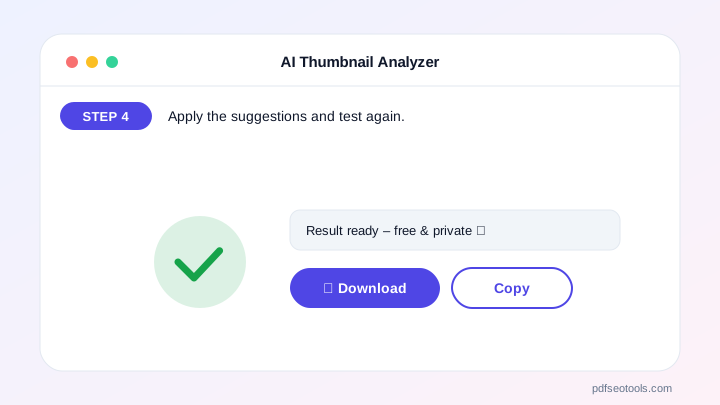
- Apply the suggestions and test again.
Why Choose PDF SEO Tools?
PDF SEO Tools is free, needs no sign-up and runs over a secure HTTPS connection. The AI Thumbnail Analyzer uses modern AI models with automatic fallback, so you get results in seconds on phone or computer, and your input is never stored on our website.
AI Thumbnail Analyzer: Frequently Asked Questions
What size should a thumbnail be?
1280×720 pixels (16:9), under 2 MB, in JPG or PNG.
What score is good?
7/10 or more in each area is good. Focus first on the lowest score.
Does the AI see my image?
Yes, the resized image is sent to the AI vision model only to create the analysis and is not stored on our site.
Can it analyse any image?
It is designed for thumbnails but works with banners and ads too.
Why does analysis sometimes fail?
Vision models are busier than text models. Try again in a minute.



