
AI Thumbnail Idea Generator
AI can make mistakes – please check important facts. Your input is sent to the AI provider only to create the result and is not stored on this website.
Rate this tool
How was your experience with the AI Thumbnail Idea Generator?
Be the first to rate this tool
Share on Social Media:


AI Thumbnail Idea Generator: YouTube Thumbnail Concepts
The AI Thumbnail Idea Generator suggests six concrete thumbnail concepts for your video: the main image, expression or object, a short text overlay, colours and layout.
Use the ideas as a brief for Canva, Photoshop or your designer.
Key Features of the AI Thumbnail Idea Generator
- Six ready-to-design concepts
- Short 2–4 word text overlays
- Colour and contrast suggestions
- Layout and focal point tips
- Styles from minimal to bold
- Copy the full brief
How to Use the AI Thumbnail Idea Generator
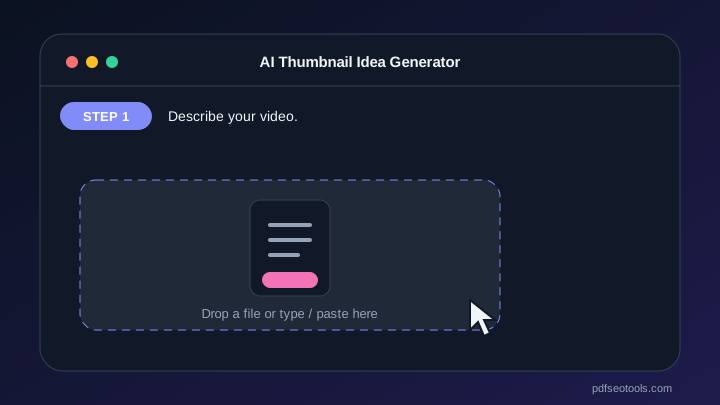
- Describe your video.
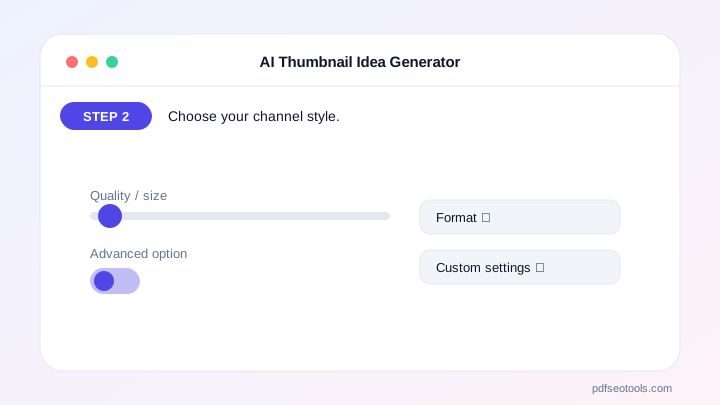
- Choose your channel style.
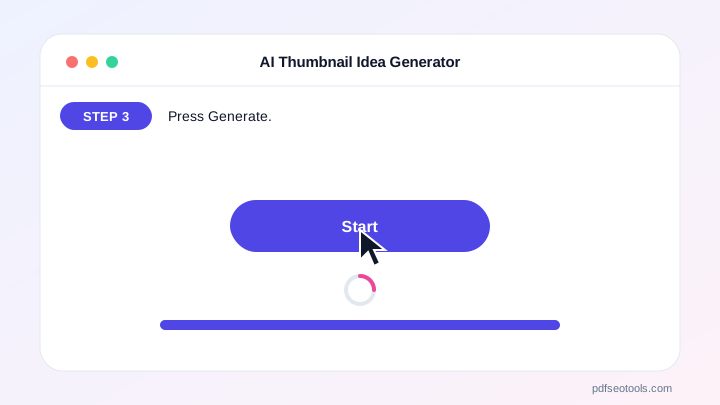
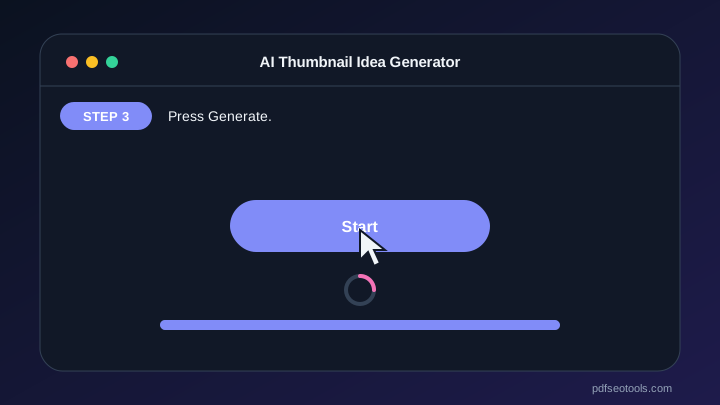
- Press Generate.
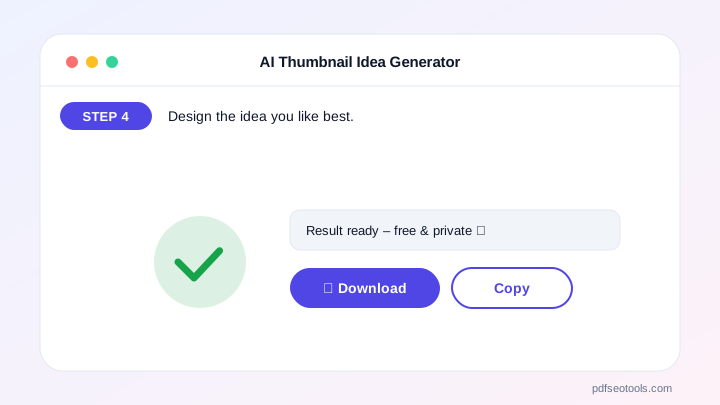
- Design the idea you like best.

Why Choose PDF SEO Tools?
PDF SEO Tools is free, needs no sign-up and runs over a secure HTTPS connection. The AI Thumbnail Idea Generator uses modern AI models with automatic fallback, so you get results in seconds on phone or computer, and your input is never stored on our website.
AI Thumbnail Idea Generator: Frequently Asked Questions
What makes a good thumbnail?
One clear subject, high contrast, big readable text (max 4 words) and an emotion or curiosity.
Should the text repeat the title?
No. The thumbnail text should add curiosity, not repeat the title.
Which colours work best?
Bright contrasting colours like yellow, red and blue stand out against YouTube’s white or dark background.
Can I test thumbnails?
Yes, YouTube Studio offers thumbnail testing on many channels.
Does it create the image?
It creates ideas and briefs. Design the image in your favourite editor.



