
AI YouTube Description Generator
0/8000
AI can make mistakes – please check important facts. Your input is sent to the AI provider only to create the result and is not stored on this website.
Rate this tool
How was your experience with the AI YouTube Description Generator?
Be the first to rate this tool
Share on Social Media:


AI YouTube Description Generator: SEO Descriptions Free
The AI YouTube Description Generator writes a search-friendly description with your keyword in the first lines, a clear summary, timestamp placeholders, your links and relevant hashtags.
A good description helps YouTube understand your video and gives viewers a reason to keep watching.
Key Features of the AI YouTube Description Generator
- Keyword-rich hook in the first two lines
- Clear summary of the video
- Timestamp placeholders for chapters
- Your links and call to action included
- 3–5 relevant hashtags
- Copy, download and regenerate
How to Use the AI YouTube Description Generator
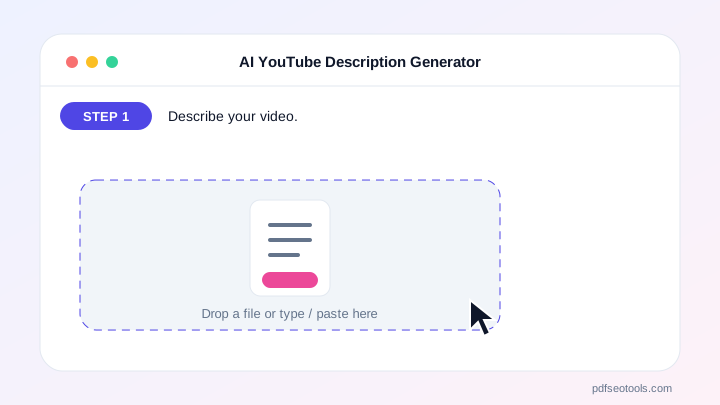
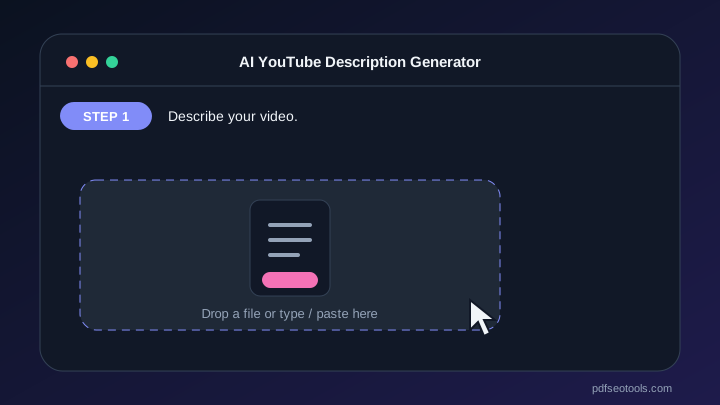
- Describe your video.
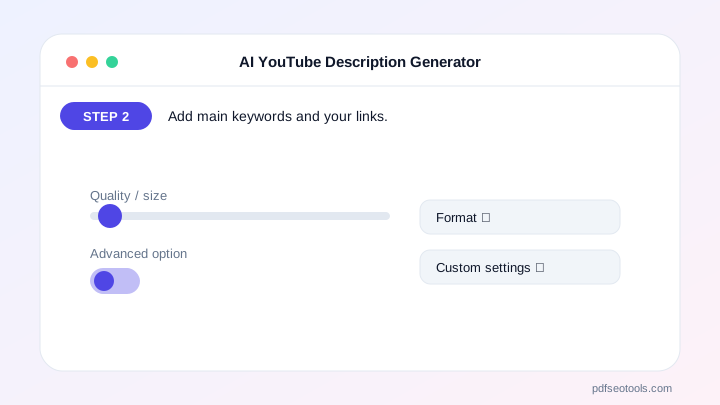
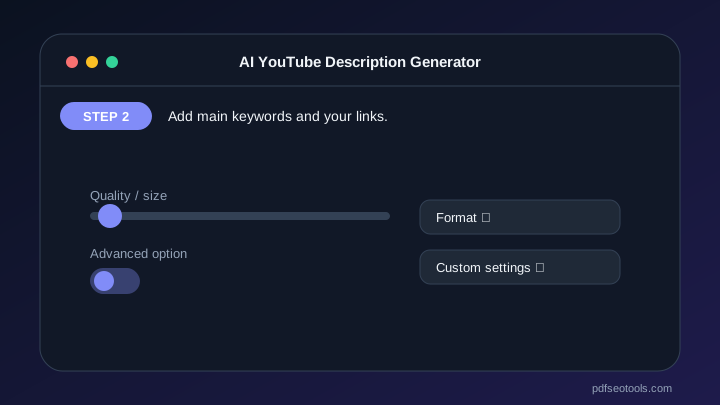
- Add main keywords and your links.
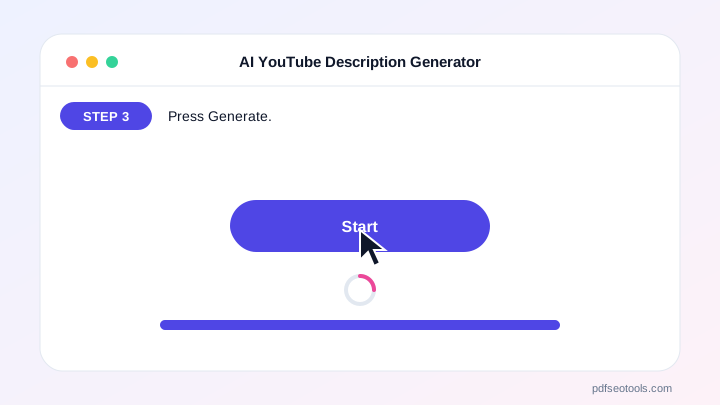
- Press Generate.
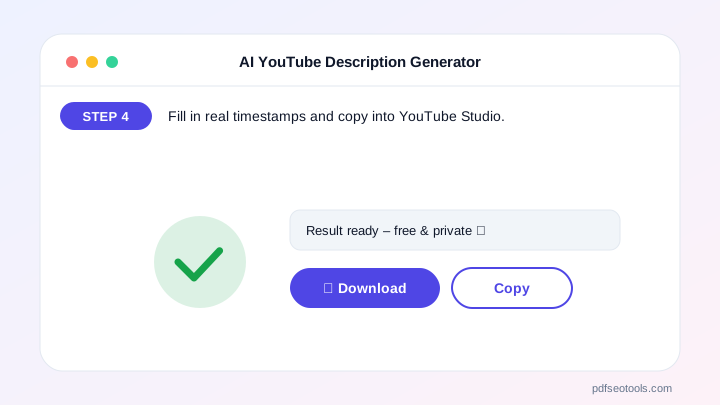
- Fill in real timestamps and copy into YouTube Studio.
Why Choose PDF SEO Tools?
PDF SEO Tools is free, needs no sign-up and runs over a secure HTTPS connection. The AI YouTube Description Generator uses modern AI models with automatic fallback, so you get results in seconds on phone or computer, and your input is never stored on our website.
AI YouTube Description Generator: Frequently Asked Questions
How long should a YouTube description be?
200–350 words works well. The first two lines matter most because they show in search.
Do hashtags help?
3–5 relevant hashtags can help discovery. More than 15 makes YouTube ignore them.
Should I add timestamps?
Yes. Timestamps create chapters, which improve viewer experience and search visibility.
Can I edit the result?
Always personalise it with real links and timestamps.
Does it support other languages?
Yes, it answers in the language of your input.



