
AI YouTube Hashtag Generator
AI can make mistakes – please check important facts. Your input is sent to the AI provider only to create the result and is not stored on this website.
Rate this tool
How was your experience with the AI YouTube Hashtag Generator?
Be the first to rate this tool
Share on Social Media:
AI YouTube Hashtag Generator: Trending Hashtags Free
The AI YouTube Hashtag Generator suggests 15 relevant hashtags for your video or Short, ordered from most specific to broad, so you can pick the best 3–5 for your description or title.
Relevant hashtags help viewers discover related videos; too many make YouTube ignore them.
Key Features of the AI YouTube Hashtag Generator
- 15–20 relevant hashtags
- Most specific first
- No spaces – ready to paste
- Works for Shorts and long videos
- Niche targeting
- Copy all in one tap
How to Use the AI YouTube Hashtag Generator
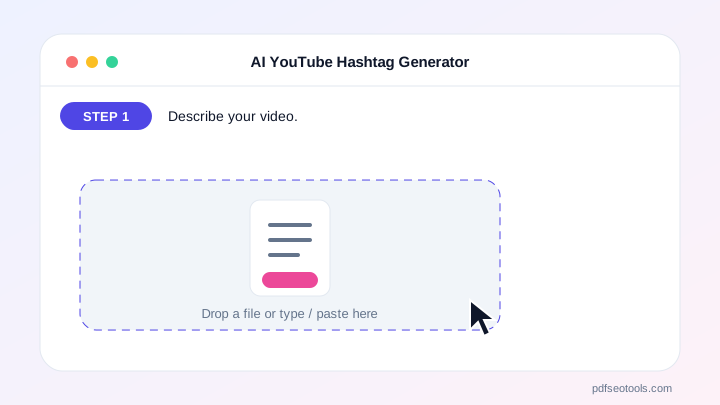
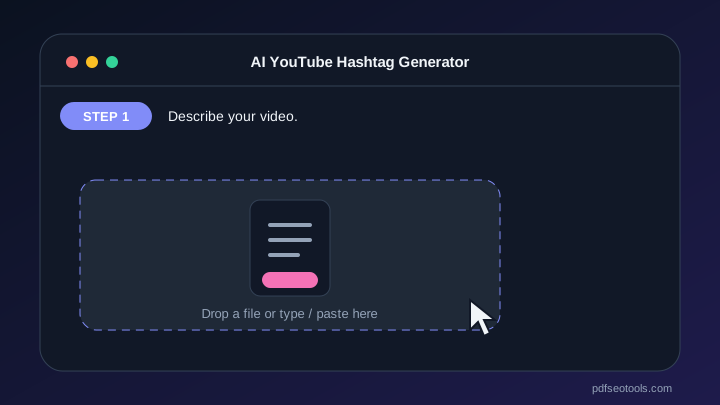
- Describe your video.
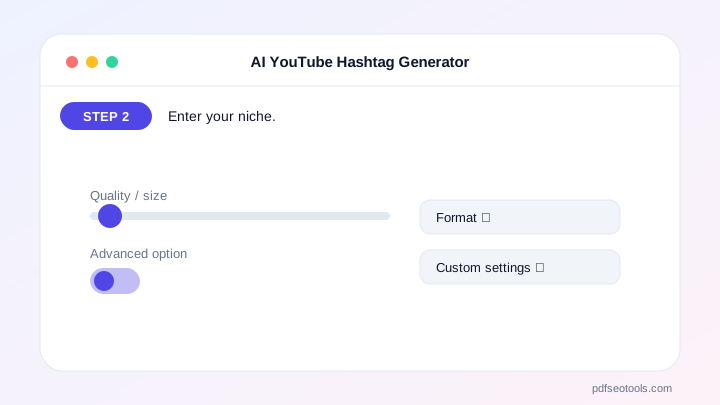
- Enter your niche.
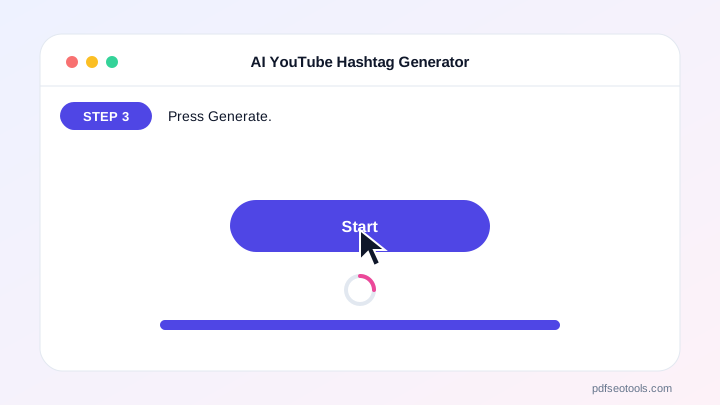
- Press Generate.
- Use 3–5 of the best hashtags.
Why Choose PDF SEO Tools?
PDF SEO Tools is free, needs no sign-up and runs over a secure HTTPS connection. The AI YouTube Hashtag Generator uses modern AI models with automatic fallback, so you get results in seconds on phone or computer, and your input is never stored on our website.
AI YouTube Hashtag Generator: Frequently Asked Questions
How many hashtags should I use on YouTube?
3–5 is ideal. Above 15, YouTube ignores all hashtags on the video.
Where do hashtags go?
In the description; the first three can appear above the title.
Do hashtags help Shorts?
They can help discovery when they are specific and relevant.
Can I use trending hashtags?
Only if they really match your video.
Is it free?
Yes, within the daily free limit.



