
AI YouTube SEO Score Checker
0/8000
AI can make mistakes – please check important facts. Your input is sent to the AI provider only to create the result and is not stored on this website.
Rate this tool
How was your experience with the AI YouTube SEO Score Checker?
Be the first to rate this tool
Share on Social Media:


AI YouTube SEO Score Checker: Audit Title, Tags & Text
The AI YouTube SEO Score Checker audits your video’s title, description and tags against your main keyword and gives an overall score out of 100 with sub-scores and a list of concrete fixes.
Use it before uploading, or to improve older videos that do not get search traffic.
Key Features of the AI YouTube SEO Score Checker
- Overall score out of 100
- Sub-scores for title, description, tags and keyword focus
- Concrete, prioritised fixes
- Checks keyword placement and length
- Works for Shorts and long videos
- Copy the full report
How to Use the AI YouTube SEO Score Checker
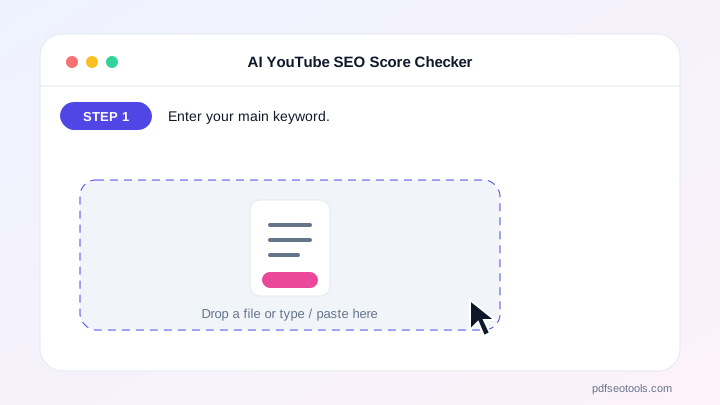
- Enter your main keyword.
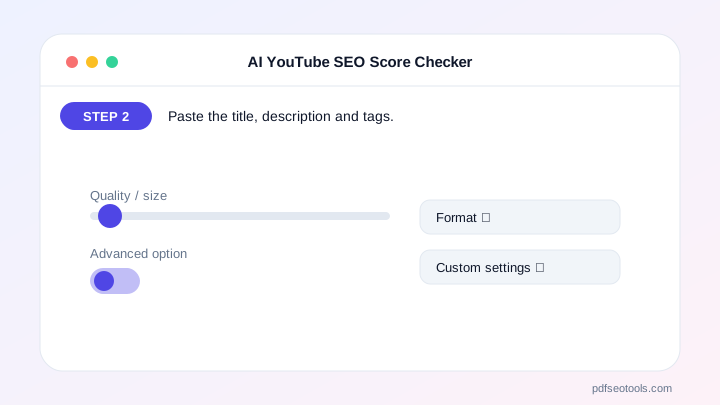
- Paste the title, description and tags.
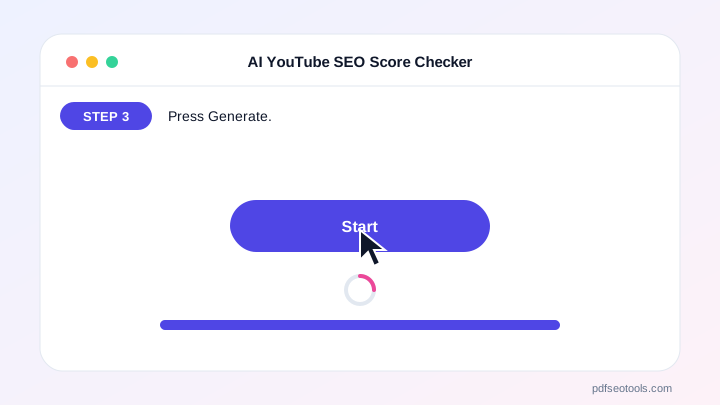
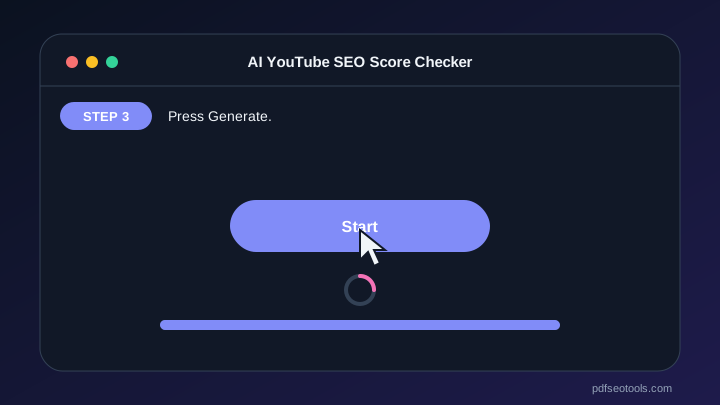
- Press Generate.
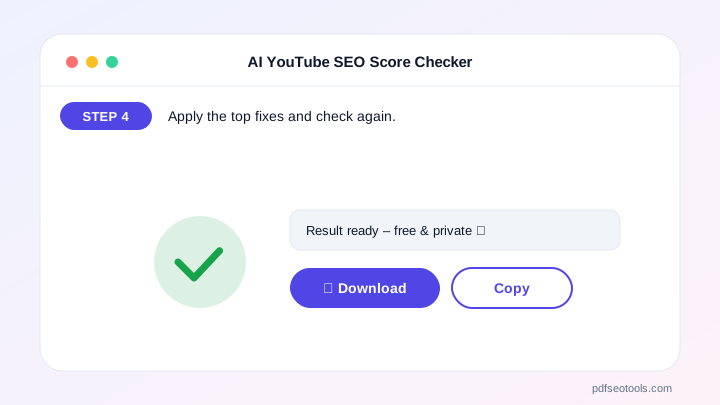
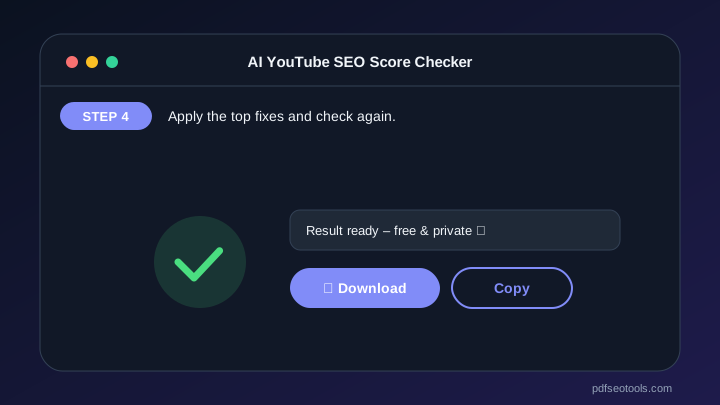
- Apply the top fixes and check again.
Why Choose PDF SEO Tools?
PDF SEO Tools is free, needs no sign-up and runs over a secure HTTPS connection. The AI YouTube SEO Score Checker uses modern AI models with automatic fallback, so you get results in seconds on phone or computer, and your input is never stored on our website.
AI YouTube SEO Score Checker: Frequently Asked Questions
What is a good YouTube SEO score?
80+ is strong. Fix the lowest sub-score first.
Do tags still matter?
Tags help a little with misspellings and context; title and description matter more.
Where should my keyword appear?
In the title (early), the first two lines of the description and naturally in the spoken video.
Does SEO beat good content?
No. Watch time and satisfaction matter most; SEO helps the right people find the video.
Is my data saved?
No.



