
AI YouTube Title Generator
AI can make mistakes – please check important facts. Your input is sent to the AI provider only to create the result and is not stored on this website.
Rate this tool
How was your experience with the AI YouTube Title Generator?
Be the first to rate this tool
Share on Social Media:
AI YouTube Title Generator: 10 Catchy Titles Free
The AI YouTube Title Generator writes ten clickable, honest title ideas for your video in seconds. Each title stays under 70 characters so it is not cut off in search and suggested videos.
Pick a style – curiosity, how-to, listicle, emotional or professional – and test a few titles to see which gets the best click-through rate.
Key Features of the AI YouTube Title Generator
- 10 title ideas per click
- Under 70 characters each
- Five title styles
- Audience targeting
- Main keyword placed naturally
- Copy all or regenerate
How to Use the AI YouTube Title Generator
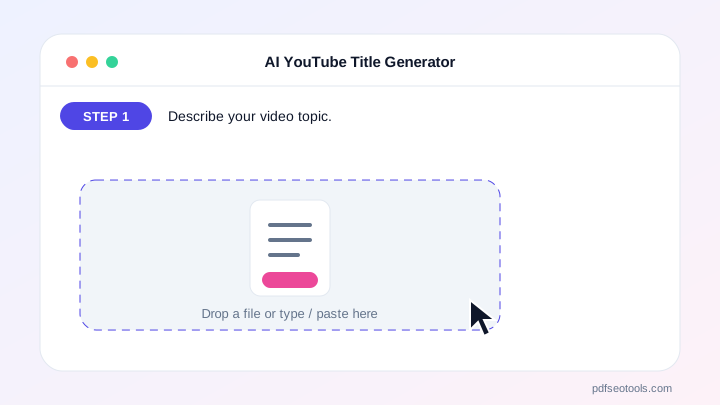
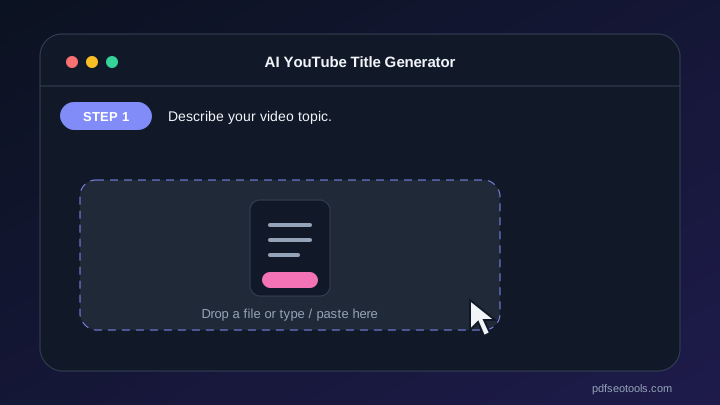
- Describe your video topic.
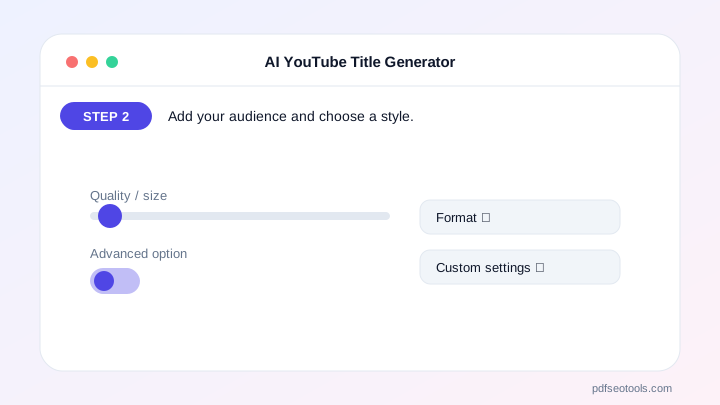
- Add your audience and choose a style.
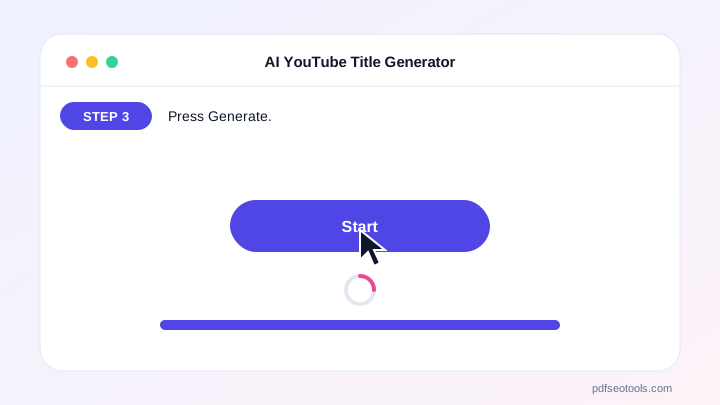
- Press Generate.
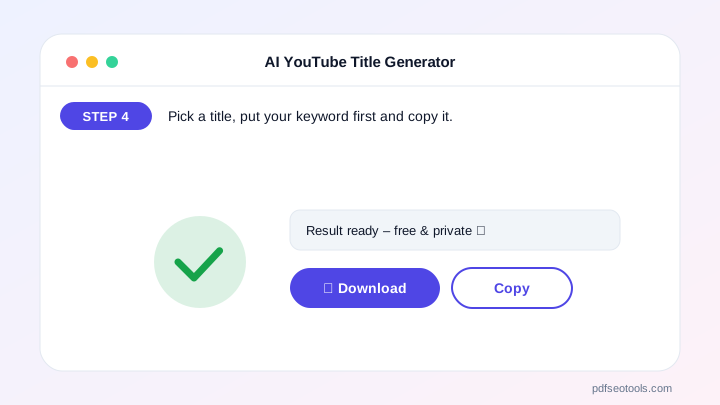
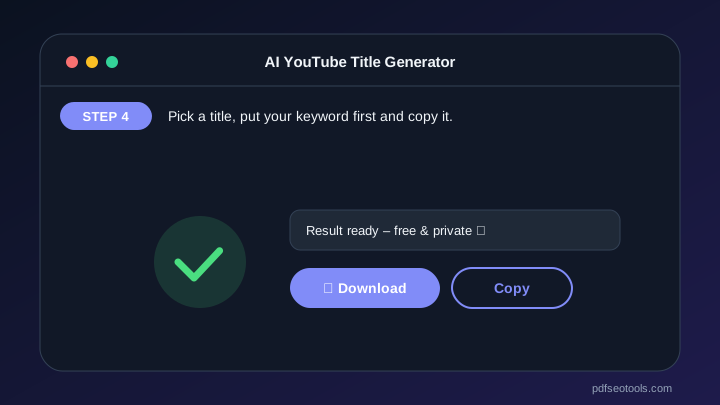
- Pick a title, put your keyword first and copy it.
Why Choose PDF SEO Tools?
PDF SEO Tools is free, needs no sign-up and runs over a secure HTTPS connection. The AI YouTube Title Generator uses modern AI models with automatic fallback, so you get results in seconds on phone or computer, and your input is never stored on our website.
AI YouTube Title Generator: Frequently Asked Questions
How long should a YouTube title be?
Keep it under about 60–70 characters so it is fully visible on most devices.
Should the keyword be at the start?
Yes, placing the main keyword early helps search and makes the topic clear.
Are clickbait titles bad?
Misleading titles hurt watch time and trust. Make titles exciting but true.
Can I generate titles in Hindi?
Yes. Write the topic in Hindi and the titles come back in Hindi.
How many titles can I make?
Each click gives 10 titles, within the daily free limit.



