
Background Remover
Runs in your browser with an AI model (about 0.5 MB, loaded once). Your photo is not uploaded.
Tip: in “Plain background” mode, tap the background in the original photo to pick its colour.
Rate this tool
How was your experience with the Background Remover?
Be the first to rate this tool
Share on Social Media:


Background Remover: Remove Image Background Free
The Background Remover cuts out people from photos with an AI model that runs in your browser, then gives you a transparent PNG – or puts a new white, coloured, blurred or custom background behind them.
For product photos on a plain background, the colour mode removes the background by colour with adjustable tolerance.
Key Features of the Background Remover
- AI cut-out for people and portraits
- Plain-background mode by colour
- Transparent, white, colour, blur or image background
- Edge softness control
- Download PNG or JPG
- Private – photo never uploaded
How to Use the Background Remover
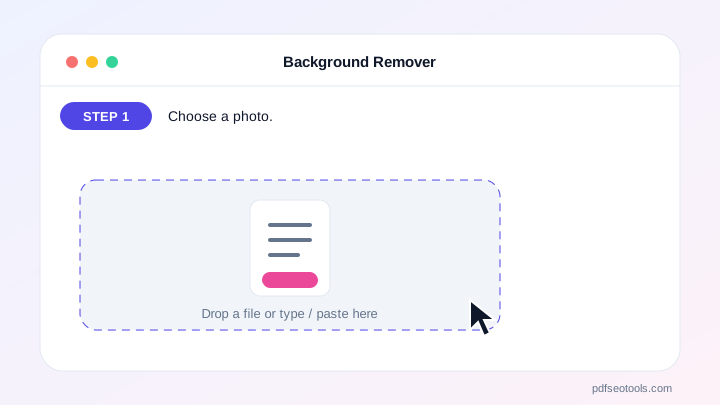
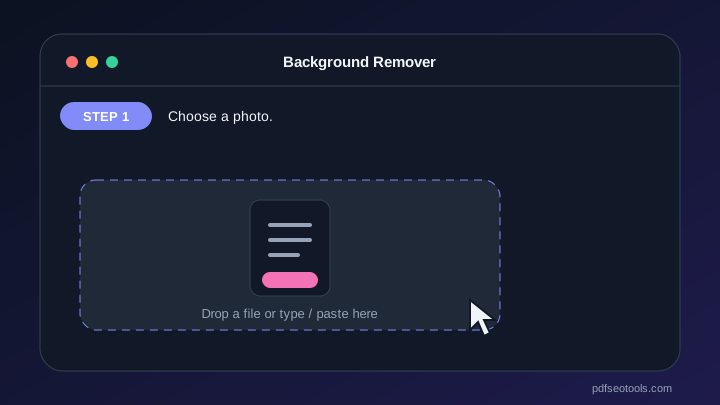
- Choose a photo.
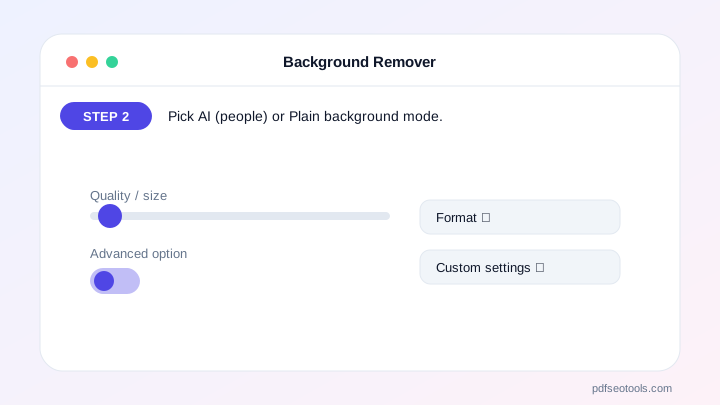
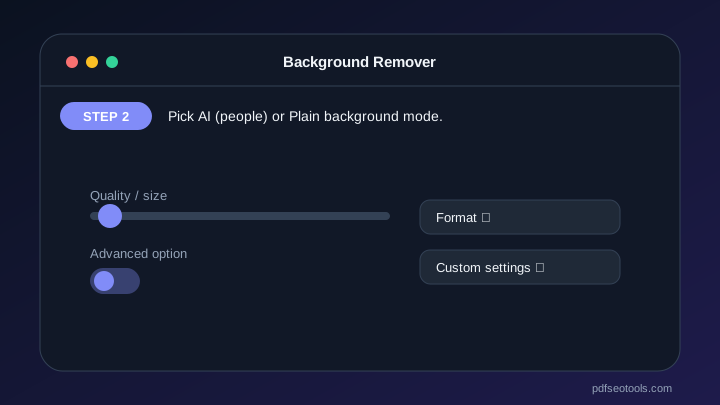
- Pick AI (people) or Plain background mode.
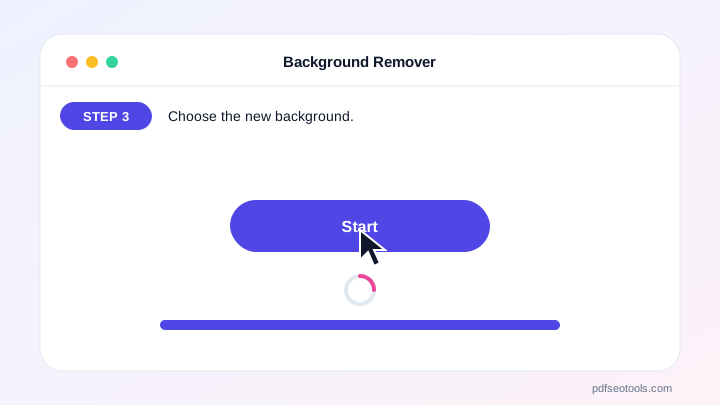
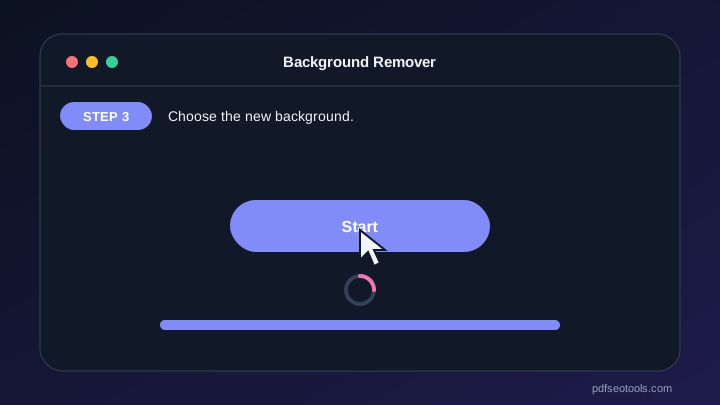
- Choose the new background.
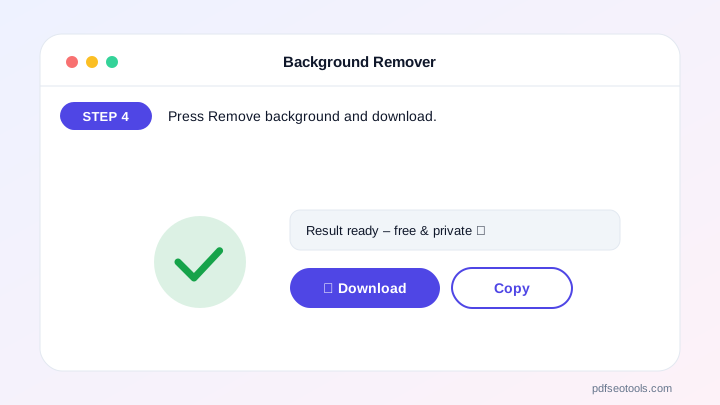
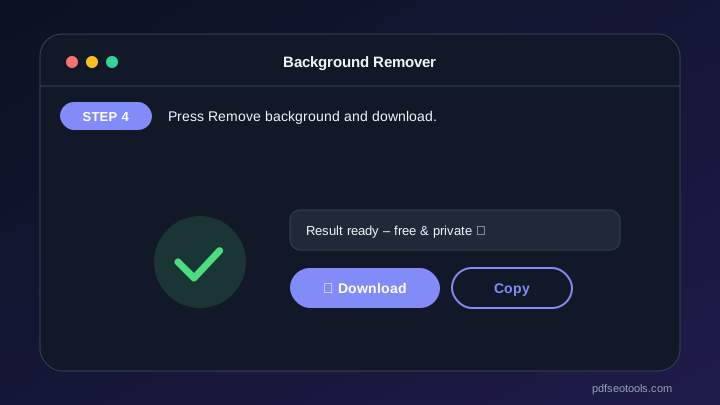
- Press Remove background and download.
Why Choose PDF SEO Tools?
PDF SEO Tools is free, needs no sign-up and runs over a secure HTTPS connection. The Background Remover works on phone and computer, processes your files directly in your browser so they stay private, and is updated regularly with new features.
Background Remover: Frequently Asked Questions
Does it work for products and objects?
The AI model is trained for people. For products on a plain background, use the Plain background mode.
Why are edges rough?
Increase edge softness, or use a photo with good contrast between subject and background.
What resolution do I get?
Up to 2000 px on the longest side.
Is it really free?
Yes, and there is no watermark.
Is my photo uploaded?
No. The AI runs on your device.



