
Rate this tool
How was your experience with the Domain Analyzer?
Be the first to rate this tool
Share on Social Media:


Domain Analyzer: Domain Age, Hosting, SSL & DNS Check
The Domain Analyzer gives you a complete picture of any website in one report: when the domain was registered and when it expires, where it is hosted, its SSL certificate, DNS records, email security, server speed and SEO basics.
It is useful before buying a domain, checking a competitor or auditing your own website.
Key Features of the Domain Analyzer
- Domain age, registrar, created and expiry dates
- Hosting IP, location and provider
- SSL issuer and days left
- HTTPS redirect, HSTS, compression, CDN
- DNS records, SPF and DMARC
- robots.txt and sitemap check, copy report
How to Use the Domain Analyzer
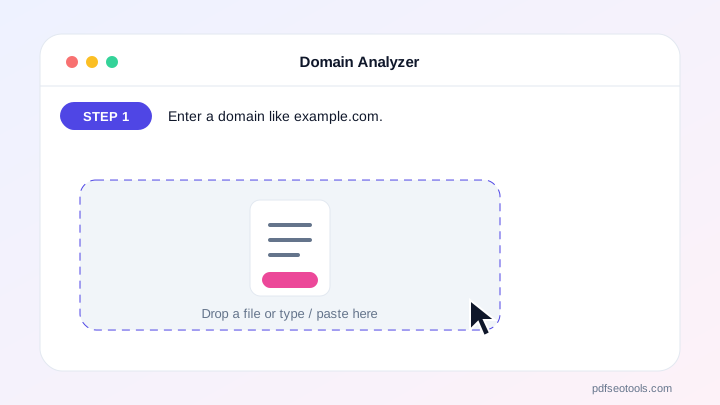
- Enter a domain like example.com.
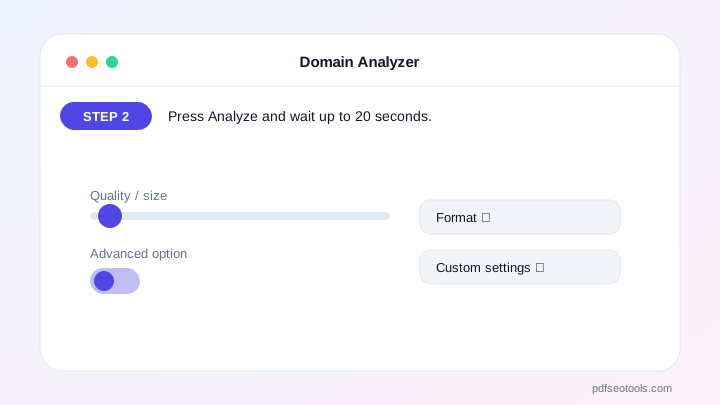
- Press Analyze and wait up to 20 seconds.
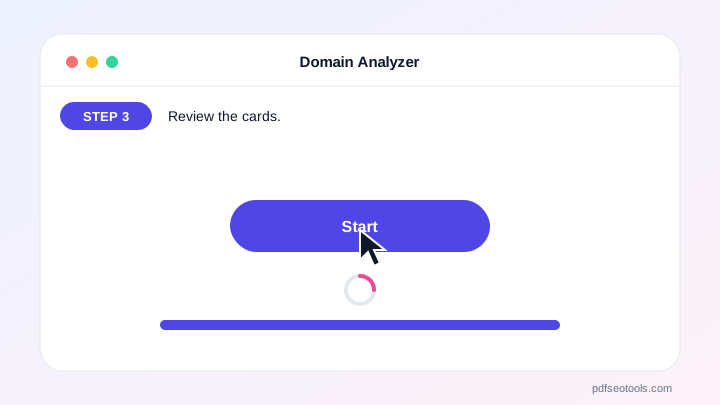
- Review the cards.
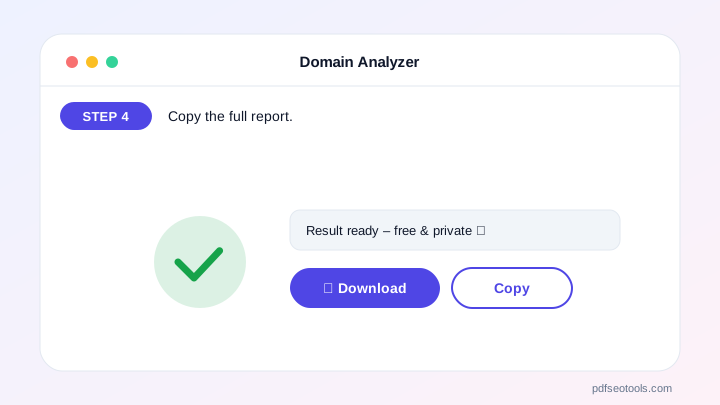
- Copy the full report.
Why Choose PDF SEO Tools?
PDF SEO Tools is free, needs no sign-up and runs over a secure HTTPS connection. The Domain Analyzer works on phone and computer and gives clear results in seconds, and is updated regularly with new features.
Domain Analyzer: Frequently Asked Questions
How is domain age calculated?
From the registration date published in the official RDAP/WHOIS database.
Why is some information missing?
Some registries hide data for privacy, and some servers block automated checks.
What are SPF and DMARC?
Email security records that stop others from sending email in your domain’s name. Every domain that sends email should have both.
How often is data updated?
Results are cached for 30 minutes.
Is this free?
Yes.



