
Internet Speed Test
Press Start to measure your connection
–Ping (ms)
–Jitter (ms)
–Download (Mbps)
–Upload (Mbps)
The test measures the connection between your device and our server. Results change with Wi-Fi signal, other devices and the time of day – run it 2–3 times for a fair picture.
Rate this tool
How was your experience with the Internet Speed Test?
Be the first to rate this tool
Share on Social Media:


Internet Speed Test: Check Download, Upload & Ping
The Internet Speed Test measures how fast your connection really is: download and upload speed in Mbps, ping and jitter in milliseconds, shown on a live gauge.
Your last five results are saved on your device so you can compare Wi-Fi, mobile data and different times of day.
Key Features of the Internet Speed Test
- Download and upload speed in Mbps
- Ping and jitter
- Live speed gauge
- Plain-language verdict
- History of your last 5 tests
- Works on phone and computer
How to Use the Internet Speed Test
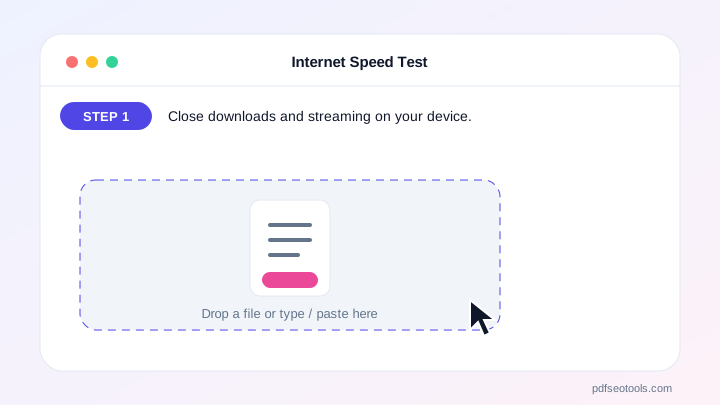
- Close downloads and streaming on your device.
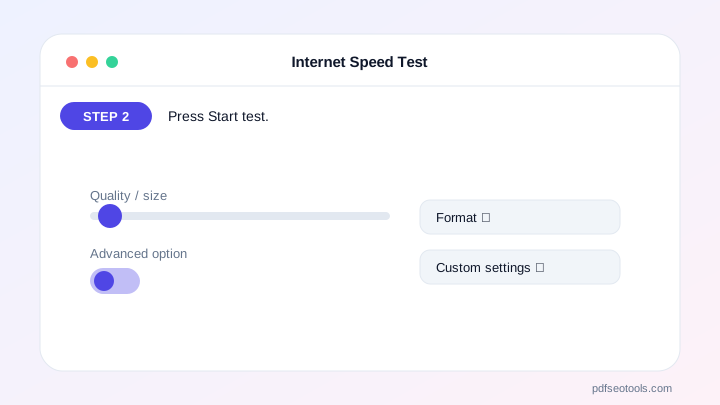
- Press Start test.
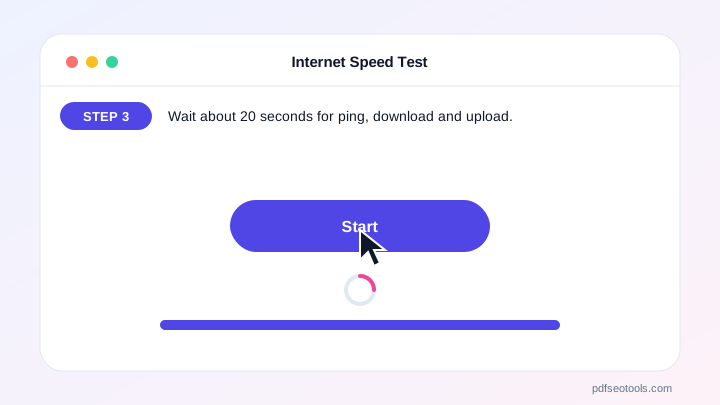
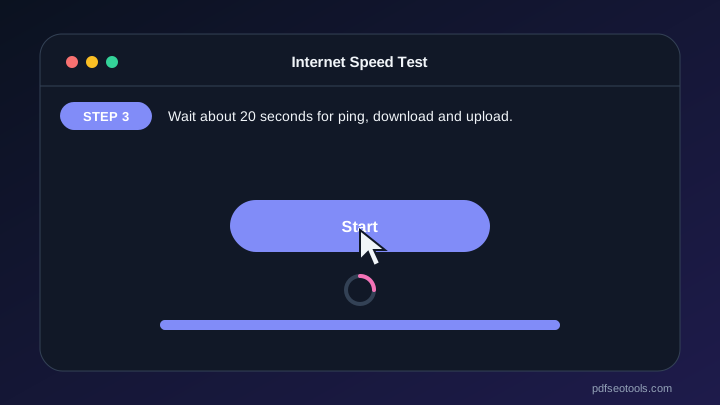
- Wait about 20 seconds for ping, download and upload.
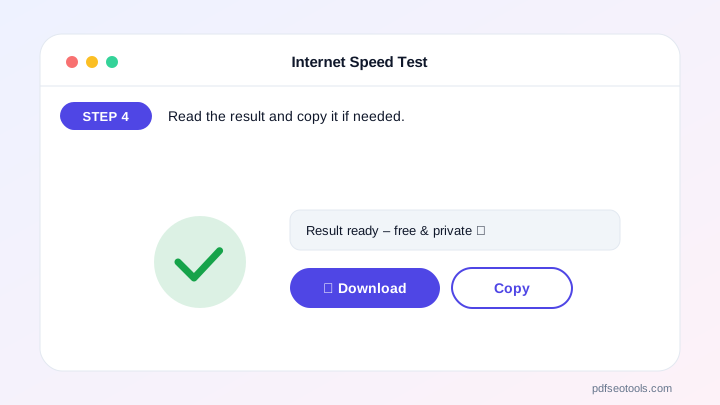
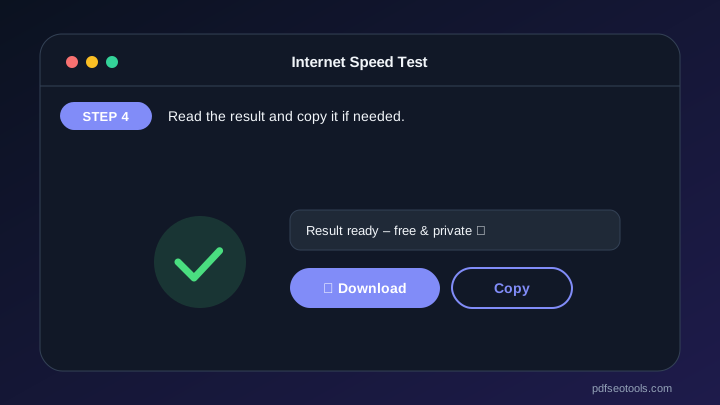
- Read the result and copy it if needed.
Why Choose PDF SEO Tools?
PDF SEO Tools is free, needs no sign-up and runs over a secure HTTPS connection. The Internet Speed Test works on phone and computer and gives clear results in seconds, and is updated regularly with new features.
Internet Speed Test: Frequently Asked Questions
What is a good internet speed?
25 Mbps is enough for HD streaming and video calls; 100 Mbps+ is great for families and 4K.
What is ping?
Ping is the delay to the server in milliseconds. Under 50 ms feels instant; over 100 ms can cause lag in games and calls.
Why are my results lower than my plan?
Wi-Fi distance, busy networks, other devices and server distance all reduce speed. Try a cable or test again.
How much data does the test use?
Roughly 20–80 MB, depending on your speed.
Is my data stored?
Only your last results, on your own device.



