タグツール
title、description、robots、Open Graphタグを生成・分析できる無料メタタグツール。SEOとクリック率を改善しましょう。今すぐお試しください!
無料メタタグツール – タグの生成と分析
無料メタタグツール – タグの生成と分析
- 🧰 2 free tools
- 💸 100%無料
- 🔓 登録不要
- 📱 どの端末でも使える
- 🔒 安全なHTTPS
Meta tag tools help you write and check the title, description and robots tags that search engines read, so your pages look better in search results.


All 2 Free Tags Tools
| Tool | できること | 入力 / 最適な用途 |
|---|---|---|
  メタタグ分析 | Analyse the meta tags of any web page – title, description, keywords, robots and Open Graph tags | page details → meta tags |
  メタタグジェネレーター | Generate SEO-friendly meta tags for your website – title, description, keywords, robots and more | page details → meta tags |
メタタグ分析
Meta tags tell search engines and social networks what a page is about. The analyzer shows what is present, what is missing and how to improve it.
メタタグ分析を開く →メタタグジェネレーター
A meta tag generator creates correct HTML code for the head section of your page, so search engines show a better title and snippet.
メタタグジェネレーターを開く →How to Use Our Tags Tools
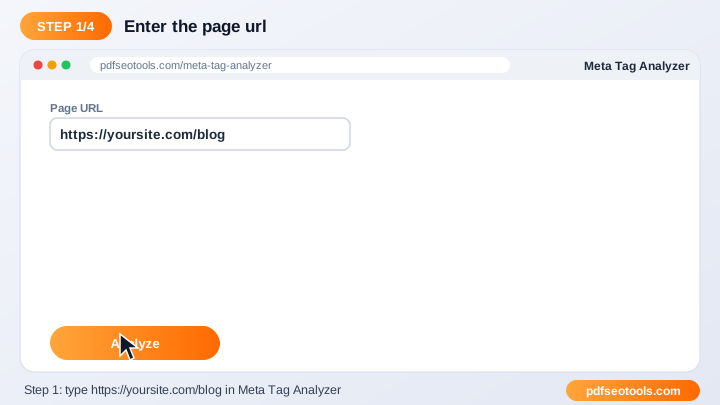
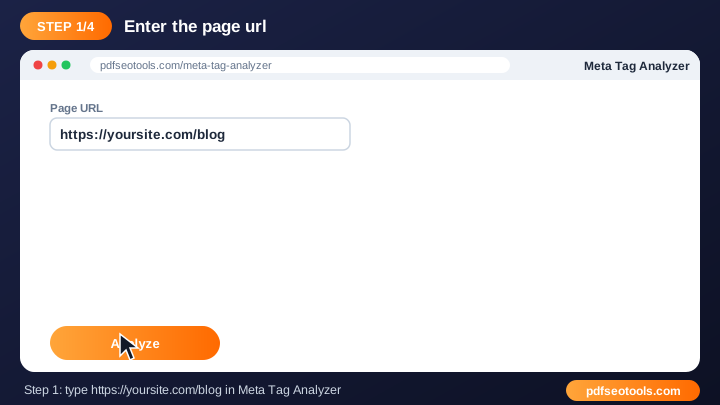
- Enter your page URL or fill in your page details.
- Click the generate / analyze button.
- Review the meta tags and suggestions.
- Copy the code or fix the issues on your website.
Tags Tools – Quick Reference
| Tag | Recommended length | Purpose |
|---|---|---|
| Title | 50–60 characters | Headline in search results |
| Meta description | 140–155 characters | Snippet under the title |
| OG title | 50–60 characters | Social share headline |
| OG description | 65–120 characters | Social share text |
Why Use Our Meta Tag Tools?
- SEO focused Built around the meta tags search engines actually use.
- Instant output Get results or ready-made code in seconds.
- Free Use the tool as often as you like.
- Beginner friendly Clear guidance even if you are new to SEO.
- Works with any CMS WordPress, Blogger, Laravel, Shopify or hand-coded sites.
- Mobile ready Use it from any device.

Tips for Using Tags Tools
- Keep titles around 50–60 characters and descriptions around 150–160 characters.
- Use your main keyword naturally near the start of the title.
- Write a unique title and description for every page.
- Re-check pages after updating your theme or plugins.
Tags Tools – Worked Example
Example: a page titled 'Home' gets few clicks. Changing the title to 'Free PDF Tools – Merge, Convert & Compress | Brand' and writing a 150-character description that matches the search intent makes the result clearer and more clickable.
Tags Tools Glossary
- Title tag
- The clickable headline shown in search results.
- Meta description
- The short summary that often appears under the title.
- Robots tag
- Tells search engines whether to index a page and follow its links.
- Graphを開く
- Tags that control how links look on Facebook, WhatsApp and LinkedIn.
- Twitter card
- Tags that control link previews on X (Twitter).
Helpful Guides for Tags Tools
- 📘How to Write Meta Title and Description Tags for SEOWrite meta titles and descriptions that rank and get clicks: ideal length, keyword placement, examples and mistakes to avoid.
- 📘How to Analyze Meta Tags of Any Web PageCheck the title, description, robots, viewport and og:type of any page, spot missing or duplicate tags and learn how to fix them.
よくある質問
Are these meta tag tools free?
はい。このカテゴリーのツールはすべてpdfseotools.comで無料、登録不要で使えます。
ツールはスマートフォンで使えますか?
はい。Android、iPhone、Windows、Macの最新ブラウザで動作します。
データは安全ですか?
はい。通信はHTTPSで保護され、アップロードしたファイルは処理後に削除されます。
ソフトのインストールやアカウント作成は必要ですか?
いいえ。Windows、Mac、Android、iPhoneのウェブブラウザですべて動作します – ダウンロードもインストールも、アカウント作成も必要ありません。
これらのツールの利用回数に制限はありますか?
日常的な作業であれば、ツールは何度でも使えます。すべての方に快適に使っていただくため、非常に大きなファイルや過度な利用は制限される場合があります。
他の無料ツールはどこにありますか?
pdfseotools.comのメニューやカテゴリーを開くと、PDF、画像、テキスト、SEO、開発向けの150以上の無料ツールを見られます。