開発ツール
JSONやXMLの整形・検証・表示・変換、UUIDやLorem Ipsumの生成ができる無料開発者ツール。高速、プライベート、登録不要です。今すぐお試しください!
無料開発者ツール – JSON、XML、UUIDをオンラインで
無料開発者ツール – JSON、XML、UUIDをオンラインで
- 🧰 9 free tools
- 💸 100%無料
- 🔓 登録不要
- 📱 どの端末でも使える
- 🔒 安全なHTTPS
Developer tools format, validate and convert data so you can debug APIs and configuration files faster.
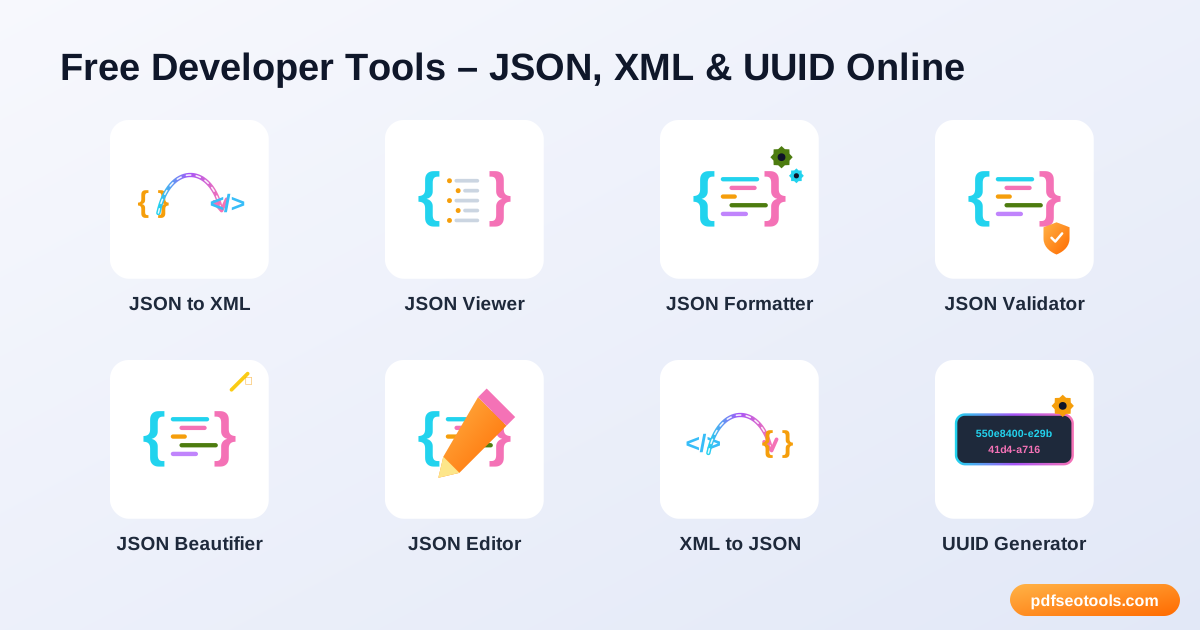
All 9 Free Development Tools

 JSONからXMLへJSON data into XML format online instantlyで変換

 JSONビューアーView JSON data in a clear, collapsible tree format

 JSONフォーマッターFormat and pretty-print JSON with proper indentation online

 JSONバリデーターValidate JSON online and find syntax errors quickly

 JSON整形ツールBeautify messy or minified JSON into clean, readable code

 JSONエディターEdit JSON data online with a simple, structured editor

 XMLからJSONへXML data into JSON format onlineで変換

 UUIDジェネレーターGenerate random UUIDs (version 4 GUIDs) online instantly

 Lorem IpsumジェネレーターGenerate Lorem Ipsum placeholder text in paragraphs, sentences or words
| Tool | できること | 入力 / 最適な用途 |
|---|---|---|
| JSONからXMLへ | JSON data into XML format online instantlyで変換 | JSON → XML |
| JSONビューアー | View JSON data in a clear, collapsible tree format | code → clean output |
| JSONフォーマッター | Format and pretty-print JSON with proper indentation online | code → clean output |
| JSONバリデーター | Validate JSON online and find syntax errors quickly | code → clean output |
| JSON整形ツール | Beautify messy or minified JSON into clean, readable code | code → clean output |
| JSONエディター | Edit JSON data online with a simple, structured editor | code → clean output |
| XMLからJSONへ | XML data into JSON format onlineで変換 | Xml → JSON |
| UUIDジェネレーター | Generate random UUIDs (version 4 GUIDs) online instantly | code → clean output |
| Lorem Ipsumジェネレーター | Generate Lorem Ipsum placeholder text in paragraphs, sentences or words | code → clean output |
JSONからXMLへ
JSON and XML are both data formats. Some systems, APIs and feeds still require XML, so converting JSON to XML saves manual rewriting.
JSONからXMLへを開く →JSONビューアー
A JSON viewer makes large or minified JSON readable by showing it as a structured tree you can expand and collapse.
JSONビューアーを開く →JSONフォーマッター
A JSON formatter adds line breaks and indentation to compact JSON so it is easy to read and debug.
JSONフォーマッターを開く →JSONバリデーター
A JSON validator checks whether your JSON follows the correct syntax and points out problems like missing commas, quotes or brackets.
JSONバリデーターを開く →How to Use Our Development Tools
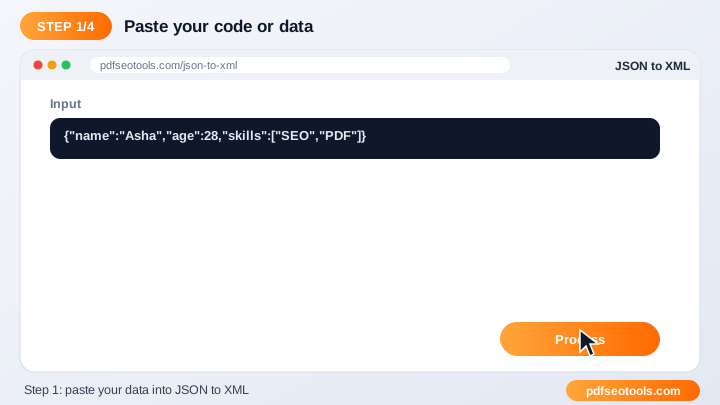
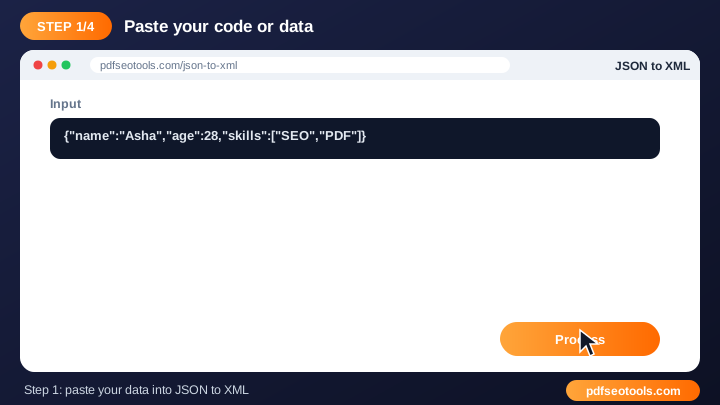
- Paste your code or data into the input box (or upload a file where supported).
- Choose any options such as indentation.
- Click the action button.
- Copy or download the output.
Development Tools – Quick Reference
| Feature | JSON | XML |
|---|---|---|
| Syntax | Key–value pairs, arrays | Nested tags |
| Readability | Compact | Verbose |
| Comments | Not allowed | Allowed |
| Common use | Web APIs, configs | Feeds, sitemaps, legacy APIs |
Why Use Our Developer Tools?
- Developer friendly Clean output that is ready to use in code.
- Error detection Highlights invalid input so you can fix it quickly.
- Fast Processes data instantly in the browser or on our server.
- Free Use the tool without an account.
- Works everywhere No IDE or plugin required.
- Privacy Your data is not shared or published.

Tips for Using Development Tools
- Validate data before using it in production.
- Keep sensitive keys and passwords out of shared snippets.
- Use consistent indentation across your project.
- Bookmark the tool for daily debugging.
Development Tools – Worked Example
Example: an API returns one long line of JSON and the app crashes. Pasting it into a JSON Validator reveals a trailing comma on line 1; after removing it, the formatter shows clean, indented data that is easy to debug.
Development Tools Glossary
- JSON
- JavaScript Object Notation – a lightweight data format of keys and values.
- XML
- Extensible Markup Language – a tag-based data format.
- Validation
- Checking that data follows the correct syntax rules.
- Minify
- Removing spaces and line breaks to make data smaller.
- UUID
- A 128-bit identifier that is practically unique.
Helpful Guides for Development Tools
- 📘How to Format and Validate JSON Online (Step-by-Step Guide)Format messy JSON into readable code and validate it for errors online. Learn what valid JSON looks like and how to fix syntax problems.
- 📘JSON vs XML: Differences, Examples and How to ConvertJSON vs XML compared: syntax, size, readability and typical uses, with side-by-side examples and how to convert one into the other.
- 📘Common JSON Errors and How to Fix ThemTrailing commas, single quotes, unescaped characters – the JSON errors developers hit most often and exactly how to fix each one.
- 📘What Is a UUID and When Should You Use One?What a UUID is, how versions 1, 4, 5 and 7 differ, how unique v4 really is and when to use a UUID instead of an auto-increment database ID.
よくある質問
Are these developer tools free?
はい。このカテゴリーのツールはすべてpdfseotools.comで無料、登録不要で使えます。
ツールはスマートフォンで使えますか?
はい。Android、iPhone、Windows、Macの最新ブラウザで動作します。
データは安全ですか?
はい。通信はHTTPSで保護され、アップロードしたファイルは処理後に削除されます。
ソフトのインストールやアカウント作成は必要ですか?
いいえ。Windows、Mac、Android、iPhoneのウェブブラウザですべて動作します – ダウンロードもインストールも、アカウント作成も必要ありません。
これらのツールの利用回数に制限はありますか?
日常的な作業であれば、ツールは何度でも使えます。すべての方に快適に使っていただくため、非常に大きなファイルや過度な利用は制限される場合があります。
他の無料ツールはどこにありますか?
pdfseotools.comのメニューやカテゴリーを開くと、PDF、画像、テキスト、SEO、開発向けの150以上の無料ツールを見られます。