
Rate this tool
How was your experience with the Meta Tags Toolkit?
Be the first to rate this tool
Share on Social Media:


Meta Tags Toolkit: Generate & Check SEO Meta Tags
The Meta Tags Toolkit writes every important meta tag for a page – title, description, robots, canonical, Open Graph and Twitter – while showing a live Google result and social share preview.
Switch to Check a website to read the tags of any URL, see what is missing and load them into the generator to fix them.
Key Features of the Meta Tags Toolkit
- Title and description with length checks Title and description with length checks
- Robots, canonical, language and theme colour Robots, canonical, language and theme colour
- Open Graph and Twitter card tags Open Graph and Twitter card tags
- Live Google and social previews Live Google and social previews
- Check any website’s existing tags Check any website’s existing tags
- Copy or download the code Copy or download the code
How to Use the Meta Tags Toolkit
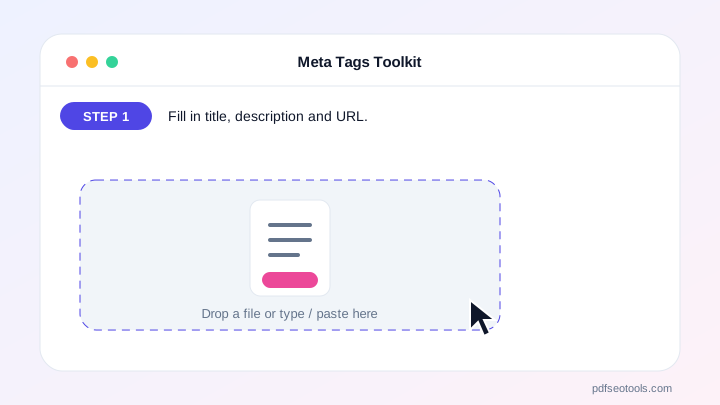
- Fill in title, description and URL.
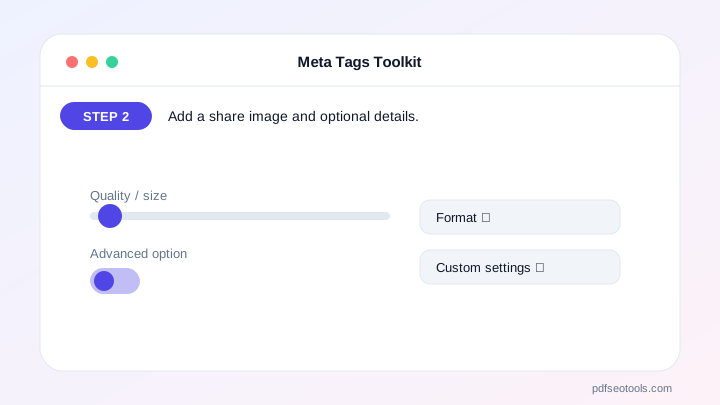
- Add a share image and optional details.
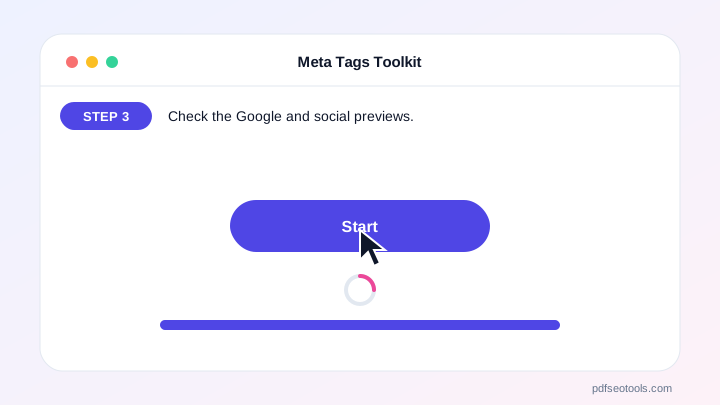
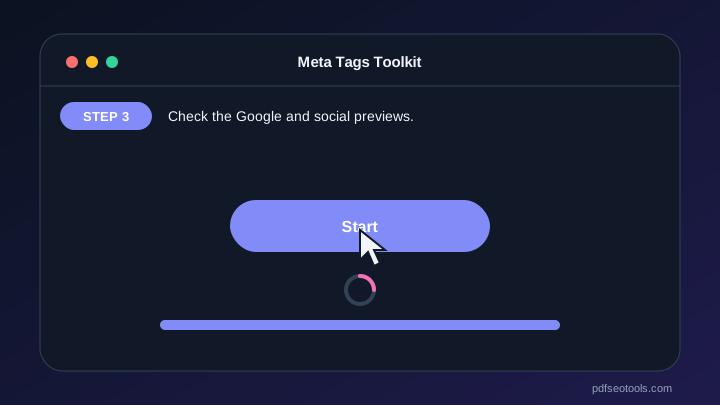
- Check the Google and social previews.
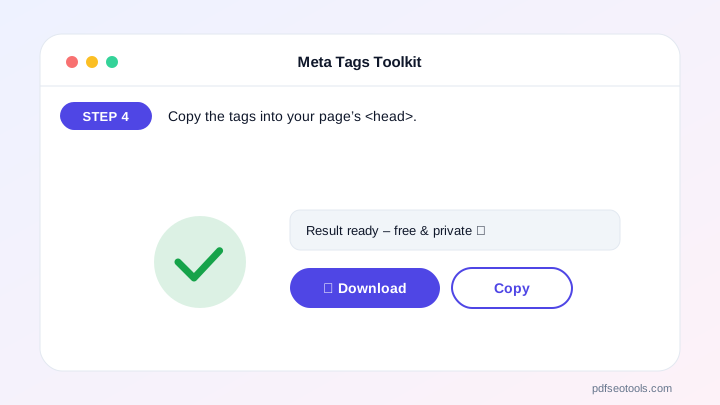
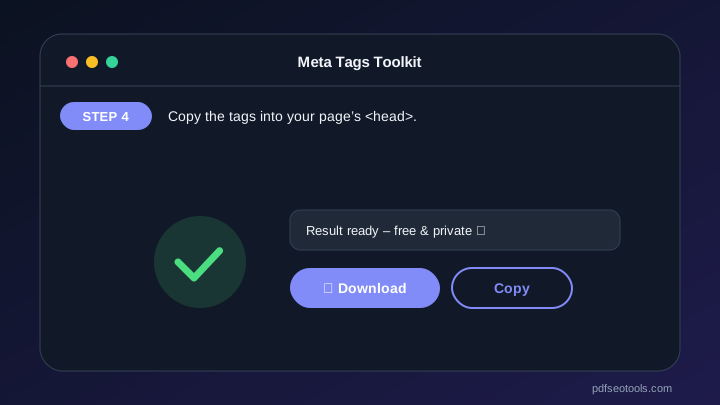
- Copy the tags into your page’s <head>.
Why Choose PDF SEO Tools?
Every tool on PDF SEO Tools is free, needs no sign-up and runs over a secure HTTPS connection. The Meta Tags Toolkit works directly in your browser on phone, tablet and computer, so results appear instantly and your data stays on your device.
Meta Tags Toolkit: Frequently Asked Questions
Which meta tags matter for SEO?
The title and meta description are the most important; robots and canonical control indexing. Open Graph tags matter for social sharing.
Do meta keywords help ranking?
Google ignores the keywords tag. It is optional and harmless.
How long should my title be?
About 50–60 characters so it is not cut off in Google.
Where do I paste the tags?
Inside the <head> section of your page, or in your CMS SEO settings.
Can I check a competitor’s tags?
Yes – use the Check a website tab.



