
Rate this tool
How was your experience with the Open Graph Checker?
Be the first to rate this tool
Share on Social Media:

Open Graph Checker: Preview Facebook & X Link Cards
The Open Graph Checker shows how your page will look when shared on Facebook, LinkedIn, WhatsApp and X, and checks every og: and twitter: tag – including whether the share image loads and has the right size.
It then writes recommended tags you can paste into your page.
Key Features of the Open Graph Checker
- Live Facebook / LinkedIn / WhatsApp preview
- X (Twitter) card preview
- Image check: loads, size in px and KB
- Social score with clear checks
- Table of all tags found
- Copy-ready recommended tags
How to Use the Open Graph Checker
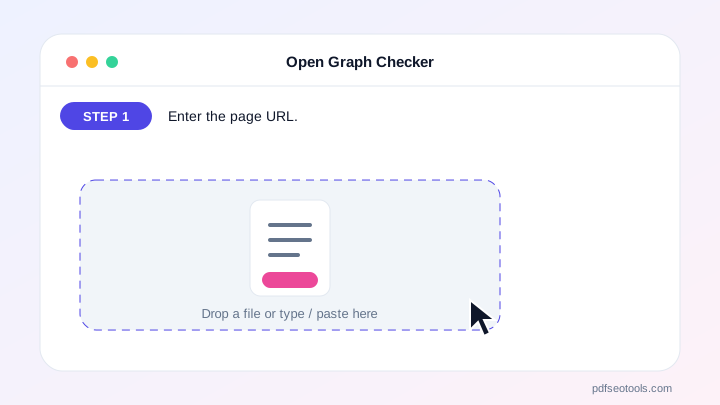
- Enter the page URL.
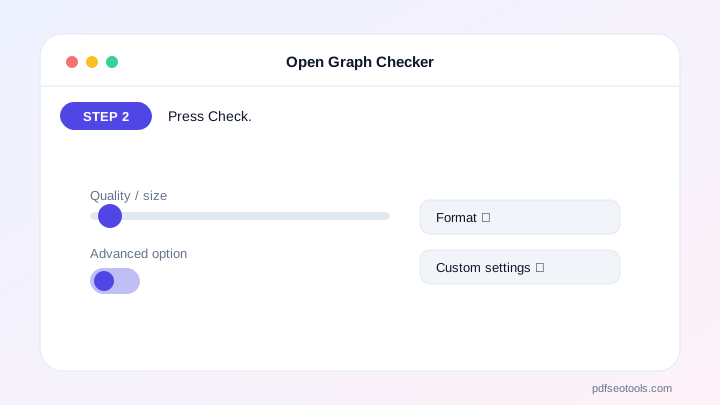
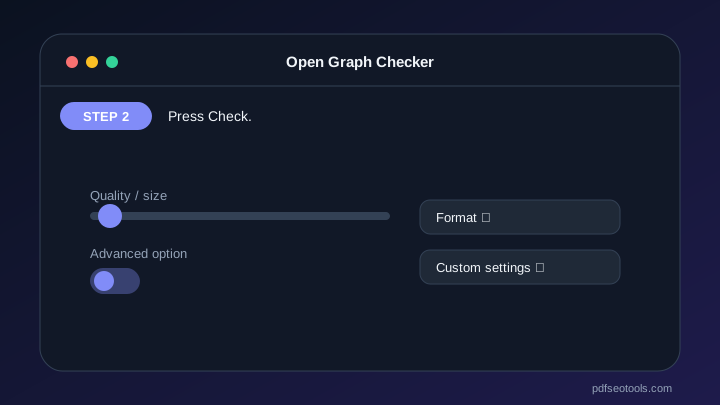
- Press Check.
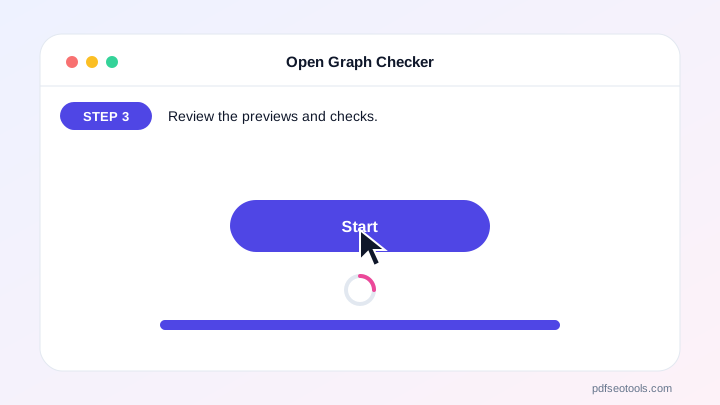
- Review the previews and checks.
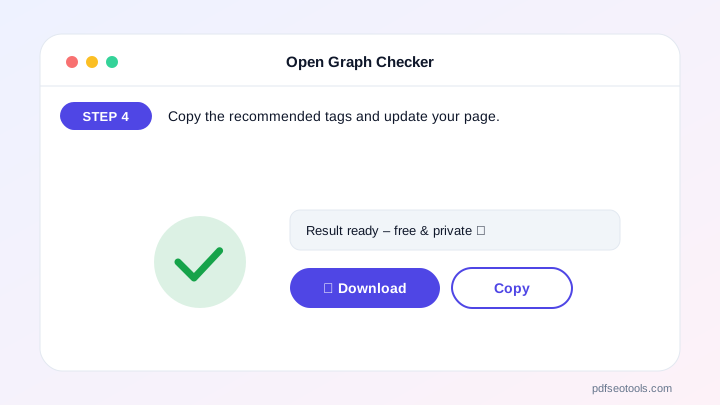
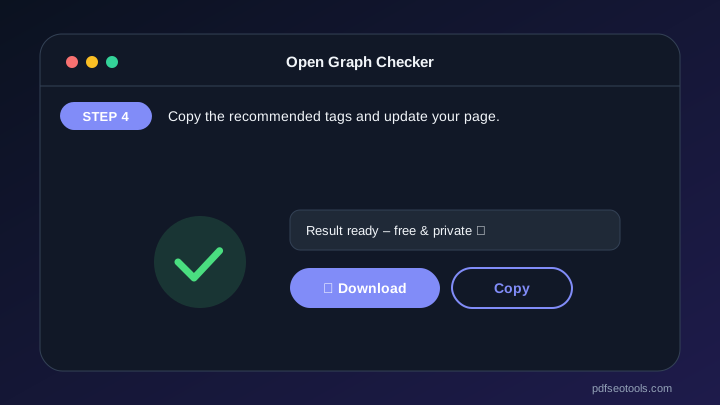
- Copy the recommended tags and update your page.
Why Choose PDF SEO Tools?
PDF SEO Tools is free, needs no sign-up and runs over a secure HTTPS connection. The Open Graph Checker works on phone and computer and gives clear results in seconds, and is updated regularly with new features.
Open Graph Checker: Frequently Asked Questions
What is Open Graph?
Open Graph tags tell social networks which title, description and image to show when your link is shared.
What image size is best?
1200×630 pixels (1.91:1), JPG or PNG, under about 600 KB for fast WhatsApp previews.
Why does Facebook show an old image?
Facebook caches previews. Use Facebook’s Sharing Debugger to refresh after fixing your tags.
Do I need Twitter tags?
X reads Open Graph as a fallback, but twitter:card=summary_large_image gives the big image card.
Is this free?
Yes.



