PDF Converter
The PDF Converter is one place for the most common PDF conversions: PDF to JPG, PNG, plain text or HTML, and JPG/PNG/WebP images or text files to PDF – all processed privately in your browser.
Rate this tool
How was your experience with the PDF Converter?
Be the first to rate this tool
Share on Social Media:
Handle Every PDF Task Right in Your Browser
Convert PDF to JPG, PNG, text or HTML and images or text to PDF in your browser. Plus quick links to PDF to Word, Excel and PowerPoint – free. The PDF Converter is one place for the most common PDF conversions: PDF to JPG, PNG, plain text or HTML, and JPG/PNG/WebP images or text files to PDF – all processed privately in your browser.
People rely on the PDF Converter for pDF to JPG or PNG at 72–216 dpi, pDF to text and HTML, images (JPG, PNG, WebP) to one PDF and text file to PDF. Everything happens in your browser, so there is nothing to download, nothing to set up and no account to create – you get a clean result in seconds and can get back to your work.
How the PDF Converter Works
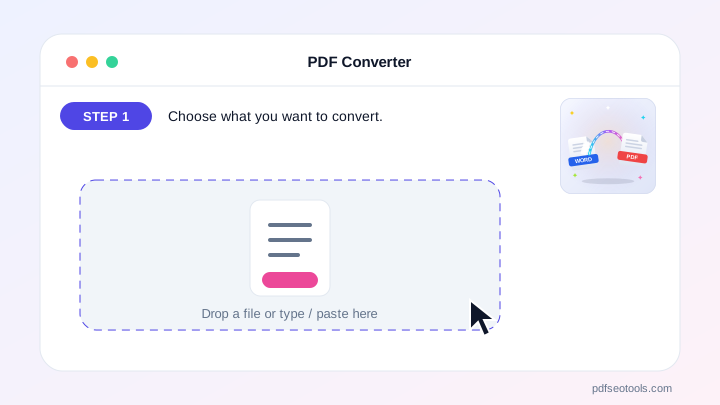
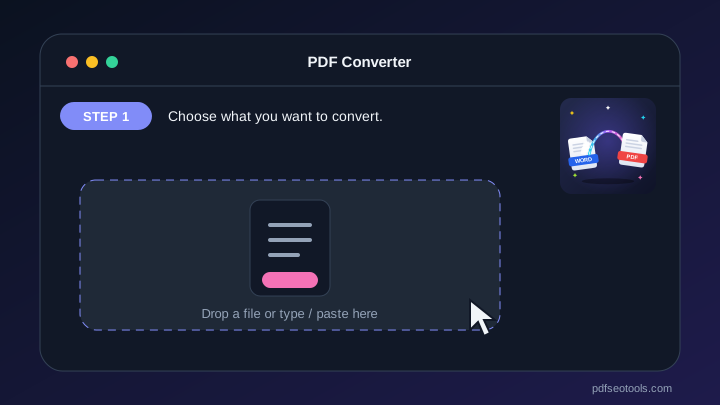
- Step 1: Choose what you want to convert.
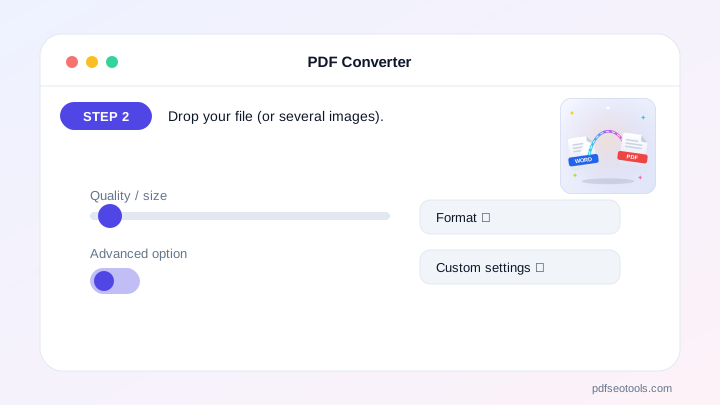
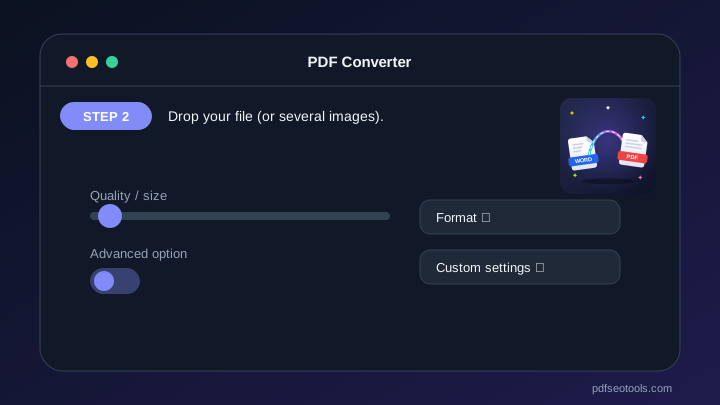
- Step 2: Drop your file (or several images).
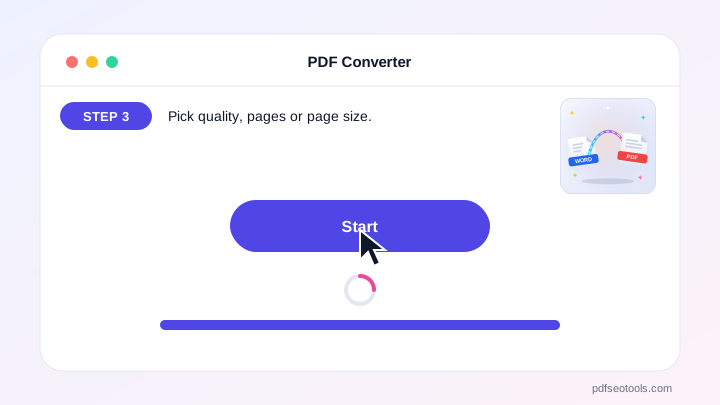
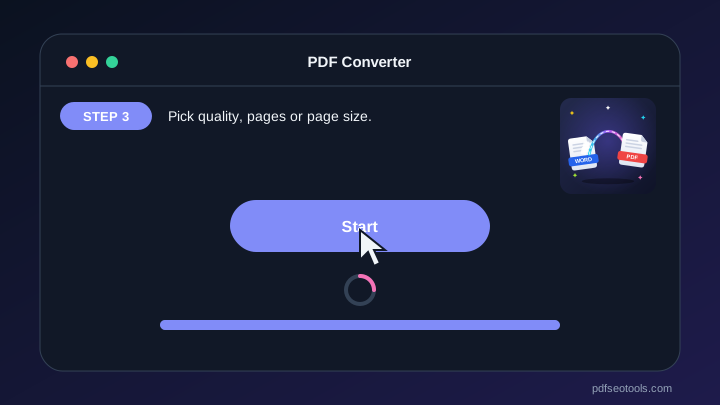
- Step 3: Pick quality, pages or page size.
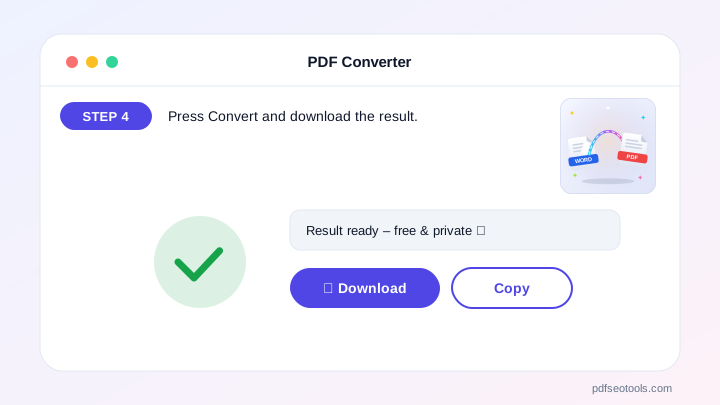
- Step 4: Press Convert and download the result.
Why People Choose Our PDF Converter
- No account required Open the page and start immediately – no registration, no email address and no trial period.
- Encrypted HTTPS connection Everything you send travels over a secure, encrypted connection.
- Files removed after processing Uploaded files are used only to create your result and are deleted from our server automatically.
- Works on every device The layout adapts to phones, tablets and desktops, and runs in Chrome, Safari, Firefox and Edge.
- Free with no hidden limits Use it as often as you need for everyday tasks – no watermark and no surprise charges.
- Keeps original quality Text, images, fonts and layout are preserved as closely as the source file allows.
Why the PDF Converter Saves You Time
For Office formats it takes you straight to our dedicated PDF to Word, Excel, PowerPoint and Word to PDF converters.
Everything happens on one clean page that works the same on Android, iPhone, Windows and Mac – no app, no account and no learning curve.
Who Uses the PDF Converter?
Students, office workers, freelancers and small businesses use the PDF Converter to handle contracts, forms, reports and scanned documents. It is equally useful for one-off tasks and for people who need the same job done every day.
- Everyday users Quick answers without installing software.
- Professionals Reliable results that fit into daily work.
- Students Free help for school, college and projects.
- Small businesses Save time and money on routine tasks.
Tips to Get the Best Results
Unlock password-protected PDFs first, then edit or extract.
Use page ranges like 1-3, 7 to work on only the pages you need.
Check the downloaded file once before sending it to someone.
Key Features of the PDF Converter
- PDF to JPG or PNG at 72–216 dpi Built right into the PDF Converter, so you get it without extra steps or software.
- PDF to text and HTML Works the same on phone and computer, and the result appears in seconds.
- Images (JPG, PNG, WebP) to one PDF Included free – no sign-up, no watermark and no hidden limits.
- Text file to PDF Designed to save time on everyday tasks while keeping your data private.
- Page range selection Gives clear, ready-to-use results you can copy or download in one tap.
- Links to Word, Excel and Links to Word, Excel and PowerPoint converters
PDF Converter: Frequently Asked Questions
Can I convert PDF to Word here?
Choose “PDF → Word” and you are taken to our dedicated PDF to Word converter, which keeps the layout.
Is my file uploaded?
Browser conversions (JPG, PNG, text, HTML, images to PDF) never leave your device.
How many pages can I convert to images?
Up to 60 pages at a time; use the page range to split bigger files.
Is the PDF Converter safe and private?
Yes. Your files travel over a secure HTTPS connection, are used only to create your result and are deleted from our server automatically. You do not need an account, and the tool works the same way on phones, tablets and computers.
Related Free Tools
- Word To PDFConvert DOC and DOCX files into professional PDF documents online in a few seconds.
- Text To PDFTurn plain TXT files or typed text into a clean, readable PDF document.
- Merge PDFCombine two or more PDF files into one single, well-organised document.
- Organize PDFRearrange, sort and reorder the pages of your PDF exactly the way you need.
- PDF to ZIPCompress one or more PDF files into a single ZIP archive for easier sharing and storage.
- Watermark PDFAdd a text watermark such as 'Confidential', 'Draft' or your brand name to every page of a PDF.
Start Using the PDF Converter
Ready to try it? Open the PDF Converter at the top of this page, choose what you want to convert and see the result in seconds.
Bookmark PDF SEO Tools to keep 150+ free tools for PDFs, images, text, SEO and development one tap away.
Something not working, or missing a feature you need? Tell our support team – we read every message.