
PDF Editor
Page – / –
Text and image: tap where it should go. White-out, highlight, box and line: drag on the page.
Note: added text uses the standard Helvetica font (Latin letters). For Hindi text, add it as an image.
Rate this tool
How was your experience with the PDF Editor?
Be the first to rate this tool
Share on Social Media:

PDF Editor: Add Text, Images & White-out
The PDF Editor lets you fix and fill PDFs without expensive software. Add text to forms, cover mistakes with white-out, highlight important lines, draw boxes or lines, insert a logo or photo, and rotate or delete pages.
All edits are applied in your browser and saved into a new PDF you can download immediately.
Key Features of the PDF Editor
- Add text with size and colour
- White-out to hide content
- Highlight, boxes and lines
- Insert PNG or JPG images
- Rotate or delete pages
- Undo and edit counter
How to Use the PDF Editor
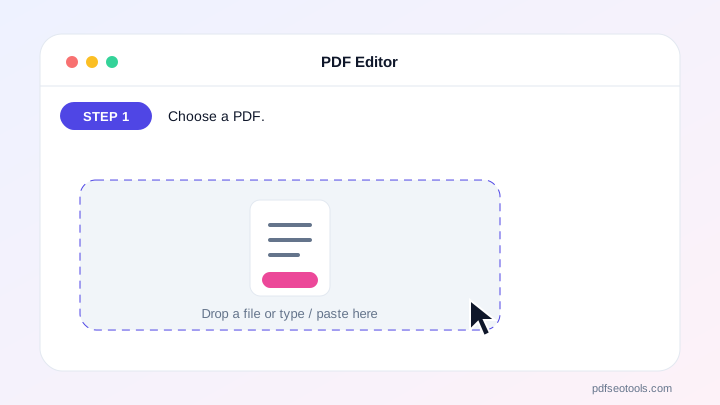
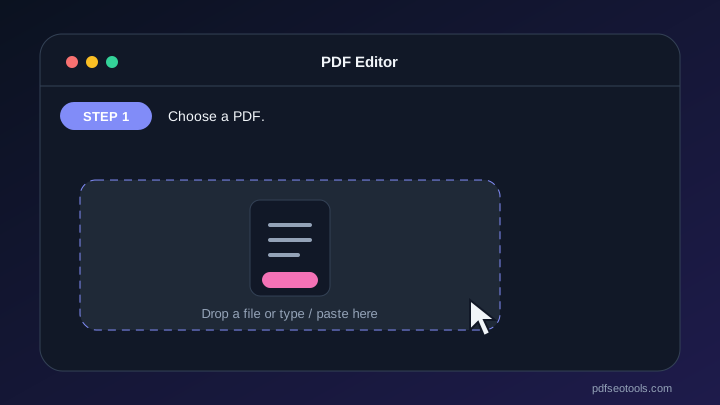
- Choose a PDF.
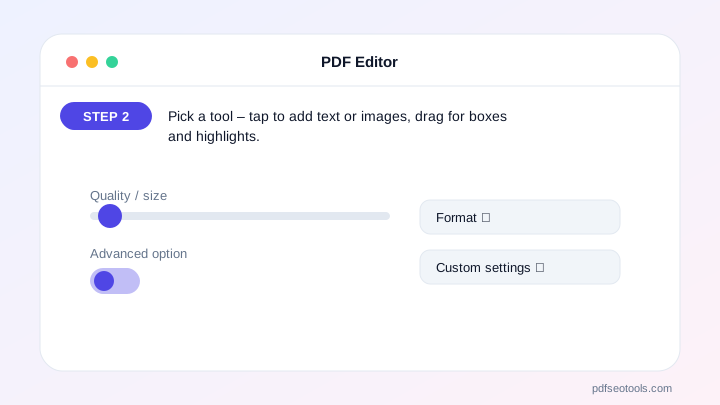
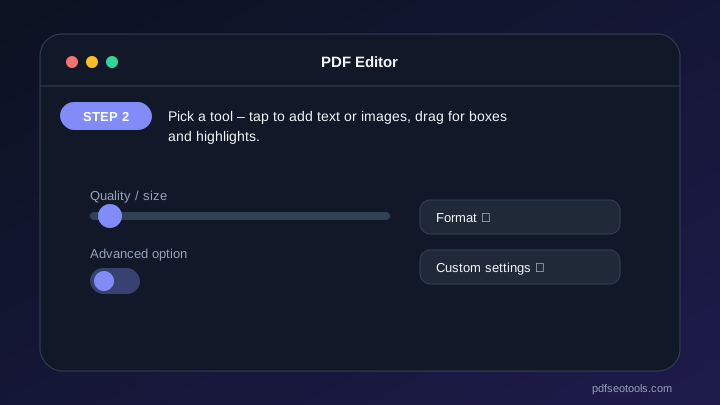
- Pick a tool – tap to add text or images, drag for boxes and highlights.
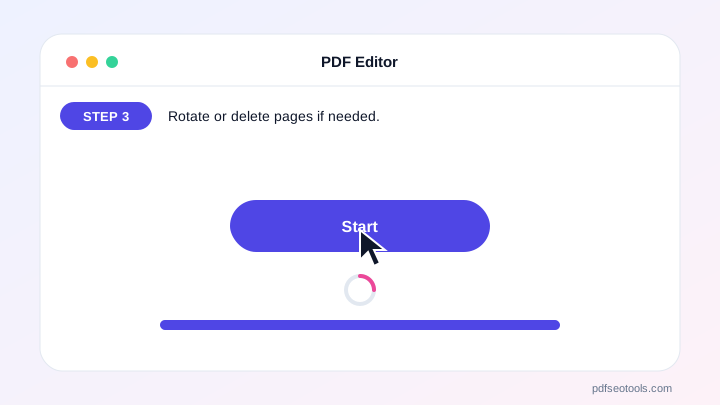
- Rotate or delete pages if needed.
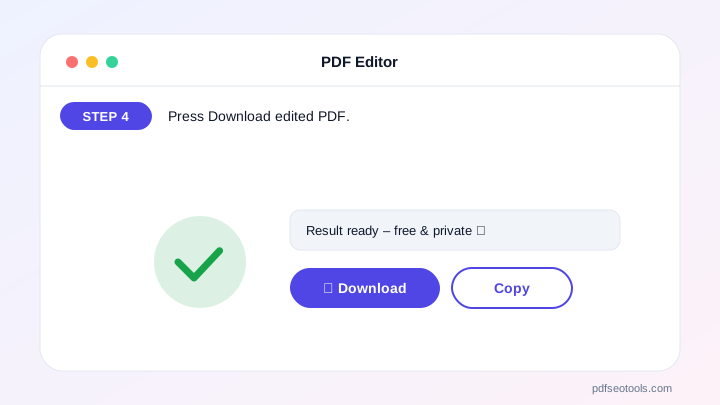
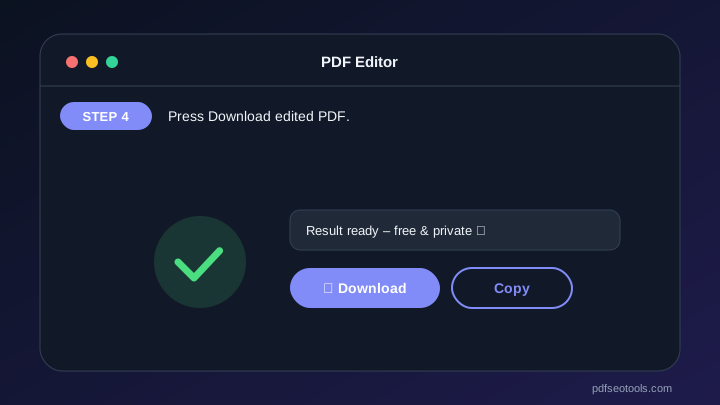
- Press Download edited PDF.
Why Choose PDF SEO Tools?
PDF SEO Tools is free, needs no sign-up and runs over a secure HTTPS connection. The PDF Editor works on phone and computer, processes your files directly in your browser so they stay private, and is updated regularly with new features.
PDF Editor: Frequently Asked Questions
Can I change existing text in a PDF?
PDFs do not store editable paragraphs. Use White-out to cover the old text and add new text on top.
Can I add Hindi text?
The built-in font supports Latin letters. Add Hindi as an image (e.g. a screenshot) for now.
Does white-out remove the hidden text?
It covers it visually. For sensitive data, convert the edited PDF to images or use a redaction tool.
Can I edit on mobile?
Yes – tap and drag on the page preview.
Is my PDF uploaded?
No. Editing happens in your browser.



