
PDF Maker
Uses the standard Helvetica font (Latin letters). Characters it cannot show are replaced with “?”.
Rate this tool
How was your experience with the PDF Maker?
Be the first to rate this tool
Share on Social Media:
PDF Maker: Create PDF from Images or Text Online
The PDF Maker turns photos, scans and screenshots into a clean PDF – or creates a PDF document from text you type. Reorder pages, choose the page size and orientation, add margins and control the file size.
It is perfect for submitting documents, sharing notes or creating quick reports.
Key Features of the PDF Maker
- Images to PDF with drag-free reordering
- A4, Letter or same-as-image page size
- Auto, portrait or landscape
- Margins and quality / file-size control
- Text to PDF with title, wrapping and page numbers
- Runs in your browser – no upload
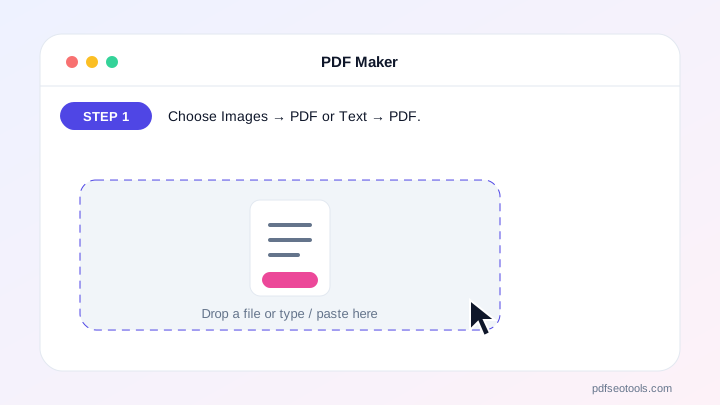
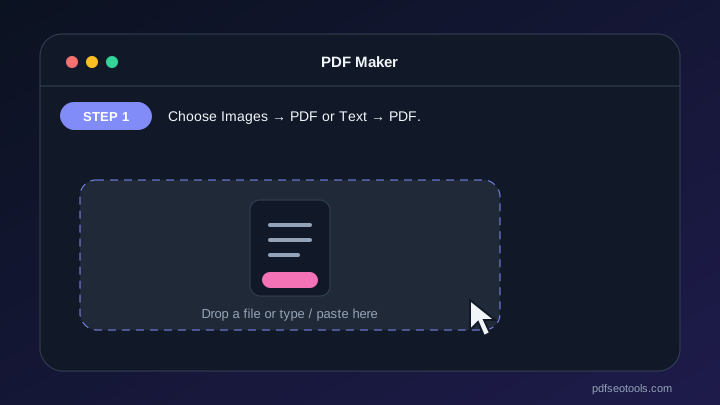
How to Use the PDF Maker
- Choose Images → PDF or Text → PDF.
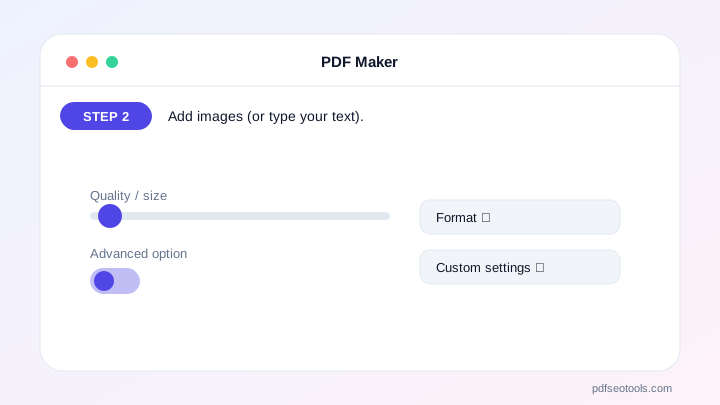
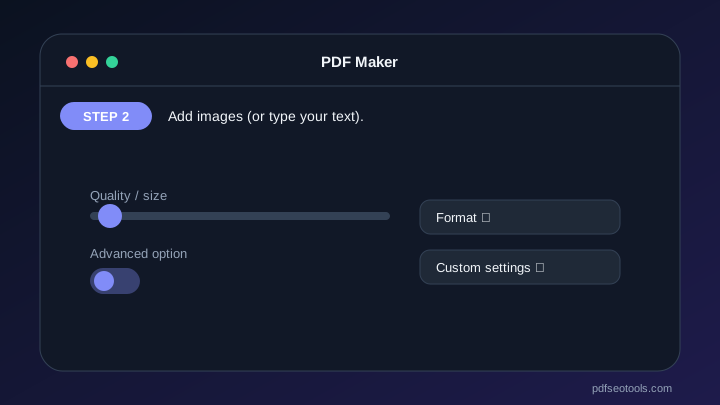
- Add images (or type your text).
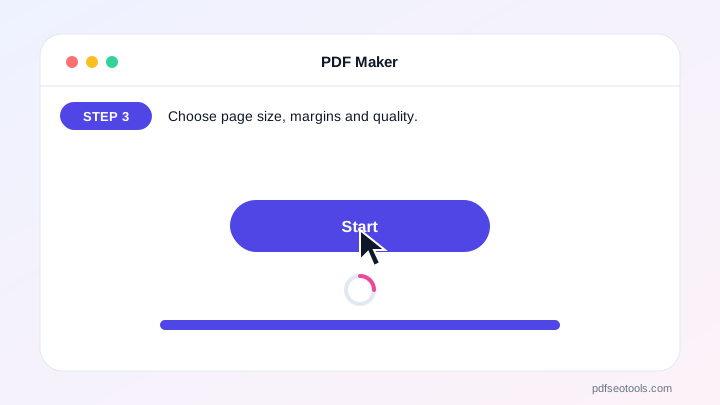
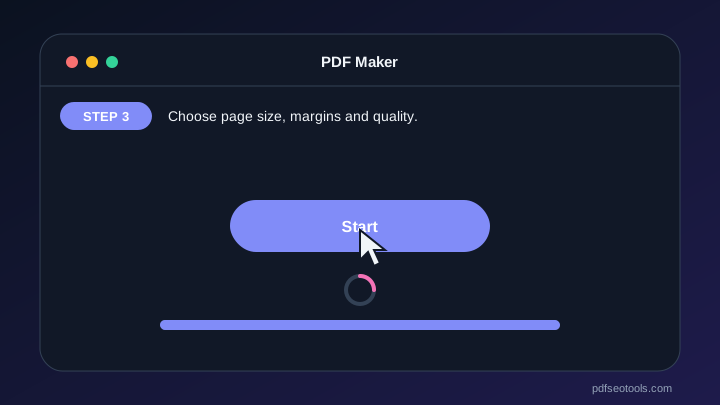
- Choose page size, margins and quality.
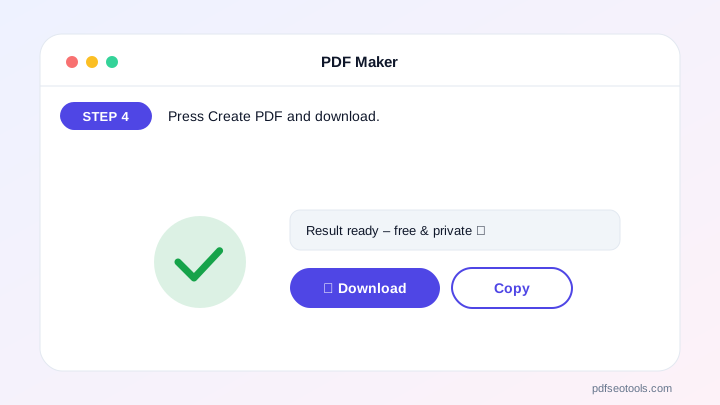
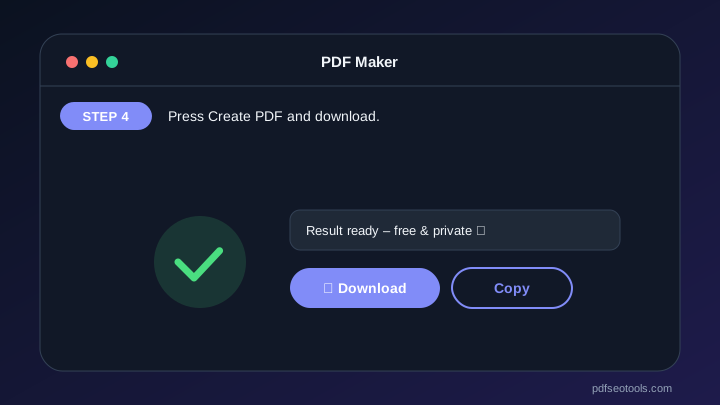
- Press Create PDF and download.
Why Choose PDF SEO Tools?
PDF SEO Tools is free, needs no sign-up and runs over a secure HTTPS connection. The PDF Maker works on phone and computer, processes your files directly in your browser so they stay private, and is updated regularly with new features.
PDF Maker: Frequently Asked Questions
How many images can I add?
As many as your device can handle – dozens of photos work fine.
How do I make the PDF smaller?
Choose “Small file” quality; it compresses the images.
Can I change the order of images?
Yes, use the arrow buttons under each image.
Does Text → PDF support Hindi?
The standard font supports Latin letters; other characters show as “?”. Use Images → PDF with screenshots for other scripts.
Are my files uploaded?
No. The PDF is created in your browser.



