Инструменты для тегов
Бесплатные инструменты для создания и анализа тегов title, description, robots и Open Graph. Улучшите SEO и кликабельность. Попробуйте сейчас!
Бесплатные инструменты для мета-тегов – генерация и анализ
Бесплатные инструменты для мета-тегов – генерация и анализ
- 🧰 2 free tools
- 💸 100% бесплатно
- 🔓 Без регистрации
- 📱 Работает на любом устройстве
- 🔒 Безопасный HTTPS
Meta tag tools help you write and check the title, description and robots tags that search engines read, so your pages look better in search results.


All 2 Free Tags Tools
| Tool | Что делает | Ввод / Лучше всего для |
|---|---|---|
  Анализатор мета-тегов | Analyse the meta tags of any web page – title, description, keywords, robots and Open Graph tags | page details → meta tags |
  Генератор мета-тегов | Generate SEO-friendly meta tags for your website – title, description, keywords, robots and more | page details → meta tags |
Анализатор мета-тегов
Meta tags tell search engines and social networks what a page is about. The analyzer shows what is present, what is missing and how to improve it.
Открыть «Анализатор мета-тегов» →Генератор мета-тегов
A meta tag generator creates correct HTML code for the head section of your page, so search engines show a better title and snippet.
Открыть «Генератор мета-тегов» →How to Use Our Tags Tools
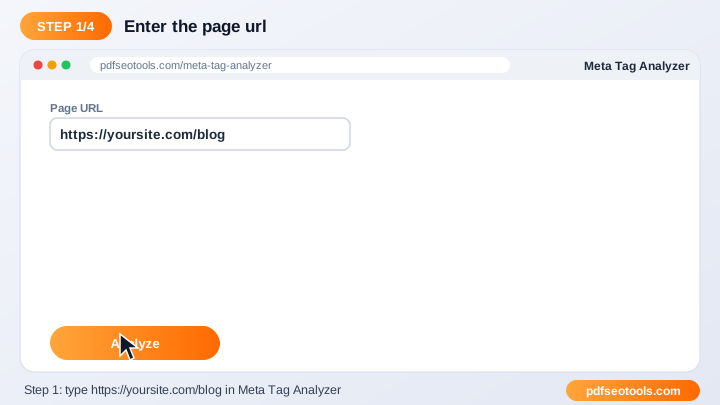
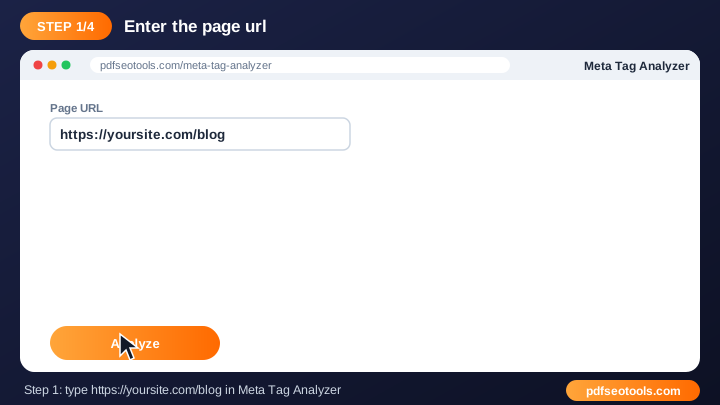
- Enter your page URL or fill in your page details.
- Click the generate / analyze button.
- Review the meta tags and suggestions.
- Copy the code or fix the issues on your website.
Tags Tools – Quick Reference
| Tag | Recommended length | Purpose |
|---|---|---|
| Title | 50–60 characters | Headline in search results |
| Meta description | 140–155 characters | Snippet under the title |
| OG title | 50–60 characters | Social share headline |
| OG description | 65–120 characters | Social share text |
Why Use Our Meta Tag Tools?
- SEO focused Built around the meta tags search engines actually use.
- Instant output Get results or ready-made code in seconds.
- Free Use the tool as often as you like.
- Beginner friendly Clear guidance even if you are new to SEO.
- Works with any CMS WordPress, Blogger, Laravel, Shopify or hand-coded sites.
- Mobile ready Use it from any device.

Tips for Using Tags Tools
- Keep titles around 50–60 characters and descriptions around 150–160 characters.
- Use your main keyword naturally near the start of the title.
- Write a unique title and description for every page.
- Re-check pages after updating your theme or plugins.
Tags Tools – Worked Example
Example: a page titled 'Home' gets few clicks. Changing the title to 'Free PDF Tools – Merge, Convert & Compress | Brand' and writing a 150-character description that matches the search intent makes the result clearer and more clickable.
Tags Tools Glossary
- Title tag
- The clickable headline shown in search results.
- Meta description
- The short summary that often appears under the title.
- Robots tag
- Tells search engines whether to index a page and follow its links.
- Открыть «Graph»
- Tags that control how links look on Facebook, WhatsApp and LinkedIn.
- Twitter card
- Tags that control link previews on X (Twitter).
Helpful Guides for Tags Tools
- 📘How to Write Meta Title and Description Tags for SEOWrite meta titles and descriptions that rank and get clicks: ideal length, keyword placement, examples and mistakes to avoid.
- 📘How to Analyze Meta Tags of Any Web PageCheck the title, description, robots, viewport and og:type of any page, spot missing or duplicate tags and learn how to fix them.
Часто задаваемые вопросы
Are these meta tag tools free?
Да. Каждый инструмент этой категории бесплатен на pdfseotools.com и не требует регистрации.
Работают ли инструменты на телефоне?
Да. Они работают в любом современном браузере на Android, iPhone, Windows и Mac.
Безопасны ли мои данные?
Да. Соединения защищены HTTPS, а загруженные файлы удаляются после обработки.
Нужно ли устанавливать программу или создавать аккаунт?
Нет. Всё работает в браузере на Windows, Mac, Android и iPhone – ничего не нужно скачивать, устанавливать и не нужно создавать аккаунт.
Есть ли ограничение на частоту использования этих инструментов?
Вы можете пользоваться инструментами сколько угодно для обычных повседневных задач. Очень большие файлы или чрезмерное использование могут ограничиваться, чтобы сервис оставался быстрым для всех.
Где найти другие бесплатные инструменты?
Откройте меню или категории на pdfseotools.com, чтобы найти более 150 бесплатных инструментов для PDF, изображений, текста, SEO и разработки.