Инструменты для управления сайтом
Бесплатные инструменты вебмастера: SEO-оценка, XML-карты сайта, редиректы, HTTP-заголовки, QR-коды, минификаторы и мобильные тесты. Быстро, бесплатно и просто.
- Проверка SEO-оценки сайта
- Генератор скриншотов сайта
- Онлайн-просмотр HTML
- Определитель темы WordPress
- Получить HTTP-заголовки
- Редирект через Htaccess
- Тест на мобильную совместимость
- Калькулятор AdSense
- Симулятор разрешения экрана
- Генератор Twitter Card
- Генератор Open Graph
- Форматирование XML
- Минификатор HTML
- Минификатор JavaScript
- Минификатор CSS
- Онлайн-пинг сайта
- Открытие URL
- URL-кодировщик и декодировщик
- Base64 кодирование и декодирование
- Генератор QR-кодов
- Генератор XML-карты сайта
- Редактор HTML
- Массовая проверка email
- Загрузчик видео с Bilibili
- Загрузчик видео с Dailymotion
Бесплатные инструменты вебмастера – SEO, карта сайта и скорость
Бесплатные инструменты вебмастера – SEO, карта сайта и скорость
- 🧰 25 free tools
- 💸 100% бесплатно
- 🔓 Без регистрации
- 📱 Работает на любом устройстве
- 🔒 Безопасный HTTPS
Webmaster tools help you build, optimise and maintain a website – from SEO audits and sitemaps to redirects, minification and QR codes.
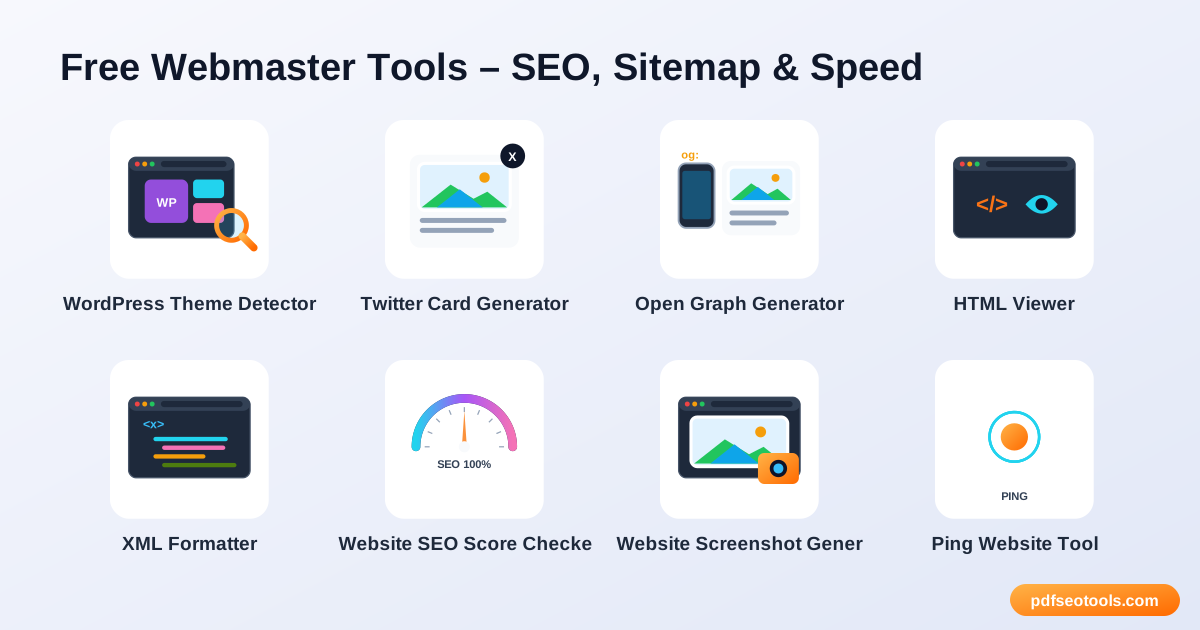
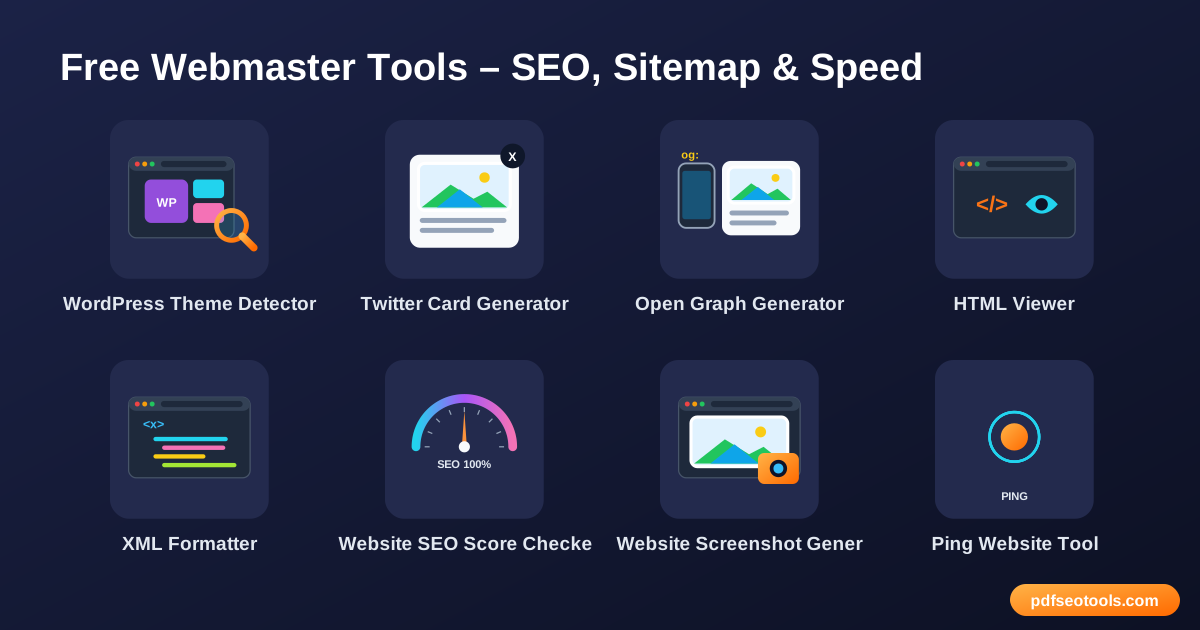
All 25 Free Website Management Tools

 Определитель темы WordPressFind out which WordPress theme and plugins any website is using

 Генератор Twitter CardGenerate Twitter (X) Card meta tags so your links show a rich preview with image, title and description

 Генератор Open GraphCreate Open Graph meta tags for perfect link previews on Facebook, WhatsApp, LinkedIn and more

 Онлайн-просмотр HTMLView and test HTML code online with a live preview

 Форматирование XMLFormat and beautify XML online with proper indentation

 Проверка SEO-оценки сайтаCheck the SEO score of any website for free and get a detailed report with fixes

 Генератор скриншотов сайтаCapture full screenshots of any website online in seconds

 Онлайн-пинг сайтаPing your website and notify search engines and blog directories about new content

 URL-кодировщик и декодировщикEncode and decode URLs online

 Base64 кодирование и декодированиеEncode text to Base64 and decode Base64 back to text online

 Генератор QR-кодовCreate free QR codes for URLs, text, Wi-Fi, phone numbers and more

 Редактор HTMLWrite, edit and preview HTML online with a live editor

 Минификатор HTMLMinify HTML code to reduce page size and speed up your website

 Минификатор JavaScriptMinify JavaScript code online to make files smaller and faster to load

 Минификатор CSSMinify CSS code online to reduce stylesheet size and improve page speed

 Открытие URLОткрыть «multiple URLs at once in new tabs with one click»

 Генератор XML-карты сайтаGenerate an XML sitemap for your website and help Google crawl all your pages

 Получить HTTP-заголовкиCheck the HTTP response headers of any URL – status code, cache, security and redirect headers

 Редирект через HtaccessGenerate .htaccess redirect rules for www, non-www and HTTPS

 Тест на мобильную совместимостьTest whether your website is mobile friendly and see how it looks on phones

 Калькулятор AdSenseEstimate your Google AdSense earnings based on page views, CTR and CPC

 Симулятор разрешения экранаPreview your website at different screen resolutions and device sizes

 Массовая проверка emailValidate email addresses in bulk to check syntax and domain mail servers

 Загрузчик видео с BilibiliDownload Bilibili videos online by pasting the video link

 Загрузчик видео с DailymotionDownload Dailymotion videos online by pasting the video URL
| Tool | Что делает | Ввод / Лучше всего для |
|---|---|---|
| Определитель темы WordPress | Find out which WordPress theme and plugins any website is using | URL or code → result |
| Генератор Twitter Card | Generate Twitter (X) Card meta tags so your links show a rich preview with image, title and description | URL or code → result |
| Генератор Open Graph | Create Open Graph meta tags for perfect link previews on Facebook, WhatsApp, LinkedIn and more | URL or code → result |
| Онлайн-просмотр HTML | View and test HTML code online with a live preview | URL or code → result |
| Форматирование XML | Format and beautify XML online with proper indentation | URL or code → result |
| Проверка SEO-оценки сайта | Check the SEO score of any website for free and get a detailed report with fixes | URL or code → result |
| Генератор скриншотов сайта | Capture full screenshots of any website online in seconds | URL or code → result |
| Онлайн-пинг сайта | Ping your website and notify search engines and blog directories about new content | URL or code → result |
| URL-кодировщик и декодировщик | Encode and decode URLs online | URL or code → result |
| Base64 кодирование и декодирование | Encode text to Base64 and decode Base64 back to text online | URL or code → result |
| Генератор QR-кодов | Create free QR codes for URLs, text, Wi-Fi, phone numbers and more | URL or code → result |
| Редактор HTML | Write, edit and preview HTML online with a live editor | URL or code → result |
| Минификатор HTML | Minify HTML code to reduce page size and speed up your website | URL or code → result |
| Минификатор JavaScript | Minify JavaScript code online to make files smaller and faster to load | URL or code → result |
| Минификатор CSS | Minify CSS code online to reduce stylesheet size and improve page speed | URL or code → result |
| Открытие URL | Открыть «multiple URLs at once in new tabs with one click» | URL or code → result |
| Генератор XML-карты сайта | Generate an XML sitemap for your website and help Google crawl all your pages | URL or code → result |
| Получить HTTP-заголовки | Check the HTTP response headers of any URL – status code, cache, security and redirect headers | URL or code → result |
| Редирект через Htaccess | Generate .htaccess redirect rules for www, non-www and HTTPS | URL or code → result |
| Тест на мобильную совместимость | Test whether your website is mobile friendly and see how it looks on phones | URL or code → result |
| Калькулятор AdSense | Estimate your Google AdSense earnings based on page views, CTR and CPC | URL or code → result |
| Симулятор разрешения экрана | Preview your website at different screen resolutions and device sizes | URL or code → result |
| Массовая проверка email | Validate email addresses in bulk to check syntax and domain mail servers | URL or code → result |
| Загрузчик видео с Bilibili | Download Bilibili videos online by pasting the video link | URL or code → result |
| Загрузчик видео с Dailymotion | Download Dailymotion videos online by pasting the video URL | URL or code → result |
Определитель темы WordPress
The detector scans a site's public source code to identify the WordPress theme name, author and visible plugins – handy when you like a design.
Открыть «Определитель темы WordPress» →Генератор Twitter Card
Twitter Cards control how your page looks when shared on X. A rich card with an image gets more clicks than a plain link.
Открыть «Генератор Twitter Card» →Генератор Open Graph
Открыть «Graph tags (og:title, og:image, og:description) tell social platforms what to display when someone shares your URL.»
Открыть «Генератор Open Graph» →Онлайн-просмотр HTML
An HTML viewer renders your code in the browser so you can see how it looks without creating files or a server.
Открыть «Онлайн-просмотр HTML» →How to Use Our Website Management Tools
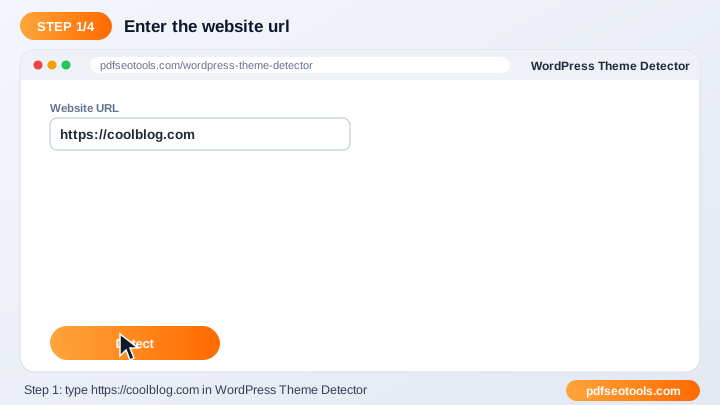
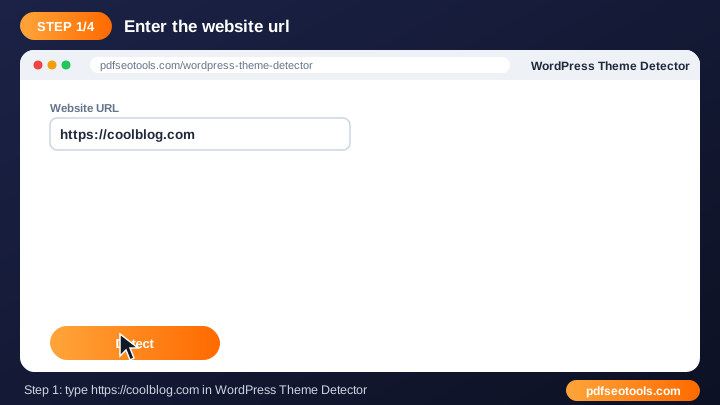
- Enter the URL, code or details requested by the tool.
- Select any options shown on the page.
- Click the main button to run the tool.
- Review, copy or download the result.
Website Management Tools – Quick Reference
| Status code | Meaning | SEO effect |
|---|---|---|
| 200 | OK – page loaded | Indexable |
| 301 | Moved permanently | Passes ranking signals |
| 302 | Moved temporarily | Original URL kept |
| 404 | Not found | Remove or redirect |
| 500 | Server error | Fix quickly |
Why Use Our Webmaster Tools?
- Создан для вебмастеров Решает повседневные задачи сайта в одном месте.
- Быстрые результаты Получайте результат или отчёт за секунды.
- Бесплатно Пользуйтесь инструментом «tool» бесплатно.
- Без технической настройки Чтобы попробовать, не нужны плагины или доступ к серверу.
- Works on any device Desktop, tablet and mobile supported.
- Полезно для SEO Помогает создавать более быстрые, чистые и оптимизированные сайты.

Tips for Using Website Management Tools
- Test changes on a staging site before going live.
- Keep a backup of files before you replace them.
- Re-run the tool after every major update.
- Combine it with our SEO Score Checker for a complete audit.
Website Management Tools – Worked Example
Example: a site can be opened at four addresses – http, https, with and without www. Adding a 301 redirect in .htaccess sends every version to https://www.yoursite.com, so search engines see one preferred URL instead of four duplicates.
Website Management Tools Glossary
- Sitemap
- An XML file listing the URLs you want search engines to crawl.
- 301 redirect
- A permanent redirect that passes ranking signals to the new URL.
- Minification
- Removing unnecessary characters from code to reduce size.
- HTTP headers
- Information a server sends with every response, such as status and caching.
- Core Web Vitals
- Google's page experience metrics for loading, interactivity and visual stability.
Helpful Guides for Website Management Tools
- 📘How to Create an XML Sitemap and Submit It to GoogleBuild an XML sitemap for your website, check it for errors and submit it to Google Search Console so new pages get found and indexed faster.
- 📘How to Check Your Website SEO Score and Improve ItCheck your site's SEO score for free, understand each issue in the report and fix the ones that matter most for higher Google rankings.
- 📘How to Redirect HTTP to HTTPS and www Using .htaccessForce HTTPS and your chosen www or non-www version with one 301 rule in .htaccess – free generator, copy-paste code and how to test it.
- 📘How to Create a QR Code for a Link, Menu or Business CardMake a free QR code for a link, menu, contact card, email or SMS. Tips on size, colours, logos and testing before you print it.
- 📘How to Minify HTML, CSS and JavaScript to Speed Up Your SiteMinify HTML, CSS and JavaScript to cut file size and speed up page loads. What minification removes, when to use it and how to test it.
- 📘12 Free Webmaster Tools Every Website Owner NeedsTwelve free webmaster tools for every site owner: SEO audit, sitemap, robots.txt, redirects, SSL and speed checks in one place.
Часто задаваемые вопросы
Are these webmaster tools free?
Да. Каждый инструмент этой категории бесплатен на pdfseotools.com и не требует регистрации.
Работают ли инструменты на телефоне?
Да. Они работают в любом современном браузере на Android, iPhone, Windows и Mac.
Безопасны ли мои данные?
Да. Соединения защищены HTTPS, а загруженные файлы удаляются после обработки.
Нужно ли устанавливать программу или создавать аккаунт?
Нет. Всё работает в браузере на Windows, Mac, Android и iPhone – ничего не нужно скачивать, устанавливать и не нужно создавать аккаунт.
Есть ли ограничение на частоту использования этих инструментов?
Вы можете пользоваться инструментами сколько угодно для обычных повседневных задач. Очень большие файлы или чрезмерное использование могут ограничиваться, чтобы сервис оставался быстрым для всех.
Где найти другие бесплатные инструменты?
Откройте меню или категории на pdfseotools.com, чтобы найти более 150 бесплатных инструментов для PDF, изображений, текста, SEO и разработки.