
Rate this tool
How was your experience with the SEO Compare?
Be the first to rate this tool
Share on Social Media:
SEO Compare: Compare Your Page with Competitors
SEO Compare puts your page next to one or two competitors and compares the on-page factors that matter: title and description length, headings, word count, internal and external links, image alt text, schema, Open Graph, speed and more.
Winners are highlighted, and you get a list of concrete improvements for your page.
Key Features of the SEO Compare
- Compare 2–3 pages side by side
- SEO score out of 100
- 20+ on-page metrics
- Winners highlighted in green
- Personal improvement tips
- Download as CSV
How to Use the SEO Compare
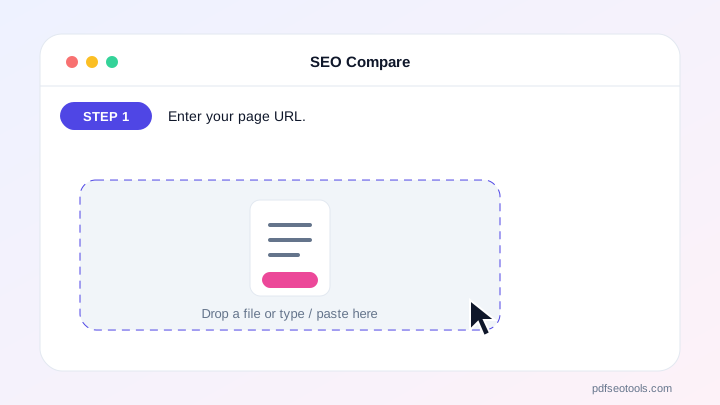
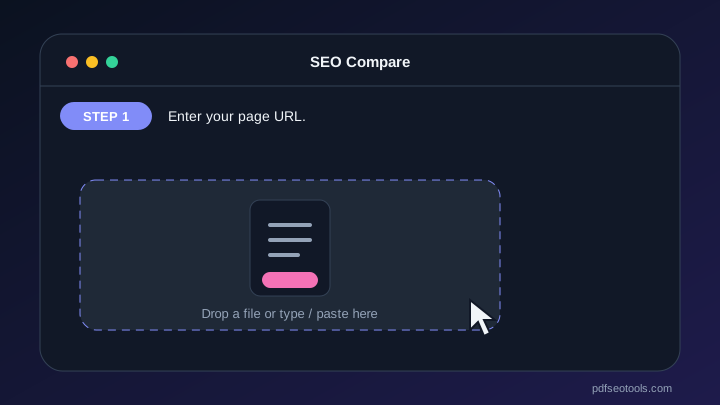
- Enter your page URL.
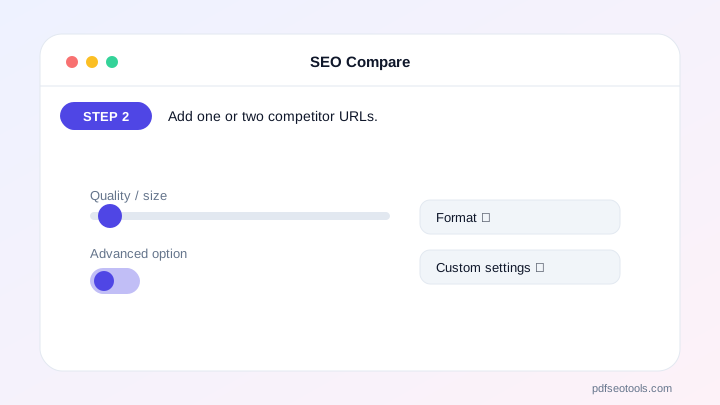
- Add one or two competitor URLs.
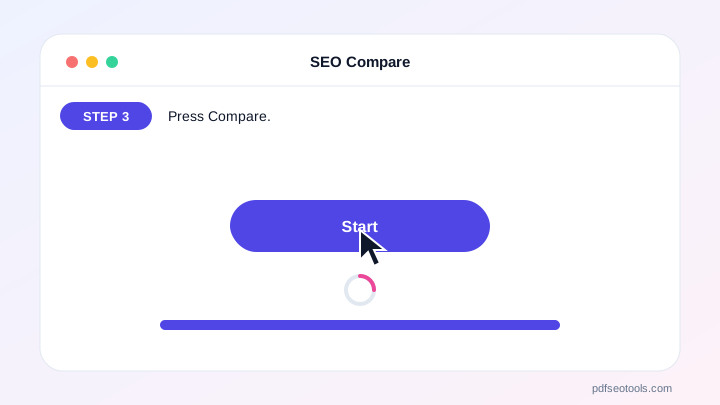
- Press Compare.
- Apply the tips and compare again.
Why Choose PDF SEO Tools?
PDF SEO Tools is free, needs no sign-up and runs over a secure HTTPS connection. The SEO Compare works on phone and computer and gives clear results in seconds, and is updated regularly with new features.
SEO Compare: Frequently Asked Questions
Which competitors should I compare?
Pages that rank on page one of Google for your main keyword.
Does a higher score guarantee better rankings?
No. On-page basics help, but backlinks, content quality and user satisfaction matter a lot too.
Why is word count important?
Pages that cover a topic fully often rank better – but quality matters more than length.
Can I compare any website?
Most public pages work; some sites block automated checks.
Is it free?
Yes.



