
Rate this tool
How was your experience with the SERP Preview Tool?
Be the first to rate this tool
Share on Social Media:


SERP Preview Tool: See How Your Page Looks in Google
The SERP Preview Tool shows how your page title, URL and meta description will look in Google’s search results before you publish. It measures the title in pixels – the way Google actually cuts titles – instead of only counting characters.
A clear, complete snippet gets more clicks, so this tool is a quick way to improve click-through rate on pages that already rank.
Key Features of the SERP Preview Tool
- Live Google-style preview for desktop and mobile Live Google-style preview for desktop and mobile
- Title width measured in pixels (about 600 px limit) Title width measured in pixels (about 600 px limit)
- Character counter for meta descriptions with warnings Character counter for meta descriptions with warnings
- Breadcrumb-style URL display like real results Breadcrumb-style URL display like real results
- Optional date to preview article snippets Optional date to preview article snippets
- Copy ready-to-paste title and meta description tags Copy ready-to-paste title and meta description tags
How to Use the SERP Preview Tool
- Type or paste your page title.
- Add the page URL and your meta description.
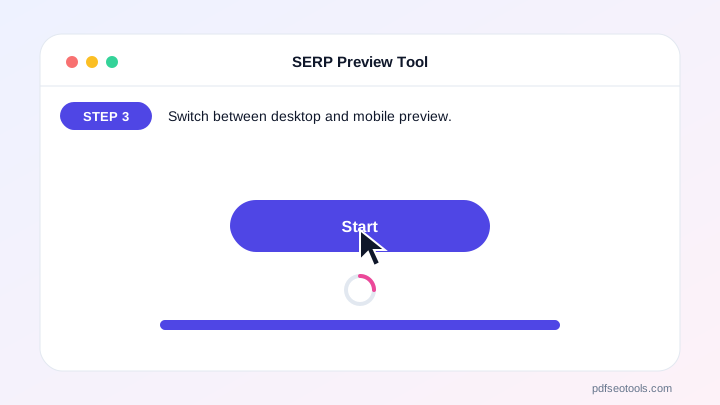
- Switch between desktop and mobile preview.
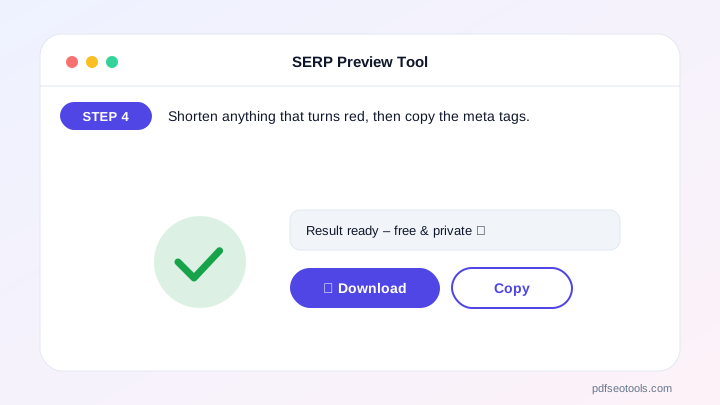
- Shorten anything that turns red, then copy the meta tags.
Why Choose PDF SEO Tools?
Every tool on PDF SEO Tools is free, needs no sign-up and runs over a secure HTTPS connection. The SERP Preview Tool works directly in your browser on phone, tablet and computer, so results appear instantly and your data stays on your device.
SERP Preview Tool: Frequently Asked Questions
How long should a title tag be?
Google cuts titles at roughly 600 pixels, which is usually 50–60 characters. Put the main keyword near the start so it stays visible.
How long should a meta description be?
Aim for about 120–158 characters. Google may cut longer descriptions or replace them with text from your page.
Will Google always show my meta description?
No. Google often rewrites snippets to match the search query. A clear, relevant description makes it more likely Google uses yours.
Why measure in pixels instead of characters?
Letters have different widths – “W” is much wider than “i”. Pixel measurement shows exactly when Google will cut the title.
Does a better snippet improve rankings?
Not directly, but a more attractive snippet can raise click-through rate, which brings more visitors from the same ranking.



