
Rate this tool
How was your experience with the Sign PDF?
Be the first to rate this tool
Share on Social Media:
Sign PDF: Draw, Type or Upload Signature
Sign PDF lets you add a handwritten-style signature to contracts, forms and letters in seconds. Draw it with your finger or mouse, type your name in a signature font, or upload a picture of your signature.
Tap where it should go, adjust the size, add today’s date if you like, and download the signed PDF – all inside your browser.
Key Features of the Sign PDF
- Draw, type or upload a signature
- Choose ink colour and pen thickness
- Place it anywhere by tapping the page
- Resize and add multiple signatures
- Optional date under the signature and “every page” mode
- Private – the PDF never leaves your device
How to Use the Sign PDF
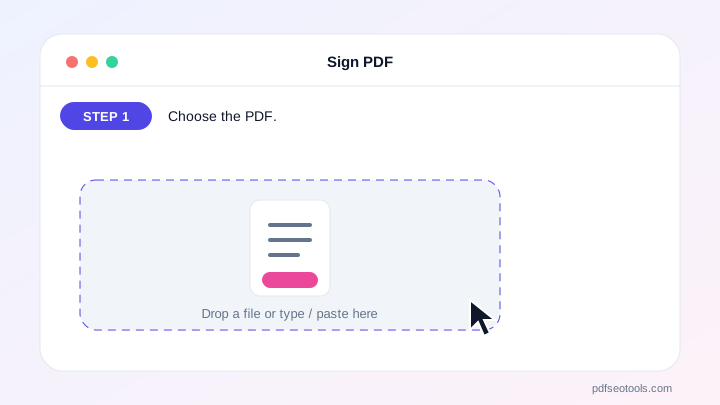
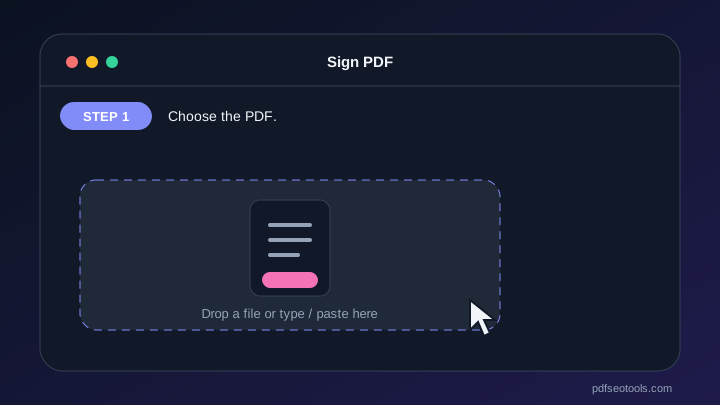
- Choose the PDF.
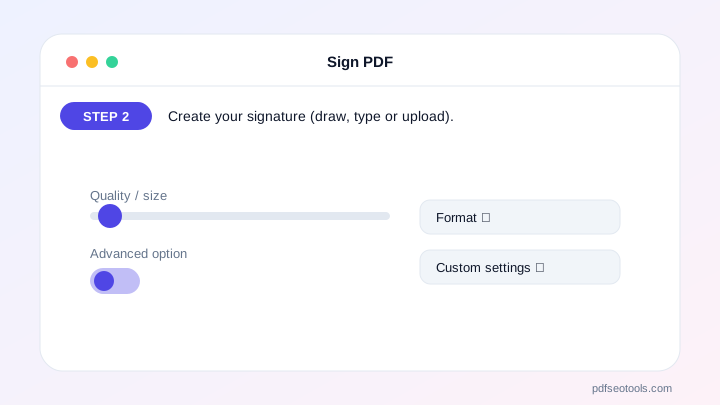
- Create your signature (draw, type or upload).
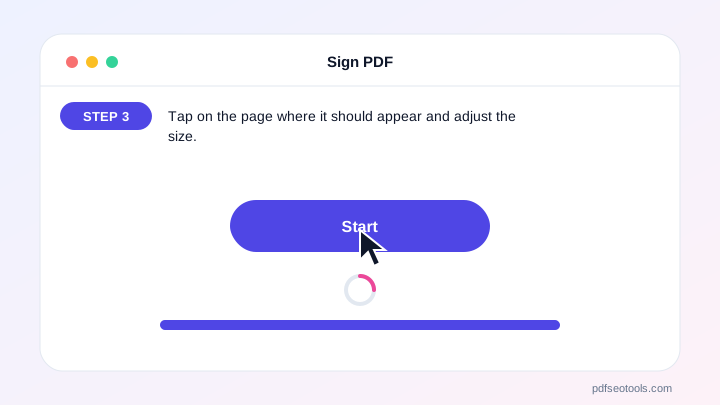
- Tap on the page where it should appear and adjust the size.
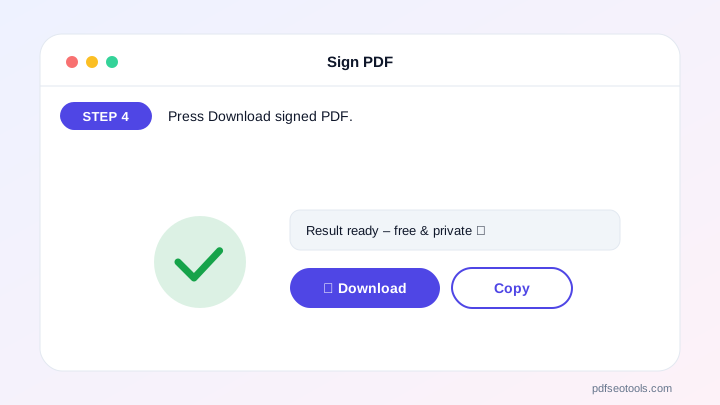
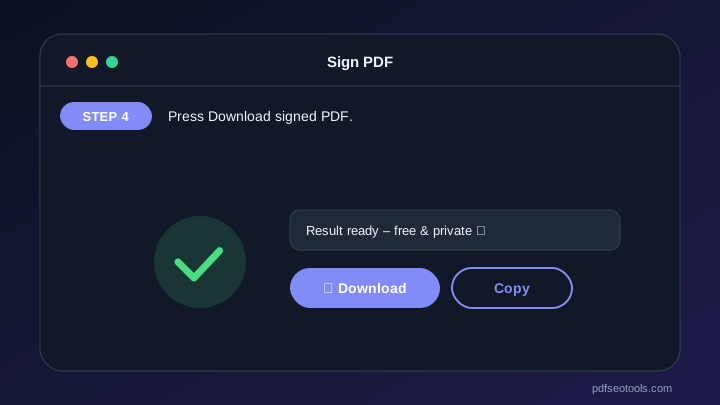
- Press Download signed PDF.
Why Choose PDF SEO Tools?
PDF SEO Tools is free, needs no sign-up and runs over a secure HTTPS connection. The Sign PDF works on phone and computer, processes your files directly in your browser so they stay private, and is updated regularly with new features.
Sign PDF: Frequently Asked Questions
Is an electronic signature legally valid?
Simple electronic signatures are accepted for many everyday documents in most countries, but some contracts need certified digital signatures. Check the rules for your document.
Can I sign on my phone?
Yes. Draw the signature with your finger and tap on the page to place it.
Can I add my signature to every page?
Yes, tick “Every page” before tapping the page.
Is this a certified digital signature?
No. It places an image of your signature on the page. For certificate-based signing use a dedicated digital signature service.
Is my document uploaded?
No. Signing happens entirely in your browser.



