
YouTube Monetization Checker
YouTube does not publish whether a channel is monetized or its exact watch hours. This tool estimates eligibility from public data (subscribers, uploads, recent views) – treat it as a guide, not an official answer.
Rate this tool
How was your experience with the YouTube Monetization Checker?
Be the first to rate this tool
Share on Social Media:

YouTube Monetization Checker: Is a Channel Monetized?
The YouTube Monetization Checker estimates whether a channel meets the YouTube Partner Program requirements, using public data: subscribers, total views, recent uploads, video length and activity.
It also estimates monthly views and a realistic earnings range.
Key Features of the YouTube Monetization Checker
- Works with channel link, @handle or ID
- Subscribers, views, videos and last upload
- Partner Program checklist
- Rough watch-hours estimate
- Likelihood verdict
- Monthly earnings range
How to Use the YouTube Monetization Checker
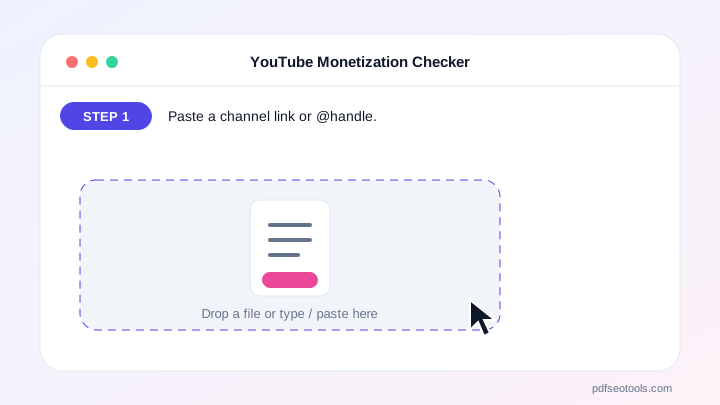
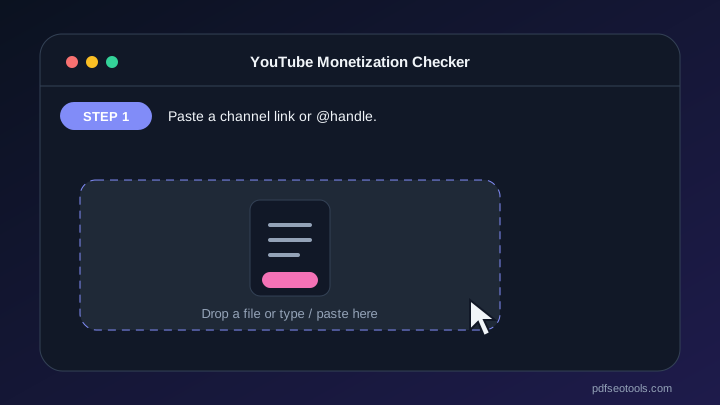
- Paste a channel link or @handle.
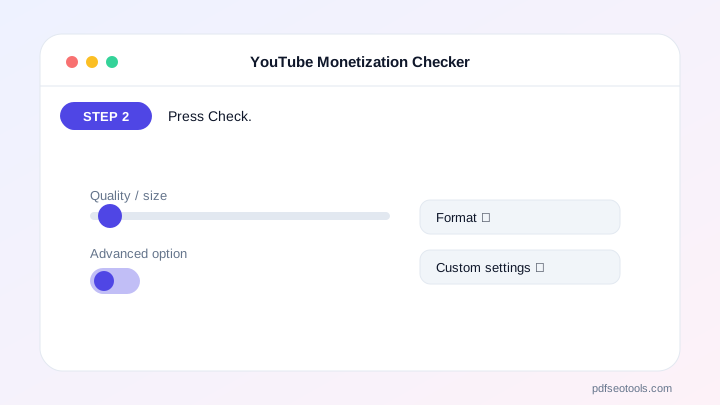
- Press Check.
- Read the checklist and verdict.
- Use the earnings estimate as a guide.
Why Choose PDF SEO Tools?
PDF SEO Tools is free, needs no sign-up and runs over a secure HTTPS connection. The YouTube Monetization Checker works on phone and computer and gives clear results in seconds, and is updated regularly with new features.
YouTube Monetization Checker: Frequently Asked Questions
Can anyone see if a channel is monetized?
Not officially. YouTube does not publish it; this tool estimates from public data.
What are the YPP requirements?
1,000 subscribers plus 4,000 public watch hours in 12 months, or 10 million Shorts views in 90 days.
How accurate is the earnings estimate?
It is a rough range – real income depends on audience country, niche and ads shown.
Why are subscribers hidden?
Some channels hide their subscriber count in settings.
Is it free?
Yes.



