AI Content Detector
The AI Content Detector checks whether a piece of text was written by a person or generated by AI tools such as ChatGPT, Gemini or Claude. You get a human score, the share of AI-written content and the sentences that look machine-made highlighted in red.
Likely AIPossibly AIRewritten by Pass AI Detection
Content Quality Score
Add content to detect
AI generated text
AI generated text
Human Written ContentN/A
AI Written ContentN/A
🧑🎨Humanize Full Textwith AI Humanizer→
Check Plagiarism
Rate this tool
How was your experience with the AI Content Detector?
Be the first to rate this tool
Share on Social Media:
Know If Your Text Sounds Human or AI
Check if text is AI-generated or human-written. Get a human score, AI percentage, highlighted AI sentences and tips to pass AI detection – free. The AI Content Detector checks whether a piece of text was written by a person or generated by AI tools such as ChatGPT, Gemini or Claude. You get a human score, the share of AI-written content and the sentences that look machine-made highlighted in red.
People rely on the AI Content Detector for human score and AI-written percentage, aI-looking sentences highlighted in red, reasons for the score and tips to sound human and aI review plus writing-pattern analysis. Everything happens in your browser, so there is nothing to download, nothing to set up and no account to create – you get a clean result in seconds and can get back to your work.
How the AI Content Detector Works
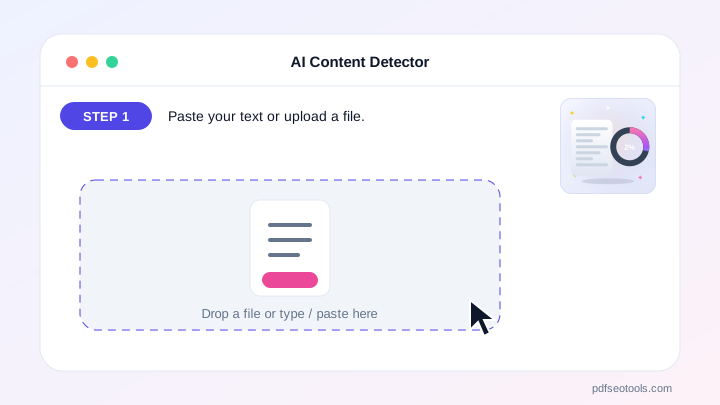
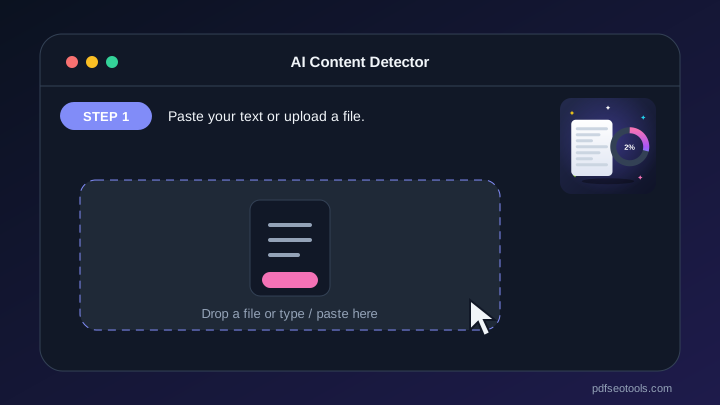
- Step 1: Paste your text or upload a file.
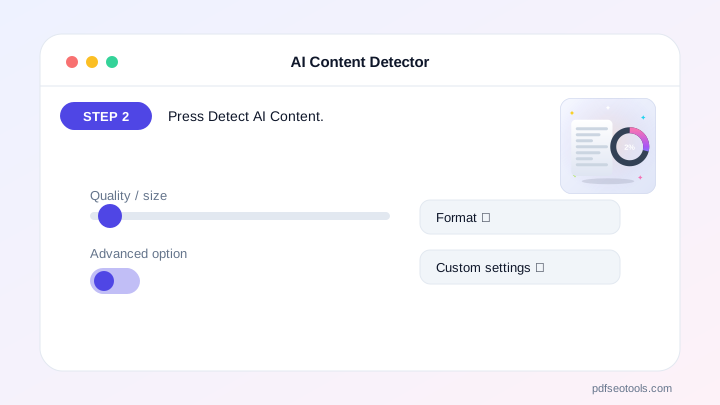
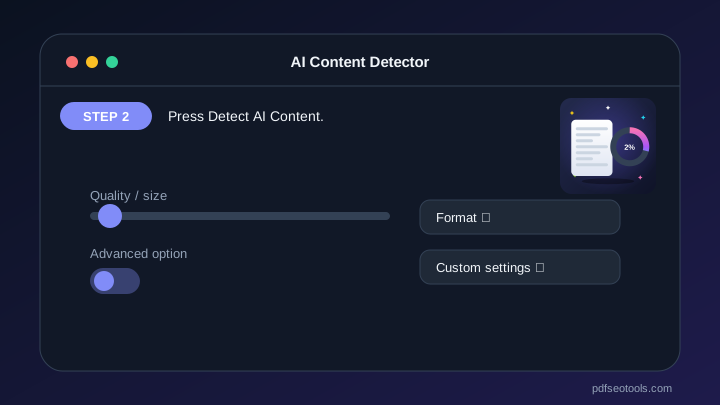
- Step 2: Press Detect AI Content.
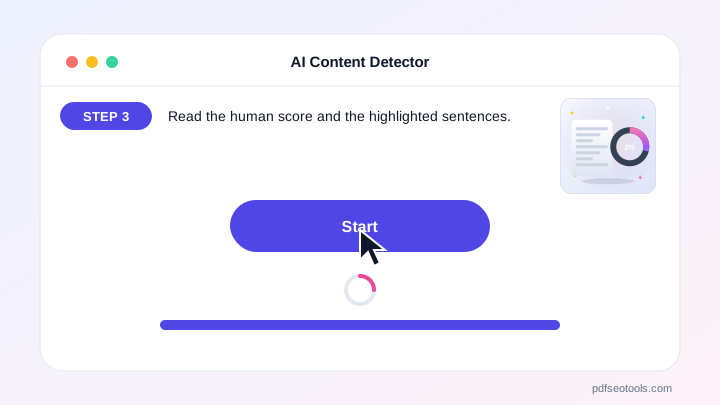
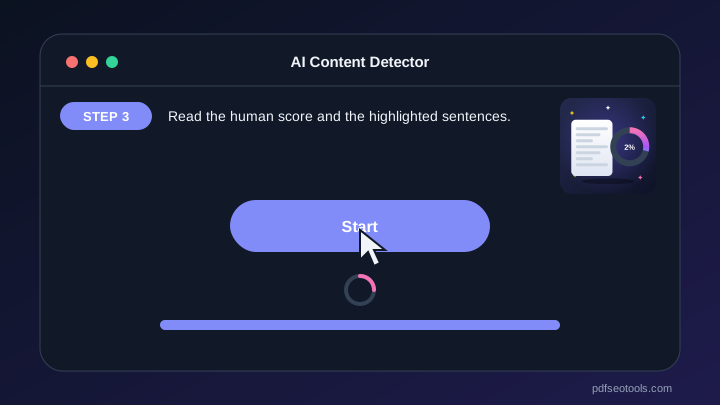
- Step 3: Read the human score and the highlighted sentences.
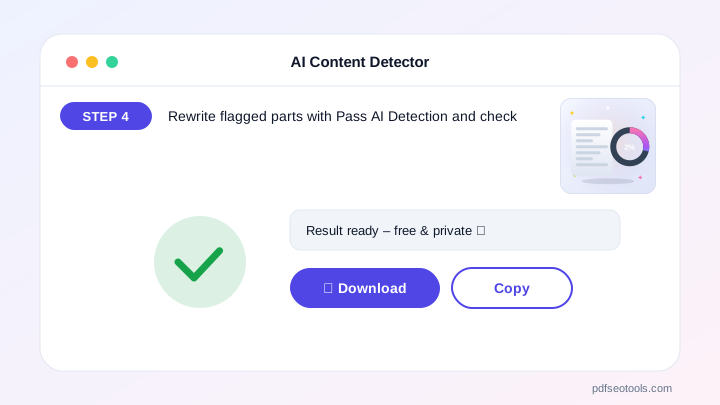
- Step 4: Rewrite flagged parts with Pass AI Detection and check again.
Why People Choose Our AI Content Detector
- No account required Open the page and start immediately – no registration, no email address and no trial period.
- Encrypted HTTPS connection Everything you send travels over a secure, encrypted connection.
- Nothing is published or shared The data you enter is used only to show your result. It is never published, sold or shared.
- Works on every device The layout adapts to phones, tablets and desktops, and runs in Chrome, Safari, Firefox and Edge.
- Free with no hidden limits Use it as often as you need for everyday tasks – no watermark and no surprise charges.
- AI with automatic fallback Several AI providers keep the AI Content Detector fast and reliable.
- Upload documents Fill the text box from TXT, PDF or Word files.
Key Features of the AI Content Detector
- Human score and AI-written percentage Human score and AI-written percentage – free and works on phone and computer.
- AI-looking sentences highlighted in red AI-looking sentences highlighted in red – free and works on phone and computer.
- Reasons for the score and tips to sound human Reasons for the score and tips to sound human – free and works on phone and computer.
- AI review plus writing-pattern analysis AI review plus writing-pattern analysis – free and works on phone and computer.
- Upload TXT, DOCX or PDF – up to 2,000 words Upload TXT, DOCX or PDF – up to 2,000 words – free and works on phone and computer.
- Pass AI Detection link to rewrite flagged text Pass AI Detection link to rewrite flagged text – free and works on phone and computer.
AI Content Detector: Frequently Asked Questions
Is the AI Content Detector free?
Yes – check up to 2,000 words per scan with no sign-up.
Which AI tools can it detect?
It looks for patterns typical of ChatGPT, Gemini, Claude, Copilot and similar AI writers.
How accurate is it?
No AI detector is 100% accurate. Treat the score as an estimate and review the highlighted sentences yourself.
Is the AI Content Detector safe and private?
Yes. Everything travels over a secure HTTPS connection, and the data you enter is used only to show your result – it is never published or sold. You do not need an account, and the tool works the same way on phones, tablets and computers.
Related Free Tools
- AI HumanizerHumanize AI text free.
- Plagiarism CheckerCheck plagiarism free online.
- Grammar CheckerCheck grammar, spelling, punctuation and clarity free in 30+ languages.
Start Using the AI Content Detector
Ready to try it? Open the AI Content Detector at the top of this page, paste your text or upload a file and see the result in seconds.
Bookmark PDF SEO Tools to keep 150+ free tools for PDFs, images, text, SEO and development one tap away.
Something not working, or missing a feature you need? Tell our support team – we read every message.