AI Humanizer
The AI Humanizer edits text that sounds stiff or robotic so it reads like a careful human writer: varied sentence length, natural transitions, plain words and no overused AI phrases.
0/8000
AI can make mistakes – please check important facts. Your input is sent to the AI provider only to create the result and is not stored on this website.
Rate this tool
How was your experience with the AI Humanizer?
Be the first to rate this tool
Share on Social Media:

Create Better Content in Seconds with AI
Turn stiff, robotic AI text into natural, human-sounding writing. Varied sentences, plain words, same meaning – free AI humanizer, no sign-up. The AI Humanizer edits text that sounds stiff or robotic so it reads like a careful human writer: varied sentence length, natural transitions, plain words and no overused AI phrases.
People rely on the AI Humanizer for removes robotic phrases and clichés, varies sentence length and rhythm, five styles including conversational and storytelling and keeps your meaning and facts. Everything happens in your browser, so there is nothing to download, nothing to set up and no account to create – you get a clean result in seconds and can get back to your work.
How the AI Humanizer Works
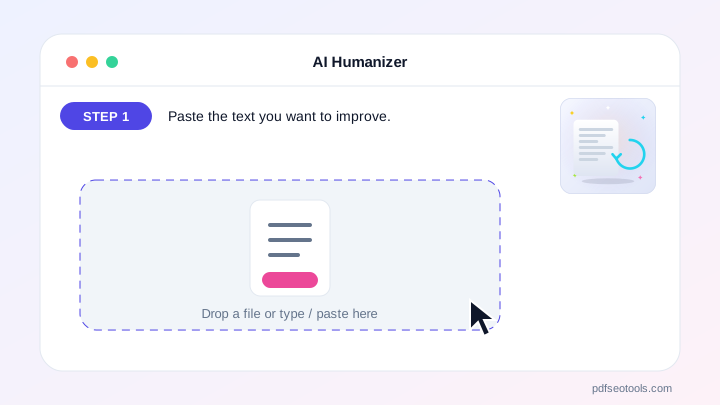
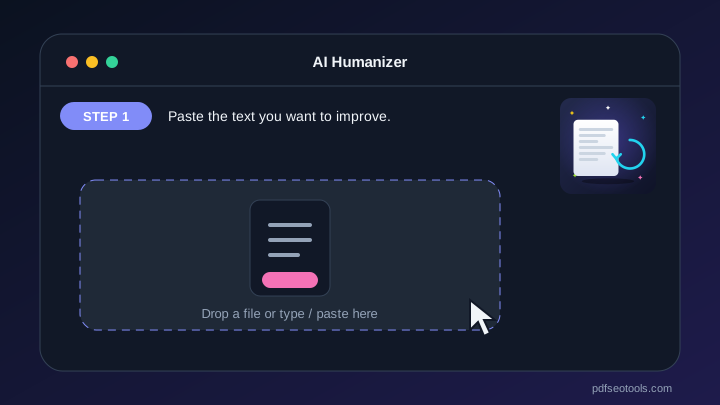
- Step 1: Paste the text you want to improve.
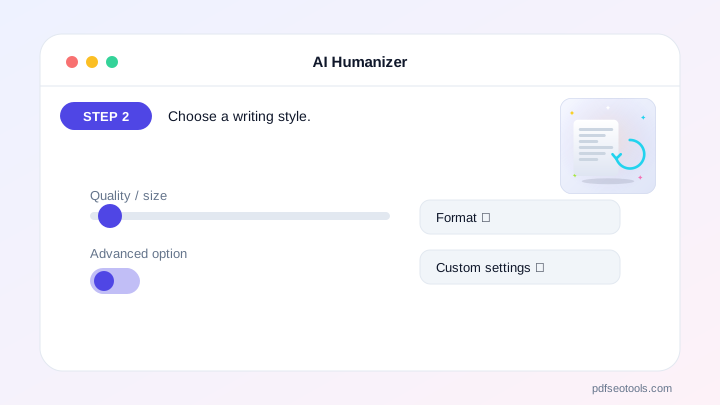
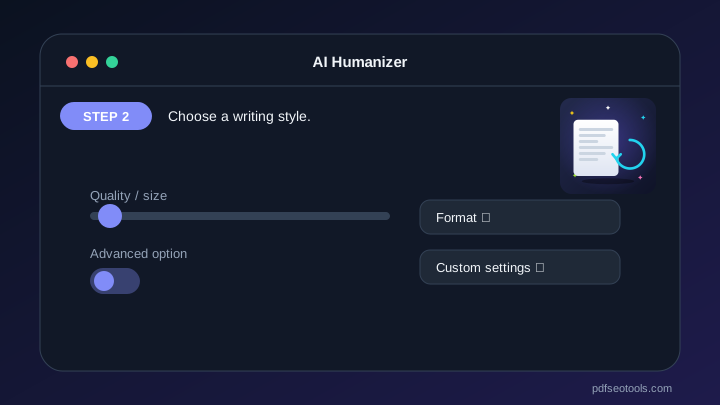
- Step 2: Choose a writing style.
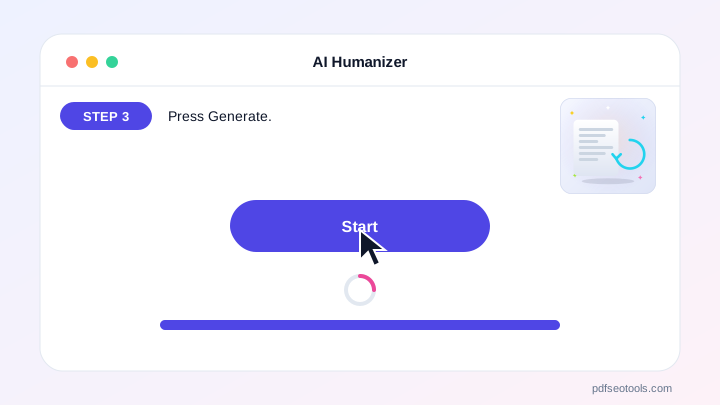
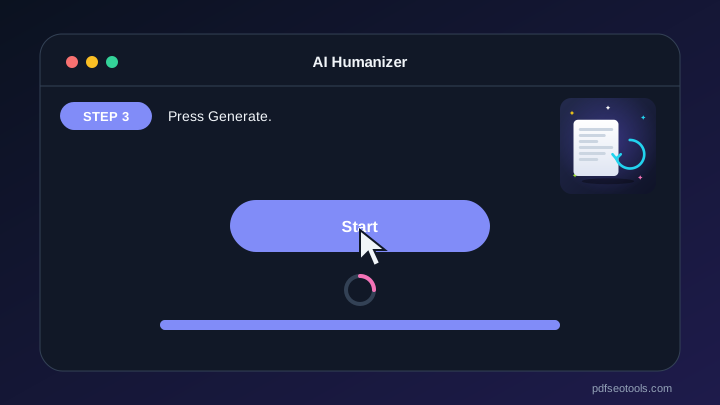
- Step 3: Press Generate.
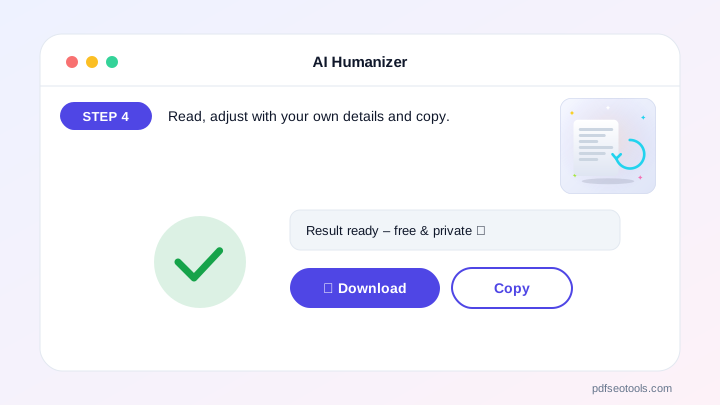
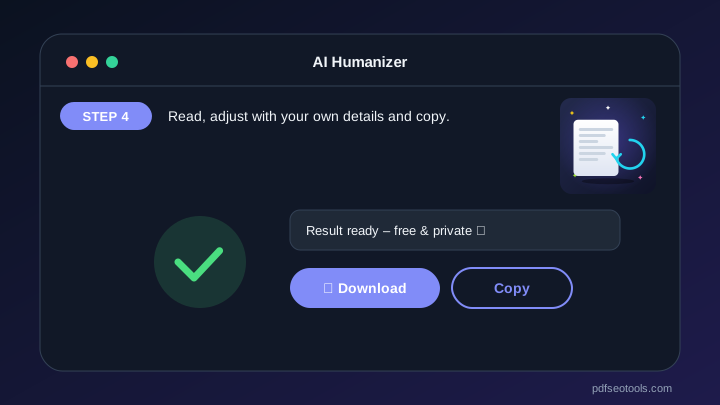
- Step 4: Read, adjust with your own details and copy.
Why People Choose Our AI Humanizer
- No account required Open the page and start immediately – no registration, no email address and no trial period.
- Encrypted HTTPS connection Everything you send travels over a secure, encrypted connection.
- Nothing is published or shared The data you enter is used only to show your result. It is never published, sold or shared.
- Works on every device The layout adapts to phones, tablets and desktops, and runs in Chrome, Safari, Firefox and Edge.
- Free with no hidden limits Use it as often as you need for everyday tasks – no watermark and no surprise charges.
- AI with automatic fallback Several AI providers keep the AI Humanizer fast and reliable.
- Upload documents Fill the text box from TXT, PDF or Word files.
Why the AI Humanizer Saves You Time
Use it to polish drafts, emails, product descriptions and blog posts – then add your own examples and opinions for the best result.
Everything happens on one clean page that works the same on Android, iPhone, Windows and Mac – no app, no account and no learning curve.
Who Uses the AI Humanizer?
Bloggers, students, marketers and YouTube creators use the AI Humanizer to write faster, avoid writer’s block and polish drafts before publishing. It is equally useful for one-off tasks and for people who need the same job done every day.
- Everyday users Quick answers without installing software.
- Professionals Reliable results that fit into daily work.
- Students Free help for school, college and projects.
- Small businesses Save time and money on routine tasks.
Tips to Get the Best Results
Give the AI a clear topic, audience and tone – the more specific your input, the better the result.
Read every result once and add your own facts, examples and opinions before you publish.
Use Regenerate to compare several versions and combine the best parts.
Key Features of the AI Humanizer
- Removes robotic phrases and clichés Built right into the AI Humanizer, so you get it without extra steps or software.
- Varies sentence length and rhythm Works the same on phone and computer, and the result appears in seconds.
- Five styles including conversational and Five styles including conversational and storytelling
- Keeps your meaning and facts Designed to save time on everyday tasks while keeping your data private.
- Works in many languages Gives clear, ready-to-use results you can copy or download in one tap.
- Copy, download, regenerate and history Tested on Chrome, Safari, Firefox and Edge for reliable results.
AI Humanizer: Frequently Asked Questions
Will this help text pass AI detectors?
Our goal is readable, natural writing, not tricking detectors. Detectors are unreliable; the best approach is adding your own knowledge and experience.
Does it change my facts?
No. It is told to keep meaning and facts. Always review the result.
What is the best style for blogs?
Conversational or Natural usually reads best for blog posts.
Is the AI Humanizer safe and private?
Yes. Everything travels over a secure HTTPS connection, and the data you enter is used only to show your result – it is never published or sold. You do not need an account, and the tool works the same way on phones, tablets and computers.
Related Free Tools
- AI DetectorEstimate whether text was written by AI, with a likelihood score, reasons and tips to make writing more personal.
- AI YouTube Title GeneratorGenerate 10 catchy, honest YouTube titles under 70 characters from your video topic.
- AI YouTube Description GeneratorWrite SEO-friendly YouTube descriptions with a strong hook, summary, timestamp placeholders and hashtags.
- AI Thumbnail Idea GeneratorGet 6 YouTube thumbnail concepts with image idea, text overlay, colours and layout.
- AI Script GeneratorWrite video scripts with a strong hook, clear sections, on-screen text and call to action.
- AI Thumbnail AnalyzerUpload a YouTube thumbnail and get scores for clarity, text, contrast, emotion and curiosity, plus 5 specific improvements.
Start Using the AI Humanizer
Ready to try it? Open the AI Humanizer at the top of this page, paste the text you want to improve and see the result in seconds.
Bookmark PDF SEO Tools to keep 150+ free tools for PDFs, images, text, SEO and development one tap away.
Something not working, or missing a feature you need? Tell our support team – we read every message.