
Rate this tool
How was your experience with the Change Video Speed?
Be the first to rate this tool
Share on Social Media:


Change Video Speed: Slow Motion & Fast Forward
Change Video Speed makes slow-motion clips, faster tutorials or time-lapse videos in a few clicks. Choose from 0.5× to 4× and keep the voice pitch natural.
The new length is shown before you start, and your video never leaves your browser.
Key Features of the Change Video Speed
- Speeds from 0.5× to 4×
- Natural voice pitch option
- New length preview
- Sound kept up to 2×
- MP4 or WebM output
- No upload, no watermark
How to Use the Change Video Speed
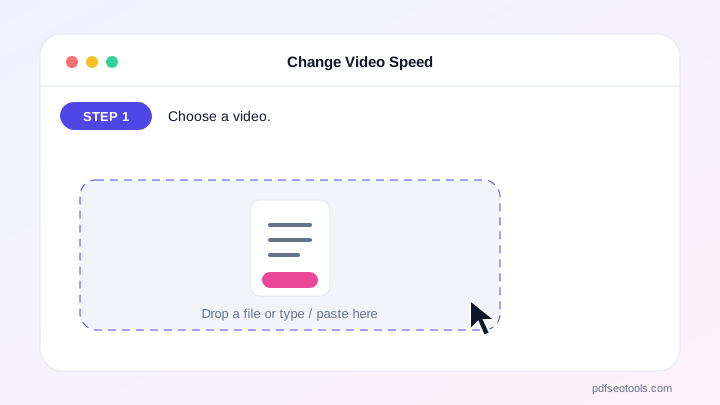
- Choose a video.
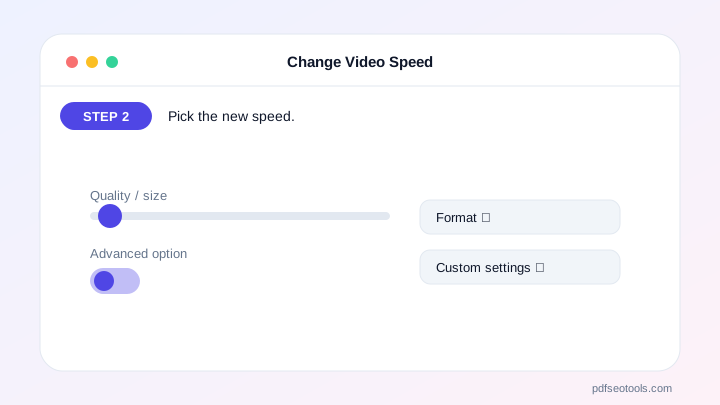
- Pick the new speed.
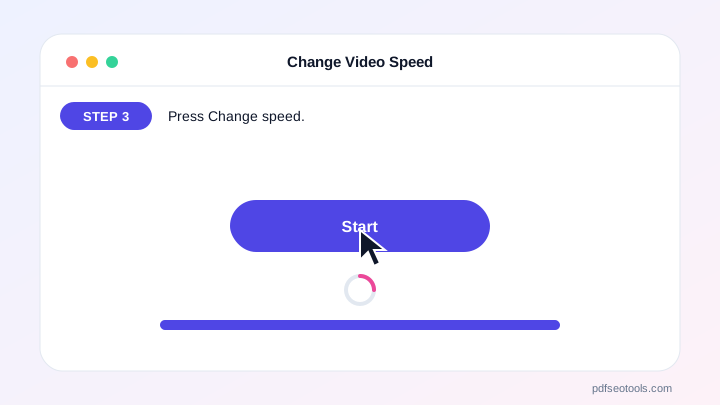
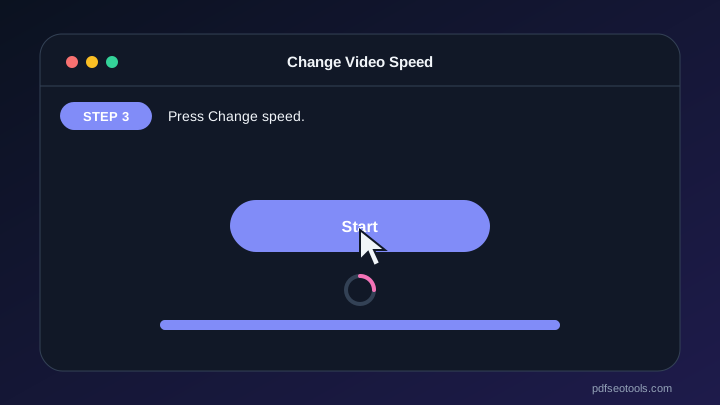
- Press Change speed.
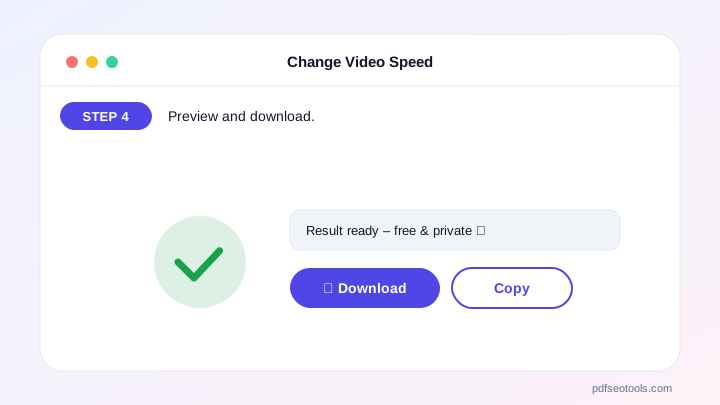
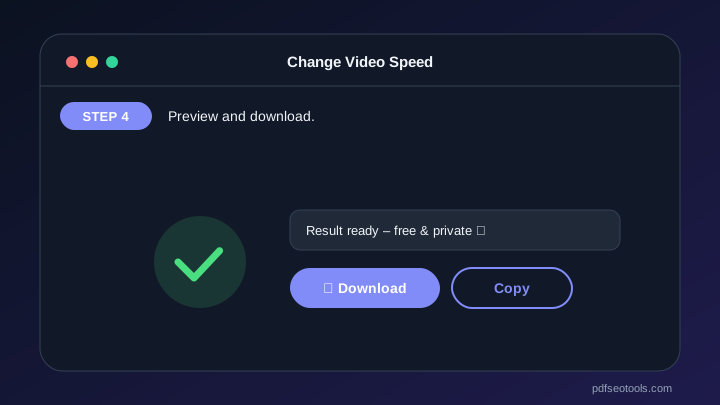
- Preview and download.
Why Choose PDF SEO Tools?
PDF SEO Tools is free, needs no sign-up and runs over a secure HTTPS connection. The Change Video Speed works on phone and computer, processes your files directly in your browser so they stay private, and is updated regularly with new features.
Change Video Speed: Frequently Asked Questions
How long does processing take?
About the length of the new video – a 60 s video at 2× takes about 30 s.
Why is there no sound at 3× or 4×?
Very fast audio is not useful, so sound is removed above 2×.
What does “keep voice pitch” do?
It stops voices sounding like chipmunks (fast) or very deep (slow).
Can I make slow motion?
Yes, choose 0.5× or 0.75×.
Is my video uploaded?
No.



