Video Tools
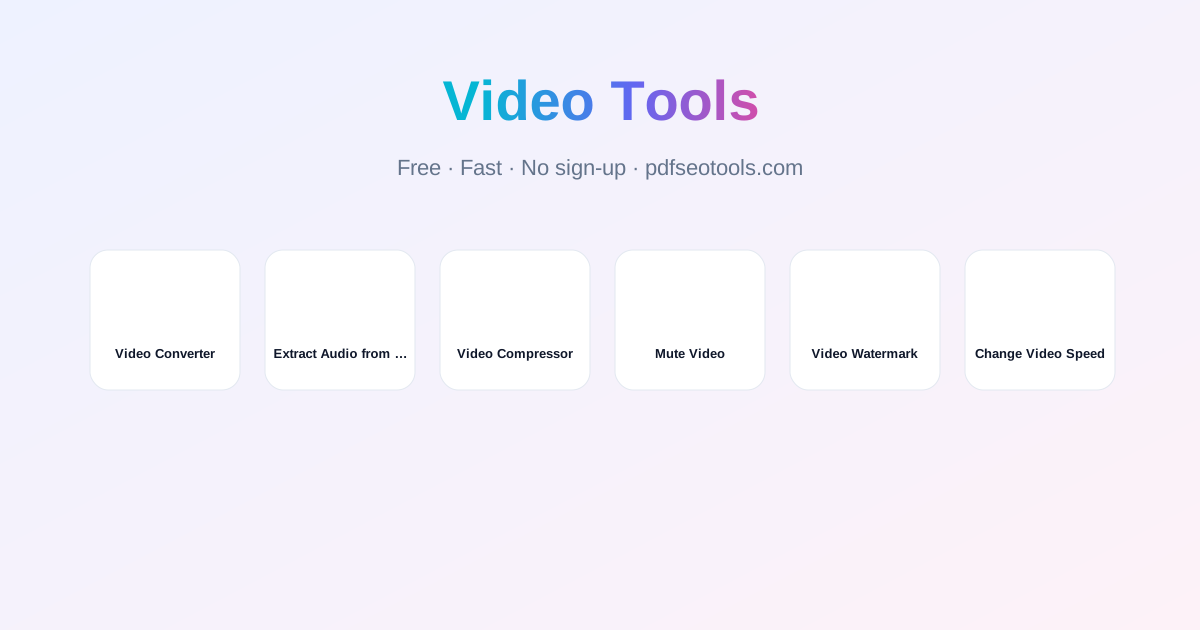
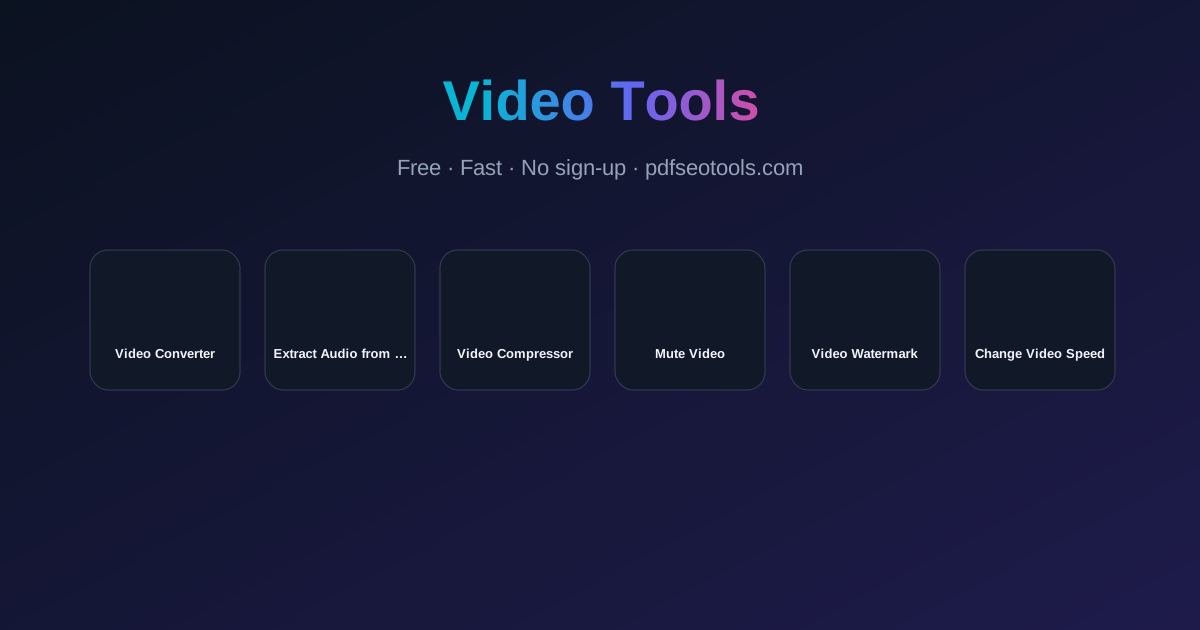
Free online video tools: convert to MP4, compress, mute, add watermark, change speed and extract audio as MP3. Works on phone and computer, no sign-up.
Free Online Video Tools – Convert, Compress & Edit
Video tools let you convert, shrink and edit short clips without installing software – perfect for WhatsApp, Instagram, YouTube Shorts, presentations and websites.
What can you do with these video tools?
Convert videos to MP4, WebM and more, compress large files, remove the sound, add a text or logo watermark, speed up or slow down a clip, and pull out the audio as MP3 or WAV.
All Video Tools
- Video Converter – Convert videos to MP4 or WebM in your browser. Change resolution, frame rate and keep or remove sound – free, private vi
- Extract Audio from Video – Extract the audio from any video and save it as MP3 or WAV. Trim start and end, mono or stereo, normalize volume – free,
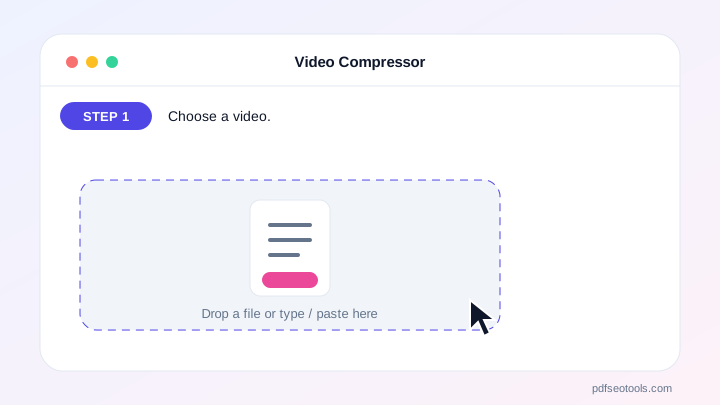
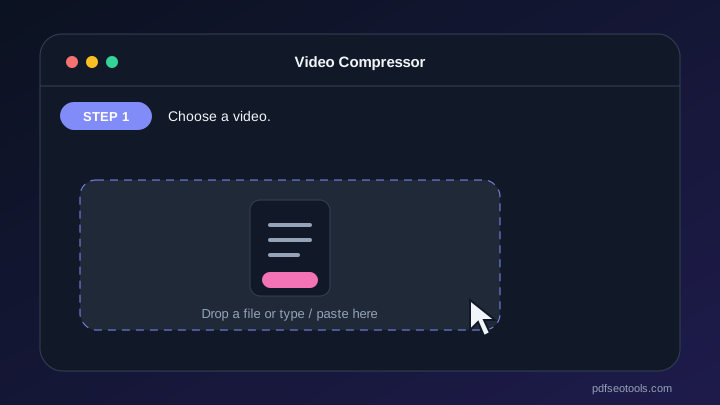
- Video Compressor – Compress videos online to reduce file size for WhatsApp, email and websites. Choose compression level and resolution, se
- Mute Video – Remove the sound from any video or lower its volume online. Free, private video muter that works in your browser – no up
- Video Watermark – Add a text or logo watermark to videos online. Choose position, size, colour, opacity or tiled pattern – free, private,
- Change Video Speed – Speed up or slow down videos online: 0.5× slow motion to 4× time-lapse, with natural voice pitch. Free, private – no upl
Server mode or browser mode
When server processing is available you get fast results in all formats (up to 50 MB and 5 minutes). Browser mode keeps your video completely private on your device – it plays the video once while recording the new version.
Choosing the right settings
For WhatsApp, 720p with medium compression is a good balance. For YouTube, keep the original resolution. Use “keep voice pitch” when you change speed so voices still sound natural.
Privacy and safety
Files processed on the server are deleted automatically after one hour, and browser-mode files never leave your device.
Video Tools: Frequently Asked Questions
Which video formats are supported?
MP4, WebM and MOV from phones work everywhere; server mode also supports AVI, MKV, FLV and WMV.
Is there a size limit?
Server mode accepts up to 50 MB and 5 minutes; browser mode has no fixed limit but large files are slower on phones.
Do the tools add a watermark?
No – only the Video Watermark tool adds the watermark you choose.
Can I extract MP3 from a video?
Yes, use Extract Audio from Video and choose MP3.
New Free Tools in Video Tools

 Video Converter
Convert videos to MP4 or WebM in your browser. Change resolution, frame rate and keep or remove sound – free,...
 Extract Audio from Video
Extract the audio from any video and save it as MP3 or WAV. Trim start and end, mono or stereo, normalize volu...
 Video Compressor
Compress videos online to reduce file size for WhatsApp, email and websites. Choose compression level and reso...
 Mute Video
Remove the sound from any video or lower its volume online. Free, private video muter that works in your brows...
 Video Watermark
Add a text or logo watermark to videos online. Choose position, size, colour, opacity or tiled pattern – free,...
 Change Video Speed
Speed up or slow down videos online: 0.5× slow motion to 4× time-lapse, with natural voice pitch. Free, privat...