
Rate this tool
How was your experience with the Extract Audio from Video?
Be the first to rate this tool
Share on Social Media:


Extract Audio from Video: MP4 to MP3 Online Free
Extract Audio from Video saves the soundtrack of a video as an MP3 or WAV file – perfect for music, lectures, podcasts and voice notes.
Trim the part you need, choose quality, switch to mono and even normalize the volume, all inside your browser.
Key Features of the Extract Audio from Video
- MP3 (96–320 kbps) or lossless WAV
- Trim by start and end time
- Stereo or mono
- Normalize, boost or lower volume
- Preview player and instant download
- Fast – no real-time waiting, no upload
How to Use the Extract Audio from Video
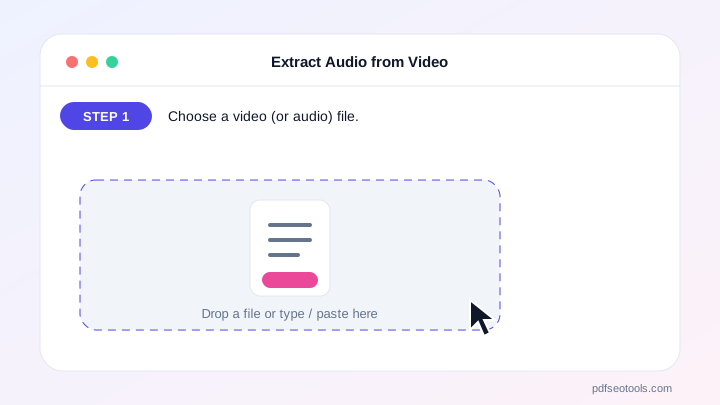
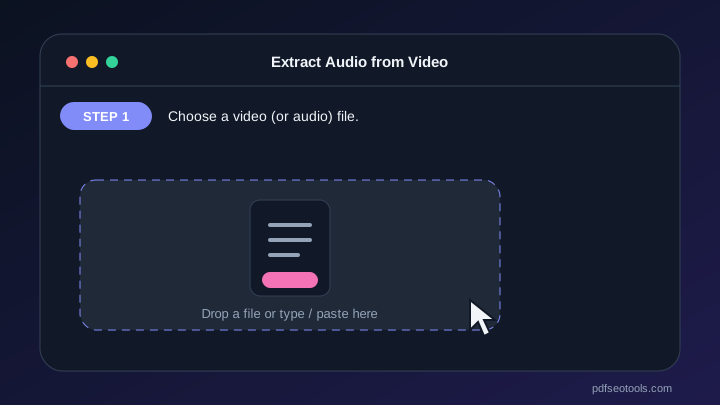
- Choose a video (or audio) file.
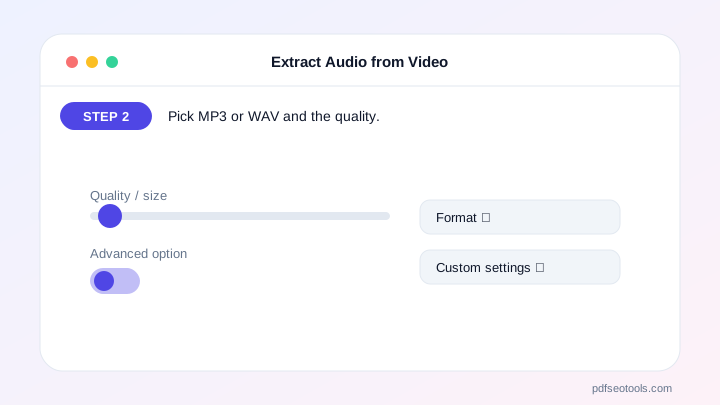
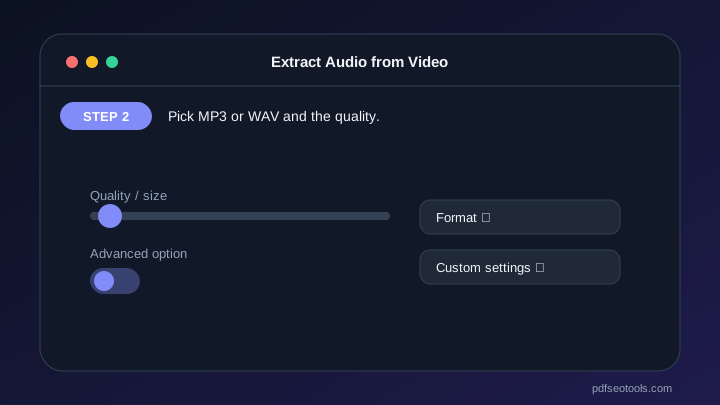
- Pick MP3 or WAV and the quality.
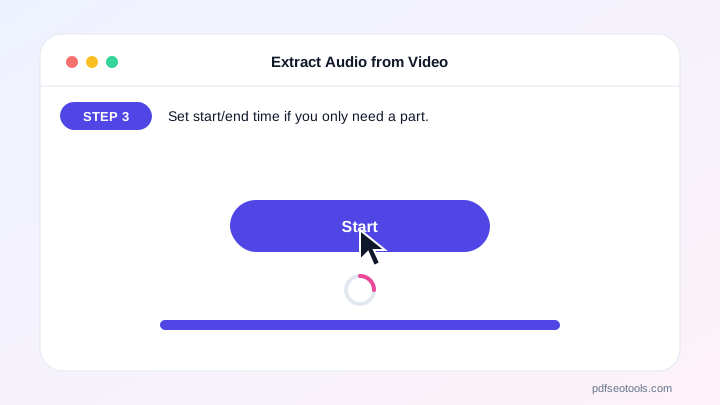
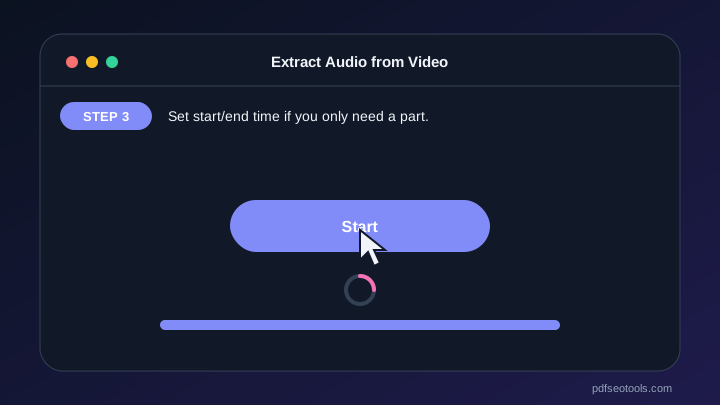
- Set start/end time if you only need a part.
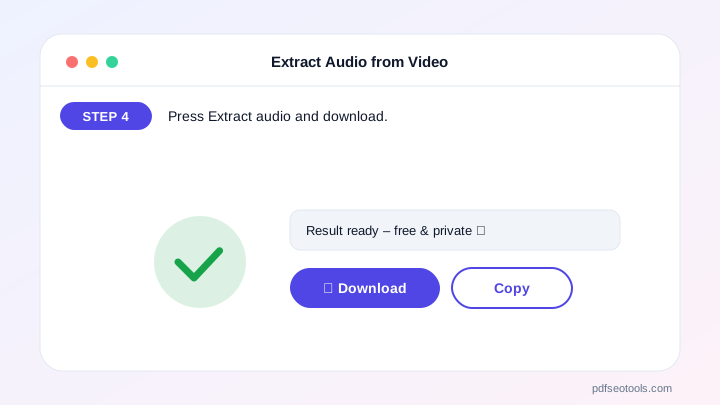
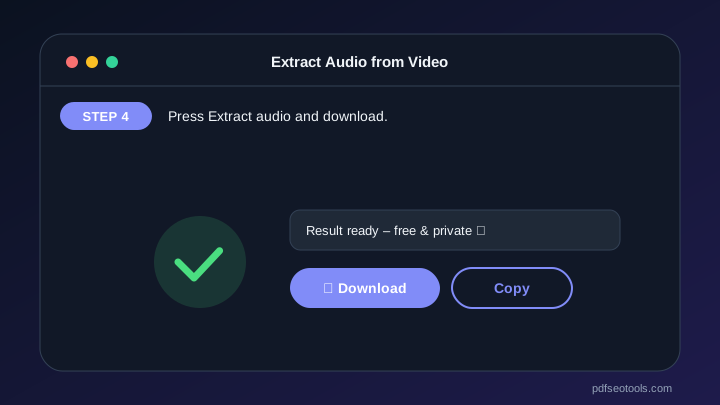
- Press Extract audio and download.
Why Choose PDF SEO Tools?
PDF SEO Tools is free, needs no sign-up and runs over a secure HTTPS connection. The Extract Audio from Video works on phone and computer, processes your files directly in your browser so they stay private, and is updated regularly with new features.
Extract Audio from Video: Frequently Asked Questions
How do I convert MP4 to MP3?
Choose your MP4, keep MP3 selected and press Extract audio.
Which quality should I pick?
128 kbps is good for speech, 192–320 kbps for music.
Can I extract only part of the audio?
Yes, enter a start and end time in seconds.
Why does it say no audio track?
The video may have no sound, or its audio format is not supported by your browser.
Is my file uploaded?
No. Extraction runs in your browser.



