 PNG To PDF
 GIF To PDF
 BMP To PDF
 TIFF To PDF
 Image To PDF
 HTML To PDF
JPG To PDF
Convert JPG images into a single PDF document online for free. Keep image quality, set the order and share everything as one neat file. Free to use, private and fast – it works on any phone or computer with no sign-up.
Rate this tool
How was your experience with the JPG To PDF?
Be the first to rate this tool
Share on Social Media:


Turn Photos into a Shareable PDF in Seconds
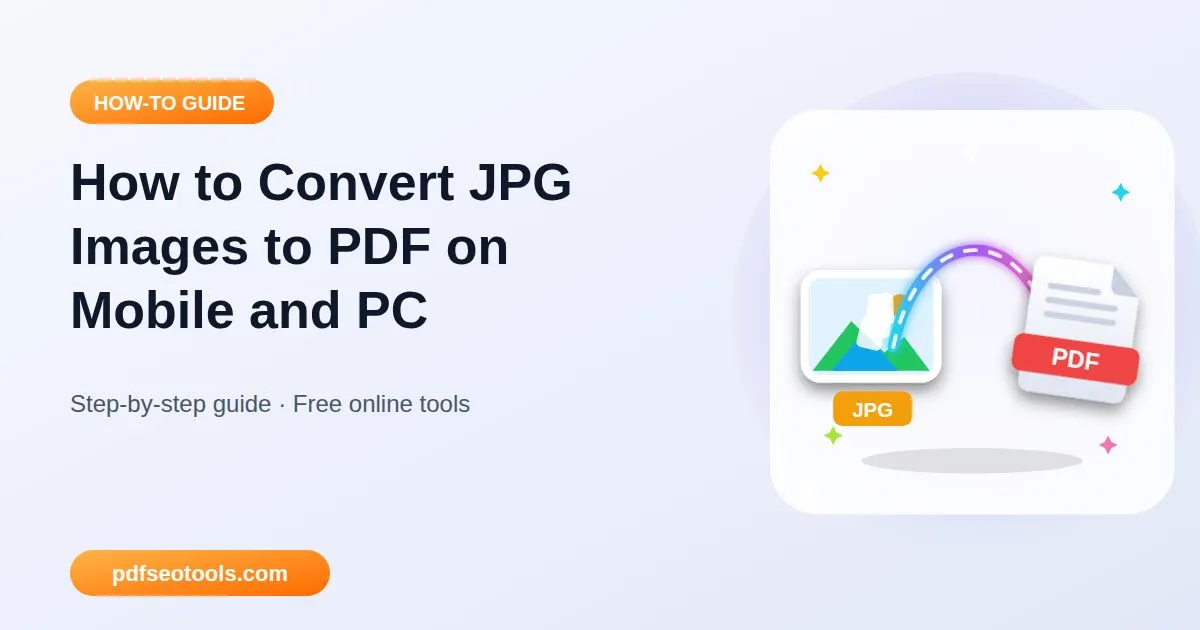
Convert JPG images into a single PDF document online for free. Keep image quality, set the order and share everything as one neat file. JPG is the most common photo format from phones and cameras. Converting JPG to PDF places each image on a page, making it easy to print, email or upload to portals that only accept PDF.
JPG To PDF – How to Get Started?
Using the JPG To PDF is quite simple. You can get started by following the easy steps shared below.
 Step 1
Upload your JPG images
Upload one or more JPG images from your phone or computer.
 Step 2
Choose page size and orientation
Arrange the images in the order you want them to appear as pages.
 Step 3
Your PDF is ready
Press Convert to place each image on its own PDF page.
 Step 4
Upload it to any portal that needs PDF
Download the finished PDF and share or upload it anywhere.
Process of the JPG To PDF
When you add your JPG file, it travels over an encrypted connection to our server, where the JPG To PDF processes it in a few seconds and creates your PDF. You download the result straight away, and the uploaded file is deleted automatically – nothing stays on our server.
100% free
Use the JPG To PDF without paying, without a watermark from us and without creating an account.
Fast cloud processing
Files are processed on our servers, so the speed does not depend on your phone or computer.
Keeps original quality
Text, images, fonts and layout are preserved as closely as the source file allows.
Works on every device
Windows, macOS, Linux, Android and iPhone – any modern browser is enough.
| Input | JPG |
|---|---|
| Output | |
| Direct Access | No sign-up, 100% free |
| Ideal Users | Students, offices, designers and businesses |
PDF SEO Tools JPG To PDF
Our aim is to make everyday tasks simple. That is why the JPG To PDF is free, needs no account and works on any device – open the page and get your PDF in seconds.
Key Features of Our JPG To PDF
Our JPG To PDF combines speed, accuracy and privacy. Here is why people choose it:
Keeps original quality
Text, images, fonts and layout are preserved as closely as the source file allows.
Free, No Sign-Up
Use the JPG To PDF without an account or payment.
Private by Design
Files travel over HTTPS, are used only for your result and are removed by an automatic clean-up.
JPG To PDF Use Cases
The JPG To PDF is not limited to one group of people. The most popular use cases include the following:
Turning JPG scans into documents
Submitting JPG certificates to online forms
Creating photo albums or portfolios
Frequently Asked Questions
Can I convert multiple JPG files at once?
Yes, add several images and they will be combined into one PDF. You can arrange the images before converting, so each photo appears as a page in the order you want.
Is there a file size limit for the JPG To PDF?
Yes, a limit applies to keep the service fast for everyone, and it is shown in the upload box. Most everyday documents fit easily. If a file is too large, compress it first or split it into smaller parts.
Will the JPG To PDF change the quality or layout of my document?
No. The tool keeps your text, fonts, images and page layout as close to the original as the source file allows. For the cleanest result, always start from the original digital file rather than a blurry scan.
Is the JPG To PDF safe and private?
Yes. Your files travel over a secure HTTPS connection, are used only to create your result and are deleted from our server automatically. You do not need an account, and the tool works the same way on phones, tablets and computers.
Is the JPG To PDF free to use?
Yes. The JPG To PDF on pdfseotools.com is free to use – no sign-up, no watermark and no hidden charges for everyday tasks.
Do I need to install software or create an account?
No. Everything runs in your web browser on Windows, Mac, Android and iPhone – there is nothing to download, nothing to install and no account to create.
Explore Other Free Tools
Start Using the JPG To PDF
Ready to try it? Scroll up to the JPG To PDF, upload one or more JPG images from your phone or computer and see the result in seconds. Bookmark PDF SEO Tools to keep 150+ free tools for PDFs, images, text, SEO and development one tap away.
Something not working, or missing a feature you need? Tell our support team – we read every message.