
Rate this tool
How was your experience with the Mute Video?
Be the first to rate this tool
Share on Social Media:


Mute Video: Remove Audio from Video Free
Mute Video removes the audio track from a video – or simply lowers the volume – so you can share clips without background noise, music or conversations.
It works in your browser, adds no watermark and keeps your video private.
Key Features of the Mute Video
- Remove all sound
- Or lower the volume to 30%
- MP4 or WebM output
- Original resolution kept
- Progress bar and cancel
- No upload, no watermark
How to Use the Mute Video
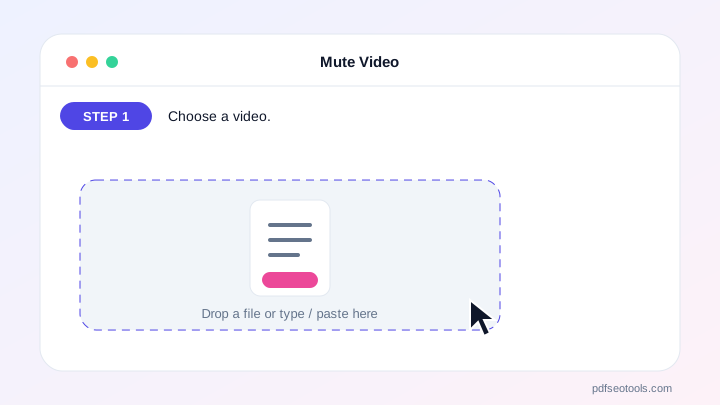
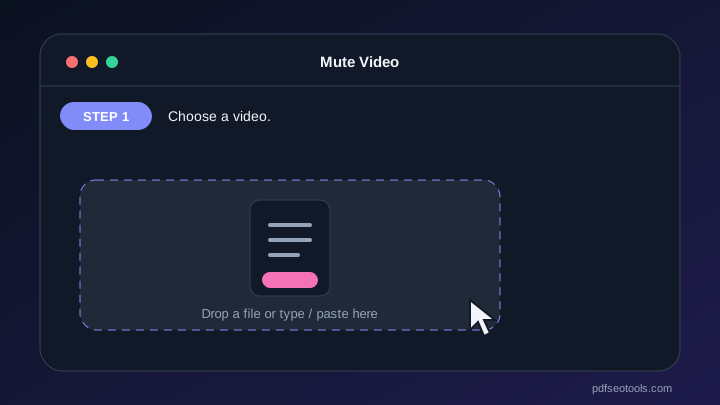
- Choose a video.
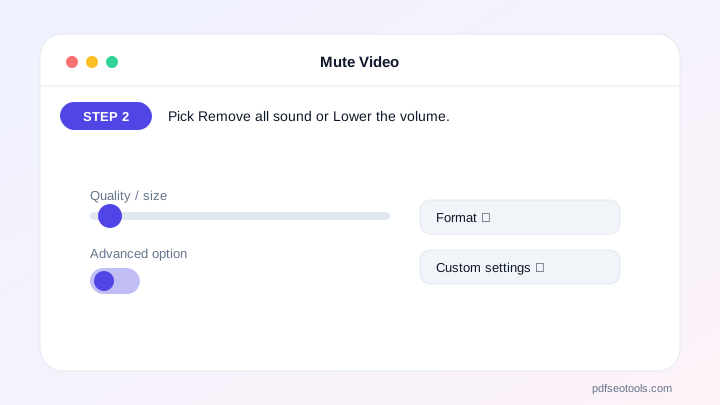
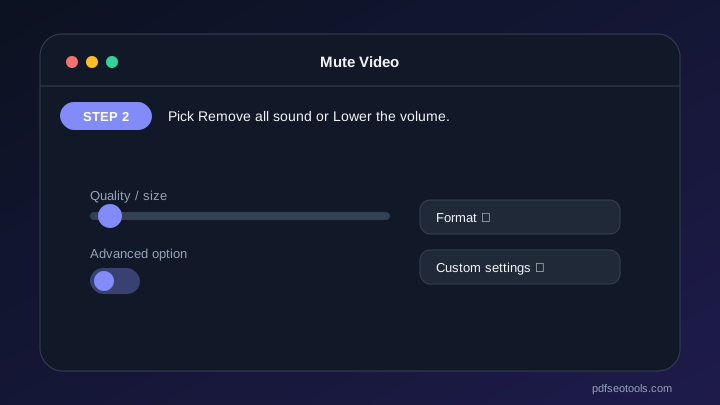
- Pick Remove all sound or Lower the volume.
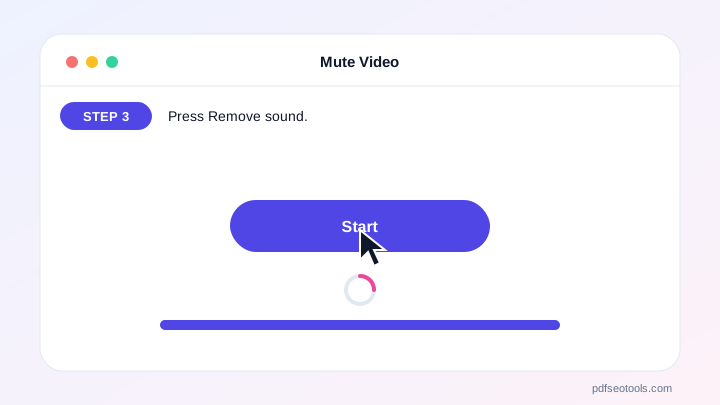
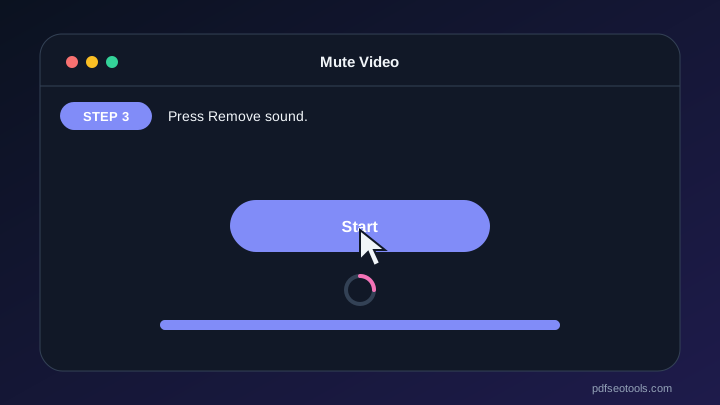
- Press Remove sound.
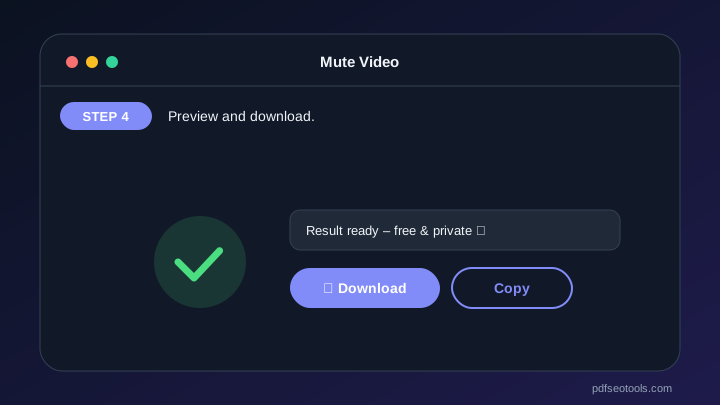
- Preview and download.

Why Choose PDF SEO Tools?
PDF SEO Tools is free, needs no sign-up and runs over a secure HTTPS connection. The Mute Video works on phone and computer, processes your files directly in your browser so they stay private, and is updated regularly with new features.
Mute Video: Frequently Asked Questions
Does muting reduce quality?
The video is re-encoded at high bitrate, so quality stays very close to the original.
Can I add new music later?
Yes, use any video editor to add music to the muted video.
Why is the output WebM?
Some browsers can only record WebM; recent Chrome and Edge also support MP4.
Is there a watermark?
No.
Is my video uploaded?
No.



