How to Convert Binary to Text (and Text to Binary) Online

To convert binary to text, open the free Binary to Text on pdfseotools.com, paste or type your input value into the box, then run the tool and download or copy the result. It takes under a minute, works on mobile and desktop, and needs no sign-up.
What Is Binary to Text and Why Use It?
Binary groups of 8 bits are read as character codes and turned back into letters, numbers and symbols.
Decode binary code back into readable text instantly. A free, accurate converter for students, programmers and electronics enthusiasts.
You can use it for tasks such as: computer science homework, programming and debugging, networking and electronics, learning number systems.
How to Convert Binary to Text – Step-by-Step
Follow these 4 simple steps. Each step takes only a few seconds.
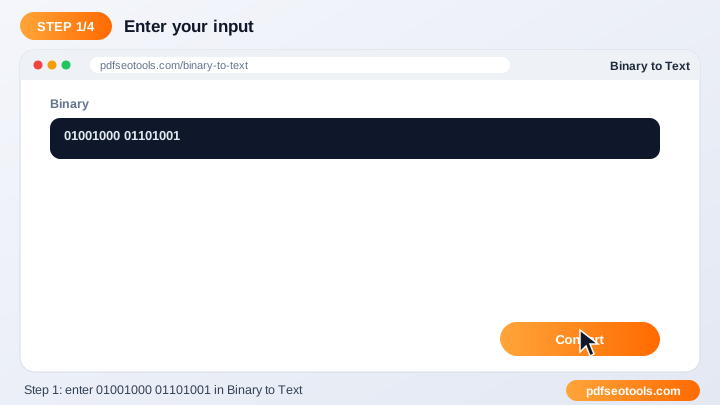
Step 1: Paste or type your input value into the box
Paste or type your input value into the box. Make sure you use the original, best-quality input you have – a clean source always gives a cleaner result.
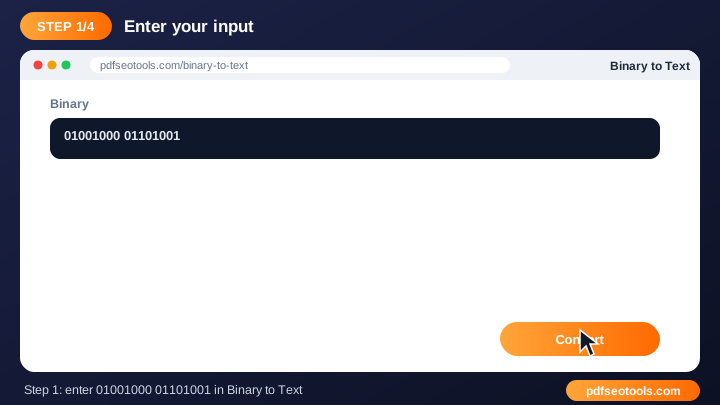
Step 2: Make sure the input uses the correct format
Make sure the input uses the correct format (for example only 0 and 1 for binary). The default settings work for most people, so change them only if you need a specific size, format or style.
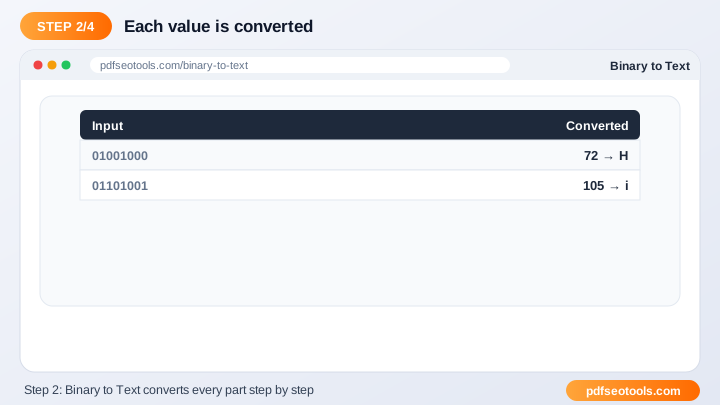
Step 3: Click the convert button
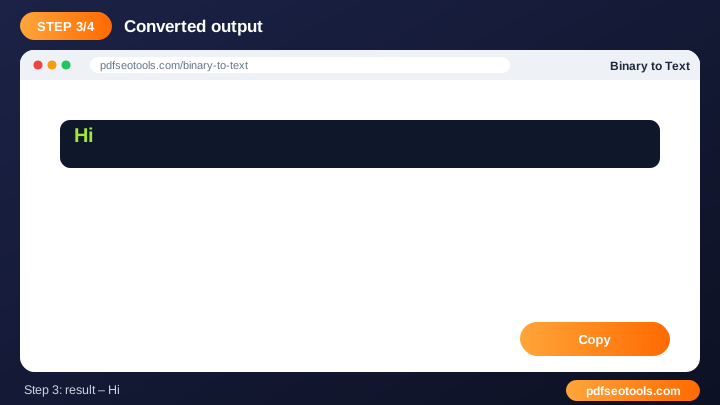
Click the convert button. Processing usually takes a few seconds. Keep the browser tab open until the result appears.
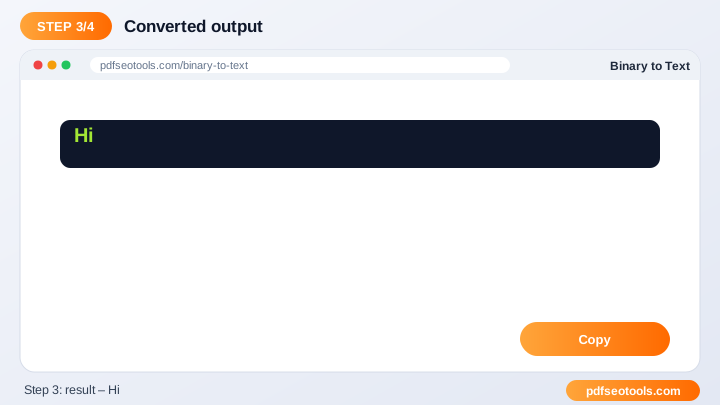
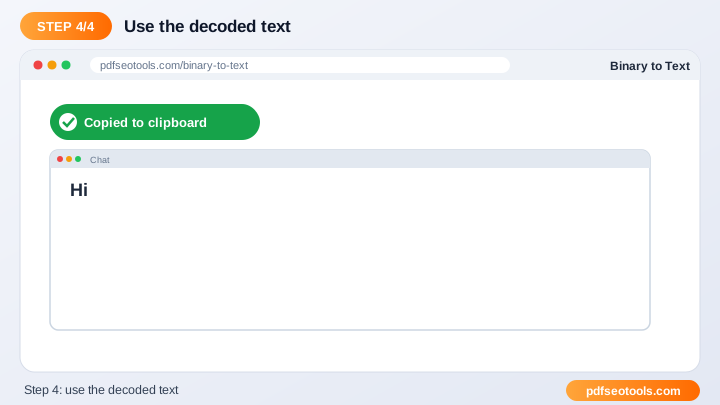
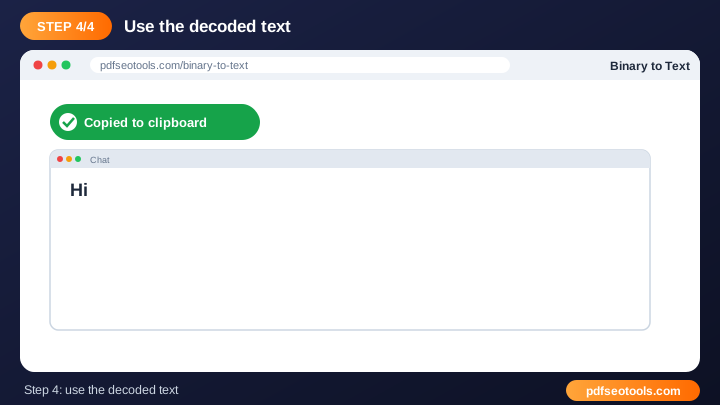
Step 4: Copy the converted output with one click
Copy the converted output with one click. Save the result with a descriptive file name so you can find it later, and keep your original as a backup.
When the result is ready you can download or copy it immediately. Try the Binary to Text now and see how quickly it works.
Online Binary to Text vs Other Methods
The table below compares doing the job by hand, with desktop software and with a free online tool.
| Criteria | Manual method | Desktop software | Binary to Text |
|---|---|---|---|
| Cost | Your time | Often paid | Free |
| Installation | None | Required | None |
| Works on mobile | Difficult | Limited | Yes |
| Learning curve | High | Medium | Low |
| Speed | Slow | Medium | Seconds |
Key Features to Look For
- Accurate conversion: Follows standard number-system and character-encoding rules.
- Instant output: Conversion takes less than a second.
- Free for everyone: Students, programmers and teachers can use the Binary to Text at no cost.
- Handles long input: Convert full sentences or long number strings at once.
- No installation: Works directly in the browser.
- Easy copy: One click copies the result to your clipboard.
Common Problems and How to Fix Them
Invalid input error
Remove characters that do not belong to the number system, such as letters in binary input.
Output text is unreadable
Make sure binary is split into complete 8-bit groups.
Wrong value for large numbers
Remove spaces or separators inside a single number before converting.
Mistakes to Avoid
- Including characters that do not belong to the number system (for example a 2 in binary).
- Not separating 8-bit groups when converting binary to text.
- Mixing upper- and lowercase expectations for hex output.
- Forgetting that spaces and line breaks are characters too.
Tips for Best Results
- Separate binary bytes with spaces for easier reading.
- Remove stray characters that do not belong to the number system.
- Use 8-bit groups when working with ASCII text.
- Verify critical values by converting them back the other way.
Related Tasks You Can Do
Text to Binary
Each character is converted to its ASCII/UTF-8 code and written as an 8-bit binary number. For example, the letter A becomes 01000001. It is useful for computer science homework, programming and debugging, networking and electronics. Try Text to Binary.
Binary to ASCII
ASCII assigns a number from 0 to 127 to each character. Binary values are converted to those numbers and then to characters. It is useful for computer science homework, programming and debugging, networking and electronics. Try Binary to ASCII.
ASCII to Binary
Each ASCII character's code is written as an 8-bit binary number, showing how computers store text. It is useful for computer science homework, programming and debugging, networking and electronics. Try ASCII to Binary.
Worked Example
Example: to convert 13 to binary, find the powers of two that add up to 13: 8 + 4 + 1. Write 1 for each power used and 0 for the rest: 8-4-2-1 → 1101. In hex, 13 is D because hex digits 10–15 are written as A–F.
Quick Reference Table
| Decimal | Binary | Hex |
|---|---|---|
| 0 | 0000 | 0 |
| 1 | 0001 | 1 |
| 5 | 0101 | 5 |
| 9 | 1001 | 9 |
| 10 | 1010 | A |
| 12 | 1100 | C |
| 15 | 1111 | F |
| 255 | 11111111 | FF |
Glossary of Key Terms
- Bit
- A single binary digit, 0 or 1.
- Byte
- A group of 8 bits, enough to store one ASCII character.
- Hexadecimal
- Base-16 numbers written with 0–9 and A–F.
- ASCII
- A standard that gives each English character a number from 0 to 127.
- Place value
- The value of a digit based on its position, such as 2⁰, 2¹, 2²...
Best Practices
Group binary digits in fours or eights so they are easier to read, use only 0 and 1 in binary input, and verify important results by converting them back the other way.
Key Takeaways
- To convert binary to text, open the free Binary to Text on pdfseotools.com, paste or type your input value into the box, then run the tool and download or copy the result.
- Separate binary bytes with spaces for easier reading.
- Remove stray characters that do not belong to the number system.
- Use the free Binary to Text to get the job done in seconds.
Related Free Tools
- Text to Binary – Convert any text into binary code (0s and 1s) instantly.
- Binary to ASCII – Convert binary code to ASCII characters online.
- ASCII to Binary – Convert ASCII text into binary code in one click.
Explore all Free Online Binary Converters & Translators on pdfseotools.com.
Frequently Asked Questions
Do I need spaces between bytes?
Spaces make input clearer, but continuous 8-bit groups also work.
Is the converter accurate?
Yes, it follows standard conversion rules.
Is it free?
Yes, use it as often as you like.
Is it free to use?
Yes. All tools mentioned in this guide are free on pdfseotools.com, with no sign-up and no installation.
Does it work on mobile?
Yes. The tools work in Chrome, Safari, Firefox and Edge on Android, iPhone, Windows and Mac.
Conclusion
How to Convert Binary to Text is quick and easy with the right tool. Bookmark the Binary to Text and explore more binary converters to finish your work faster – free, secure and on any device.