PDF SEO Tools Android App: Free APK Download and Install Guide

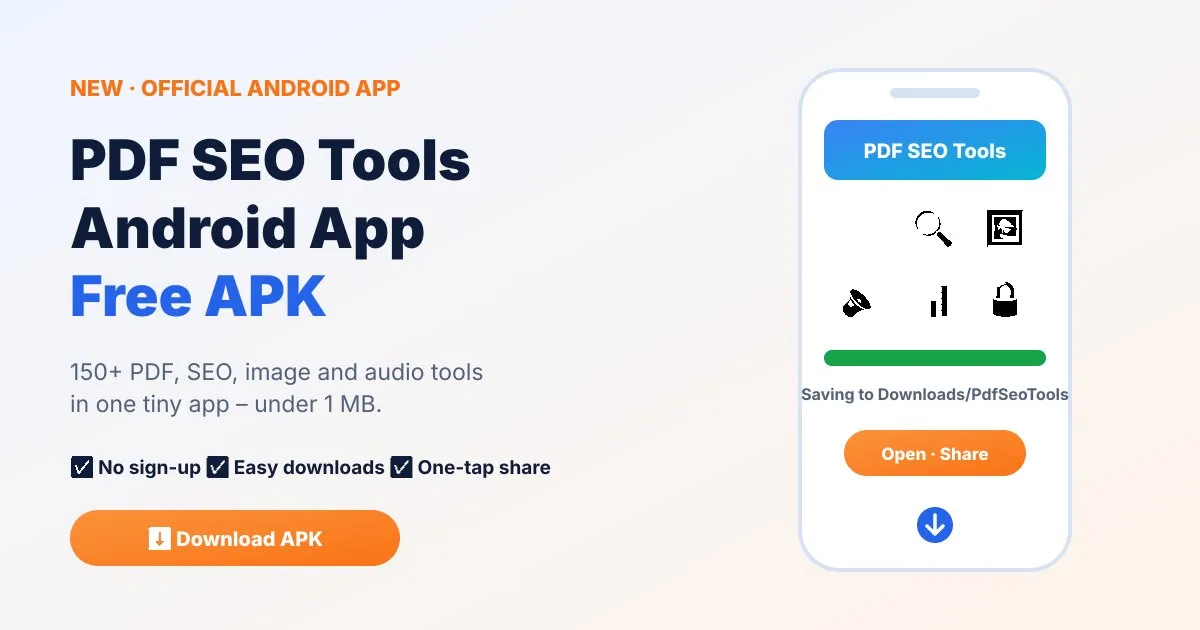
PDF SEO Tools now has an official Android app. It puts more than 150 free PDF, SEO, image and audio tools in one small app (under 1 MB), saves every result straight to your Downloads folder and opens pdfseotools.com links directly. You can download the APK free from our website and install it in under a minute.
⬇️ Download the free Android app (APK)
Why we built an Android app
🔧 Most people who use our tools are on a phone. In a mobile browser, small things get in the way: a converted file lands somewhere you cannot find, tabs get lost, and you have to type the address every time. The app removes those steps. You tap one icon, pick a tool, and the finished file is saved in one fixed folder with buttons to open or share it right away.
What you can do in the app
- Work with PDFs Merge, split, compress, lock, unlock and convert PDF files to Word, JPG or Excel directly on your phone.
- Check your SEO Run the backlink checker, keyword and meta tools and website audits while you are away from your desk.
- Edit images Resize, compress and convert JPG, PNG, WEBP and HEIC photos before you upload them.
- Test your speaker and sound Use the water-eject speaker cleaner, sound test, bass booster and decibel meter with your phone microphone.
- Save files in one place Every download goes to Downloads/PdfSeoTools, followed by a quick Open or Share box.
- Share in one tap Send a finished PDF or image to WhatsApp, Gmail or Drive without searching your file manager.
How to download and install the APK
- Open pdfseotools.com/downloads/pdfseotools.apk in Chrome on your Android phone.
- Wait for pdfseotools.apk to finish downloading and tap Open.
- If Android asks, allow Install unknown apps for Chrome or your file manager.
- Tap Install, then Open – the PDF SEO Tools icon is added to your home screen.
App or website – which should you use?
| Feature | Android app | Website in browser |
|---|---|---|
| Open with one tap | ✅ Home-screen icon | Type the address or use a bookmark |
| Where files are saved | ✅ Downloads/PdfSeoTools + Open/Share | Browser download folder |
| Offline notice | ✅ Clear Retry screen | Browser error page |
| Microphone tools | ✅ Asked once, works in the app | Asked by the browser |
| Works on iPhone and PC | Android only | ✅ Every device |
| Price | Free | Free |
Both use the same tools and the same secure servers, so the results are identical. Use the app on your Android phone and the website on a computer or iPhone.
Is the APK safe?
The APK is built from our own code and signed with the official pdfseotools.com release key. Android checks this signature every time the app is installed or updated, so a modified copy cannot replace it. The app has no ads SDK and no tracking library inside, and it asks for only one permission – the microphone – and only when you open a sound tool. To stay safe, always download the file from pdfseotools.com and never from a mirror site.
Tips for the best experience
- Pull down from the top of any page to refresh it.
- Use the phone back button to return to the previous tool – press it twice on the home screen to exit.
- Links to pdfseotools.com from WhatsApp or email can open straight in the app – choose PDF SEO Tools when Android asks.
- Check this page now and then for a newer APK; installing it over the old one keeps your settings.
Frequently Asked Questions
Is the PDF SEO Tools Android app free?
Yes. The app is completely free, needs no account and gives you the same PDF, SEO, image and audio tools that you use on pdfseotools.com.
Why is the app not on the Google Play Store yet?
We publish the APK directly on our own website first so everyone can use it today. The file is signed with the official pdfseotools.com key, and a Play Store listing is planned.
Is it safe to install the APK file?
Download it only from pdfseotools.com/downloads/pdfseotools.apk or our Android App page. Android checks the signature during install, and the app asks only for the microphone when you open a mic tool like the decibel meter.
Where are my converted files saved?
Files you create in the app are saved in Downloads/PdfSeoTools on your phone. After each download a small box lets you open or share the file at once.
Does the app work without internet?
The tools need an internet connection because files are processed on our secure servers. If you go offline, the app shows a clear No internet screen with a Retry button instead of a broken page.
Which Android version do I need?
Android 6.0 (Marshmallow) or newer. The app is very small – under 1 MB – so it installs in seconds even on older or low-storage phones.
Summary
The PDF SEO Tools Android app gives you every free tool from our website in a tiny, fast app with tidy downloads and one-tap sharing. Download the APK, follow the four install steps above, or read more on our Android App page.
Share on Social Media: