
Rate this tool
How was your experience with the Video Compressor?
Be the first to rate this tool
Share on Social Media:


Video Compressor: Reduce Video File Size Free
The Video Compressor makes large videos small enough for WhatsApp, email or your website by lowering the bitrate and, if you like, the resolution.
An estimate shows the final size before you start, and everything runs privately in your browser.
Key Features of the Video Compressor
- Three compression levels
- Resolution down to 360p
- Estimated output size
- MP4 or WebM output
- Progress bar and cancel
- No upload – private
How to Use the Video Compressor
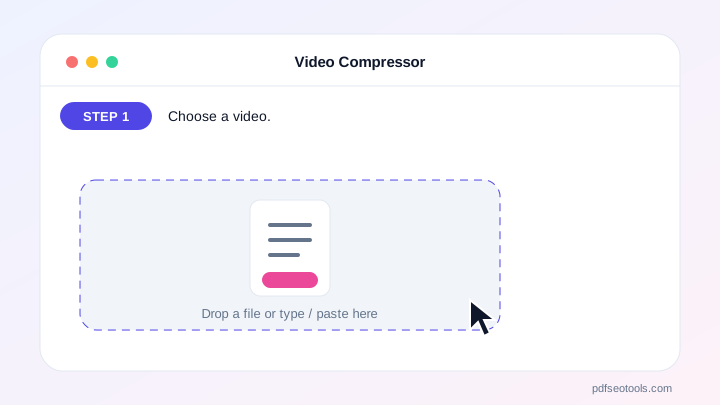
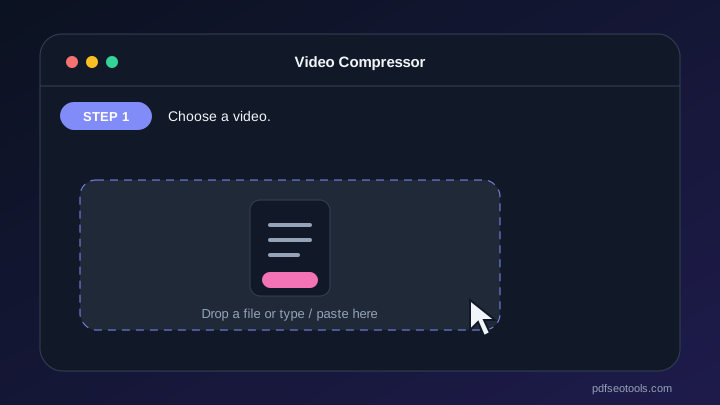
- Choose a video.
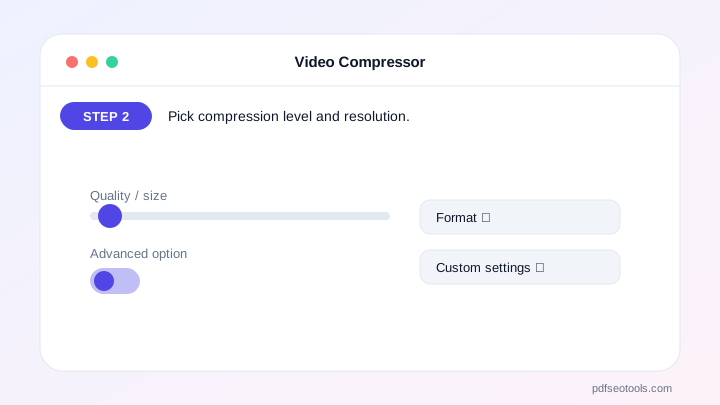
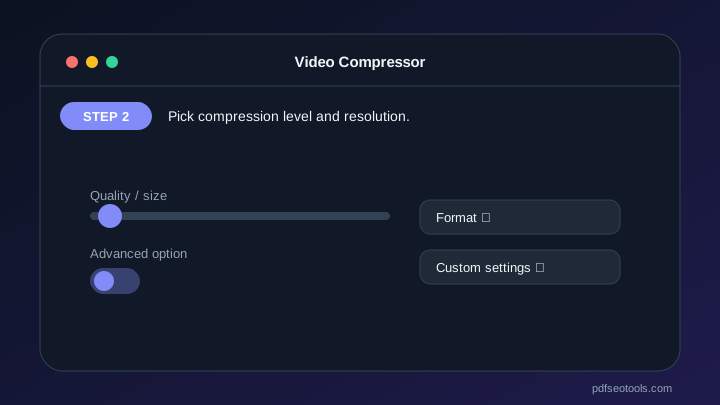
- Pick compression level and resolution.
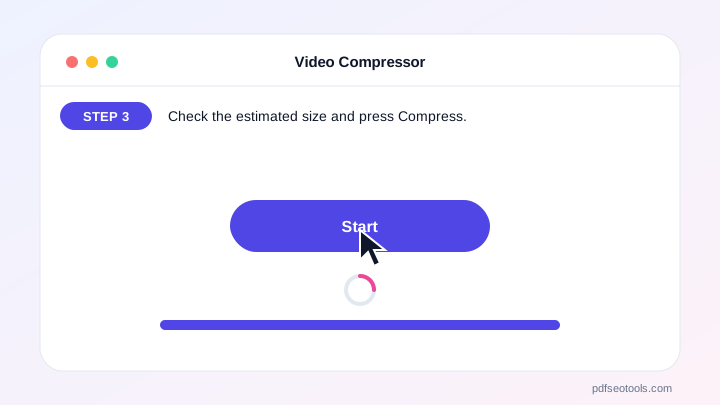
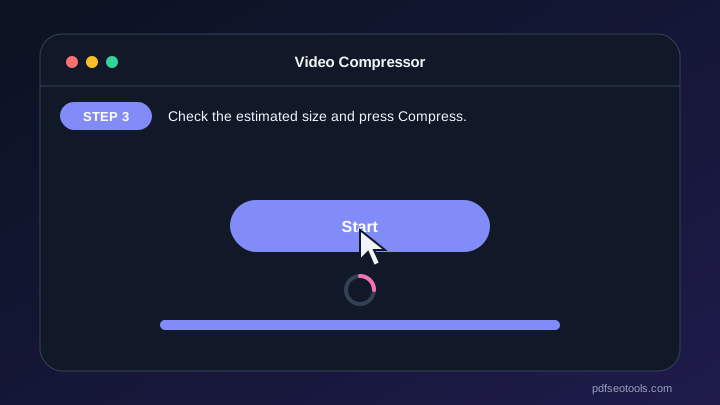
- Check the estimated size and press Compress.
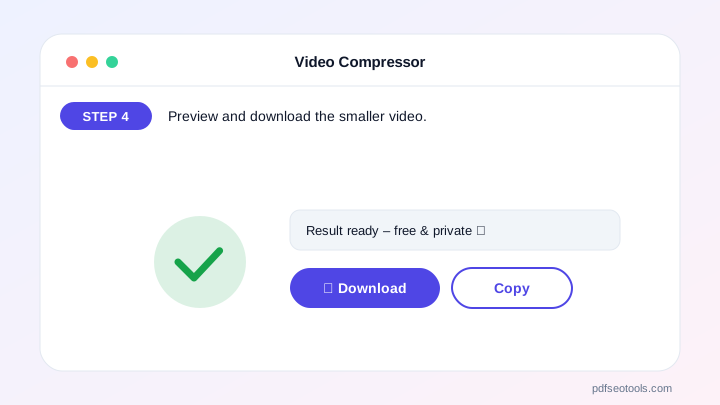
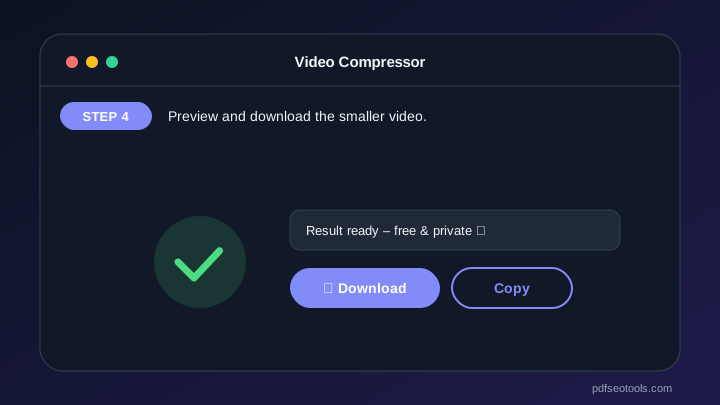
- Preview and download the smaller video.
Why Choose PDF SEO Tools?
PDF SEO Tools is free, needs no sign-up and runs over a secure HTTPS connection. The Video Compressor works on phone and computer, processes your files directly in your browser so they stay private, and is updated regularly with new features.
Video Compressor: Frequently Asked Questions
How much smaller will my video be?
Usually 50–90% smaller, depending on the original and the level you choose.
Will quality drop?
A little. “Light” keeps the best quality; “Strong” makes the smallest file.
What is best for WhatsApp?
Medium compression at 720p usually keeps videos under WhatsApp limits while looking good on phones.
Why does it take as long as the video?
The browser plays the video once while recording the compressed version.
Is my video uploaded?
No.



