
Rate this tool
How was your experience with the Video Converter?
Be the first to rate this tool
Share on Social Media:


Video Converter: Convert to MP4 or WebM Free
The Video Converter re-encodes your video into MP4 or WebM, with the resolution and frame rate you choose – handy for sharing on websites, WhatsApp or slower devices.
Your video is processed inside your browser, so it stays private.
Key Features of the Video Converter
- Convert to MP4 (where supported) or WebM
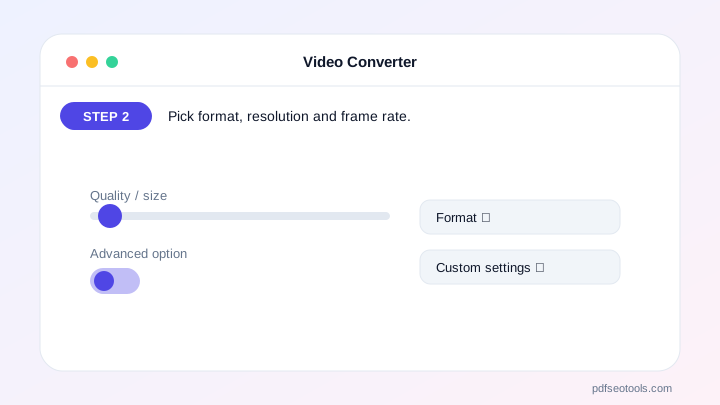
- Resolution from original down to 360p
- Frame rate 15, 24, 30 or 60 fps
- Keep or remove the sound
- Progress bar and cancel button
- No upload – private
How to Use the Video Converter
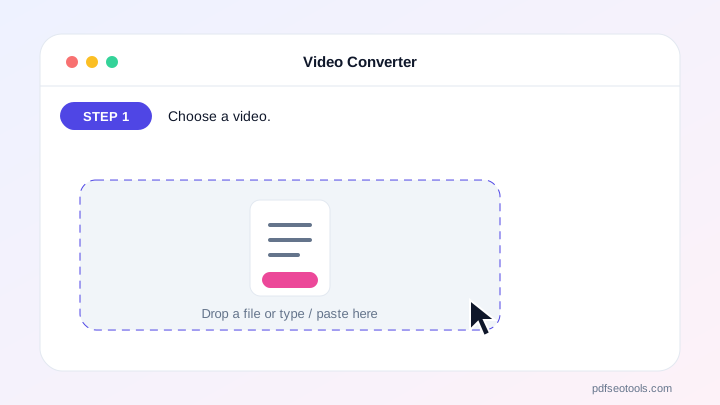
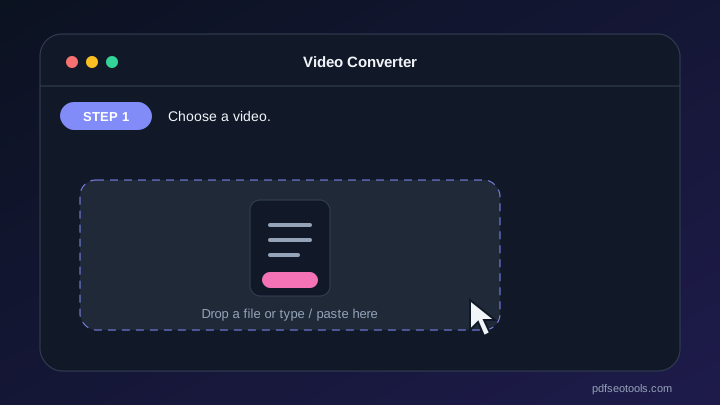
- Choose a video.
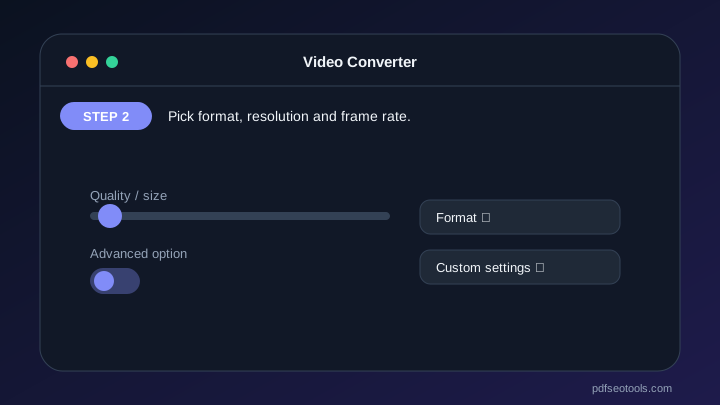
- Pick format, resolution and frame rate.
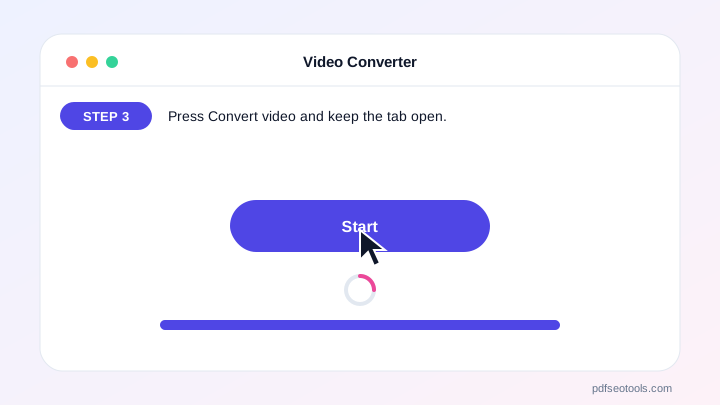
- Press Convert video and keep the tab open.
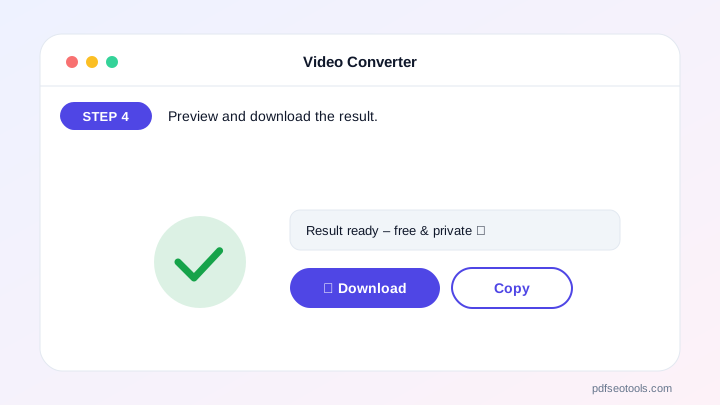
- Preview and download the result.
Why Choose PDF SEO Tools?
PDF SEO Tools is free, needs no sign-up and runs over a secure HTTPS connection. The Video Converter works on phone and computer, processes your files directly in your browser so they stay private, and is updated regularly with new features.
Video Converter: Frequently Asked Questions
Why does conversion take as long as the video?
Browser conversion plays the video once while recording it, so a 60-second video takes about 60 seconds.
Why do I get WebM instead of MP4?
Some browsers can only record WebM. Chrome and Edge on recent versions support MP4.
Which formats can I open?
Anything your browser can play – usually MP4 (H.264), WebM and MOV from phones.
Is there a file size limit?
No fixed limit, but very large files may be slow on phones.
Is my video uploaded?
No. Conversion happens in your browser.



