
Rate this tool
How was your experience with the Video Watermark?
Be the first to rate this tool
Share on Social Media:


Video Watermark: Text or Logo Free
Video Watermark protects your clips by adding your name, website or logo on top of every frame. Choose a corner, the centre or a tiled pattern, and set size, colour and transparency.
Processing happens in your browser, so your original video stays private.
Key Features of the Video Watermark
- Text or logo (PNG/JPG) watermark
- Five positions plus tiled pattern
- Size, colour and opacity
- Shadow for readability
- MP4 or WebM output
- No upload
How to Use the Video Watermark
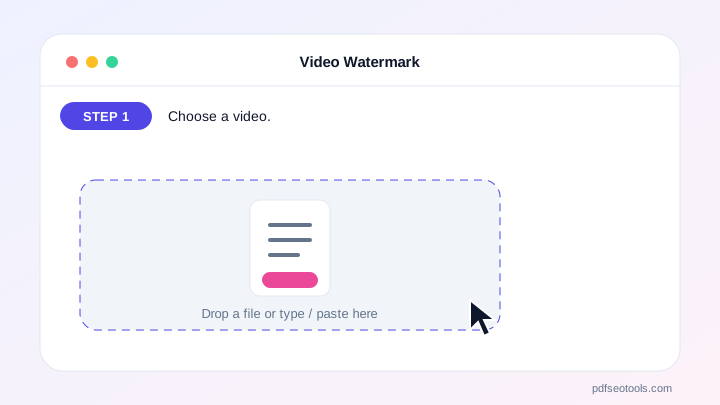
- Choose a video.
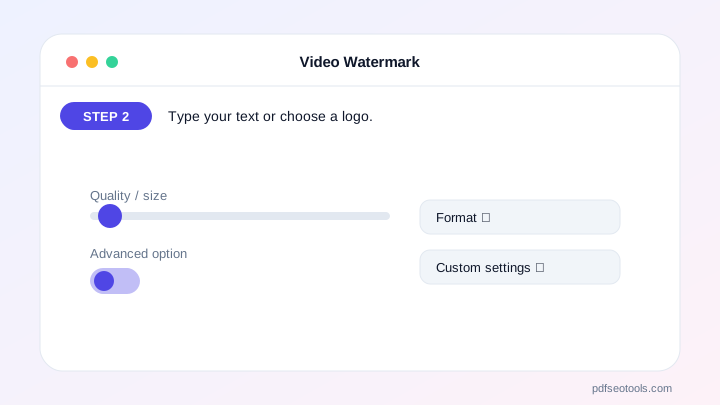
- Type your text or choose a logo.
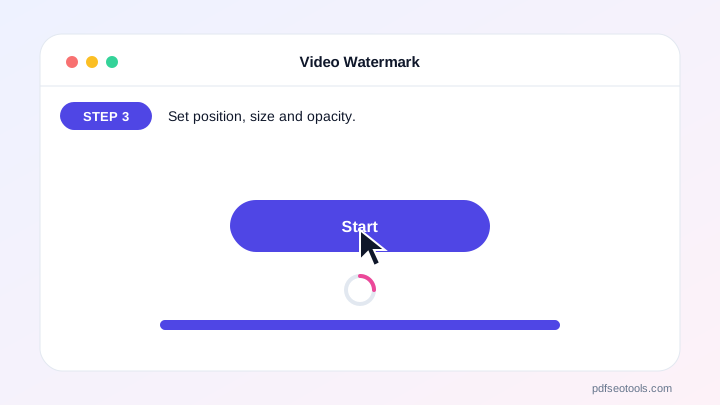
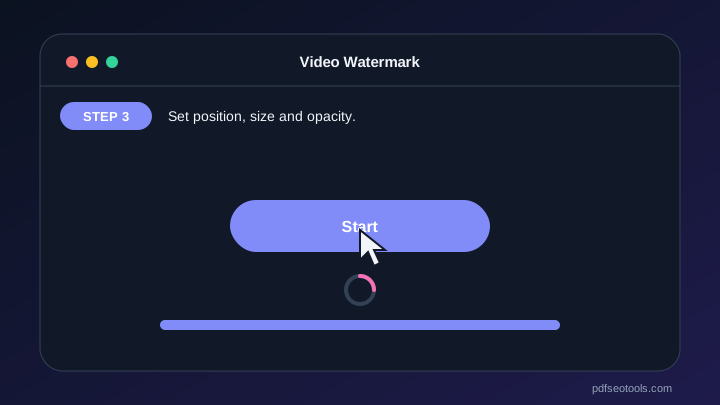
- Set position, size and opacity.
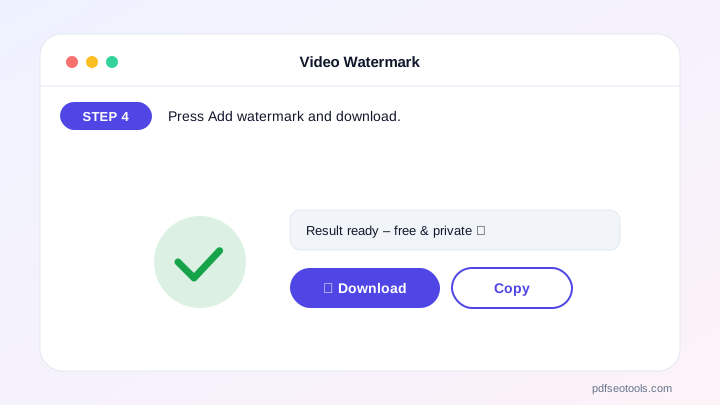
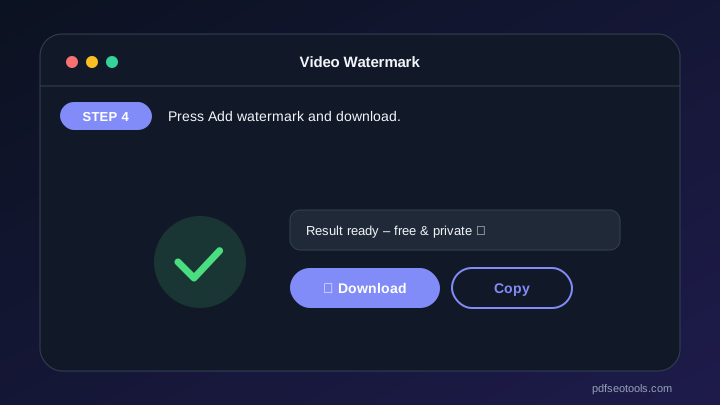
- Press Add watermark and download.
Why Choose PDF SEO Tools?
PDF SEO Tools is free, needs no sign-up and runs over a secure HTTPS connection. The Video Watermark works on phone and computer, processes your files directly in your browser so they stay private, and is updated regularly with new features.
Video Watermark: Frequently Asked Questions
Can I use my logo?
Yes – a PNG with transparent background looks best.
Which position is best?
Bottom right is common; tiled watermarks are hardest to remove.
Will the watermark be permanent?
Yes, it becomes part of the video frames.
Does it reduce quality?
The video is re-encoded at a high bitrate, so changes are minimal.
Is my video uploaded?
No.



