AI Text Generator
The AI Text Generator uses powerful language models to create original, plagiarism-free content in many formats. Pick a content type – Blog Title, Blog Outline, Blog Introduction, Paragraph, Blog Post, Social Media Post, Ad, Email, Conclusion, Essay or Story – enter your idea and press Generate Text. Choose the tone, length and language, select Facebook, LinkedIn, Instagram or X for social posts and edit the result with headings, lists, alignment and links. Then check it for plagiarism, grammar
1
Choose the Content Type
Pick what you want the AI to write2
Enter your prompt
Idea, topic or details to generate contentResults
Words: 0
Rate this tool
How was your experience with the AI Text Generator?
Be the first to rate this tool
Share on Social Media:


Create Original Content in Any Format
Free AI text generator for blog titles, outlines, intros, paragraphs, blog posts, social posts, ads, emails, conclusions, essays and stories. The AI Text Generator uses powerful language models to create original, plagiarism-free content in many formats. Pick a content type – Blog Title, Blog Outline, Blog Introduction, Paragraph, Blog Post, Social Media Post, Ad, Email, Conclusion, Essay or Story – enter your idea and press Generate Text.
People rely on the AI Text Generator for 11 content types in easy cards, tone, length and 50 output languages, social posts for Facebook, LinkedIn, Instagram and X and rich editor with H1–H3, lists, alignment and links. Everything happens in your browser, so there is nothing to download, nothing to set up and no account to create – you get a clean result in seconds and can get back to your work.
How the AI Text Generator Works
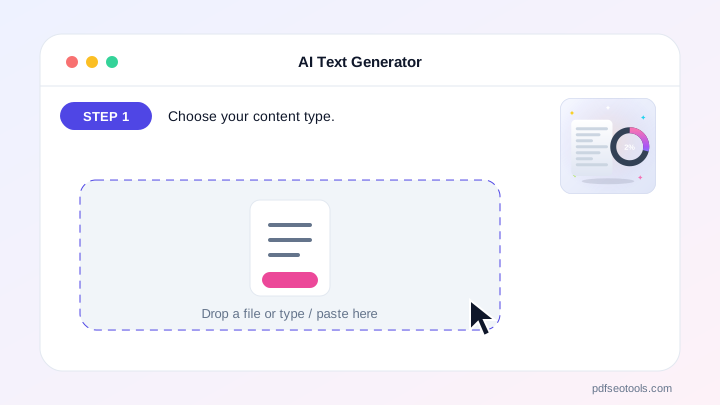
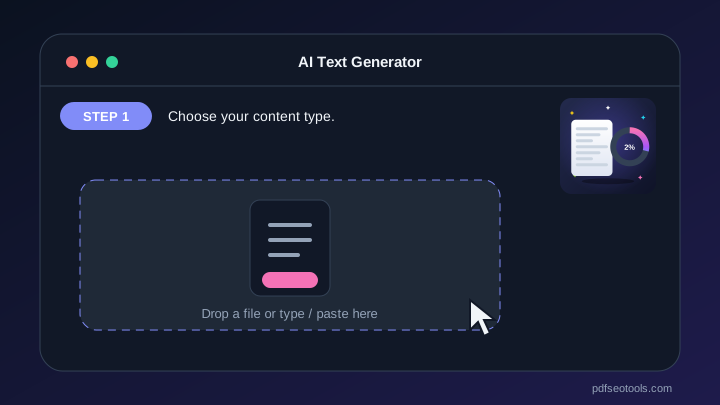
- Step 1: Choose your content type.
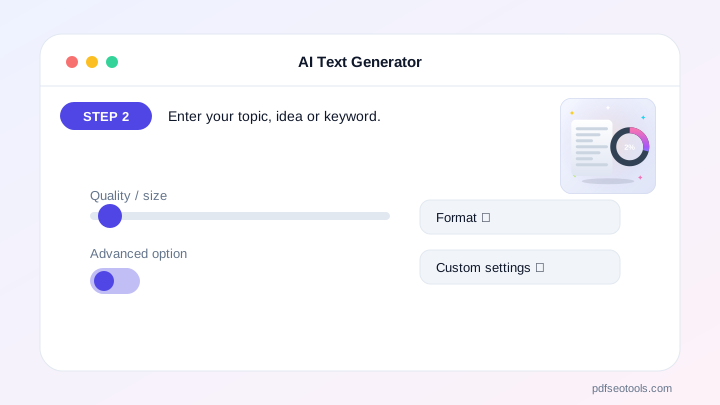
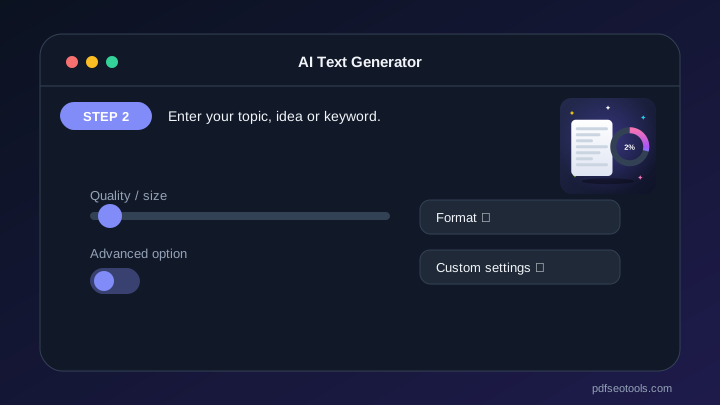
- Step 2: Enter your topic, idea or keyword.
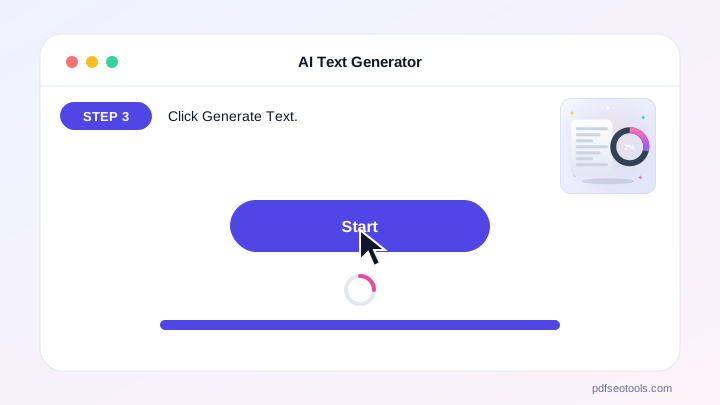
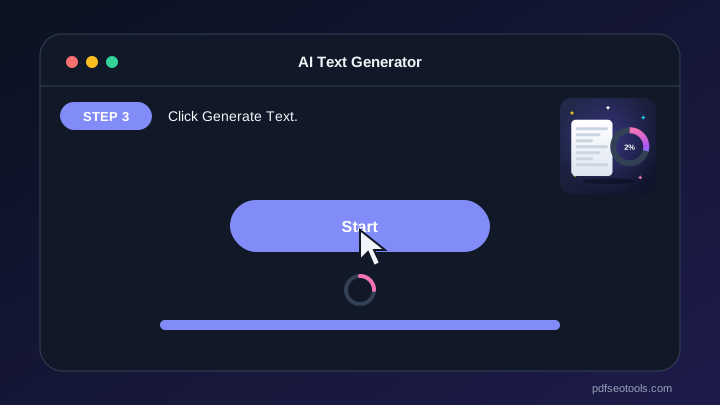
- Step 3: Click Generate Text.
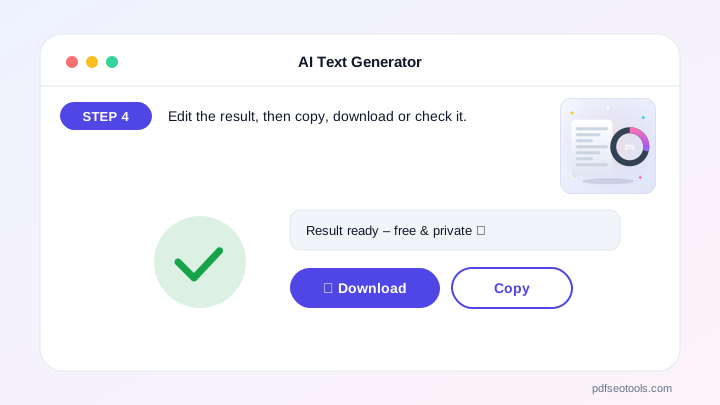
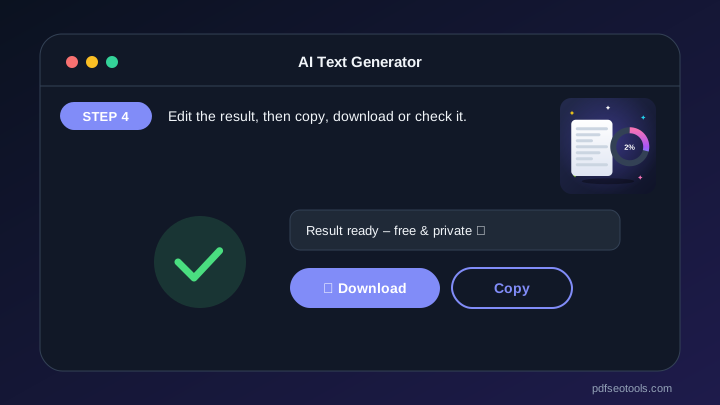
- Step 4: Edit the result, then copy, download or check it.
Why People Choose Our AI Text Generator
- No account required Open the page and start immediately – no registration, no email address and no trial period.
- Encrypted HTTPS connection Everything you send travels over a secure, encrypted connection.
- Nothing is published or shared The data you enter is used only to show your result. It is never published, sold or shared.
- Works on every device The layout adapts to phones, tablets and desktops, and runs in Chrome, Safari, Firefox and Edge.
- Free with no hidden limits Use it as often as you need for everyday tasks – no watermark and no surprise charges.
- AI with automatic fallback Several AI providers keep the AI Text Generator fast and reliable.
- Upload documents Fill the text box from TXT, PDF or Word files.
Why Use an AI Text Generator?
Choose the tone, length and language, select Facebook, LinkedIn, Instagram or X for social posts and edit the result with headings, lists, alignment and links. Then check it for plagiarism, grammar or AI content in one click, or copy and download it.
It turns a short idea into ready-to-edit content, so you spend your time improving text instead of staring at a blank page.
Who Uses the AI Text Generator?
Bloggers, marketers, students, small businesses and social media managers use it every day.
- Bloggers Titles, outlines and posts.
- Marketers Ads, emails and social posts.
- Students Essays and conclusions.
- Businesses Product and promo copy.
Tips to Get the Best Results
Give details: audience, goal, keywords and key points.
Choose tone and length before generating.
Check plagiarism and grammar before publishing.
Key Features of the AI Text Generator
- 11 content types in easy cards 11 content types in easy cards – free and works on phone and computer.
- Tone, length and 50 output languages Tone, length and 50 output languages – free and works on phone and computer.
- Social posts for Facebook, LinkedIn, Instagram and X Social posts for Facebook, LinkedIn, Instagram and X – free and works on phone and computer.
- Rich editor with H1–H3, lists, alignment and links Rich editor with H1–H3, lists, alignment and links – free and works on phone and computer.
- One-click Check Plagiarism, Check Grammar and Detect AI One-click Check Plagiarism, Check Grammar and Detect AI – free and works on phone and computer.
- Regenerate, copy and download Regenerate, copy and download – free and works on phone and computer.
AI Text Generator: Frequently Asked Questions
Is the AI Text Generator free?
Yes – generate content for free with no sign-up.
Is the generated text plagiarism-free?
Each result is written fresh for your prompt. Use the Check Plagiarism button to verify it before publishing.
Can I write in other languages?
Yes – choose from 50 languages or simply write your prompt in your language.
Is the AI Text Generator safe and private?
Yes. Everything travels over a secure HTTPS connection, and the data you enter is used only to show your result – it is never published or sold. You do not need an account, and the tool works the same way on phones, tablets and computers.
Related Free Tools
- Plagiarism CheckerCheck plagiarism free online.
- Grammar CheckerCheck grammar, spelling, punctuation and clarity free in 30+ languages.
- AI Content DetectorCheck if text is AI-generated or human-written.
- AI HumanizerHumanize AI text free.
- AI WriterFree AI writer for titles, outlines, intros, paragraphs, blog posts, social media captions, ads, emails, conclusions, essays and stories – edit and copy.
Start Using the AI Text Generator
Ready to try it? Open the AI Text Generator at the top of this page, choose your content type and see the result in seconds.
Bookmark PDF SEO Tools to keep 150+ free tools for PDFs, images, text, SEO and development one tap away.
Something not working, or missing a feature you need? Tell our support team – we read every message.