AI Content Repurposer
The AI Content Repurposer turns one piece of content into ready-to-post content for every channel. Paste a web page URL, your own text or upload a PDF or DOCX, pick the platforms and get an SEO blog post, a LinkedIn post, an X (Twitter) thread, Instagram and Facebook captions, a YouTube description, a Pinterest pin and a newsletter email in seconds – each with a matching AI image in the right size.
1Add your source
Blog post, news article, product page or any public web page.
Source ready
2Choose platforms
3Style (optional)
Writing your posts…
📥 Reading the source🧠 Finding key points✍️ Writing for each platform
✨ Your content is ready
Rate this tool
How was your experience with the AI Content Repurposer?
Be the first to rate this tool
Share on Social Media:


Turn One Article into a Week of Posts
Free AI content repurposer: turn a URL, text or PDF into an SEO blog post, LinkedIn post, X thread, Instagram and Facebook captions, YouTube, Pinterest and email. The AI Content Repurposer turns one piece of content into ready-to-post content for every channel. Paste a web page URL, your own text or upload a PDF or DOCX, pick the platforms and get an SEO blog post, a LinkedIn post, an X (Twitter) thread, Instagram and Facebook captions, a YouTube description, a Pinterest pin and a newsletter email in seconds – each with a matching AI image in the right size.
People rely on the AI Content Repurposer for uRL, text, PDF or DOCX as the source, aI image for every platform in the right size (1:1, 16:9, 2:3), blog, LinkedIn, X thread, Instagram, Facebook, YouTube, Pinterest and email and tone, length, language, brand and CTA link. Everything happens in your browser, so there is nothing to download, nothing to set up and no account to create – you get a clean result in seconds and can get back to your work.
How the AI Content Repurposer Works
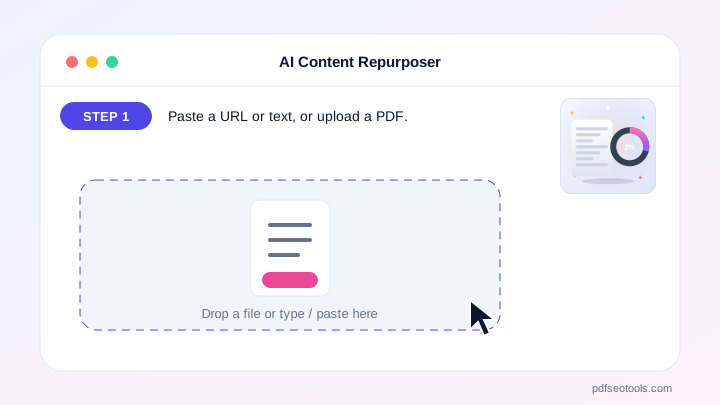
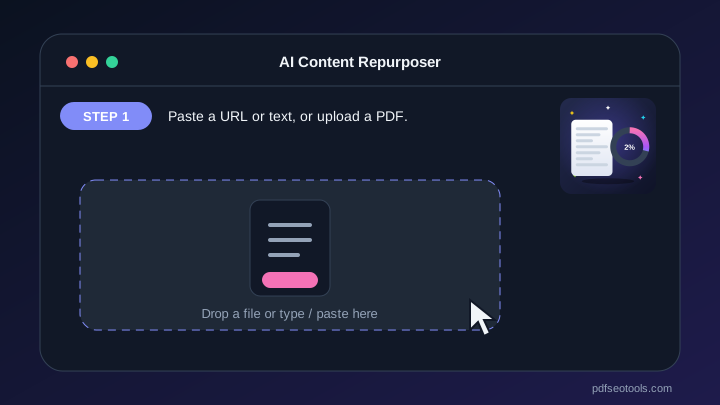
- Step 1: Paste a URL or text, or upload a PDF.
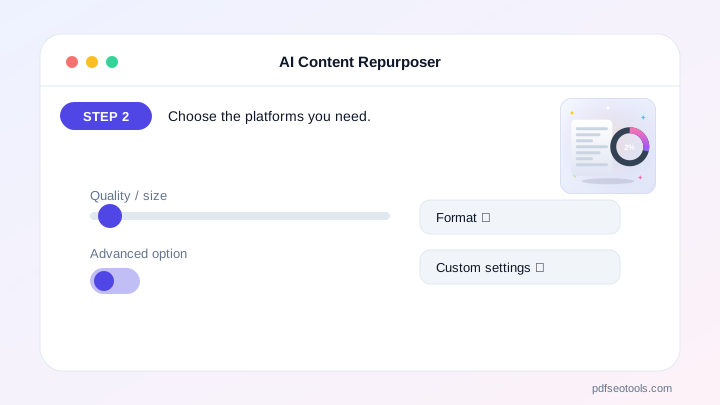
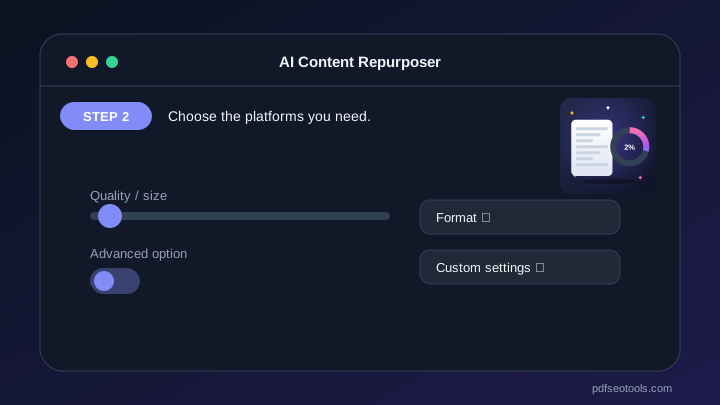
- Step 2: Choose the platforms you need.
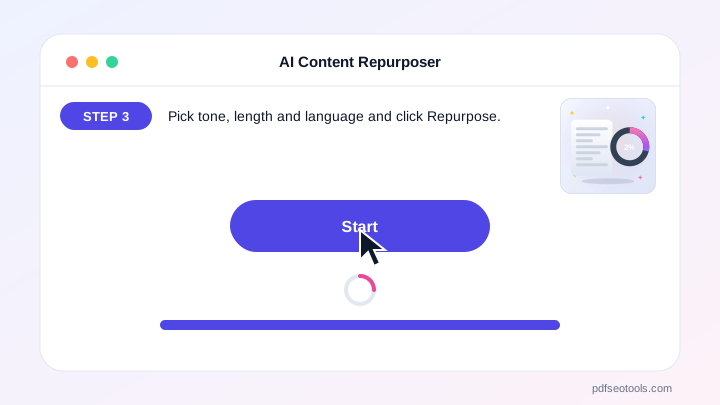
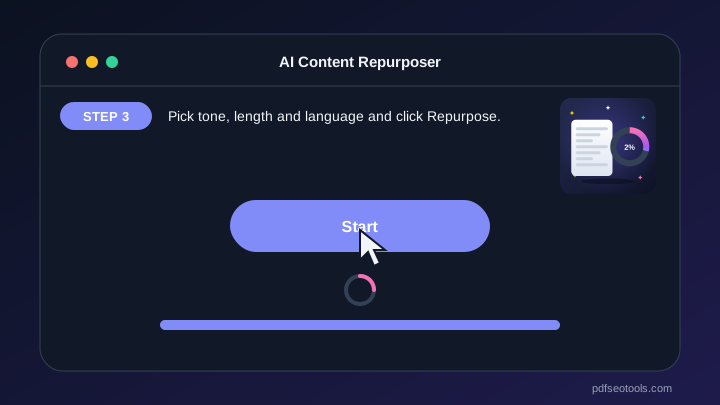
- Step 3: Pick tone, length and language and click Repurpose.
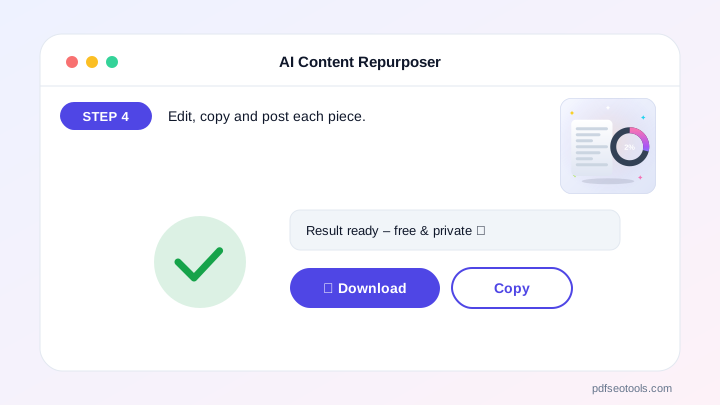
- Step 4: Edit, copy and post each piece.
Why People Choose Our AI Content Repurposer
- No account required Open the page and start immediately – no registration, no email address and no trial period.
- Encrypted HTTPS connection Everything you send travels over a secure, encrypted connection.
- Nothing is published or shared The data you enter is used only to show your result. It is never published, sold or shared.
- Works on every device The layout adapts to phones, tablets and desktops, and runs in Chrome, Safari, Firefox and Edge.
- Free with no hidden limits Use it as often as you need for everyday tasks – no watermark and no surprise charges.
- AI with automatic fallback Several AI providers keep the AI Content Repurposer fast and reliable.
- Upload documents Fill the text box from TXT, PDF or Word files.
Why Repurpose Content?
Writing for every platform takes hours. Repurposing one strong article gives you a blog post, social posts and an email in minutes, so your message reaches more people.
Choose the tone, length and language (Hindi and Hinglish included), add your brand name and a call-to-action link, then edit each post, see character limits, copy it, regenerate one platform or open it straight in LinkedIn or X. You stay in control – you review and post everything yourself.
Who Uses It?
Bloggers, marketers, small businesses, YouTubers and social media managers.
- Bloggers Promote every new article.
- Marketers Plan a week of posts.
- Businesses Share product pages everywhere.
- Creators Turn scripts into captions.
Tips for the Best Posts
Start from a detailed source – more facts give better posts.
Add your call-to-action link so every post drives traffic.
Edit the first line of each post – the hook matters most.
Key Features of the AI Content Repurposer
- URL, text, PDF or DOCX as the source URL, text, PDF or DOCX as the source – free and works on phone and computer.
- AI image for every platform in the right size (1:1, 16:9, 2:3) Each post gets a matching AI image with your title, ready to download or share.
- Blog, LinkedIn, X thread, Instagram, Facebook, YouTube, Pinterest and email Blog, LinkedIn, X thread, Instagram, Facebook, YouTube, Pinterest and email – free and works on phone and computer.
- Tone, length, language, brand and CTA link Tone, length, language, brand and CTA link – free and works on phone and computer.
- Character counter for each platform limit Character counter for each platform limit – free and works on phone and computer.
- Edit, copy, regenerate and download each post Edit, copy, regenerate and download each post – free and works on phone and computer.
- One-tap open in LinkedIn and X One-tap open in LinkedIn and X – free and works on phone and computer.
AI Content Repurposer: Frequently Asked Questions
Is the AI Content Repurposer free?
Yes – it is free to use with a daily limit, no sign-up needed.
Which platforms does it write for?
Blog post, LinkedIn, X (Twitter) thread, Instagram, Facebook, YouTube description, Pinterest pin and newsletter email.
Can it write in Hindi?
Yes – choose Hindi, Hinglish or many other languages.
Is the AI Content Repurposer safe and private?
Yes. Everything travels over a secure HTTPS connection, and the data you enter is used only to show your result – it is never published or sold. You do not need an account, and the tool works the same way on phones, tablets and computers.
Related Free Tools
- Plagiarism CheckerCheck plagiarism free online.
- Grammar CheckerCheck grammar, spelling, punctuation and clarity free in 30+ languages.
- AI Content DetectorCheck if text is AI-generated or human-written.
- AI HumanizerHumanize AI text free.
- AI WriterFree AI writer for titles, outlines, intros, paragraphs, blog posts, social media captions, ads, emails, conclusions, essays and stories – edit and copy.
- AI Text GeneratorFree AI text generator for blog titles, outlines, intros, paragraphs, blog posts, social posts, ads, emails, conclusions, essays and stories.
Start Using the AI Content Repurposer
Ready to try it? Open the AI Content Repurposer at the top of this page, paste a URL or text, or upload a PDF and see the result in seconds.
Bookmark PDF SEO Tools to keep 150+ free tools for PDFs, images, text, SEO and development one tap away.
Something not working, or missing a feature you need? Tell our support team – we read every message.