AI Image Detector
The AI Image Detector checks whether a picture is a real photo or was created with generative AI. Upload, drag, paste or take a photo, or enter an image URL, and get an AI likelihood score, a verdict and the likely source – Midjourney, DALL-E, ChatGPT, Stable Diffusion, Adobe Firefly or GAN/deepfake. Besides scanning the pixels, the tool reads hidden file data – Content Credentials (C2PA), IPTC “made with AI” tags, generator settings and real camera EXIF – and shows that evidence, so you can jud
Detect AI-Generated Images with Unmatched Precision
✨ Realistic AI🎭 Deepfake🤖 AI character🎨 AI art
- Midjourney, DALL-E, ChatGPT, Stable Diffusion, Firefly & GAN
- Checks hidden file data (C2PA, IPTC, EXIF)
- Free · no sign-up · works on phone
Drag or paste your image here, or
JPG, PNG, WEBP, GIF · max 10 MB🔗
🛡️ Your image is analysed and not published. Results are an expert estimate – always check important images from more than one source.
Analysing 0%
We are checking your image.
🧾
Reading file dataEXIF · IPTC · Content Credentials
🧠
Scanning pixels with AITextures · hands · lighting · edges
📊
Compiling the reportLikelihood & likely source
0%AI
The input is likely to be:
–
0%
🤖 AI 0%🧑 Human 0%
🧩 Likely source (estimate)
🔎 Evidence found
Rate this tool
How was your experience with the AI Image Detector?
Be the first to rate this tool
Share on Social Media:


Find Out if an Image Is Real or AI Generated
Free AI image detector: find out if a photo was made by Midjourney, DALL-E, ChatGPT, Stable Diffusion, Firefly or a GAN, with AI score and evidence. The AI Image Detector checks whether a picture is a real photo or was created with generative AI. Upload, drag, paste or take a photo, or enter an image URL, and get an AI likelihood score, a verdict and the likely source – Midjourney, DALL-E, ChatGPT, Stable Diffusion, Adobe Firefly or GAN/deepfake.
People rely on the AI Image Detector for aI likelihood score with clear verdict, likely source: Midjourney, DALL-E, ChatGPT, Stable Diffusion, Firefly, GAN, reads C2PA, IPTC and EXIF evidence and upload, drag & drop, paste, camera or image URL. Everything happens in your browser, so there is nothing to download, nothing to set up and no account to create – you get a clean result in seconds and can get back to your work.
How the AI Image Detector Works
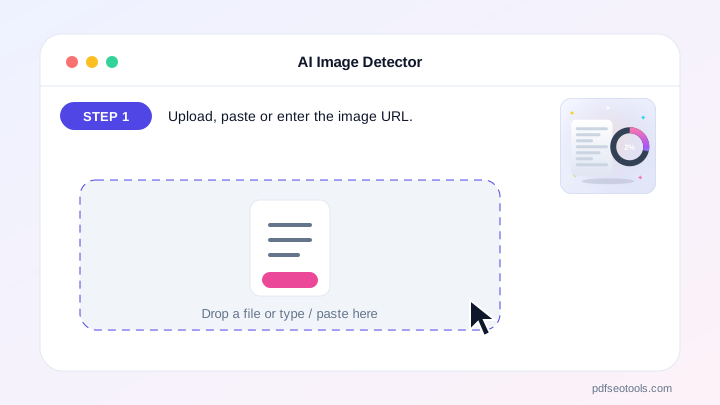
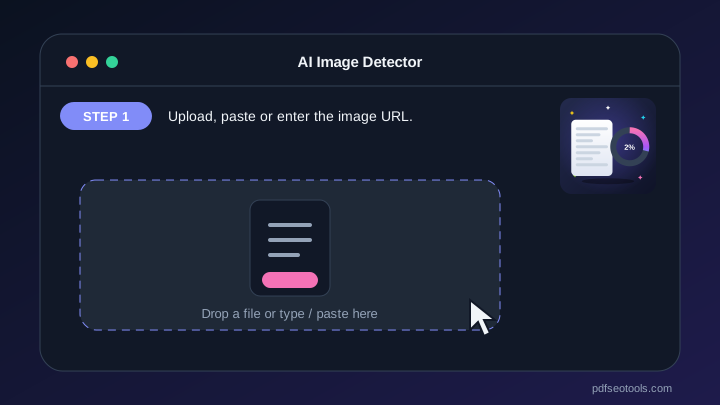
- Step 1: Upload, paste or enter the image URL.
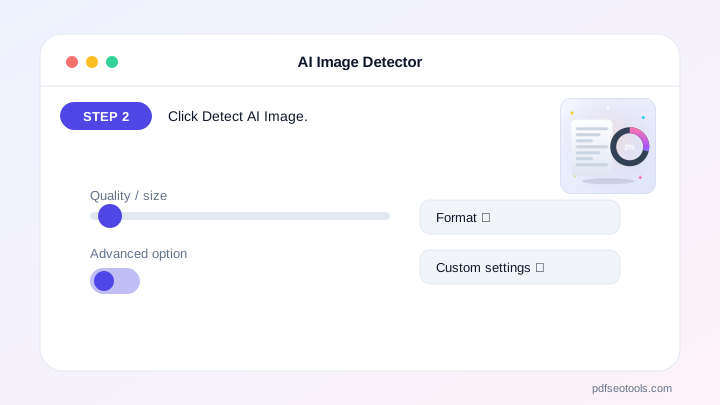
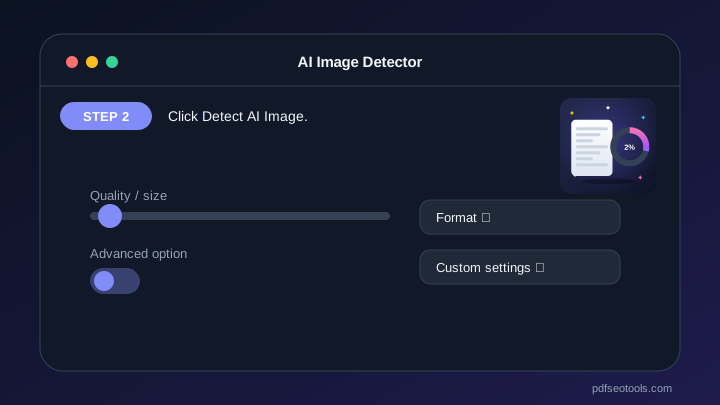
- Step 2: Click Detect AI Image.
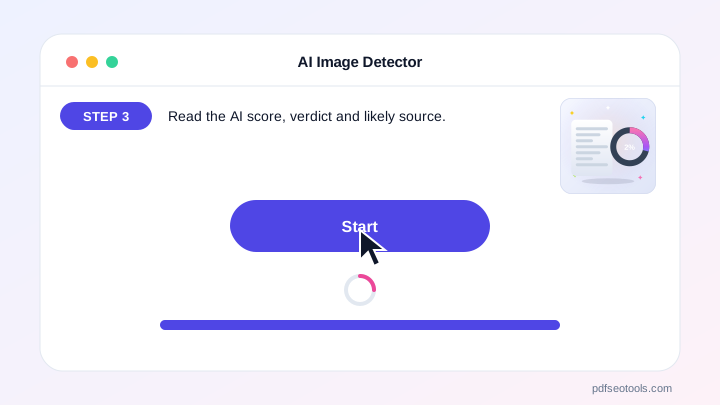
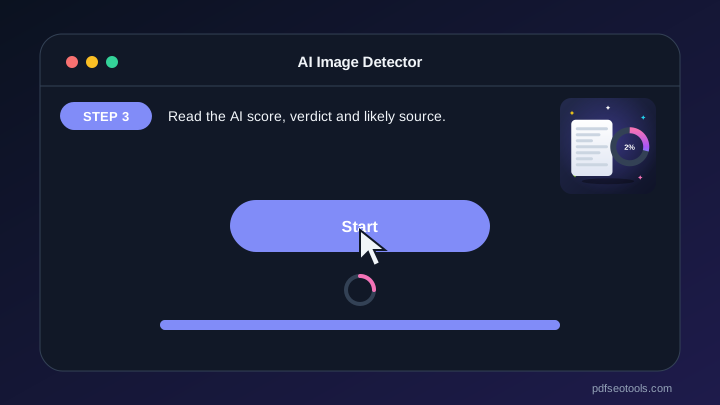
- Step 3: Read the AI score, verdict and likely source.
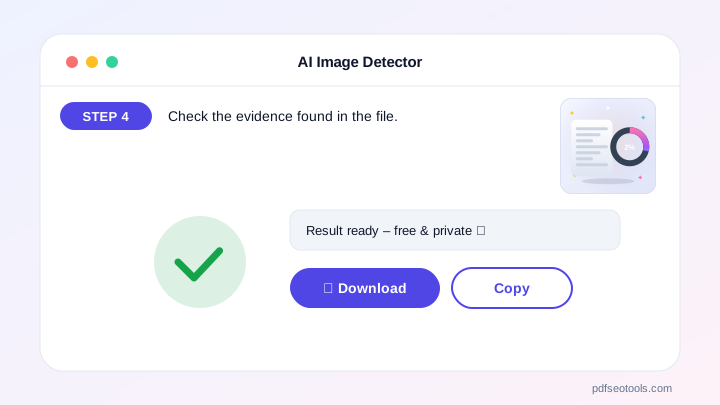
- Step 4: Check the evidence found in the file.
Why People Choose Our AI Image Detector
- No account required Open the page and start immediately – no registration, no email address and no trial period.
- Encrypted HTTPS connection Everything you send travels over a secure, encrypted connection.
- Nothing is published or shared The data you enter is used only to show your result. It is never published, sold or shared.
- Works on every device The layout adapts to phones, tablets and desktops, and runs in Chrome, Safari, Firefox and Edge.
- Free with no hidden limits Use it as often as you need for everyday tasks – no watermark and no surprise charges.
- AI with automatic fallback Several AI providers keep the AI Image Detector fast and reliable.
- Upload documents Fill the text box from TXT, PDF or Word files.
Why Use an AI Image Detector?
AI images now look real enough to fool most people. A quick check helps you avoid fake news, scams, fake product photos and catfishing profiles.
The evidence list shows exactly what was found, so the result is easy to explain to others.
Who Uses the AI Image Detector?
Journalists, teachers, online shoppers, social media users, HR teams and businesses use it every day.
- Journalists Verify viral photos before publishing.
- Shoppers Spot fake product and review photos.
- Social media users Check suspicious profile pictures.
- Businesses Verify images in documents and claims.
Tips to Get the Best Results
Upload the original file, not a screenshot, so hidden file data is kept.
Use the largest version of the image you have.
Combine the result with Reverse Image Search to find where the picture first appeared.
Key Features of the AI Image Detector
- AI likelihood score with clear verdict AI likelihood score with clear verdict – free and works on phone and computer.
- Likely source: Midjourney, DALL-E, ChatGPT, Stable Diffusion, Firefly, GAN Likely source: Midjourney, DALL-E, ChatGPT, Stable Diffusion, Firefly, GAN – free and works on phone and computer.
- Reads C2PA, IPTC and EXIF evidence Reads C2PA, IPTC and EXIF evidence – free and works on phone and computer.
- Upload, drag & drop, paste, camera or image URL Upload, drag & drop, paste, camera or image URL – free and works on phone and computer.
- Animated gauge and detailed report Animated gauge and detailed report – free and works on phone and computer.
- Free, fast and works on phone and computer Free, fast and works on phone and computer – free and works on phone and computer.
AI Image Detector: Frequently Asked Questions
Is the AI Image Detector free?
Yes – it is free with no sign-up.
Which AI generators can it detect?
Images from Midjourney, DALL-E, ChatGPT image generation, Stable Diffusion, Adobe Firefly and GAN or deepfake tools.
How accurate is it?
No AI detector is 100% certain. The score combines pixel analysis with real file evidence; use it as one piece of evidence for important decisions.
Is the AI Image Detector safe and private?
Yes. Everything travels over a secure HTTPS connection, and the data you enter is used only to show your result – it is never published or sold. You do not need an account, and the tool works the same way on phones, tablets and computers.
Related Free Tools
- Plagiarism CheckerCheck plagiarism free online.
- Grammar CheckerCheck grammar, spelling, punctuation and clarity free in 30+ languages.
- AI Content DetectorCheck if text is AI-generated or human-written.
- AI HumanizerHumanize AI text free.
- AI WriterFree AI writer for titles, outlines, intros, paragraphs, blog posts, social media captions, ads, emails, conclusions, essays and stories – edit and copy.
- AI Text GeneratorFree AI text generator for blog titles, outlines, intros, paragraphs, blog posts, social posts, ads, emails, conclusions, essays and stories.
Start Using the AI Image Detector
Ready to try it? Open the AI Image Detector at the top of this page, upload, paste or enter the image URL and see the result in seconds.
Bookmark PDF SEO Tools to keep 150+ free tools for PDFs, images, text, SEO and development one tap away.
Something not working, or missing a feature you need? Tell our support team – we read every message.