Face Shape Detector
The Face Shape Detector finds your face shape from a photo in seconds. Upload or take a front-facing selfie and the tool measures your face length, forehead, cheekbones and jawline to show how closely you match each of the 7 face shapes – Oblong, Oval, Round, Square, Heart, Diamond and Triangle. You get your main face shape with a short description, percentage circles and bars for every shape, the measurement lines drawn on your photo, and personal tips for hairstyles, glasses, beard and makeup.
Detect Face Shape with AIMaximum image size: 10MB · JPG, PNG, WEBP
🛡️ Use a clear, front-facing photo with hair away from the face. The photo is measured in your browser and is not saved.
Loading face scanner…This takes a few seconds the first time.
Your Face Shape is: –
Detected Face Shape: –
📊 Face shape match
📏 Face measurements
💇 Style tips for your face
Rate this tool
How was your experience with the Face Shape Detector?
Be the first to rate this tool
Share on Social Media:


Find Your Face Shape in Seconds
Free AI face shape detector: upload a selfie to find if your face is oblong, oval, round, square, heart, diamond or triangle, with hairstyle and glasses tips. The Face Shape Detector finds your face shape from a photo in seconds. Upload or take a front-facing selfie and the tool measures your face length, forehead, cheekbones and jawline to show how closely you match each of the 7 face shapes – Oblong, Oval, Round, Square, Heart, Diamond and Triangle.
People rely on the Face Shape Detector for 7 face shapes with percentage circles and bars, 478-point face mesh measured in your browser, measurement lines drawn on your photo and hairstyle, glasses, beard and makeup tips. Everything happens in your browser, so there is nothing to download, nothing to set up and no account to create – you get a clean result in seconds and can get back to your work.
How the Face Shape Detector Works
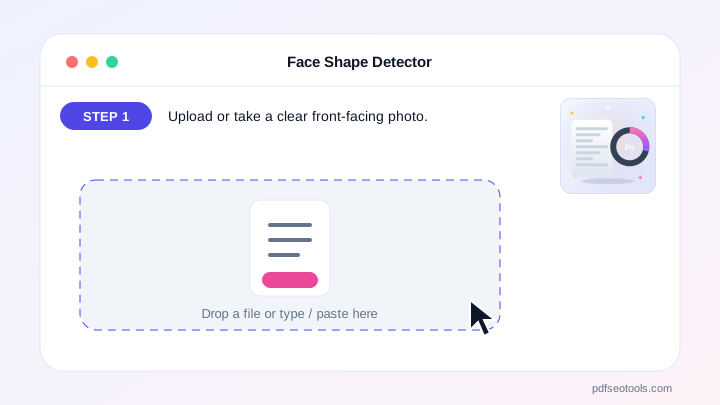
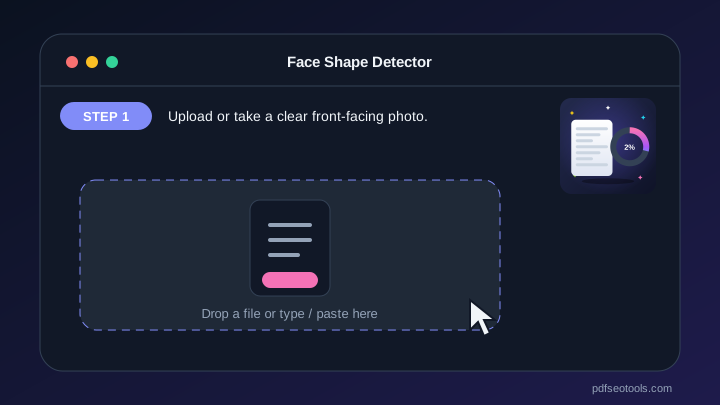
- Step 1: Upload or take a clear front-facing photo.
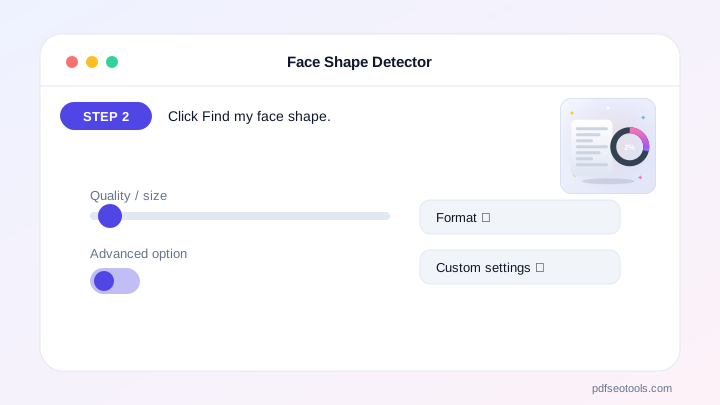
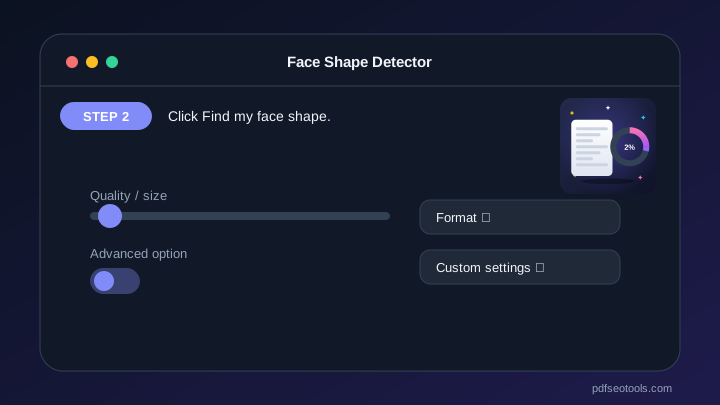
- Step 2: Click Find my face shape.
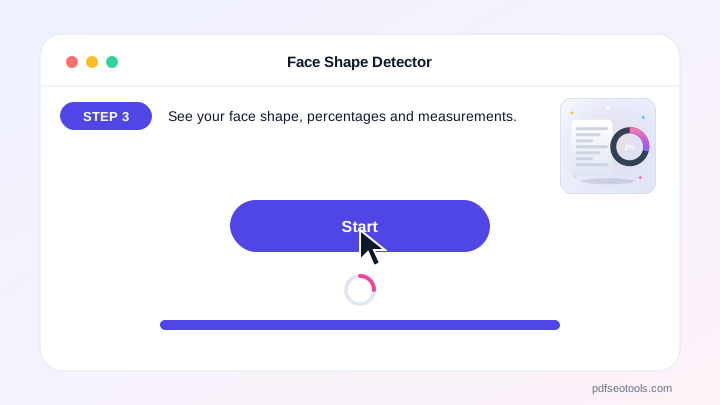
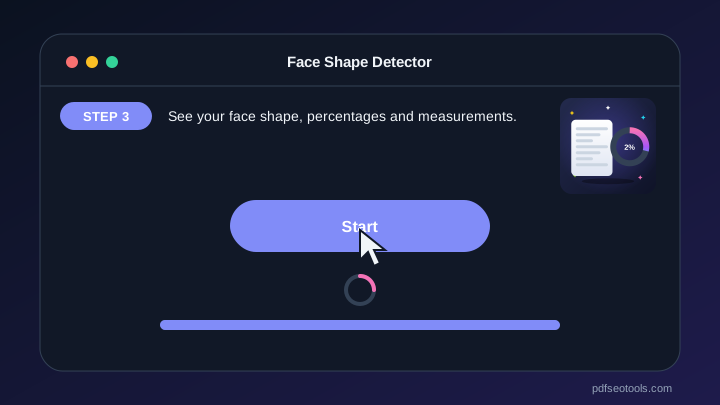
- Step 3: See your face shape, percentages and measurements.
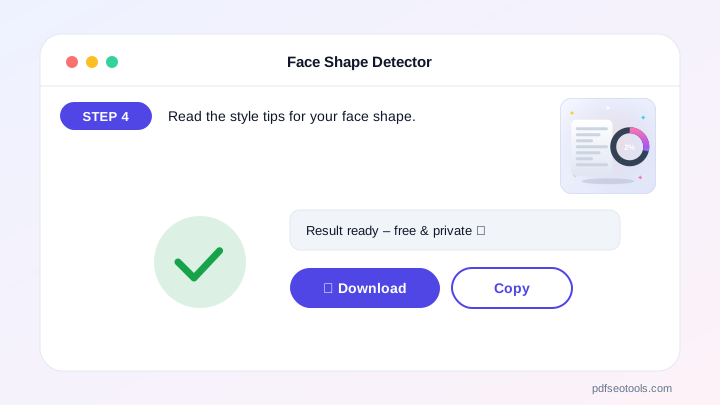
- Step 4: Read the style tips for your face shape.
Why People Choose Our Face Shape Detector
- No account required Open the page and start immediately – no registration, no email address and no trial period.
- Encrypted HTTPS connection Everything you send travels over a secure, encrypted connection.
- Nothing is published or shared The data you enter is used only to show your result. It is never published, sold or shared.
- Works on every device The layout adapts to phones, tablets and desktops, and runs in Chrome, Safari, Firefox and Edge.
- Free with no hidden limits Use it as often as you need for everyday tasks – no watermark and no surprise charges.
- AI with automatic fallback Several AI providers keep the Face Shape Detector fast and reliable.
- Upload documents Fill the text box from TXT, PDF or Word files.
Popular Face Shapes
Oblong – longer than wide with straight sides. Oval – balanced, slightly longer than wide with a soft jaw. Round – as wide as long with soft curves. Square – strong, angular jaw.
Heart – wide forehead and a narrow chin. Diamond – wide cheekbones with a narrow forehead and jaw. Triangle – the jaw is the widest part.
Who Uses the Face Shape Detector?
Anyone choosing a haircut, glasses, beard style or makeup, plus stylists and salons.
- Haircuts Pick a style that suits your shape.
- Glasses Choose flattering frames.
- Beard & makeup Balance your features.
- Salons Quick consultation tool.
Tips to Get the Best Results
Face the camera straight on with a neutral expression.
Pull your hair back so the forehead and jawline are visible.
Use good, even lighting and try 2–3 photos.
Key Features of the Face Shape Detector
- 7 face shapes with percentage circles and bars 7 face shapes with percentage circles and bars – free and works on phone and computer.
- 478-point face mesh measured in your browser 478-point face mesh measured in your browser – free and works on phone and computer.
- Measurement lines drawn on your photo Measurement lines drawn on your photo – free and works on phone and computer.
- Hairstyle, glasses, beard and makeup tips Hairstyle, glasses, beard and makeup tips – free and works on phone and computer.
- Upload, drag & drop, paste or take a selfie Upload, drag & drop, paste or take a selfie – free and works on phone and computer.
- Download your result image Download your result image – free and works on phone and computer.
Face Shape Detector: Frequently Asked Questions
Is the Face Shape Detector free?
Yes – it is free with no sign-up.
Which face shapes can it detect?
Oblong, Oval, Round, Square, Heart, Diamond and Triangle.
Is my photo stored?
No. The face is measured in your browser and the photo is not saved on our website.
Is the Face Shape Detector safe and private?
Yes. Everything travels over a secure HTTPS connection, and the data you enter is used only to show your result – it is never published or sold. You do not need an account, and the tool works the same way on phones, tablets and computers.
Related Free Tools
- Plagiarism CheckerCheck plagiarism free online.
- Grammar CheckerCheck grammar, spelling, punctuation and clarity free in 30+ languages.
- AI Content DetectorCheck if text is AI-generated or human-written.
- AI HumanizerHumanize AI text free.
- AI WriterFree AI writer for titles, outlines, intros, paragraphs, blog posts, social media captions, ads, emails, conclusions, essays and stories – edit and copy.
- AI Text GeneratorFree AI text generator for blog titles, outlines, intros, paragraphs, blog posts, social posts, ads, emails, conclusions, essays and stories.
Start Using the Face Shape Detector
Ready to try it? Open the Face Shape Detector at the top of this page, upload or take a clear front-facing photo and see the result in seconds.
Bookmark PDF SEO Tools to keep 150+ free tools for PDFs, images, text, SEO and development one tap away.
Something not working, or missing a feature you need? Tell our support team – we read every message.