Development Tools
Free developer tools to format, validate, view and convert JSON and XML, generate UUIDs and Lorem Ipsum. Fast, private and no sign-up. Try now!
Free Developer Tools – JSON, XML & UUID Online
Developer tools format, validate and convert data so you can debug APIs and configuration files faster.
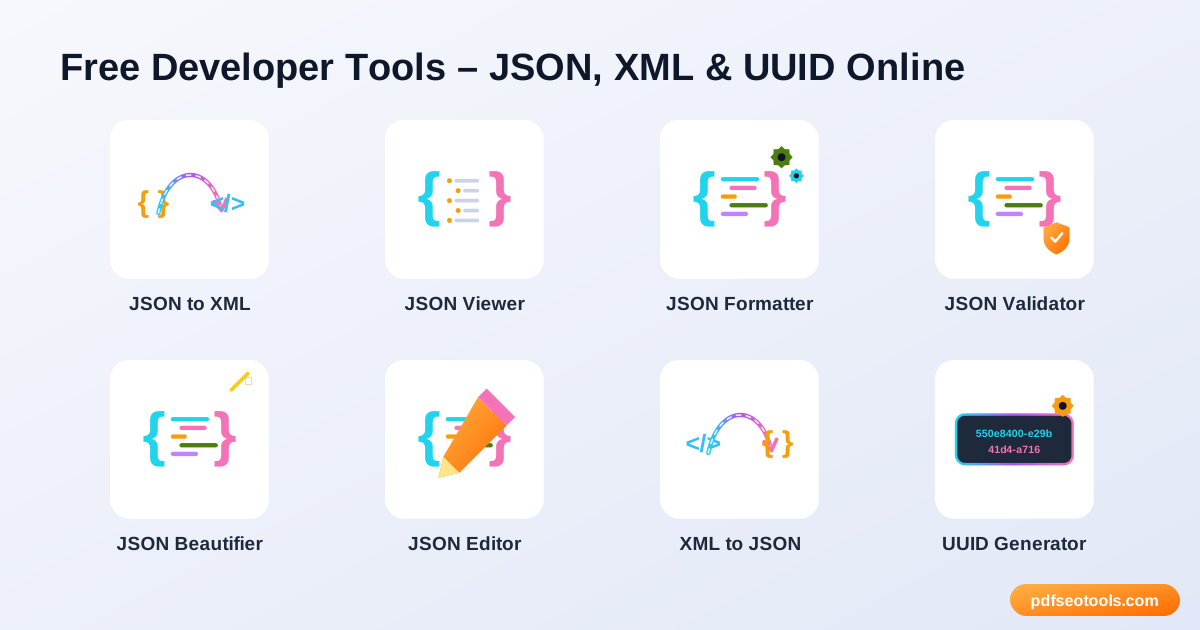
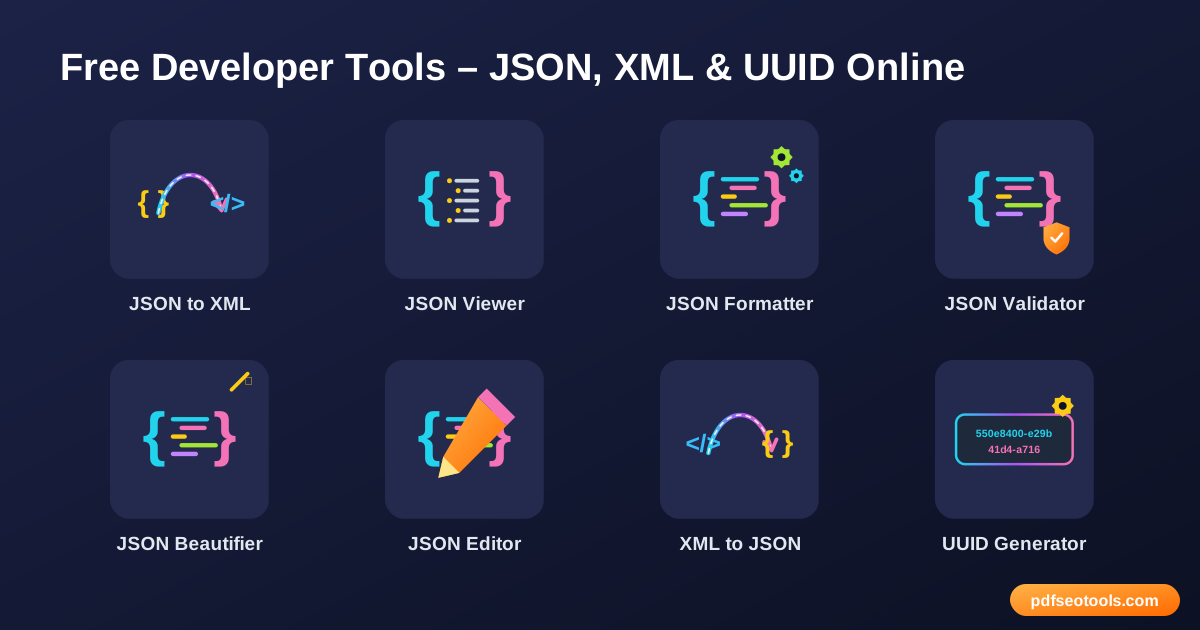
All 9 Free Developer Tools
- JSON to XML – Convert JSON data into XML format online instantly.
- JSON Viewer – View JSON data in a clear, collapsible tree format.
- JSON Formatter – Format and pretty-print JSON with proper indentation online.
- JSON Validator – Validate JSON online and find syntax errors quickly.
- JSON Beautifier – Beautify messy or minified JSON into clean, readable code.
- JSON Editor – Edit JSON data online with a simple, structured editor.
- XML to JSON – Convert XML data into JSON format online.
- UUID Generator – Generate random UUIDs (version 4 GUIDs) online instantly.
- Lorem Ipsum Generator – Generate Lorem Ipsum placeholder text in paragraphs, sentences or words.
How to Use These Tools
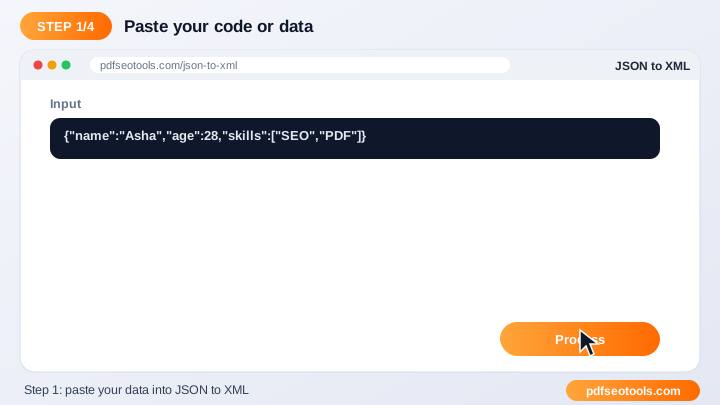
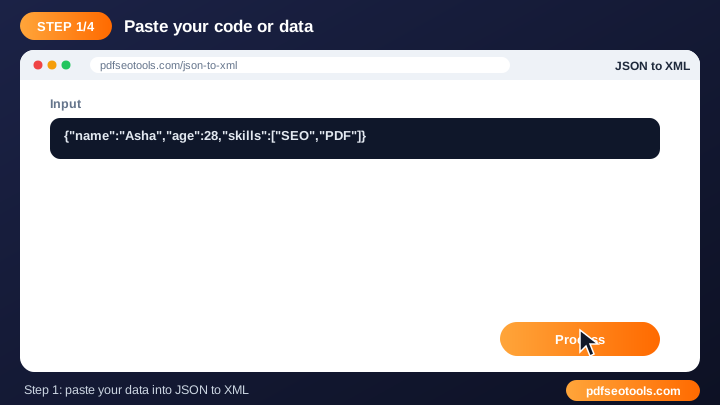
- Paste your code or data into the input box (or upload a file where supported).
- Choose any options such as indentation.
- Click the action button.
- Copy or download the output.
Quick Reference
| Feature | JSON | XML |
|---|---|---|
| Syntax | Key–value pairs, arrays | Nested tags |
| Readability | Compact | Verbose |
| Comments | Not allowed | Allowed |
| Common use | Web APIs, configs | Feeds, sitemaps, legacy APIs |
Why Use Our Developer Tools?
- Developer friendly: Clean output that is ready to use in code.
- Error detection: Highlights invalid input so you can fix it quickly.
- Fast: Processes data instantly in the browser or on our server.
- Free: Use the tool without an account.
- Works everywhere: No IDE or plugin required.
- Privacy: Your data is not shared or published.
Tips
- Validate data before using it in production.
- Keep sensitive keys and passwords out of shared snippets.
- Use consistent indentation across your project.
- Bookmark the tool for daily debugging.
Worked Example
Example: an API returns one long line of JSON and the app crashes. Pasting it into a JSON Validator reveals a trailing comma on line 1; after removing it, the formatter shows clean, indented data that is easy to debug.
Glossary
- JSON
- JavaScript Object Notation – a lightweight data format of keys and values.
- XML
- Extensible Markup Language – a tag-based data format.
- Validation
- Checking that data follows the correct syntax rules.
- Minify
- Removing spaces and line breaks to make data smaller.
- UUID
- A 128-bit identifier that is practically unique.
Helpful Guides
- How to Format and Validate JSON Online (Step-by-Step Guide)
- JSON vs XML: Differences, Examples and How to Convert
- Common JSON Errors and How to Fix Them
- What Is a UUID and When Should You Use One?
Frequently Asked Questions
Are these developer tools free?
Yes. Every tool in this category is free to use on pdfseotools.com with no sign-up.
Do the tools work on mobile?
Yes. They work in any modern browser on Android, iPhone, Windows and Mac.
Is my data safe?
Yes. Connections use HTTPS and uploaded files are removed after processing.