Text Analysis Tools
Free online text tools to count words, change case, paraphrase, extract text from images and format lists. Instant results with no sign-up. Try now!
Free Online Text Tools – Count, Convert & Rewrite
Text tools save time when you write, edit and format content. Count words, change letter case, extract text from images and clean up lists in one click.
All 13 Free Text Tools
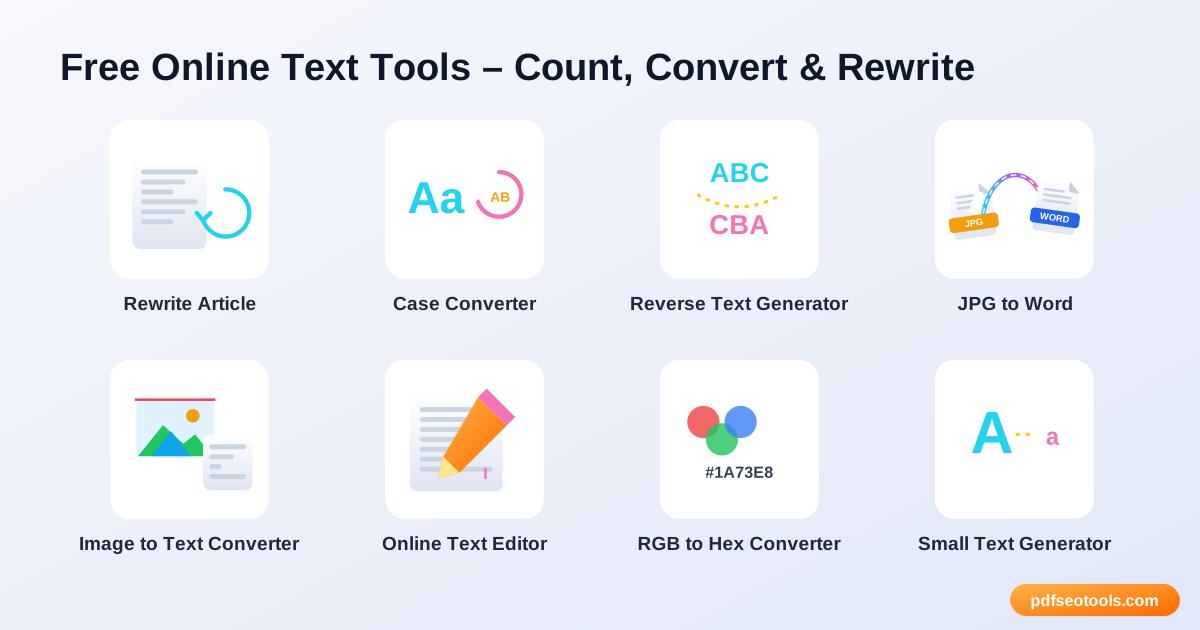
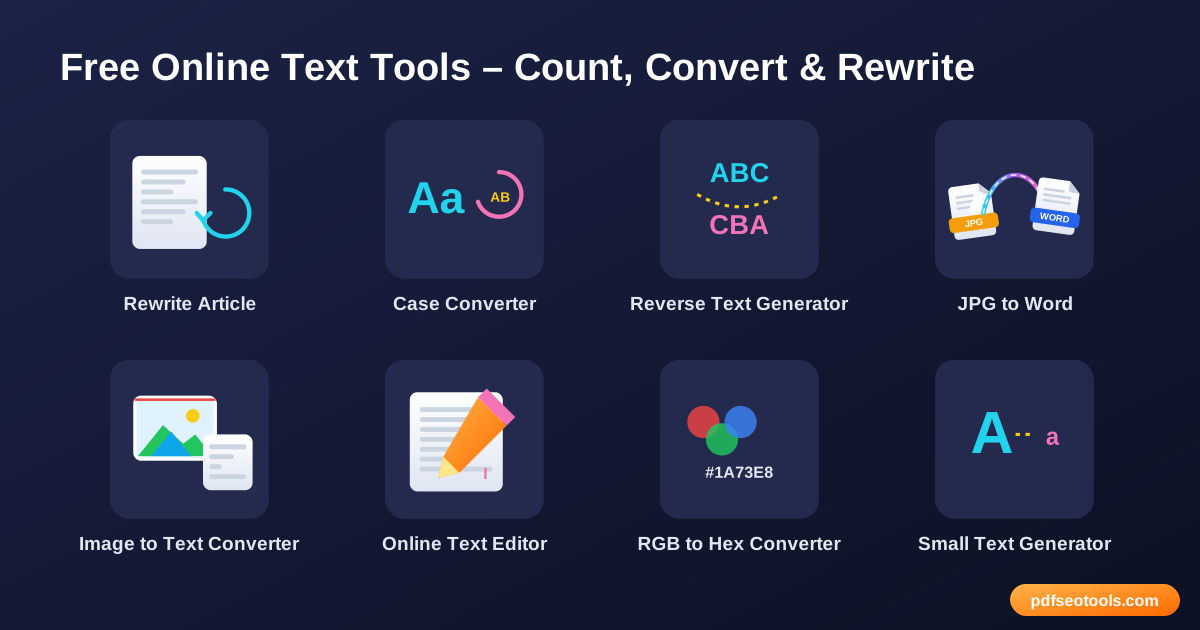
- Rewrite Article – Rewrite articles, paragraphs and sentences online with fresh wording.
- Case Converter – Change text to UPPERCASE, lowercase, Title Case, Sentence case and more in one click.
- Reverse Text Generator – Reverse text, words or letters instantly.
- JPG to Word – Extract text from JPG images and convert it into an editable Word document.
- Image to Text Converter – Extract text from images online with OCR.
- Online Text Editor – Write and format text online with a simple, distraction-free editor.
- RGB to Hex Converter – Convert RGB colour values to HEX colour codes instantly.
- Small Text Generator – Generate tiny text, superscript and small caps letters to copy and paste anywhere.
- Word Combiner – Combine words to create unique names, domain ideas and keyword combinations.
- English Converter – Convert text between English variants and transliterate text into English letters online.
- Paraphrasing Tool – Paraphrase sentences and paragraphs online to express ideas in new words.
- Word Counter – Count words, characters, sentences and paragraphs instantly.
- Comma Separator – Convert lists into comma-separated values and back instantly.
How to Use These Tools
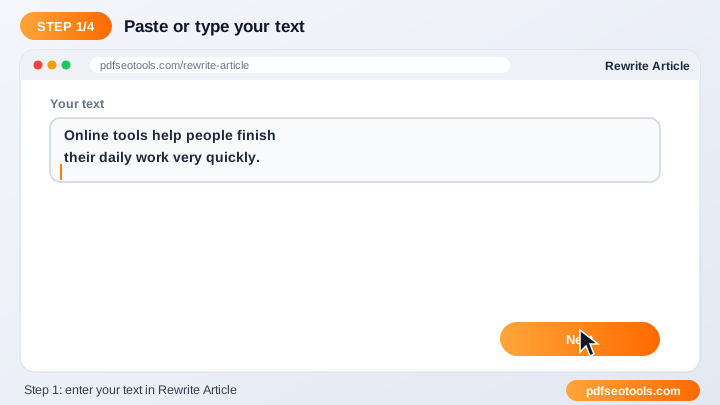
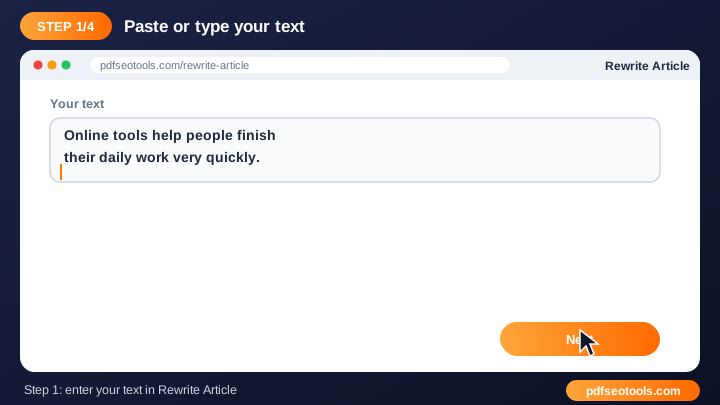
- Type or paste your text into the input box (or upload a file where supported).
- Choose the option you need from the tool settings.
- Click the main button to process the text.
- Copy the result with one click or download it.
Quick Reference
| Case style | Example | Common use |
|---|---|---|
| UPPERCASE | HOW TO USE SEO TOOLS | Warnings, buttons |
| lowercase | how to use seo tools | URLs, tags |
| Title Case | How To Use Seo Tools | Headings |
| Sentence case | How to use seo tools | Normal sentences |
Why Use Our Text Tools?
- Instant results: Text is processed in seconds.
- Free to use: No sign-up or subscription is required for the tool.
- Simple interface: A clean layout that anyone can use without training.
- Copy and download: Move the result to your document, CMS or email quickly.
- Works everywhere: Use it on desktop, tablet or mobile.
- Privacy respected: Your text is not published or stored for public use.
Tips
- Proofread the final text before publishing it.
- Break long content into smaller parts for more accurate processing.
- Keep a copy of your original text before making changes.
- Combine this tool with our Word Counter and Case Converter for complete editing.
Worked Example
Example: a meta description should stay under about 155 characters. Paste the draft into the Word Counter, check the character count, shorten it if needed, then use the Case Converter to fix any capitalisation before publishing.
Glossary
- Word count
- The number of words separated by spaces in a text.
- Character count
- The number of letters, numbers, spaces and symbols.
- Title case
- Capitalising the first letter of each major word.
- Paraphrasing
- Expressing the same meaning with different words.
- OCR
- Recognising printed text inside an image so it can be copied.
Helpful Guides
- How to Count Words and Characters for Essays and SEO
- How to Extract Text from an Image (OCR) Online
- How to Change Text Case: UPPERCASE, lowercase and Title Case
- 8 Free Online Text Tools for Writers and Students
Frequently Asked Questions
Are these text tools free?
Yes. Every tool in this category is free to use on pdfseotools.com with no sign-up.
Do the tools work on mobile?
Yes. They work in any modern browser on Android, iPhone, Windows and Mac.
Is my data safe?
Yes. Connections use HTTPS and uploaded files are removed after processing.