Image Tools
Free online image tools to compress, resize, edit and convert JPG, PNG, WEBP, SVG, HEIC and AVIF images. High quality and no sign-up. Try now!
- Png to JPG Converter
- JPG to PNG Converter
- WEBP to PNG Converter
- PNG to WEBP Converter
- Reverse Image Search
- Text To Image
- Jpg Converter
- Favicon Generator
- Image Compressor
- Image Resizer
- Meme Generator
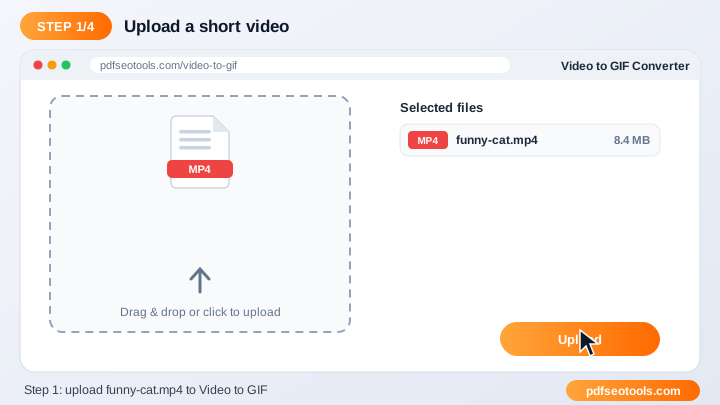
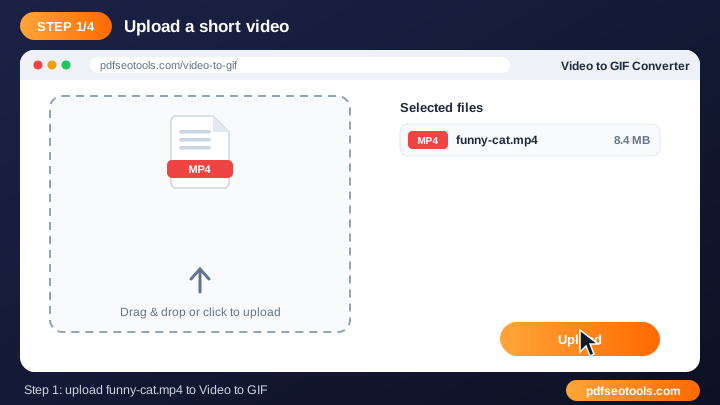
- Video to GIF Converter
- SVG Converter
- PNG to SVG
- JPG to SVG
- HEIC to JPG
- HEIC to PNG
- AVIF to JPG
- AVIF to PNG
- SVG to JPG
- SVG to PNG
Free Online Image Tools – Convert, Resize & Compress
Image tools help you convert formats, shrink file sizes, resize photos and create graphics such as favicons and memes. Optimised images make websites faster and uploads easier.
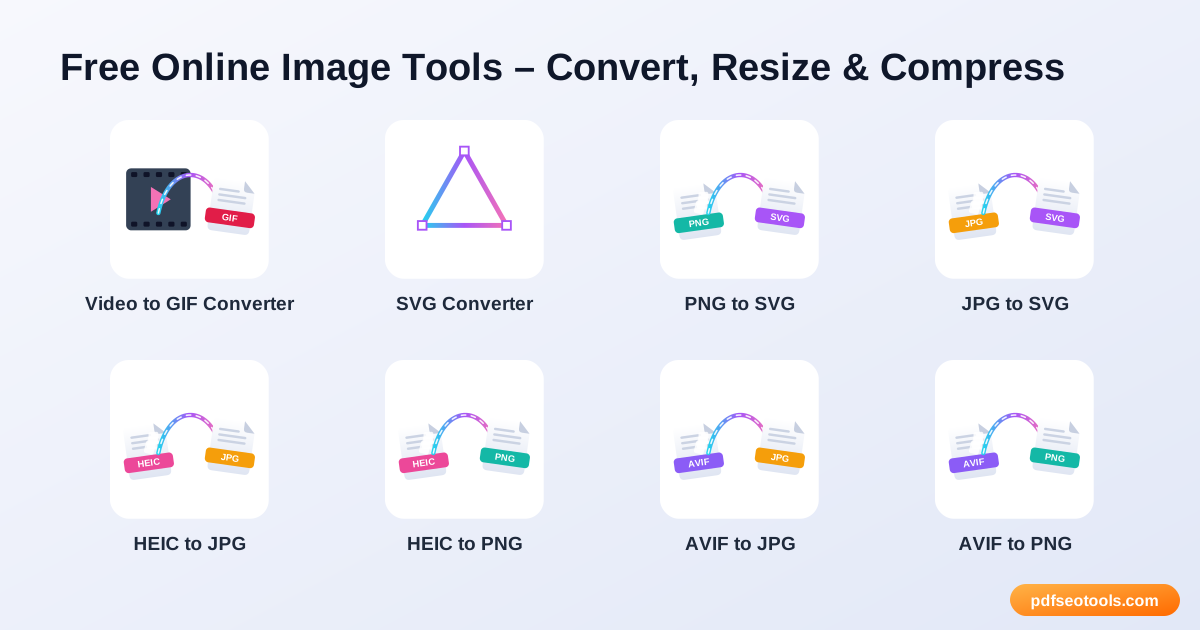
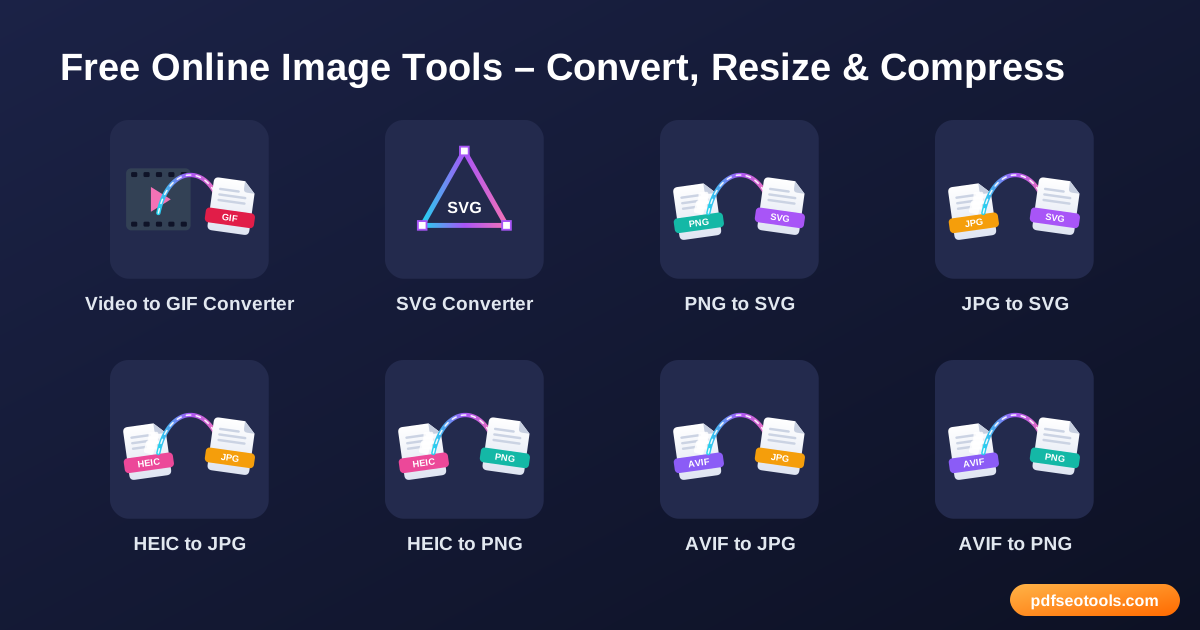
All 22 Free Image Tools
- Video to GIF Converter – Turn short video clips into animated GIFs online.
- SVG Converter – Convert images to and from SVG online.
- PNG to SVG – Convert PNG images into scalable SVG vector files online.
- JPG to SVG – Convert JPG images into scalable SVG vector files online.
- HEIC to JPG – Convert iPhone HEIC photos to JPG online so they open on Windows, Android and any website.
- HEIC to PNG – Convert iPhone HEIC photos to PNG online so they open on Windows, Android and any website.
- AVIF to JPG – Convert AVIF images to JPG format online for wider compatibility.
- AVIF to PNG – Convert AVIF images to PNG format online for wider compatibility.
- SVG to JPG – Convert SVG vector files into JPG images online.
- SVG to PNG – Convert SVG vector files into PNG images online.
- PNG to JPG Converter – Convert PNG images to JPG online to reduce file size.
- JPG to PNG Converter – Convert JPG images to PNG format online for free.
- Reverse Image Search – Search by image to find where a picture appears online, find similar images and check if a photo is original.
- Text to Image – Convert text into an image online.
- JPG Converter – Convert images from PNG, WEBP, GIF, BMP and more into JPG format online.
- Favicon Generator – Create a favicon for your website from any image in seconds.
- Image Compressor – Compress JPG, PNG and WEBP images online without visible quality loss.
- Image Resizer – Resize images to exact pixel dimensions or percentages online.
- Image Editor – Edit images online – crop, rotate, flip, adjust and add effects without installing software.
- Meme Generator – Make memes online in seconds.
- WEBP to PNG Converter – Convert WEBP images to PNG online.
- PNG to WEBP Converter – Convert PNG images to WEBP to make them much smaller for the web.
How to Use These Tools
- Upload your image by clicking the upload box or dragging the file onto it.
- Adjust the available settings such as size, quality or output format.
- Click the action button to start processing.
- Preview the result and download the new image to your device.
Quick Reference
| Format | Compression | Transparency | Best for |
|---|---|---|---|
| JPG | Lossy | No | Photos |
| PNG | Lossless | Yes | Screenshots, logos |
| WEBP | Lossy or lossless | Yes | Websites |
| SVG | Vector | Yes | Logos and icons |
| HEIC | Lossy (efficient) | Yes | iPhone photos |
| AVIF | Lossy (very efficient) | Yes | Modern websites |
Why Use Our Image Tools?
- Free and unlimited: Edit and convert images with the tool at no cost.
- High-quality output: Smart processing keeps colours and details sharp.
- Browser based: No Photoshop or desktop app is needed – it works in any browser.
- Mobile friendly: Use it on Android and iPhone just as easily as on a PC.
- Privacy first: Your images are not shared and are cleared from our server after use.
- Popular formats: Supports common formats like JPG, PNG, WEBP, SVG, GIF and more where relevant.
Tips
- Start with the highest-resolution image you have.
- Use WEBP or compressed JPG for websites to improve page speed.
- Use PNG when you need a transparent background.
- Add descriptive file names and alt text when you upload images to your site for better image SEO.
Worked Example
Example: a 5 MB photo from a phone is uploaded to a blog post and slows the page down. Resizing it to 1200 px wide and converting it to WEBP can reduce it to well under 200 KB while it still looks sharp on screen, which makes the page load noticeably faster.
Glossary
- Resolution
- The number of pixels in an image, for example 1920 × 1080.
- Lossy compression
- Removes some image data to make files smaller (JPG, lossy WEBP).
- Lossless compression
- Shrinks files without losing any image data (PNG).
- Aspect ratio
- The relationship between width and height, such as 16:9 or 1:1.
- Alt text
- A short text description of an image used by screen readers and search engines.
Helpful Guides
- How to Compress Images for a Faster Website
- How to Convert iPhone HEIC Photos to JPG
- How to Resize an Image to Exact Pixels Online
- JPG vs PNG vs WEBP vs SVG: Which Image Format to Use?
- How to Make a Favicon for Your Website in Minutes
- 9 Free Online Image Tools for Bloggers and Designers
Frequently Asked Questions
Are these image tools free?
Yes. Every tool in this category is free to use on pdfseotools.com with no sign-up.
Do the tools work on mobile?
Yes. They work in any modern browser on Android, iPhone, Windows and Mac.
Is my data safe?
Yes. Connections use HTTPS and uploaded files are removed after processing.