Website Tracking Tools
Free website checkers for SSL certificates, broken links, GZIP compression, Google cache, MozRank and crawler view. Find and fix SEO issues fast.
Free Website Checkers – SSL, Links & Crawling
Website checkers find technical problems – expired SSL, broken links, missing compression and content crawlers cannot read.
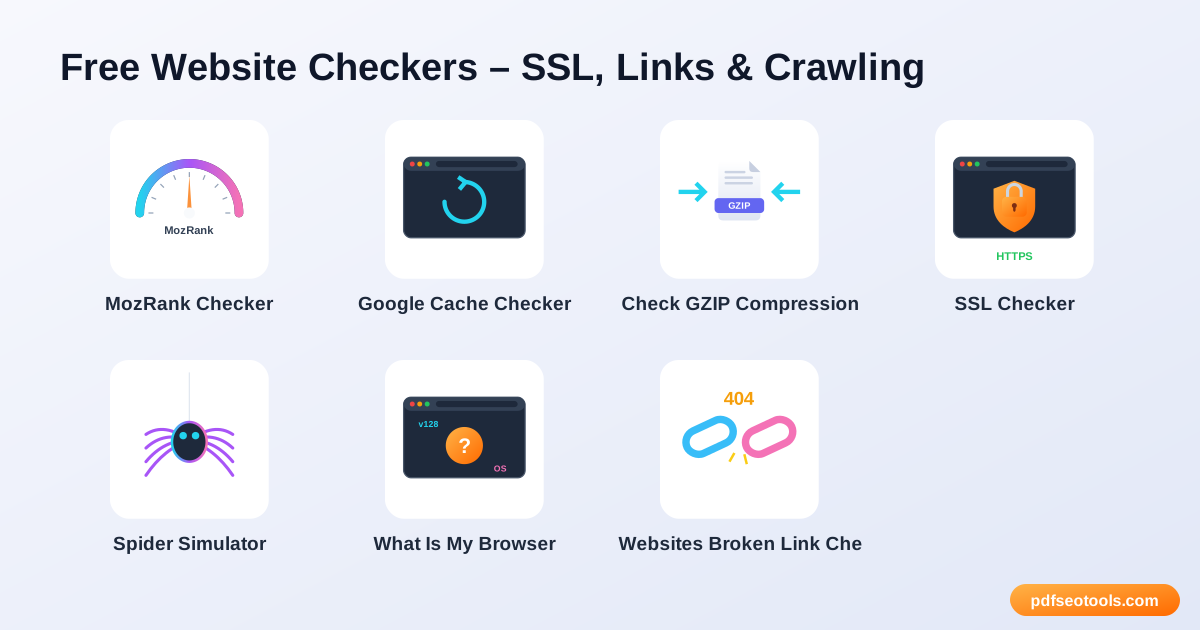
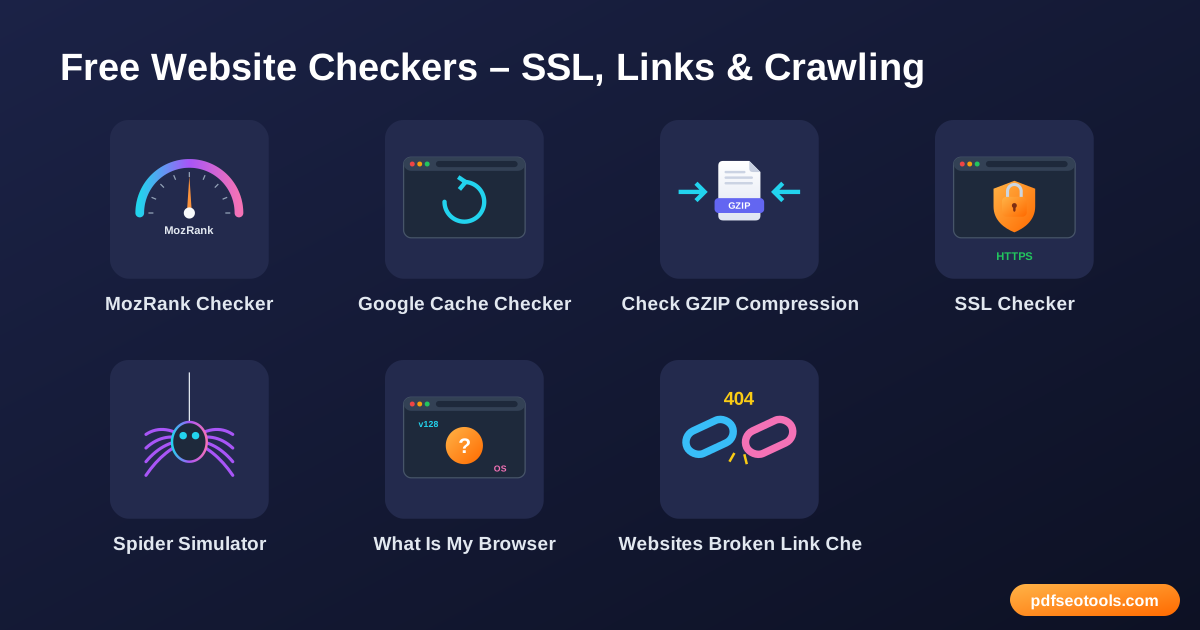
All 7 Free Website Checkers
- MozRank Checker – Check the MozRank and link popularity metrics of any website.
- Google Cache Checker – Check the cache and indexing status of your web pages.
- Check GZIP Compression – Check whether GZIP or Brotli compression is enabled on your website.
- SSL Checker – Check the SSL certificate of any website – issuer, validity and expiry date.
- Spider Simulator – See your web page the way a search engine crawler sees it.
- What Is My Browser – Find out which browser, version, operating system and screen resolution you are using.
- Websites Broken Link Checker – Find broken links (404 errors) on your website for free.
How to Use These Tools
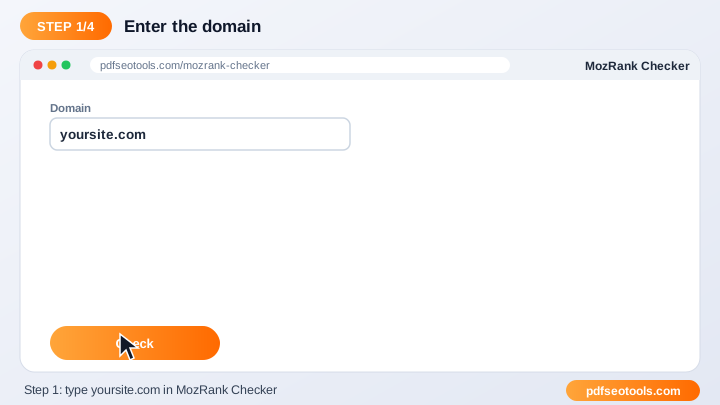
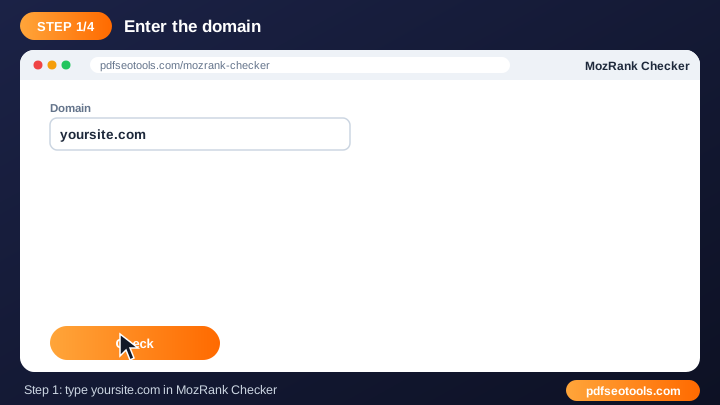
- Enter the website URL in the box.
- Click the check button.
- Wait a few seconds while the page is analysed.
- Read the results and fix any problems that are found.
Quick Reference
| Check | Healthy result | Why it matters |
|---|---|---|
| SSL | Valid, not expired | Trust and HTTPS ranking signal |
| Compression | GZIP or Brotli on | Faster pages |
| Links | No 404 errors | Better user experience |
| Crawlability | Text readable by bots | Content can be indexed |
Why Use Our Website Checkers?
- Technical SEO check: Find issues that can hurt rankings and user experience.
- Quick report: Results are ready in seconds.
- Free: Use the tool as often as needed.
- No login: Start checking immediately.
- Any website: Works with WordPress, Blogger, custom and e-commerce sites.
- Device friendly: Run checks from desktop or mobile.
Tips
- Check both the www and non-www versions of your site.
- Fix critical errors first, then warnings.
- Re-test after each change to confirm the fix.
- Run regular checks as part of your monthly SEO routine.
Worked Example
Example: an old blog post links to a page that was deleted. A broken link checker finds the 404; you either update the link to a relevant live page or add a 301 redirect, so visitors and crawlers no longer hit a dead end.
Glossary
- SSL/TLS certificate
- Enables HTTPS and encrypts data between visitors and your site.
- 404 error
- A page or link that cannot be found.
- GZIP / Brotli
- Compression methods that shrink files sent by the server.
- Crawler (spider)
- A bot that reads pages for a search engine.
- Index
- The database of pages a search engine can show in results.
Helpful Guides
- How to Check an SSL Certificate and Fix 'Not Secure'
- How to Find and Fix Broken Links on Your Website
- How Search Engine Spiders See Your Page (and Why It Matters)
Frequently Asked Questions
Are these website checkers free?
Yes. Every tool in this category is free to use on pdfseotools.com with no sign-up.
Do the tools work on mobile?
Yes. They work in any modern browser on Android, iPhone, Windows and Mac.
Is my data safe?
Yes. Connections use HTTPS and uploaded files are removed after processing.