Website Management Tools
Free webmaster tools for SEO score, XML sitemaps, redirects, HTTP headers, QR codes, minifiers and mobile tests. Fast, free and easy to use.
- Website SEO Score Checker
- Website Screenshot Generator
- Online HTML Viewer
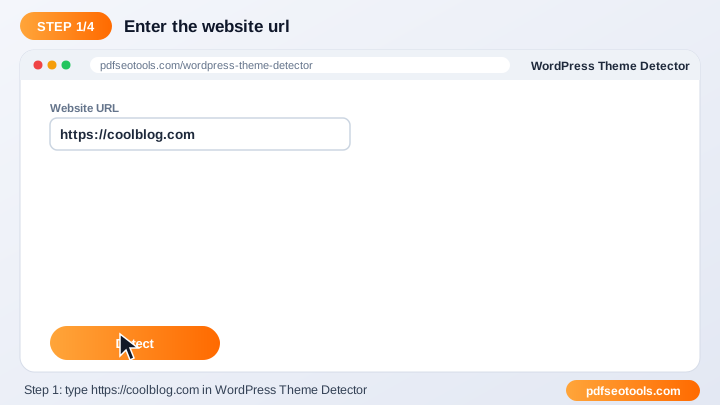
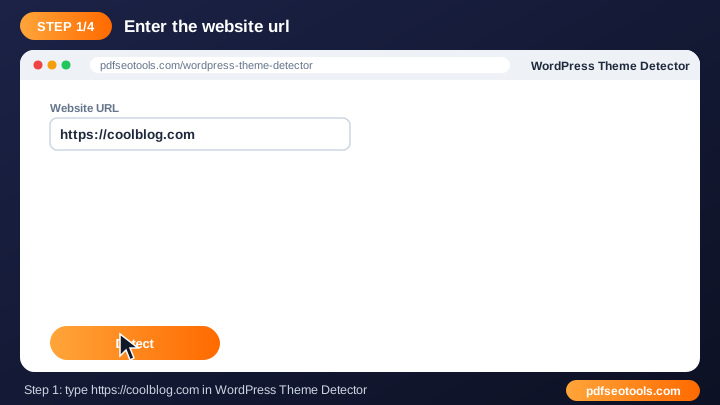
- WordPress Theme Detector
- Get HTTP Header
- Htaccess Redirect
- Mobile Friendly Test
- Adsense Calculator
- Screen Resolution Simulator
- Twitter Card Generator
- Open Graph Generator
- Xml Formatter
- HTML Minifier
- Javascript Minifier
- CSS Minifier
- Online Ping Website Tools
- URL Opener
- URL Encoder Decoder
- Base64 Encode Decode
- QR Code Generator
- XML Sitemap Generator
- HTML Editor
- Bulk Email Validator
- Bilibili Video Downloader
- Dailymotion Video Downloader
Free Webmaster Tools – SEO, Sitemap & Speed
Webmaster tools help you build, optimise and maintain a website – from SEO audits and sitemaps to redirects, minification and QR codes.


All 25 Free Webmaster Tools
- WordPress Theme Detector – Find out which WordPress theme and plugins any website is using.
- Twitter Card Generator – Generate Twitter (X) Card meta tags so your links show a rich preview with image, title and description.
- Open Graph Generator – Create Open Graph meta tags for perfect link previews on Facebook, WhatsApp, LinkedIn and more.
- HTML Viewer – View and test HTML code online with a live preview.
- XML Formatter – Format and beautify XML online with proper indentation.
- Website SEO Score Checker – Check the SEO score of any website for free and get a detailed report with fixes.
- Website Screenshot Generator – Capture full screenshots of any website online in seconds.
- Ping Website Tool – Ping your website and notify search engines and blog directories about new content.
- URL Encoder Decoder – Encode and decode URLs online.
- Base64 Encode Decode – Encode text to Base64 and decode Base64 back to text online.
- QR Code Generator – Create free QR codes for URLs, text, Wi-Fi, phone numbers and more.
- HTML Editor – Write, edit and preview HTML online with a live editor.
- HTML Minifier – Minify HTML code to reduce page size and speed up your website.
- Javascript Minifier – Minify JavaScript code online to make files smaller and faster to load.
- CSS Minifier – Minify CSS code online to reduce stylesheet size and improve page speed.
- URL Opener – Open multiple URLs at once in new tabs with one click.
- XML Sitemap Generator – Generate an XML sitemap for your website and help Google crawl all your pages.
- HTTP Header Checker – Check the HTTP response headers of any URL – status code, cache, security and redirect headers.
- Htaccess Redirect Generator – Generate .
- Mobile Friendly Test – Test whether your website is mobile friendly and see how it looks on phones.
- Adsense Calculator – Estimate your Google AdSense earnings based on page views, CTR and CPC.
- Screen Resolution Simulator – Preview your website at different screen resolutions and device sizes.
- Bulk Email Validator – Validate email addresses in bulk to check syntax and domain mail servers.
- Bilibili Video Downloader – Download Bilibili videos online by pasting the video link.
- Dailymotion Video Downloader – Download Dailymotion videos online by pasting the video URL.
How to Use These Tools
- Enter the URL, code or details requested by the tool.
- Select any options shown on the page.
- Click the main button to run the tool.
- Review, copy or download the result.
Quick Reference
| Status code | Meaning | SEO effect |
|---|---|---|
| 200 | OK – page loaded | Indexable |
| 301 | Moved permanently | Passes ranking signals |
| 302 | Moved temporarily | Original URL kept |
| 404 | Not found | Remove or redirect |
| 500 | Server error | Fix quickly |
Why Use Our Webmaster Tools?
- Made for webmasters: Solves everyday website tasks in one place.
- Fast results: Get output or reports in seconds.
- Free: Use the tool at no cost.
- No technical setup: No plugins or server access needed to try it.
- Works on any device: Desktop, tablet and mobile supported.
- SEO friendly: Helps you build faster, cleaner and better-optimised websites.
Tips
- Test changes on a staging site before going live.
- Keep a backup of files before you replace them.
- Re-run the tool after every major update.
- Combine it with our SEO Score Checker for a complete audit.
Worked Example
Example: a site can be opened at four addresses – http, https, with and without www. Adding a 301 redirect in .htaccess sends every version to https://www.yoursite.com, so search engines see one preferred URL instead of four duplicates.
Glossary
- Sitemap
- An XML file listing the URLs you want search engines to crawl.
- 301 redirect
- A permanent redirect that passes ranking signals to the new URL.
- Minification
- Removing unnecessary characters from code to reduce size.
- HTTP headers
- Information a server sends with every response, such as status and caching.
- Core Web Vitals
- Google's page experience metrics for loading, interactivity and visual stability.
Helpful Guides
- How to Create an XML Sitemap and Submit It to Google
- How to Check Your Website SEO Score and Improve It
- How to Redirect HTTP to HTTPS and www Using .htaccess
- How to Create a QR Code for a Link, Menu or Business Card
- How to Minify HTML, CSS and JavaScript to Speed Up Your Site
- 12 Free Webmaster Tools Every Website Owner Needs
Frequently Asked Questions
Are these webmaster tools free?
Yes. Every tool in this category is free to use on pdfseotools.com with no sign-up.
Do the tools work on mobile?
Yes. They work in any modern browser on Android, iPhone, Windows and Mac.
Is my data safe?
Yes. Connections use HTTPS and uploaded files are removed after processing.