Online PDF Tools
Free online PDF tools to merge, split, compress, convert, lock and unlock PDF files. Fast, secure HTTPS processing with no sign-up. Try them now!
- Word To PDF
- Text To PDF
- Merge PDF
- Organize PDF
- PDF to ZIP
- Watermark PDF
- Lock PDF
- Unlock PDF
- JPG To PDF
- PNG To PDF
- GIF To PDF
- BMP To PDF
- TIFF To PDF
- Image To PDF
- HTML To PDF
- PPT To PDF
- Excel To PDF
- PDF to Word
- PDF to PPT
- PDF to Excel
- PDF to PNG
- PDF to JPG
- PDF to TIFF
- PDF to BMP
- Grayscale PDF
- PDF Compressor
- Remove PDF Pages
Free Online PDF Tools – Convert, Merge & Compress
PDF tools let you convert, combine, shrink and protect PDF documents directly in your browser. They are the quickest way to prepare files for email, printing and online forms without installing desktop software.
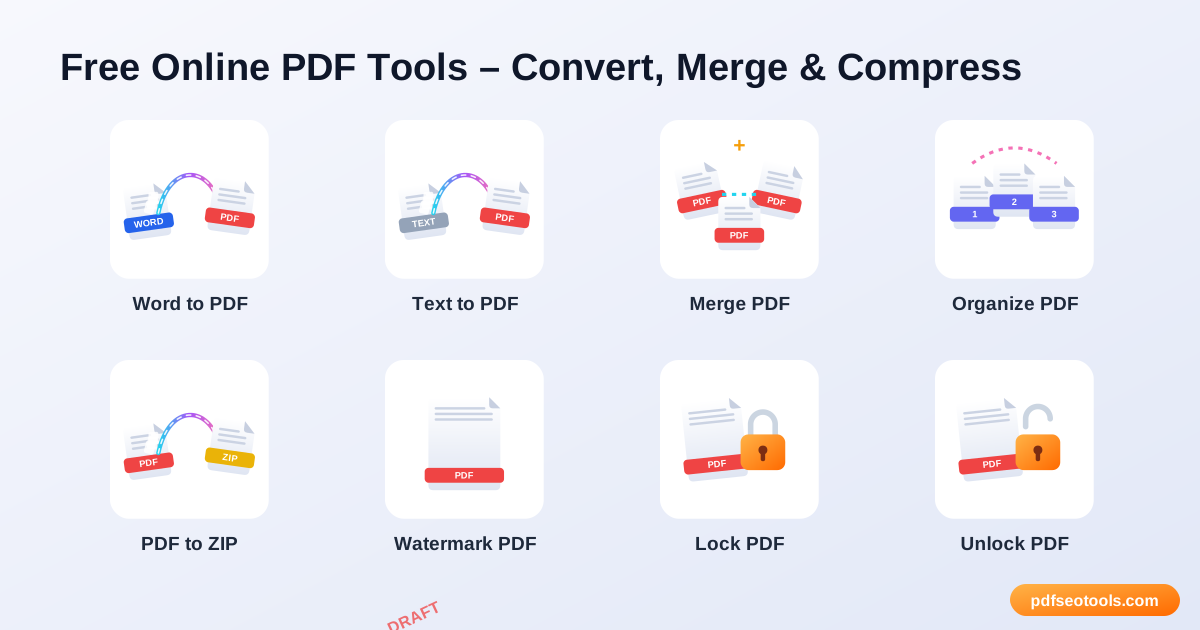
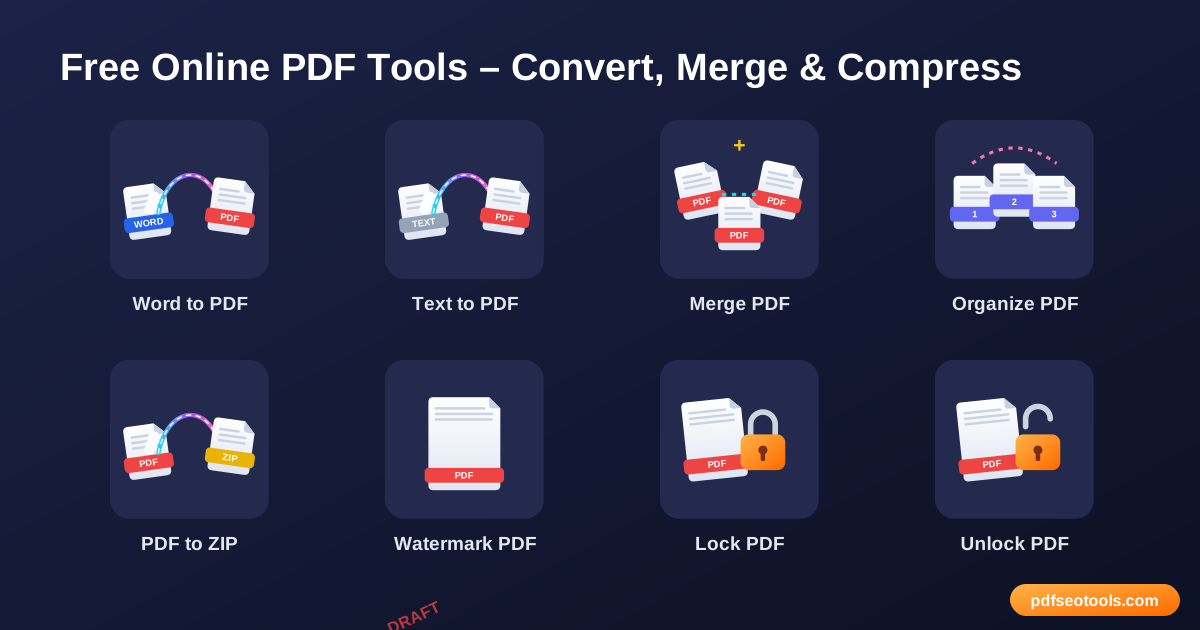
All 27 Free Pdf Tools
- Word to PDF – Convert DOC and DOCX files into professional PDF documents online in a few seconds.
- Text to PDF – Turn plain TXT files or typed text into a clean, readable PDF document.
- Merge PDF – Combine two or more PDF files into one single, well-organised document.
- Organize PDF – Rearrange, sort and reorder the pages of your PDF exactly the way you need.
- PDF to ZIP – Compress one or more PDF files into a single ZIP archive for easier sharing and storage.
- Watermark PDF – Add a text watermark such as 'Confidential', 'Draft' or your brand name to every page of a PDF.
- Lock PDF – Protect your PDF with a password so only people you trust can open it.
- Unlock PDF – Remove the password from a PDF you own so it can be opened, printed and edited freely.
- JPG to PDF – Convert JPG images into a single PDF document online for free.
- PNG to PDF – Convert PNG images into a single PDF document online for free.
- GIF to PDF – Convert GIF images into a single PDF document online for free.
- BMP to PDF – Convert BMP images into a single PDF document online for free.
- TIFF to PDF – Convert TIFF images into a single PDF document online for free.
- Image to PDF – Convert any image – JPG, PNG, GIF, BMP or TIFF – into a PDF file in a few clicks.
- HTML to PDF – Convert a web page or HTML into a PDF document that keeps the layout, images and links.
- PPT to PDF – Convert PowerPoint presentations (PPT and PPTX) into PDF files that look identical on every device.
- Excel to PDF – Turn Excel spreadsheets (XLS and XLSX) into neat, printable PDF files.
- PDF to Word – Convert PDF files into editable Word (DOCX) documents online.
- PDF to PPT Converter – Convert PDF documents into editable PowerPoint (PPTX) slides.
- PDF to Excel – Extract tables from PDF files into editable Excel spreadsheets.
- PDF to PNG – Convert every page of a PDF into high-quality PNG images online.
- PDF to JPG – Convert every page of a PDF into high-quality JPG images online.
- PDF to TIFF – Convert every page of a PDF into high-quality TIFF images online.
- PDF to BMP – Convert every page of a PDF into high-quality BMP images online.
- Grayscale PDF – Convert a colour PDF into black and white (grayscale) in one click.
- PDF Compressor – Reduce the size of PDF files online while keeping good quality.
- Remove PDF Pages – Delete unwanted pages from a PDF document quickly.
How to Use These Tools
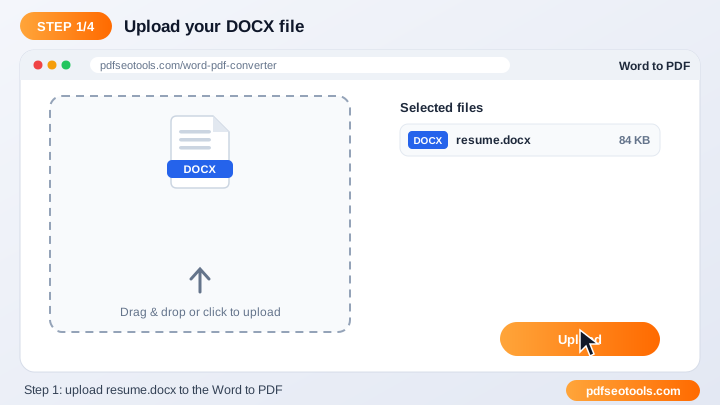
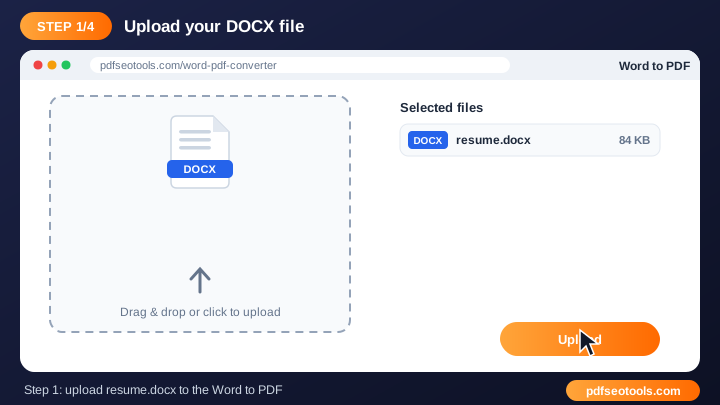
- Click the upload area or drag and drop your file into the tool box.
- Check the file name and choose any available options (page order, quality, password or watermark text where offered).
- Press the convert / process button and wait a few seconds while our server handles the file.
- Download the finished file to your device. Uploaded files are deleted automatically after processing.
Quick Reference
| Format | Best for | Editable? |
|---|---|---|
| Sharing and printing final documents | No (fixed layout) | |
| DOCX (Word) | Writing and editing text | Yes |
| XLSX (Excel) | Tables and calculations | Yes |
| PPTX (PowerPoint) | Slides and presentations | Yes |
| JPG / PNG | Single pages as images | No |
Why Use Our Pdf Tools?
- 100% free: Use the tool without paying, without a watermark from us and without creating an account.
- Fast cloud processing: Files are processed on our servers, so the speed does not depend on your phone or computer.
- Keeps original quality: Text, images, fonts and layout are preserved as closely as the source file allows.
- Works on every device: Windows, macOS, Linux, Android and iPhone – any modern browser is enough.
- Secure and private: Connections use HTTPS and uploaded files are removed from the server after processing.
- No software install: Everything runs online, so there is nothing to download or update.
Tips
- Use clear, original files – a sharp source always gives a cleaner result.
- Keep very large documents under the upload limit shown on the page, or split them first.
- Rename the downloaded file with a descriptive name so it is easy to find later.
- Always keep a backup copy of important original documents.
Worked Example
Example: a job portal accepts a resume only as a PDF under 1 MB. You write the resume in Word, convert it with the Word to PDF tool, check the size, and if it is too large, run it through the PDF Compressor. The final file keeps its formatting, opens on any device and meets the upload limit.
Glossary
- Portable Document Format – a fixed-layout file that looks the same on every device.
- OCR
- Optical Character Recognition – turns text in scanned images into editable text.
- Compression
- Reducing file size by optimising images and removing unused data.
- Encryption
- Locking a file with a password so only authorised people can open it.
- Page orientation
- Portrait (tall) or landscape (wide) layout of a page.
Helpful Guides
- How to Convert PDF to Word Online for Free (Step-by-Step)
- How to Merge PDF Files into One Document Online
- How to Compress a PDF Without Losing Quality
- How to Convert JPG Images to PDF on Mobile and PC
- How to Password Protect a PDF File (and Remove It Later)
- What Is a PDF File? The PDF Format Explained Simply
- Common PDF Problems and How to Fix Them Quickly
- 10 Best Free Online PDF Tools You Should Use
Frequently Asked Questions
Are these PDF tools free?
Yes. Every tool in this category is free to use on pdfseotools.com with no sign-up.
Do the tools work on mobile?
Yes. They work in any modern browser on Android, iPhone, Windows and Mac.
Is my data safe?
Yes. Connections use HTTPS and uploaded files are removed after processing.