Byte Converter
Convert digital storage units online instantly with our free byte converter. Switch between bits, bytes, KB, MB, GB and TB with accurate results. Key features: many units, precise conversion and instant results. It is 100% free, works on mobile and desktop and needs no sign-up – just open the tool and start now. Simply add your input, click the button and get your result in seconds.
Share on Social Media:

Byte Converter is a free online byte converter by PDF SEO Tools. Convert digital storage units online instantly with our free byte converter. Switch between bits, bytes, KB, MB, GB and TB with accurate results.
In short: add your value, click the button and get your converted value in seconds. It works in any browser on mobile and desktop, with no sign-up and no software to install.
How to Use Byte Converter (4 Quick Steps)
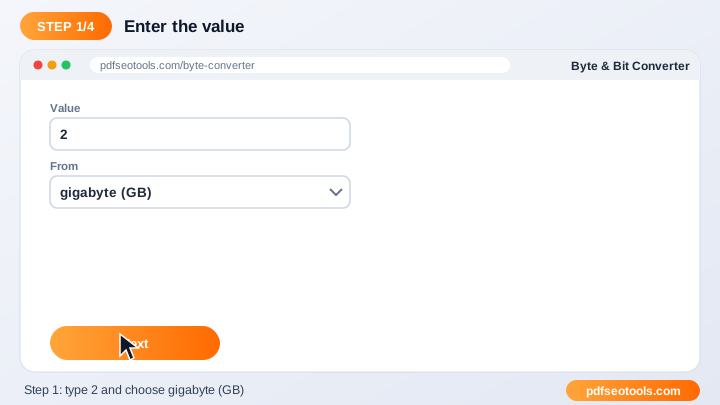
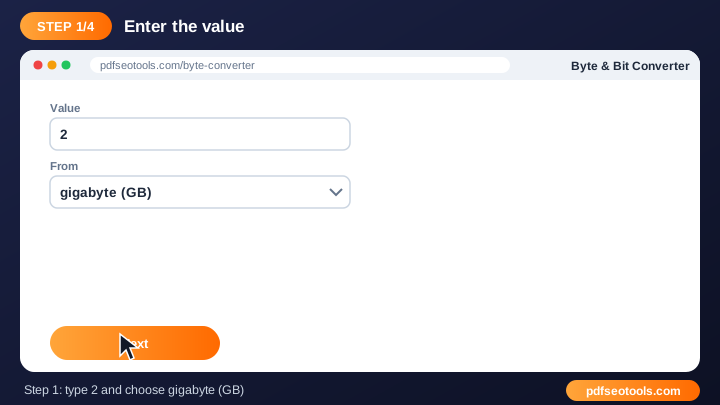
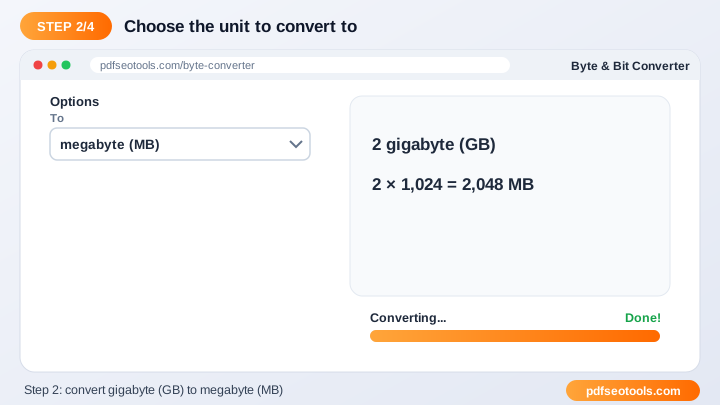
To use the Byte Converter, follow these 4 simple steps:
- Step 1: Enter the value you want to convert.
- Step 2: Choose the unit you are converting from.
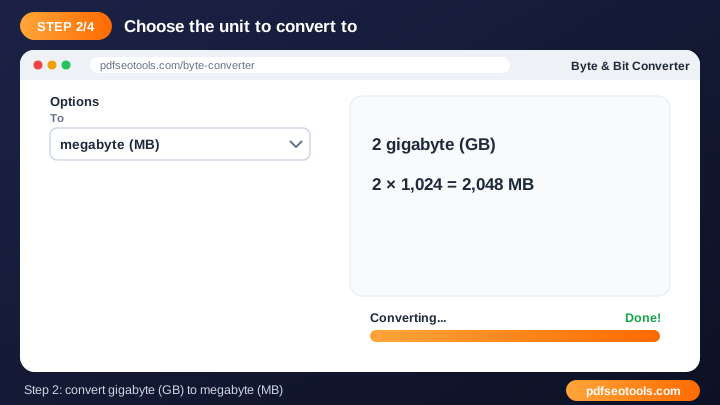
- Step 3: Choose the unit you want to convert to.
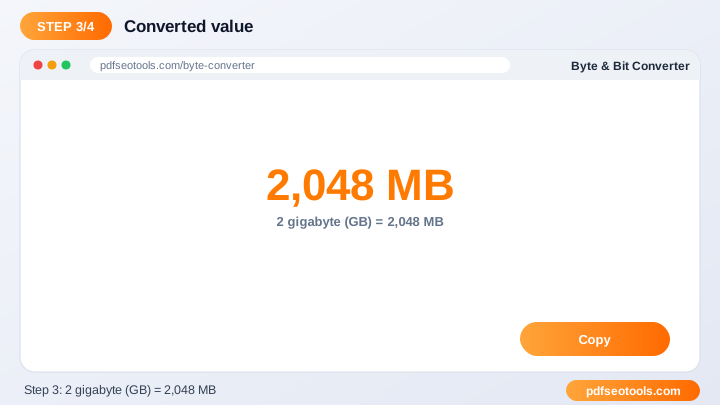
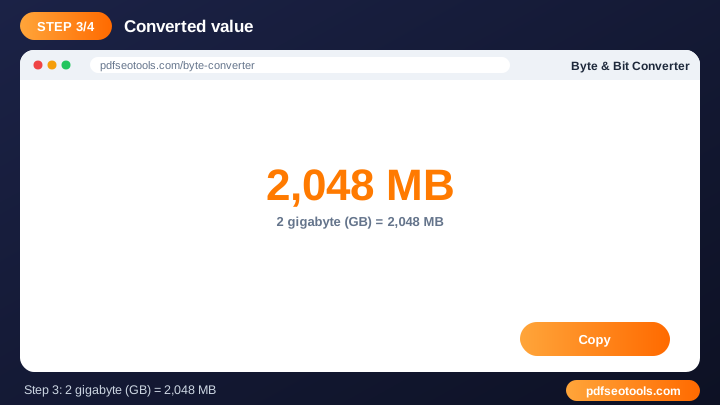
- Step 4: See the converted value instantly and copy it.
What is Byte Converter?
Byte Converter is a browser-based unit converter that turns value into converted value without installing any software. The Byte Converter changes a digital storage value from one unit to another using standard conversion factors. It removes manual calculation errors and works for both everyday and technical tasks.
Byte Converter – Quick Facts
| Feature | Details |
|---|---|
| Tool type | Free online byte converter |
| Input | value |
| Output | converted value |
| Price | Free – no hidden charges |
| Sign-up required | No |
| Installation | Not required (works in the browser) |
| Supported devices | Windows, macOS, Linux, Android and iPhone |
| Connection | Secure HTTPS |
| Steps to finish | 4 |
How Does Byte Converter Work?
Every unit is linked to a base unit through an internationally accepted conversion factor. The converter changes your value to the base unit and then to the target unit, which keeps results accurate for any pair of units.
Key Features of Byte Converter
- Many units: Covers metric, imperial and other commonly used units.
- Precise conversion: Uses internationally accepted conversion factors.
- Instant results: Values are converted as soon as you submit.
- Free and unlimited: Convert as many values as you like with the Byte Converter.
- Mobile ready: Works smoothly on phones, tablets and desktops.
- Student friendly: Ideal for homework, engineering and everyday tasks.
Byte Converter Analytics: Online Tool vs Other Methods
An online byte converter is faster to start than manual work or desktop software, because there is nothing to download, install or update. The table below summarises the difference.
| Criteria | Manual method | Desktop software | Byte Converter |
|---|---|---|---|
| Cost | Your time | Often paid | Free |
| Installation | None | Required | None |
| Works on mobile | Difficult | Limited | Yes |
| Learning curve | High | Medium | Low |
| Updates | — | Manual | Automatic |
Who Uses Byte Converter? (Common Use Cases)
Students, bloggers, office workers, business owners and developers use this free unit converter for tasks like:
- Checking file sizes
- Comparing storage plans
- Homework and exams
- Engineering and technical work
Common Problems and How to Fix Them
Converted value seems wrong
Confirm that the correct 'from' and 'to' units are selected.
Need more precision
Keep extra decimal places and round only at the end.
Unit with the same name gives a different answer
Some units differ between systems, for example US and UK gallons – pick the right one.
Tips for Best Results
- Check that you selected the correct 'from' and 'to' units.
- For scientific work keep extra decimal places and round at the end.
- Remember that some units share names across systems (for example US and UK gallons).
- Bookmark the page for quick daily conversions.
Common Mistakes to Avoid
- Selecting the wrong 'from' or 'to' unit.
- Confusing US and UK (imperial) units with the same name.
- Rounding too early for scientific or engineering work.
- Ignoring the difference between decimal and binary storage units.
Why Use Byte Converter on PDF SEO Tools?
PDF SEO Tools gives you a fast, private and free byte converter with a clean interface and no sign-up. The page is mobile friendly, loads quickly and sits next to many related PDF, image, text and SEO tools, so you can finish your whole workflow in one place.
Related Free Tools
- Time Converter – free online time converter
- Pressure Converter – free online pressure converter
- Speed Converter – free online speed converter
- Volume Converter – free online volume converter
- Torque Converter – free online torque converter
- Power Converter – free online power converter
Need Help? Website Support
If the Byte Converter does not work as expected, refresh the page, use the latest Chrome, Edge, Firefox or Safari, and check that your input is correct. Still need help or want to suggest a new feature? Contact the PDF SEO Tools support team.
Frequently Asked Questions (FAQ)
How many MB are in 1 GB?
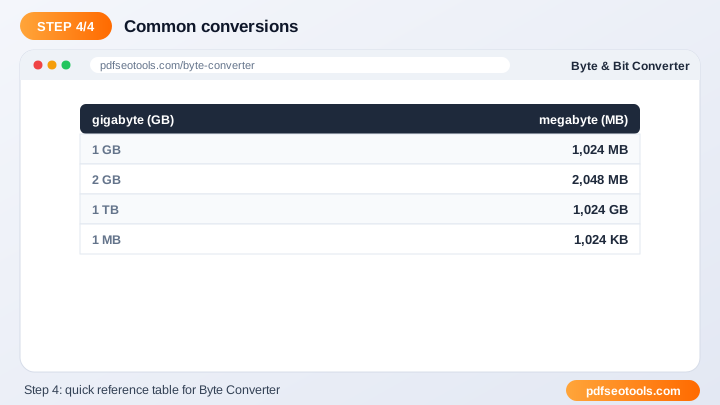
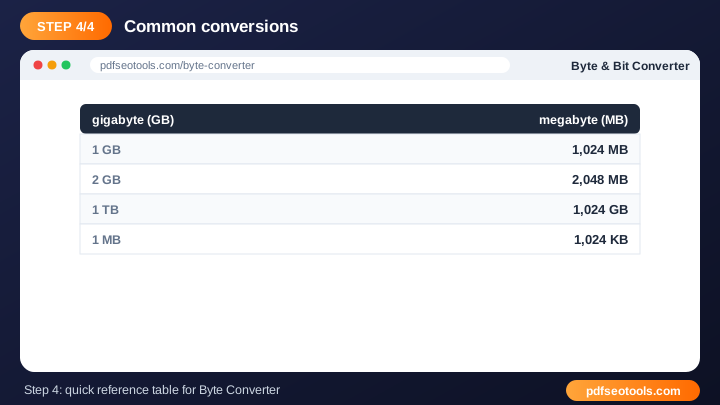
In binary units 1 GB = 1024 MB; in decimal units 1 GB = 1000 MB.
Is the conversion accurate?
Yes, it uses standard international conversion factors.
Can I use it on my phone?
Yes, it is fully mobile friendly.
Is the Byte Converter safe to use?
Yes. PDF SEO Tools uses a secure HTTPS connection, and files or text you submit are processed only to give you the result. Uploaded files are removed automatically.
Do I need to create an account to use the Byte Converter?
No. You can use the Byte Converter for free without registration. Simply open the page and start using it.
Does the Byte Converter work on mobile phones?
Yes. The tool is fully responsive and works in Chrome, Safari, Firefox, Edge and other browsers on Android, iPhone, Windows and Mac.
Conclusion
The Byte Converter is a quick, free and secure way to turn value into converted value. Bookmark this page so the byte converter is always one tap away, and share it with anyone who needs it.