SSL Checker
Check the SSL certificate of any website – issuer, validity and expiry date. An SSL certificate enables HTTPS, encrypting data between visitors and your site. Key features: technical SEO check, quick report and free. It is 100% free, works on mobile and desktop and needs no sign-up – just open the tool and start now. Simply add your input, click the button and get your result in seconds.
Share on Social Media:


SSL Checker is a free online ssl checker by 𝐏ᴅꜰ𝐒ᴇᴏ𝐓ᴏᴏʟ𝐬.𝐂ᴏᴍ. Check the SSL certificate of any website – issuer, validity and expiry date.
In short: add your website URL, click the button and get your report in seconds. It works in any browser on mobile and desktop, with no sign-up and no software to install.
How to Use SSL Checker (4 Quick Steps)
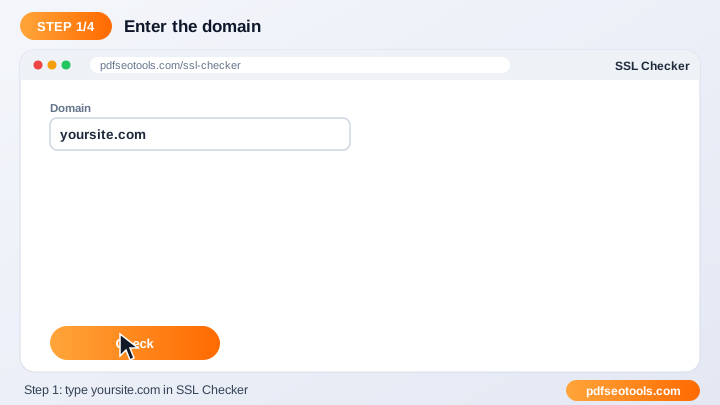
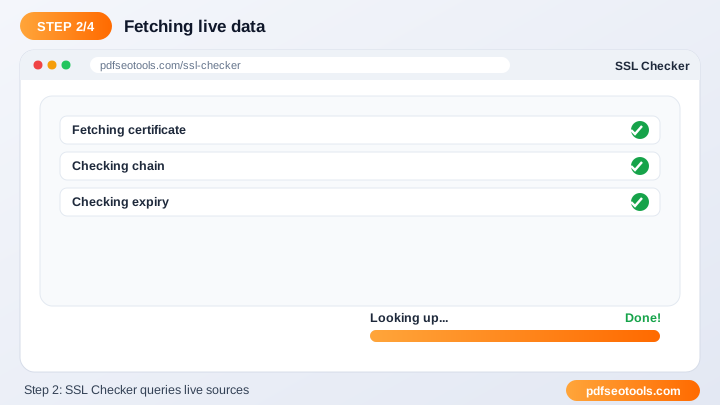
To use the SSL Checker, follow these 4 simple steps:
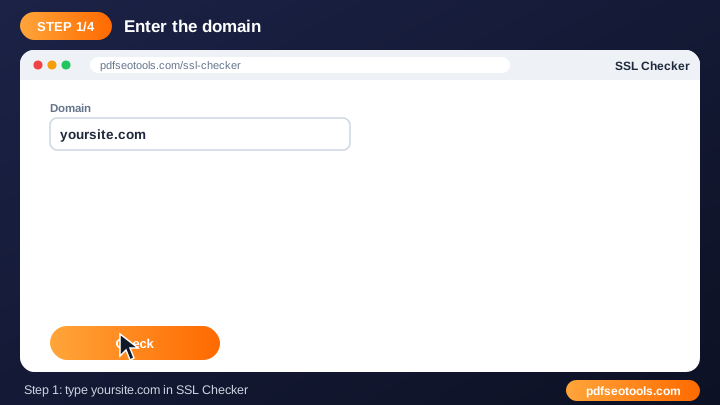
- Step 1: Enter the website URL in the box.
- Step 2: Click the check button.
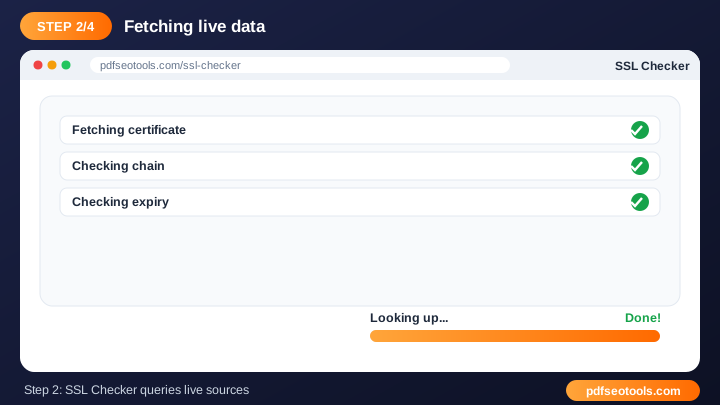
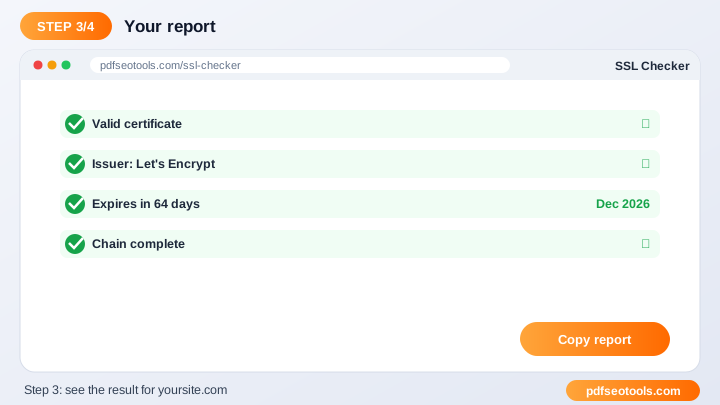
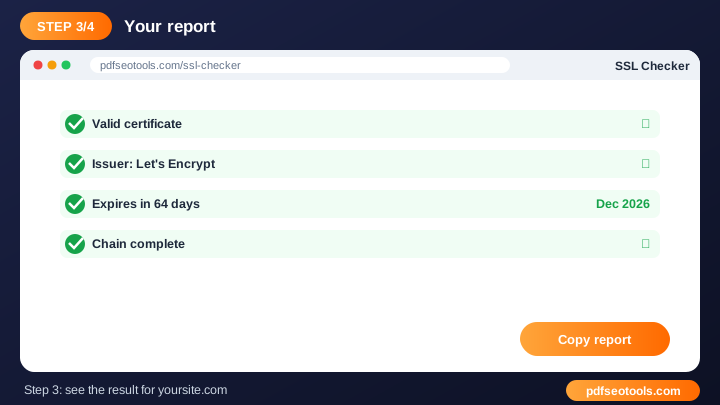
- Step 3: Wait a few seconds while the page is analysed.
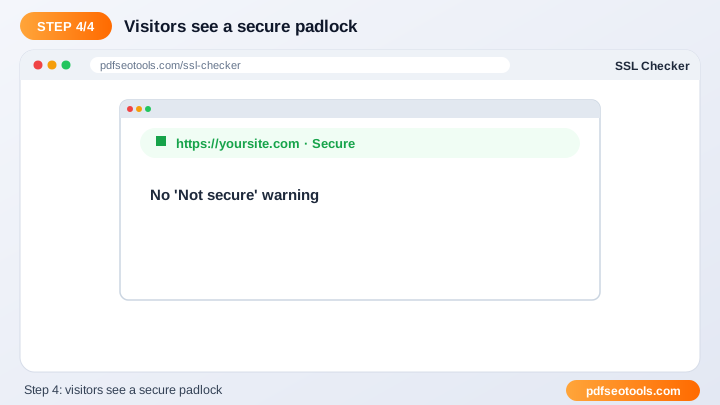
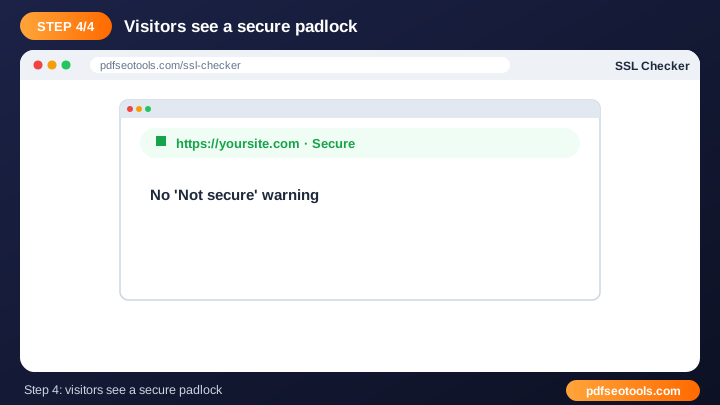
- Step 4: Read the results and fix any problems that are found.
What is SSL Checker?
SSL Checker is a browser-based website checker that turns website URL into report without installing any software. An SSL certificate enables HTTPS, encrypting data between visitors and your site. HTTPS is a Google ranking signal and builds trust.
SSL Checker – Quick Facts
| Feature | Details |
|---|---|
| Tool type | Free online ssl checker |
| Input | website URL |
| Output | report |
| Price | Free – no hidden charges |
| Sign-up required | No |
| Installation | Not required (works in the browser) |
| Supported devices | Windows, macOS, Linux, Android and iPhone |
| Connection | Secure HTTPS |
| Steps to finish | 4 |
How Does SSL Checker Work?
The checker sends a request to your website like a browser or search-engine crawler would. It reads the server response, headers and page content, then reports what it finds along with problems to fix.
Key Features of SSL Checker
- Technical SEO check: Find issues that can hurt rankings and user experience.
- Quick report: Results are ready in seconds.
- Free: Use the SSL Checker as often as needed.
- No login: Start checking immediately.
- Any website: Works with WordPress, Blogger, custom and e-commerce sites.
- Device friendly: Run checks from desktop or mobile.
SSL Checker Analytics: Online Tool vs Other Methods
An online ssl checker is faster to start than manual work or desktop software, because there is nothing to download, install or update. The table below summarises the difference.
| Criteria | Manual method | Desktop software | SSL Checker |
|---|---|---|---|
| Cost | Your time | Often paid | Free |
| Installation | None | Required | None |
| Works on mobile | Difficult | Limited | Yes |
| Learning curve | High | Medium | Low |
| Updates | — | Manual | Automatic |
Who Uses SSL Checker? (Common Use Cases)
Students, bloggers, office workers, business owners and developers use this free website checker for tasks like:
- Checking certificate expiry
- Fixing 'Not secure' warnings
- Security audits
- After installing SSL
Common Problems and How to Fix Them
Website cannot be reached
Check that the site is online and not blocking automated checks.
Score did not improve after a fix
Clear server and CDN caches, then run the check again.
Different results for www and non-www
Redirect one version to the other with a 301 redirect.
Tips for Best Results
- Check both the www and non-www versions of your site.
- Fix critical errors first, then warnings.
- Re-test after each change to confirm the fix.
- Run regular checks as part of your monthly SEO routine.
Common Mistakes to Avoid
- Checking only the homepage instead of important inner pages.
- Ignoring the www vs non-www and http vs https versions.
- Fixing warnings before critical errors.
- Not re-testing after making a fix.
Why Use SSL Checker on 𝐏ᴅꜰ𝐒ᴇᴏ𝐓ᴏᴏʟ𝐬.𝐂ᴏᴍ?
𝐏ᴅꜰ𝐒ᴇᴏ𝐓ᴏᴏʟ𝐬.𝐂ᴏᴍ gives you a fast, private and free ssl checker with a clean interface and no sign-up. The page is mobile friendly, loads quickly and sits next to many related PDF, image, text and SEO tools, so you can finish your whole workflow in one place.
Related Free Tools
- Spider Simulator – free online search engine spider simulator
- What is My Browser – free online what is my browser
- Websites Broken Link Checker – free online broken link checker
- Mozrank Checker – free online mozrank checker
- Google Cache Checker – free online google cache checker
- Check GZIP Compression – free online gzip compression test
Need Help? Website Support
If the SSL Checker does not work as expected, refresh the page, use the latest Chrome, Edge, Firefox or Safari, and check that your input is correct. Still need help or want to suggest a new feature? Contact the 𝐏ᴅꜰ𝐒ᴇᴏ𝐓ᴏᴏʟ𝐬.𝐂ᴏᴍ support team.
Frequently Asked Questions (FAQ)
Is HTTPS a ranking factor?
Yes, it is a lightweight ranking signal.
How do I get free SSL?
Hostinger and many hosts offer free SSL certificates.
Is it free?
Yes, completely free.
Is the SSL Checker safe to use?
Yes. 𝐏ᴅꜰ𝐒ᴇᴏ𝐓ᴏᴏʟ𝐬.𝐂ᴏᴍ uses a secure HTTPS connection, and files or text you submit are processed only to give you the result. Uploaded files are removed automatically.
Do I need to create an account to use the SSL Checker?
No. You can use the SSL Checker for free without registration. Simply open the page and start using it.
Does the SSL Checker work on mobile phones?
Yes. The tool is fully responsive and works in Chrome, Safari, Firefox, Edge and other browsers on Android, iPhone, Windows and Mac.
Conclusion
The SSL Checker is a quick, free and secure way to turn website URL into report. Bookmark this page so the ssl checker is always one tap away, and share it with anyone who needs it.