Keyword Research Tool
Discover keyword ideas for SEO and content marketing. Keyword research finds the words people type into search engines. Key features: keyword insights, fast research, free and beginner friendly. It is 100% free, works on mobile and desktop and needs no sign-up – just open the tool and start now. Simply add your input, click the button and get your result in seconds.
Share on Social Media:


Keyword Research Tool is a free online keyword research tool by PDF SEO Tools. Discover keyword ideas for SEO and content marketing.
In short: add your keyword, click the button and get your keyword insights in seconds. It works in any browser on mobile and desktop, with no sign-up and no software to install.
How to Use Keyword Research Tool (4 Quick Steps)
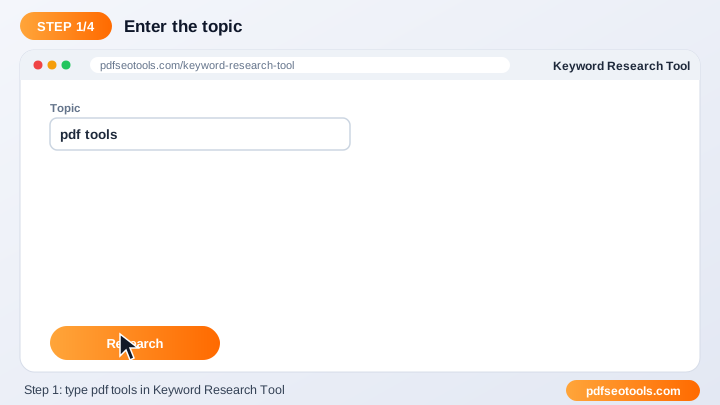
To use the Keyword Research Tool, follow these 4 simple steps:
- Step 1: Enter your keyword, and your domain if the tool asks for it.
- Step 2: Choose the country or other options if available.
- Step 3: Click the check button.
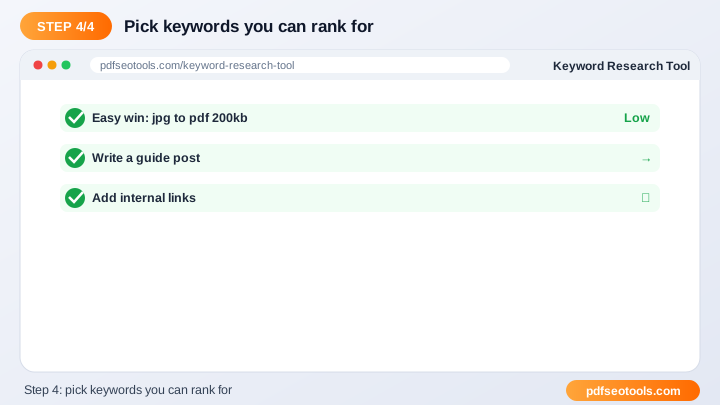
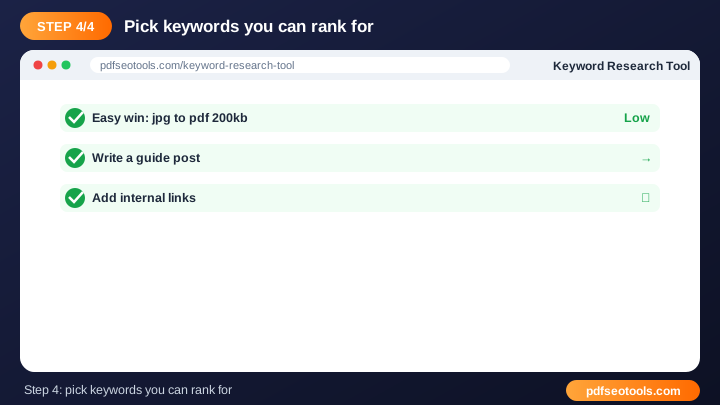
- Step 4: Analyse the results and use them in your content plan.
What is Keyword Research Tool?
Keyword Research Tool is a browser-based keyword tool that turns keyword into keyword insights without installing any software. Keyword research finds the words people type into search engines. Targeting the right keywords brings relevant traffic and better conversions.
Keyword Research Tool – Quick Facts
| Feature | Details |
|---|---|
| Tool type | Free online keyword research tool |
| Input | keyword |
| Output | keyword insights |
| Price | Free – no hidden charges |
| Sign-up required | No |
| Installation | Not required (works in the browser) |
| Supported devices | Windows, macOS, Linux, Android and iPhone |
| Connection | Secure HTTPS |
| Steps to finish | 4 |
How Does Keyword Research Tool Work?
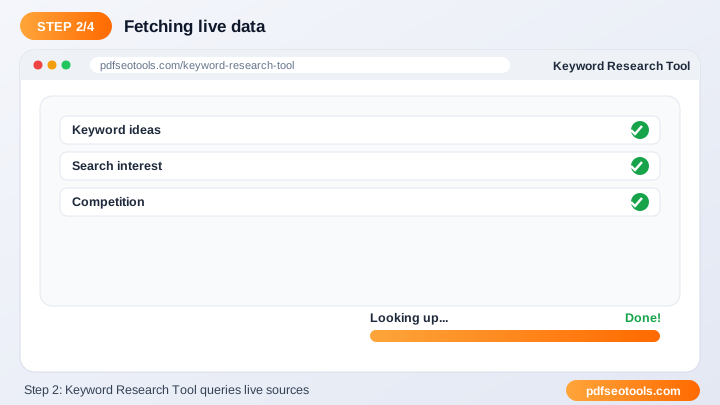
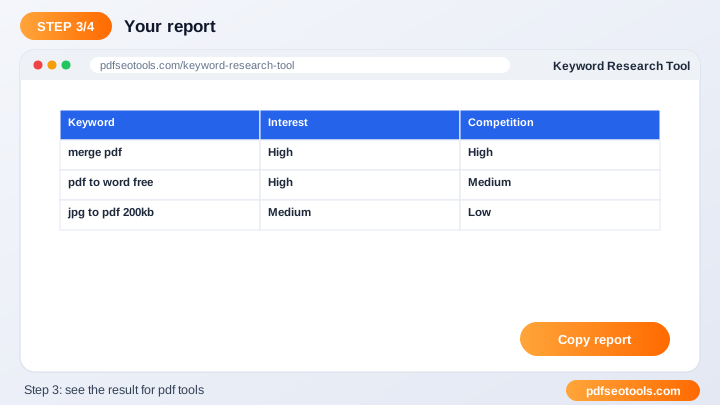
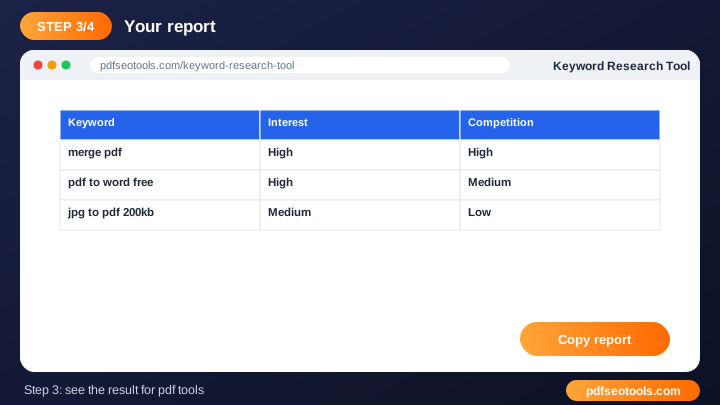
The tool collects keyword and search-result data for the query you enter, processes it and presents positions, ideas or density figures that you can use to plan and optimise content.
Key Features of Keyword Research Tool
- Keyword insights: Find data that helps you choose better keywords.
- Fast research: Get results in seconds.
- Free: Use the Keyword Research Tool without a paid SEO subscription.
- Beginner friendly: Clear results that are easy to act on.
- Content planning: Turn data into blog titles, headings and pages.
- Works anywhere: Use it on mobile or desktop.
Keyword Research Tool Analytics: Online Tool vs Other Methods
An online keyword research tool is faster to start than manual work or desktop software, because there is nothing to download, install or update. The table below summarises the difference.
| Criteria | Manual method | Desktop software | Keyword Research Tool |
|---|---|---|---|
| Cost | Your time | Often paid | Free |
| Installation | None | Required | None |
| Works on mobile | Difficult | Limited | Yes |
| Learning curve | High | Medium | Low |
| Updates | — | Manual | Automatic |
Who Uses Keyword Research Tool? (Common Use Cases)
Students, bloggers, office workers, business owners and developers use this free keyword tool for tasks like:
- Finding blog ideas
- Planning website pages
- PPC campaigns
- Niche research
Common Problems and How to Fix Them
No keyword data is returned
Try a broader keyword or check the spelling.
Rankings differ from my own search
Search results depend on location, device and personalisation.
Too many keyword ideas
Filter by relevance to your page and search intent.
Tips for Best Results
- Target long-tail keywords for faster rankings on new websites.
- Match search intent – informational, commercial or transactional.
- Use the keyword naturally; avoid keyword stuffing.
- Track results monthly to see progress.
Common Mistakes to Avoid
- Targeting only very competitive short keywords.
- Ignoring search intent.
- Keyword stuffing instead of writing naturally.
- Checking rankings only once instead of tracking over time.
Why Use Keyword Research Tool on PDF SEO Tools?
PDF SEO Tools gives you a fast, private and free keyword research tool with a clean interface and no sign-up. The page is mobile friendly, loads quickly and sits next to many related PDF, image, text and SEO tools, so you can finish your whole workflow in one place.
Related Free Tools
- Keywords Rich Domains – free online keyword rich domain finder
- SERP Checker – free online serp checker
- Keyword Position – free online keyword position checker
- Keyword Density Checker – free online keyword density checker
- Related Keywords Finder – free online related keywords finder
Need Help? Website Support
If the Keyword Research Tool does not work as expected, refresh the page, use the latest Chrome, Edge, Firefox or Safari, and check that your input is correct. Still need help or want to suggest a new feature? Contact the PDF SEO Tools support team.
Frequently Asked Questions (FAQ)
What are long-tail keywords?
Longer, specific phrases that are easier to rank for.
How do I choose keywords?
Balance search demand, competition and relevance to your business.
Is it free?
Yes, completely free.
Is the Keyword Research Tool safe to use?
Yes. PDF SEO Tools uses a secure HTTPS connection, and files or text you submit are processed only to give you the result. Uploaded files are removed automatically.
Do I need to create an account to use the Keyword Research Tool?
No. You can use the Keyword Research Tool for free without registration. Simply open the page and start using it.
Does the Keyword Research Tool work on mobile phones?
Yes. The tool is fully responsive and works in Chrome, Safari, Firefox, Edge and other browsers on Android, iPhone, Windows and Mac.
Conclusion
The Keyword Research Tool is a quick, free and secure way to turn keyword into keyword insights. Bookmark this page so the keyword research tool is always one tap away, and share it with anyone who needs it.