Merge PDF
Combine two or more PDF files into one single, well-organised document. Arrange the files in the order you want and download one merged PDF instantly. Key features: 100% free, fast cloud processing and keeps original quality. Files are processed over secure HTTPS and deleted automatically. 100% free with no sign-up – upload your file and start now.
Share on Social Media:
Merge PDF is a free online merge pdf files by PDF SEO Tools. Combine two or more PDF files into one single, well-organised document. Arrange the files in the order you want and download one merged PDF instantly.
In short: add your PDF, click the button and get your PDF in seconds. It works in any browser on mobile and desktop, with no sign-up and no software to install.
How to Use Merge PDF (4 Quick Steps)
To use the Merge PDF, follow these 4 simple steps:
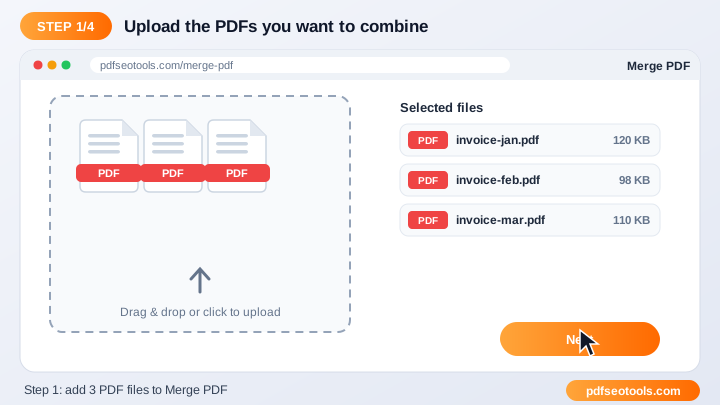
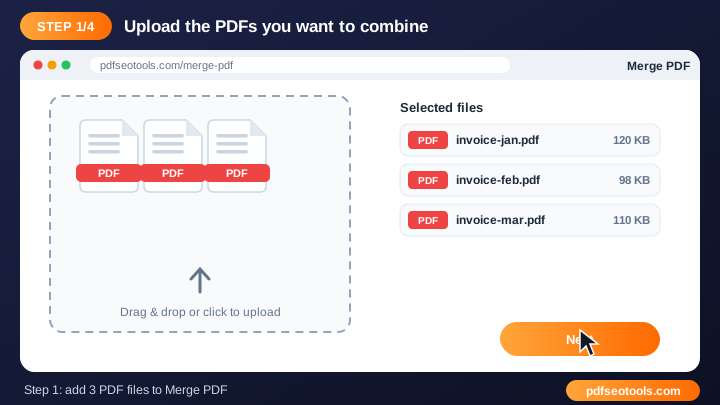
- Step 1: Click the upload area or drag and drop your file into the Merge PDF box.
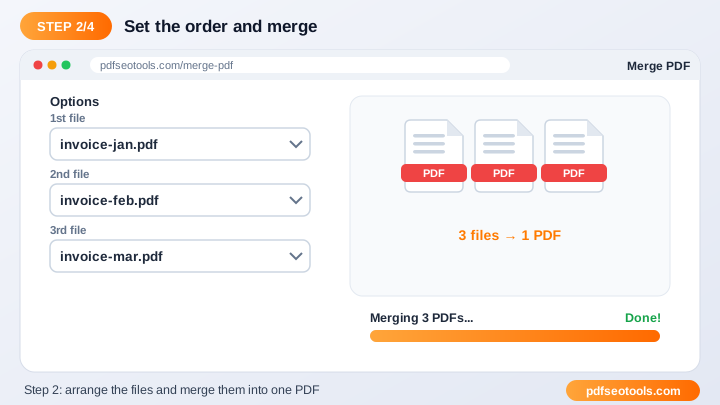
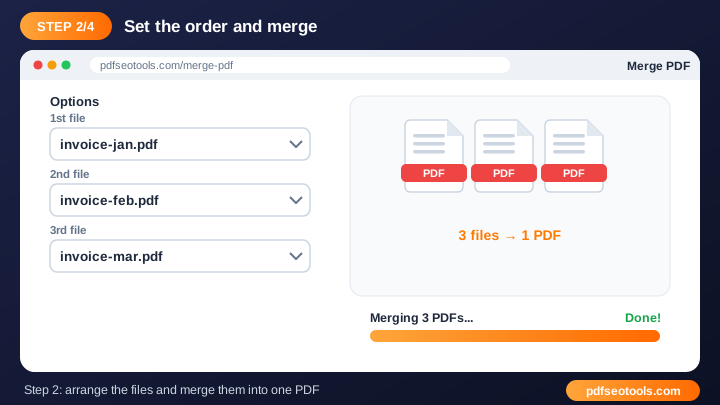
- Step 2: Check the file name and choose any available options (page order, quality, password or watermark text where offered).
- Step 3: Press the convert / process button and wait a few seconds while our server handles the file.
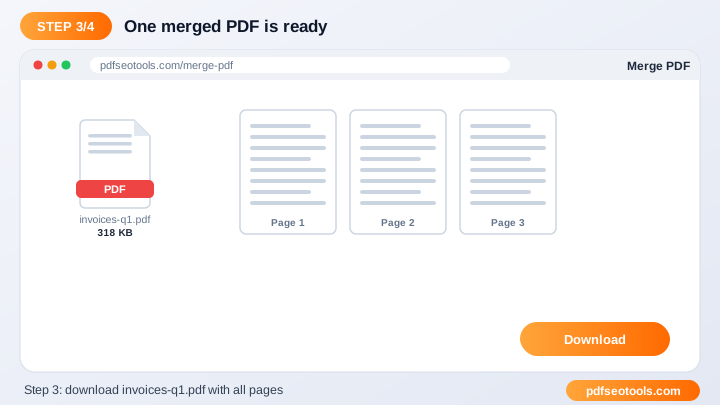
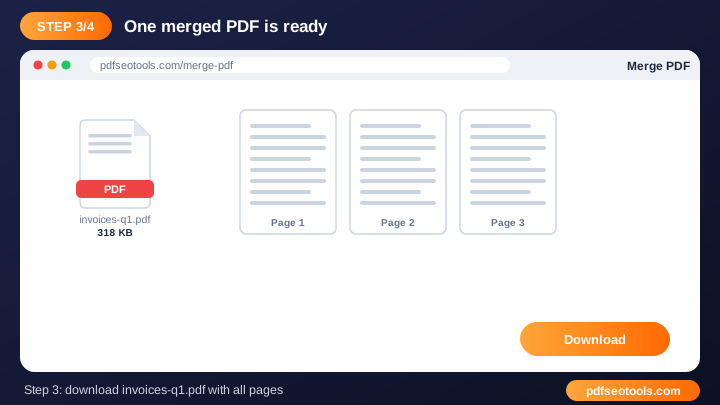
- Step 4: Download the finished file to your device. Uploaded files are deleted automatically after processing.
What is Merge PDF?
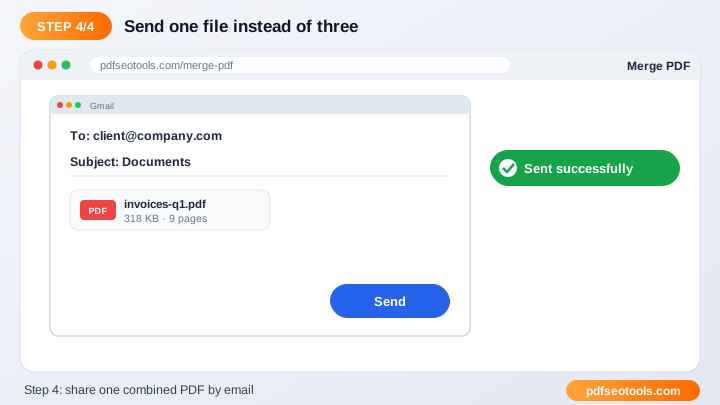
Merge PDF is a browser-based PDF tool that turns PDF into PDF without installing any software. Merging PDFs joins separate documents – such as scanned pages, chapters or receipts – into one file. One combined PDF is easier to email, upload to portals and keep in your records.
Merge PDF – Quick Facts
| Feature | Details |
|---|---|
| Tool type | Free online merge pdf files |
| Input | |
| Output | |
| Price | Free – no hidden charges |
| Sign-up required | No |
| Installation | Not required (works in the browser) |
| Supported devices | Windows, macOS, Linux, Android and iPhone |
| Connection | Secure HTTPS |
| Steps to finish | 4 |
How Does Merge PDF Work?
When you upload a file, it is sent over an encrypted HTTPS connection to our conversion server. The server reads the document structure (pages, text, images and fonts), applies the operation you selected, writes a new file and gives you a download link. The temporary files are then deleted automatically.
Key Features of Merge PDF
- 100% free: Use the Merge PDF without paying, without a watermark from us and without creating an account.
- Fast cloud processing: Files are processed on our servers, so the speed does not depend on your phone or computer.
- Keeps original quality: Text, images, fonts and layout are preserved as closely as the source file allows.
- Works on every device: Windows, macOS, Linux, Android and iPhone – any modern browser is enough.
- Secure and private: Connections use HTTPS and uploaded files are removed from the server after processing.
- No software install: Everything runs online, so there is nothing to download or update.
Merge PDF Analytics: Online Tool vs Other Methods
An online merge pdf files is faster to start than manual work or desktop software, because there is nothing to download, install or update. The table below summarises the difference.
| Criteria | Manual method | Desktop software | Merge PDF |
|---|---|---|---|
| Cost | Your time | Often paid | Free |
| Installation | None | Required | None |
| Works on mobile | Difficult | Limited | Yes |
| Learning curve | High | Medium | Low |
| Updates | — | Manual | Automatic |
Who Uses Merge PDF? (Common Use Cases)
Students, bloggers, office workers, business owners and developers use this free PDF tool for tasks like:
- Combining scanned pages into one file
- Joining report chapters
- Uploading multiple documents to a job or government portal
- Collecting monthly invoices in one PDF
Common Problems and How to Fix Them
Upload fails or stops
Check your internet connection and make sure the file is a valid, non-corrupted PDF or document under the size limit shown on the page.
The file is password protected
Remove the password first with our Unlock PDF tool (only for files you own), then try again.
Output looks different from the original
Use the original source file instead of a scanned copy and make sure fonts are embedded in the source document.
Tips for Best Results
- Use clear, original files – a sharp source always gives a cleaner result.
- Keep very large documents under the upload limit shown on the page, or split them first.
- Rename the downloaded file with a descriptive name so it is easy to find later.
- Always keep a backup copy of important original documents.
Common Mistakes to Avoid
- Uploading a password-protected file without unlocking it first.
- Using a blurry photo or low-resolution scan as the source.
- Closing the browser tab before the download finishes.
- Uploading a file larger than the limit shown on the page.
Why Use Merge PDF on PDF SEO Tools?
PDF SEO Tools gives you a fast, private and free merge pdf files with a clean interface and no sign-up. The page is mobile friendly, loads quickly and sits next to many related PDF, image, text and SEO tools, so you can finish your whole workflow in one place.
Related Free Tools
- Organize PDF – free online organize pdf pages
- PDF to ZIP – free online pdf to zip
- Watermark PDF – free online add watermark to pdf
- Lock PDF – free online password protect pdf
- Unlock PDF – free online unlock pdf
- JPG To PDF – free online jpg to pdf
Need Help? Website Support
If the Merge PDF does not work as expected, refresh the page, use the latest Chrome, Edge, Firefox or Safari, and check that your input is correct. Still need help or want to suggest a new feature? Contact the PDF SEO Tools support team.
Frequently Asked Questions (FAQ)
How many PDFs can I merge?
You can merge several files at once within the upload size limit shown on the page.
Can I change the order?
Yes, arrange the files in the order you want before merging.
Does merging reduce quality?
No, pages are combined without re-compressing their content.
Is the Merge PDF safe to use?
Yes. PDF SEO Tools uses a secure HTTPS connection, and files or text you submit are processed only to give you the result. Uploaded files are removed automatically.
Do I need to create an account to use the Merge PDF?
No. You can use the Merge PDF for free without registration. Simply open the page and start using it.
Does the Merge PDF work on mobile phones?
Yes. The tool is fully responsive and works in Chrome, Safari, Firefox, Edge and other browsers on Android, iPhone, Windows and Mac.
Conclusion
The Merge PDF is a quick, free and secure way to turn PDF into PDF. Bookmark this page so the merge pdf files is always one tap away, and share it with anyone who needs it.