Website SEO Score Checker
Check the SEO score of any website for free and get a detailed report with fixes. The SEO score checker audits on-page factors such as titles, descriptions, headings, images, links, speed signals and mobile readiness, then gives a score and recommendations. Key features: made for webmasters, fast results and free. It is 100% free, works on mobile and desktop and needs no sign-up – just open the tool and start now.
Share on Social Media:

Website SEO Score Checker is a free online website seo score checker by PDF SEO Tools. Check the SEO score of any website for free and get a detailed report with fixes.
In short: add your URL or code, click the button and get your result in seconds. It works in any browser on mobile and desktop, with no sign-up and no software to install.
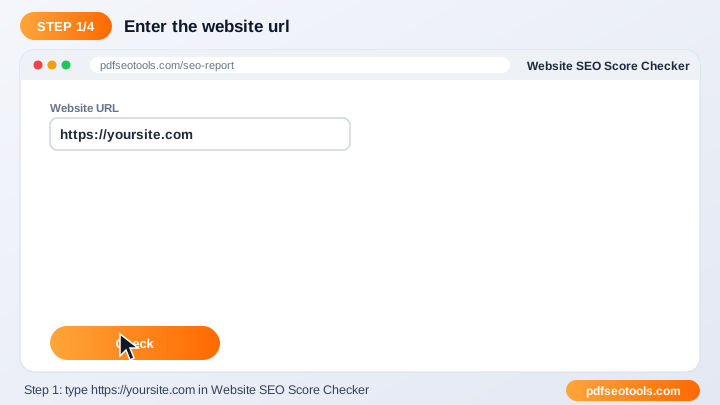
How to Use Website SEO Score Checker (4 Quick Steps)
To use the Website SEO Score Checker, follow these 4 simple steps:
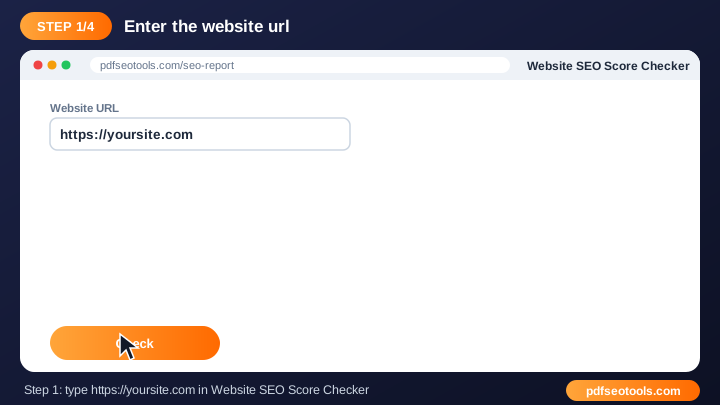
- Step 1: Enter the URL, code or details requested by the tool.
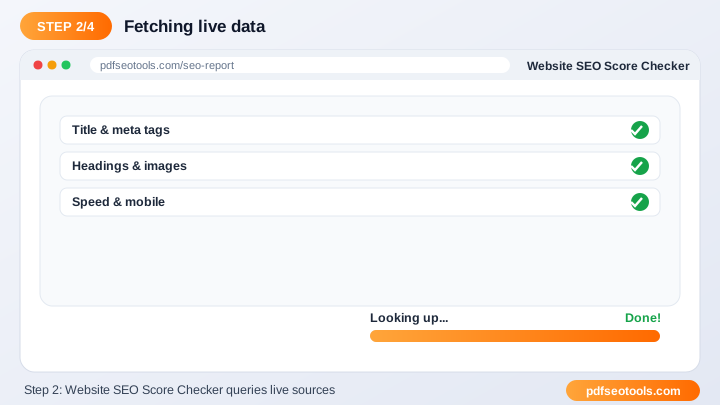
- Step 2: Select any options shown on the page.
- Step 3: Click the main button to run the tool.
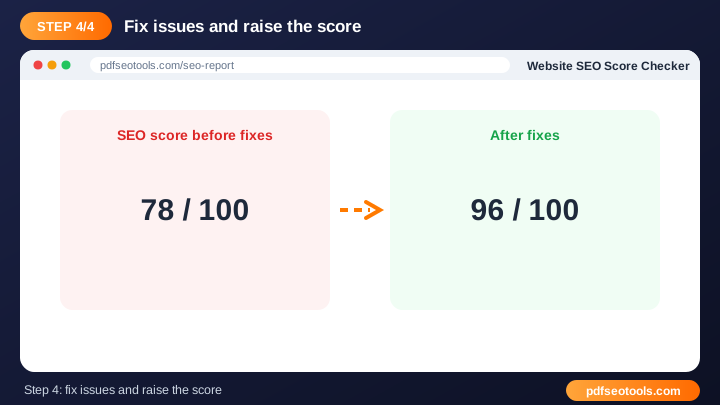
- Step 4: Review, copy or download the result.
What is Website SEO Score Checker?
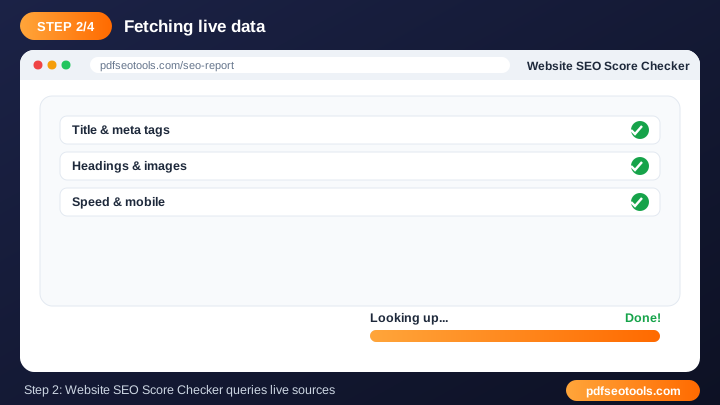
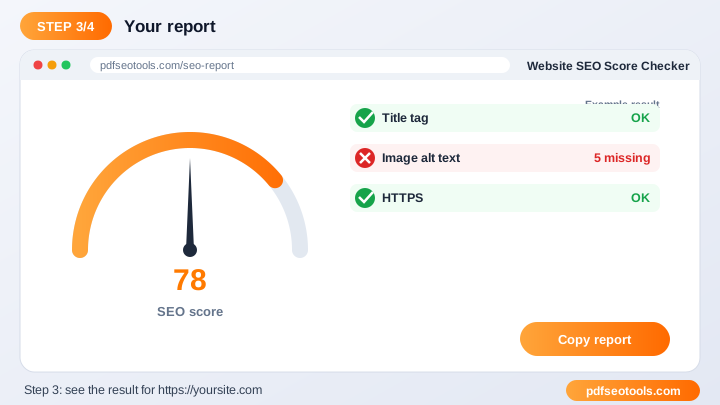
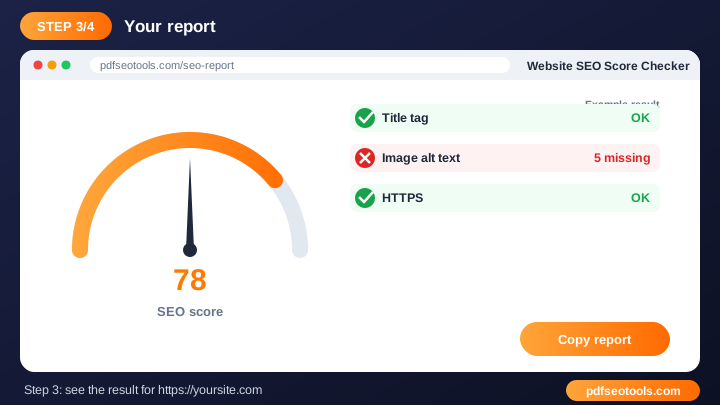
Website SEO Score Checker is a browser-based webmaster tool that turns URL or code into result without installing any software. The SEO score checker audits on-page factors such as titles, descriptions, headings, images, links, speed signals and mobile readiness, then gives a score and recommendations.
Website SEO Score Checker – Quick Facts
| Feature | Details |
|---|---|
| Tool type | Free online website seo score checker |
| Input | URL or code |
| Output | result |
| Price | Free – no hidden charges |
| Sign-up required | No |
| Installation | Not required (works in the browser) |
| Supported devices | Windows, macOS, Linux, Android and iPhone |
| Connection | Secure HTTPS |
| Steps to finish | 4 |
How Does Website SEO Score Checker Work?
Depending on the tool, it either processes the code or details you provide, or connects to the URL you enter and reads the public response from that server. The output is then formatted into ready-to-use code or a clear report.
Key Features of Website SEO Score Checker
- Made for webmasters: Solves everyday website tasks in one place.
- Fast results: Get output or reports in seconds.
- Free: Use the Website SEO Score Checker at no cost.
- No technical setup: No plugins or server access needed to try it.
- Works on any device: Desktop, tablet and mobile supported.
- SEO friendly: Helps you build faster, cleaner and better-optimised websites.
Website SEO Score Checker Analytics: Online Tool vs Other Methods
An online website seo score checker is faster to start than manual work or desktop software, because there is nothing to download, install or update. The table below summarises the difference.
| Criteria | Manual method | Desktop software | Website SEO Score Checker |
|---|---|---|---|
| Cost | Your time | Often paid | Free |
| Installation | None | Required | None |
| Works on mobile | Difficult | Limited | Yes |
| Learning curve | High | Medium | Low |
| Updates | — | Manual | Automatic |
Who Uses Website SEO Score Checker? (Common Use Cases)
Students, bloggers, office workers, business owners and developers use this free webmaster tool for tasks like:
- Auditing your website
- Analysing competitors
- Client SEO reports
- Tracking improvements
Common Problems and How to Fix Them
URL cannot be checked
Make sure the URL starts with https:// and the website is online and public.
Result differs from my browser
Caching, location and device type can change what a server returns.
Generated code does not work
Paste the code in the correct place (for example inside <head>) and clear your cache.
Tips for Best Results
- Test changes on a staging site before going live.
- Keep a backup of files before you replace them.
- Re-run the tool after every major update.
- Combine it with our SEO Score Checker for a complete audit.
Common Mistakes to Avoid
- Uploading changed files without a backup.
- Testing only the desktop version of a site.
- Forgetting to clear cache after making changes.
- Editing .htaccess or code directly on the live site without testing.
Why Use Website SEO Score Checker on PDF SEO Tools?
PDF SEO Tools gives you a fast, private and free website seo score checker with a clean interface and no sign-up. The page is mobile friendly, loads quickly and sits next to many related PDF, image, text and SEO tools, so you can finish your whole workflow in one place.
Related Free Tools
- Website Screenshot Generator – free online website screenshot generator
- URL Encoder Decoder – free online url encoder decoder
- Base64 Encode Decode – free online base64 encode decode
- QR Code Generator – free online qr code generator
- HTML Editor – free online html editor
- HTML Minifier – free online html minifier
Need Help? Website Support
If the Website SEO Score Checker does not work as expected, refresh the page, use the latest Chrome, Edge, Firefox or Safari, and check that your input is correct. Still need help or want to suggest a new feature? Contact the PDF SEO Tools support team.
Frequently Asked Questions (FAQ)
How can I reach 100% score?
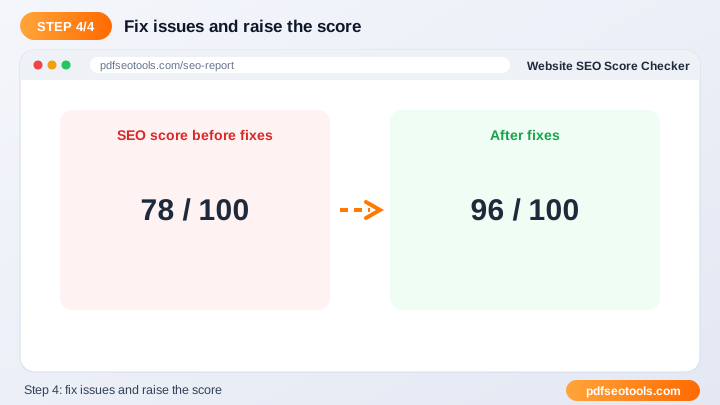
Fix every issue listed in the report, starting with high-priority items.
How often should I check?
After every major update and at least monthly.
Is it free?
Yes, completely free.
Is the Website SEO Score Checker safe to use?
Yes. PDF SEO Tools uses a secure HTTPS connection, and files or text you submit are processed only to give you the result. Uploaded files are removed automatically.
Do I need to create an account to use the Website SEO Score Checker?
No. You can use the Website SEO Score Checker for free without registration. Simply open the page and start using it.
Does the Website SEO Score Checker work on mobile phones?
Yes. The tool is fully responsive and works in Chrome, Safari, Firefox, Edge and other browsers on Android, iPhone, Windows and Mac.
Conclusion
The Website SEO Score Checker is a quick, free and secure way to turn URL or code into result. Bookmark this page so the website seo score checker is always one tap away, and share it with anyone who needs it.